
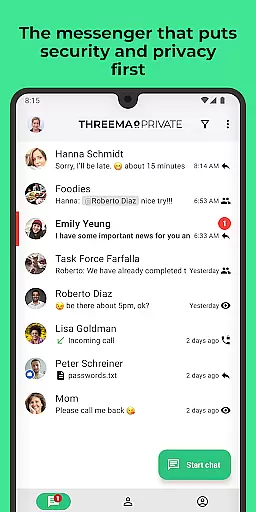
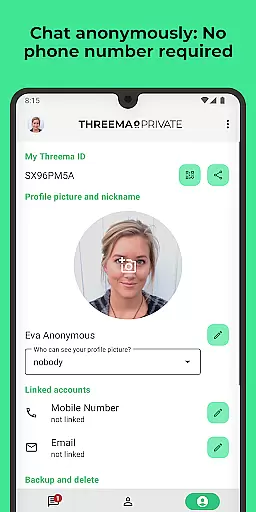
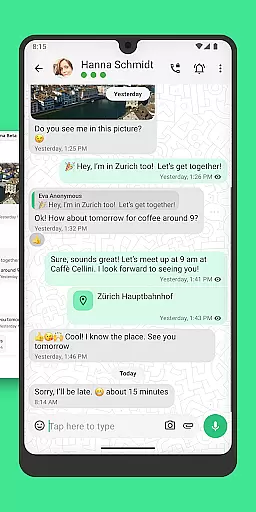
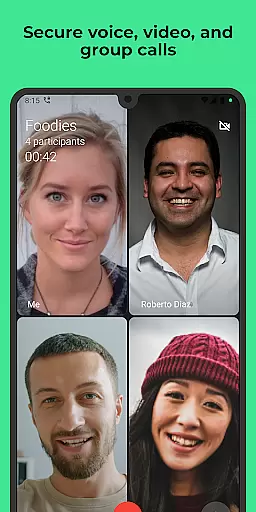
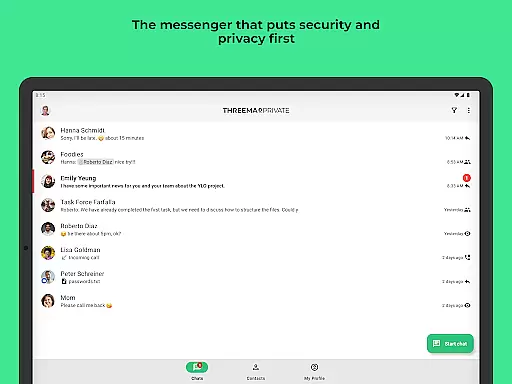
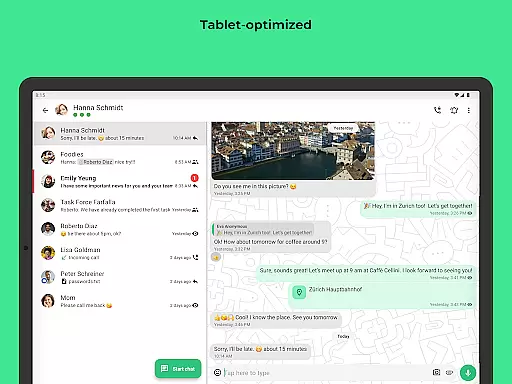
Threema is a leading secure messaging application that prioritizes user privacy and data protection. Developed in Switzerland, this app offers end-to-end encryption for all communications including chats, voice and video calls, ensuring that no digital footprint is left behind. A unique Threema ID replaces traditional identifiers like phone numbers or email addresses, providing users with anonymity and security.
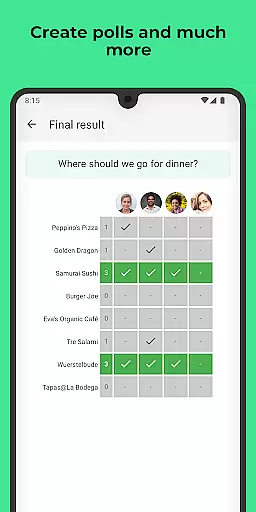
The app supports a wide range of features such as sending text and voice messages, sharing locations, and transferring files in various formats. It also allows message editing and deletion, group creation, and conducting polls. With its commitment to privacy, Threema ensures no ads, trackers, or data collection, making it an ideal choice for users seeking reliable and discreet communication.
Threema stands out with its comprehensive security measures and versatile functionality. The app's end-to-end encryption covers all forms of communication, from simple text messages to complex file transfers and group calls. This ensures that only the sender and recipient can access the content, maintaining confidentiality at all times.
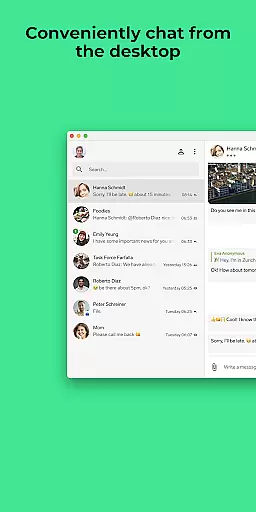
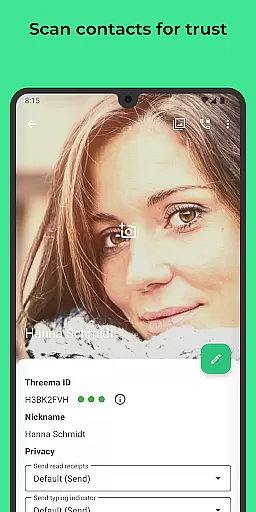
One of the key features is the ability to use the app anonymously, without needing to provide a phone number or email address. Messages are immediately deleted from the server after delivery, leaving no trace. Additionally, Threema offers a desktop app and web client for seamless chatting on PCs, light or dark mode options, and identity verification through QR code scanning, enhancing both convenience and security for its users.
Real-time messaging speed and reliability are crucial for any communication app, and Threema excels in this area. As a secure messenger used by over 12 million people worldwide, it ensures that messages are delivered promptly without compromising security.
The app employs end-to-end encryption for all communications, including text, voice messages, and files in various formats such as PDF, GIF, MP3, ZIP, among others. This means every message is encrypted on the sender's device and only decrypted on the recipient's device, ensuring privacy while maintaining swift delivery times.
Moreover, Threemau2019s infrastructure is based in Switzerland, known for its strong data protection laws. The servers process messages with high efficiency, immediately deleting them after delivery, which not only enhances user privacy but also streamlines server performance to maintain real-time communication capabilities.
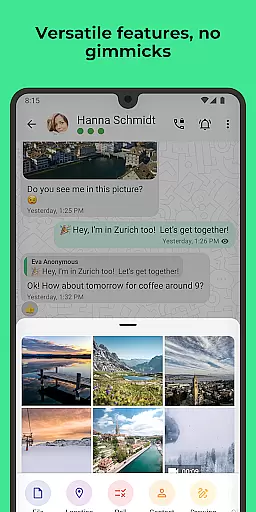
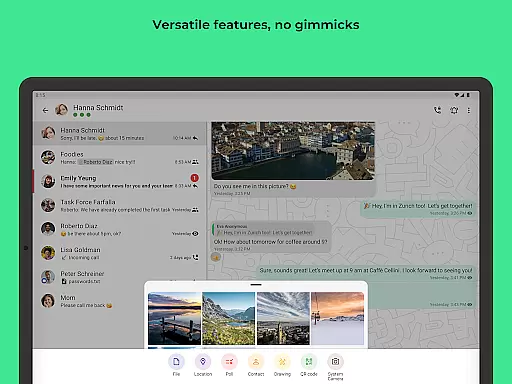
Media sharing support is an essential feature for modern messaging apps, allowing users to share various types of content seamlessly. Threema offers robust media sharing capabilities, enabling users to send files in all formats, including images, videos, documents, and even voice messages.
What sets Threema apart is its commitment to privacy during media sharing. All shared media is end-to-end encrypted, ensuring that only the intended recipients can access the content. This includes everything from photos and videos to more complex file types like PDFs and ZIP archives, making it versatile for both personal and professional use.
In addition to direct media sharing, Threema supports group chats and calls where media can be shared effortlessly. Users can create groups and conduct polls, enhancing collaborative communication while maintaining top-notch security standards. With no ads or trackers, Threema provides a clean interface focused solely on efficient and secure media exchange.
End-to-end encryption
No data collection
Anonymous usage
Regular security audits
Multi-platform support
Limited free features
Requires internet
Paid subscription
No built-in games
Smaller user base

Radio communication simulator for gaming communities
 4.3
4.3
Adblock & VPN Browser: Blocks banners, pop-ups and video ads, fast downloader!
4.60
Browse fast on Opera Mini, with Data Saving, News, Football Scores, and Download
4.60
Block spam calls & scam - no more annoying calls with the call blocker function
4.30
WazzapMigrator: transfer your WhatsApp history from iPhone to Android
4.00
2nd Phone Number Line for Anonymous Texting, Calling, and Picture Messages
4.30
Weargram is an unofficial Telegram Client for Wear OS.
3.50
Call & Text Anywhere With A Canadian Number.
3.60
Group Chat That’s Fun & Games
4.30
فیلتر شکن قوی پرسرعت کلید جدید برای اندرویدسریع ترین وی پی ان برای همه اپراتورها
4.70
Messenger for SMS - texting message app, faster, simpler & safer, for you.
4.70
Messenger, an MMS & SMS messages app with Blockers, Driving mode & Private box
4.60
Talk & text free with a second phone number plus unlimited 5G data, no fees.
4.50
Create a secure hotspot on-the-go with Portable WiFi - Mobile hotspot.
4.40
A web browser that respects your privacy.
4.30
Send SMS and chat messages easily with a fast text messaging app for Android.
4.10
At select facilities, you now have an easy way to video visit your loved ones!
3.30
Comprehensive and powerful scan tool app with enhanced functions
3.00
Watchgram for Telegram: Experience seamless Telegram messaging on your watch
1.80


User Reviews