
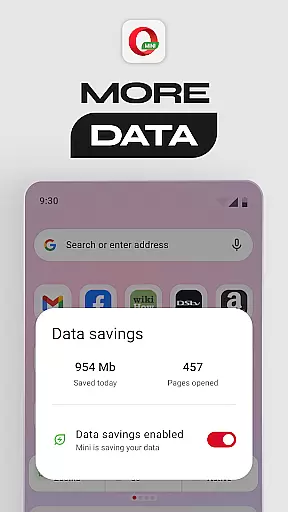
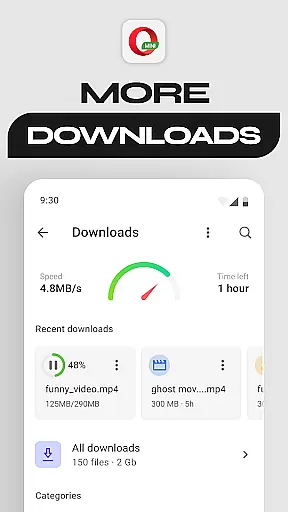

Opera Mini is a fast and efficient mobile web browser designed for smooth browsing experiences, even on slow networks. Its core functionality revolves around data savings, enabling users to save up to 90% of their mobile data while browsing the internet. This makes it an ideal choice for individuals with limited data plans or those frequently using unstable connections.
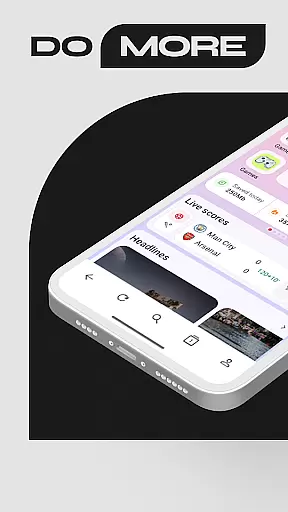
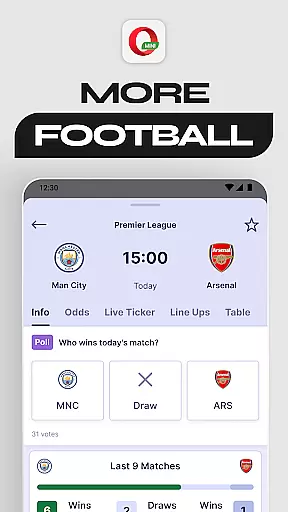
In addition to its data-saving capabilities, Opera Mini offers several standout features such as Football Mode, which provides real-time updates from major football leagues, and Locked Mode, which secures personal browsing behind a unique PIN. With functionalities like offline page saving, night mode, and video player integration, Opera Mini caters to both casual and power users looking for customization and performance in their mobile browsing experience.
Opera Mini stands out due to its robust set of features tailored for efficiency and user convenience. One of its primary characteristics is the Data Savings Mode, which drastically reduces data consumption by compressing web pages before they are loaded. This ensures faster loading times and a smoother browsing experience, particularly beneficial for users on slower or unreliable network connections.
Beyond data savings, Opera Mini incorporates innovative features like Football Mode, delivering live scores and updates from popular leagues directly within the app. The browser also includes Locked Mode, allowing users to secure their private tabs with a PIN. Additional functionalities include a personalized newsfeed, free ad-blocker, offline page saving, extensive browser customization options, and a built-in video player. These features collectively enhance user engagement and provide a versatile browsing tool adaptable to various needs.
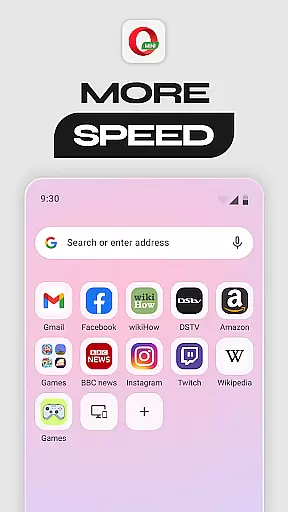
Opera Mini ensures real-time messaging speed and reliability through its optimized browsing capabilities. The browser's lightweight design and data compression technology allow for faster loading times, even on slow networks.
This means that users can send and receive messages without delay, making communication seamless and efficient. Whether you're chatting with friends or staying updated with news alerts, Opera Mini delivers a smooth experience.
The reliability of message delivery is further enhanced by features like Locked Mode, which secures your browsing behind a unique PIN, ensuring that your personal communications remain private and uninterrupted.
Opera Mini offers robust media sharing support, allowing users to easily share photos, videos, and other files. With its fast browsing and download capabilities, you can quickly access and share media content without consuming excessive data.
The browser's built-in ad-blocker and night mode enhance the user experience by reducing distractions and making it easier to focus on sharing media. Additionally, features like offline pages enable you to save content for later sharing, even without an internet connection.
By providing a comprehensive suite of tools for media sharing, Opera Mini ensures that users can effortlessly connect and communicate with others, regardless of their network conditions.
Fast browsing speed
Significant data savings
Secure locked mode
Football mode for sports fans
Free ad-blocking feature
Limited desktop-like experience
No full-fledged extensions support
Occasional UI glitches
Basic tab management
Privacy concerns over compression

Manage your data, talk & text - affordable phone plans & data usage made simple
 4.30
4.30
Messages: Fast, simple SMS app with scheduling and smart features.
4.00
Our Black Friday sale is here. Unlock special discounts on Proton Mail now.
4.30
Chat on the Jabber network (XMPP protocol); support for SMS and other gateways
2.10
Create a secure hotspot on-the-go with Portable WiFi - Mobile hotspot.
4.40
Fast, Simple And Secure Application That Provides SMBv3 Server On Your Device
3.30
Comprehensive and powerful scan tool app with enhanced functions
3.00
Auto Reply SMS, Text Messaging, Away SMS Response, Busy SMS messages, Block Text
3.10
Use this SMS app standalone or as a TREK: Total Interface companion.
4.30
Fast internet with AI, Adblock & VPN. Browse on a safe, incognito web browser.
4.70
Connect and browse the internet with a fast VPN proxy server and IP blocker.
4.50
Smart and simple anti-wiring application - IMSI-catchers catcher
4.40
2nd Phone Number Line for Anonymous Texting, Calling, and Picture Messages
4.30
HD Video Meeting app is a fast & unlimited video conferencing app across world.
4.30
Tether to Windows, OS X, Linux PCs or Android tablets. No root. No tether fees.
3.90
Fun, free app that lets kids video call and message family and close friends.
3.80
Pure modern IRC experience for Android
3.70
Secure Messaging App to Enhance Messenger Texting Experience and Organize SMS.
3.50
At select facilities, you now have an easy way to video visit your loved ones!
3.30


User Reviews