
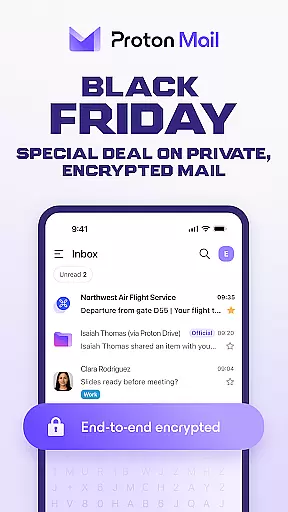
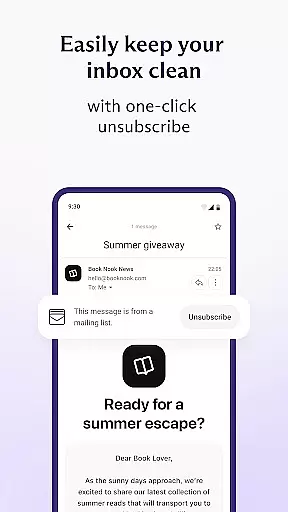
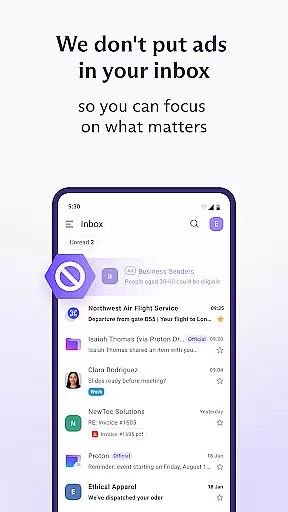
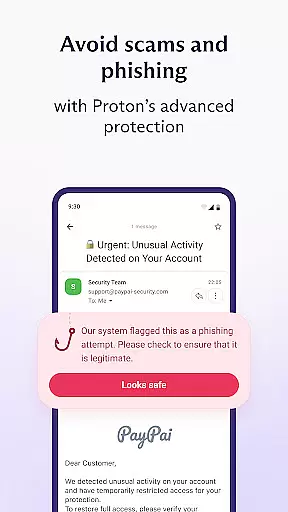
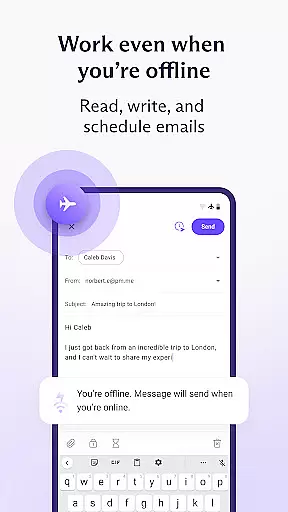
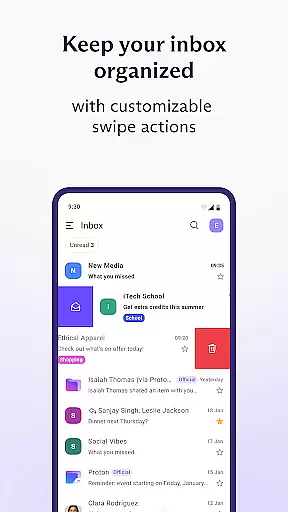
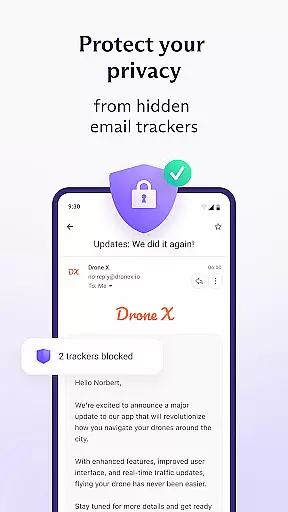

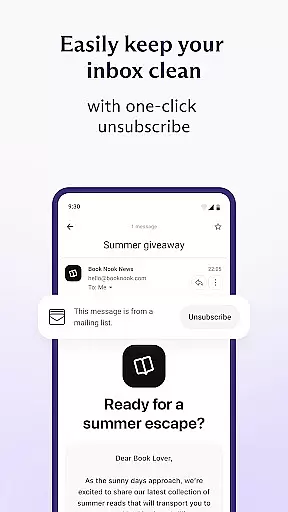
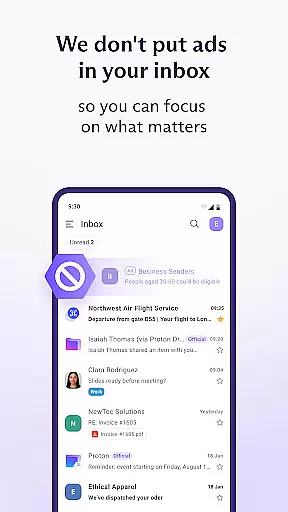
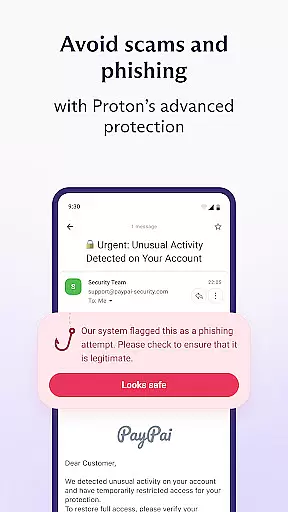
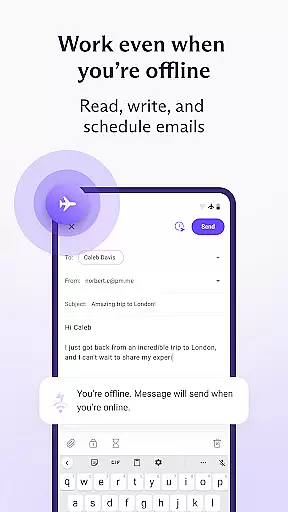
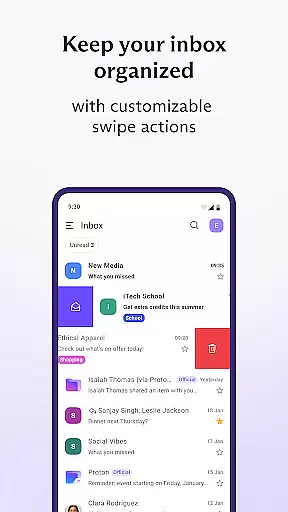
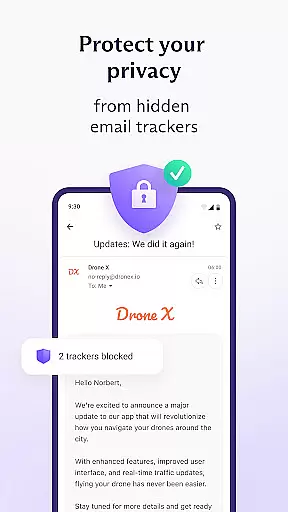
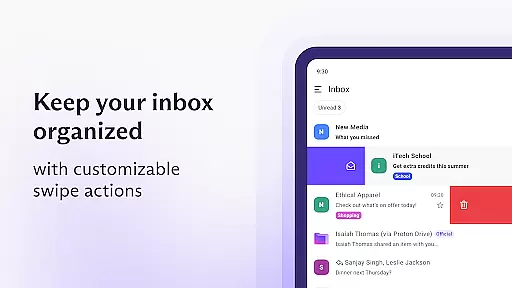
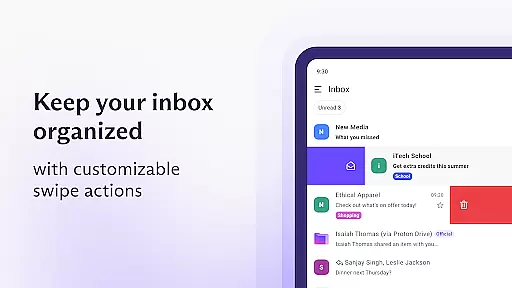
Proton Mail is a cutting-edge encrypted email application designed to safeguard your communications while offering comprehensive inbox management tools. The app allows users to create secure @proton.me or @protonmail.com email addresses and facilitates effortless sending and receiving of encrypted emails and attachments. With features like multiple account support, folder and label organization, and swipe gestures, Proton Mail ensures an organized and efficient emailing experience.
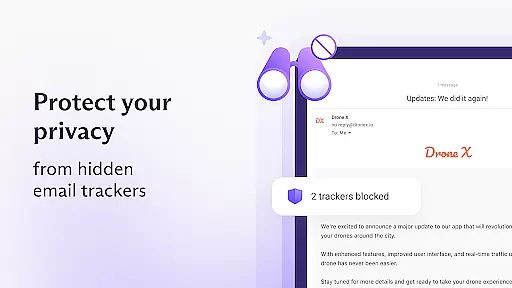
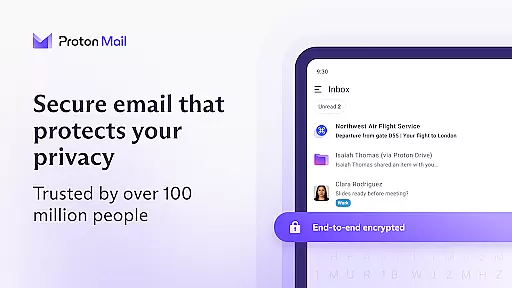
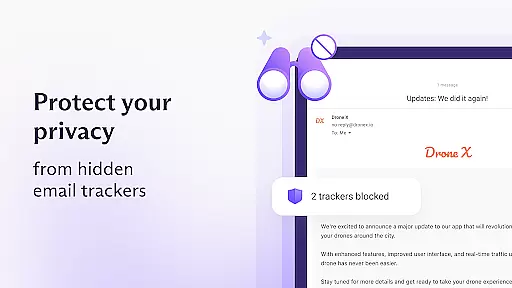
Beyond basic functionality, Proton Mail stands out with its robust security measures. It employs end-to-end encryption, ensuring that only the sender and recipient can access the content of emails. This commitment to privacy extends to its zero-access architecture, meaning even Proton cannot decrypt user messages. Additionally, the app offers dark mode for user comfort and convenience, making it an ideal choice for those who prioritize both privacy and usability in their digital communications.
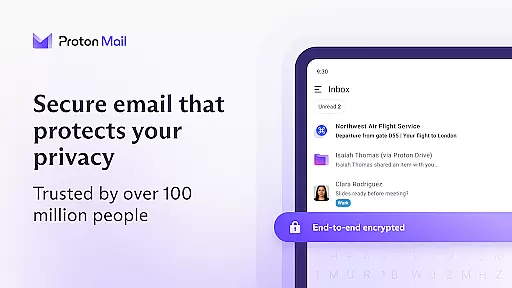
Proton Mail distinguishes itself through a suite of advanced security features and user-friendly functionalities. One of its core strengths is the implementation of end-to-end encryption, which secures messages on Proton servers and during transmission between devices. This significantly mitigates the risk of unauthorized interception. Furthermore, Proton Mail's zero-access architecture ensures that user data remains encrypted in a manner inaccessible to the service provider, reinforcing user privacy.
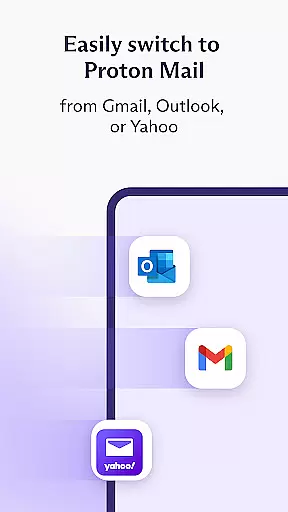
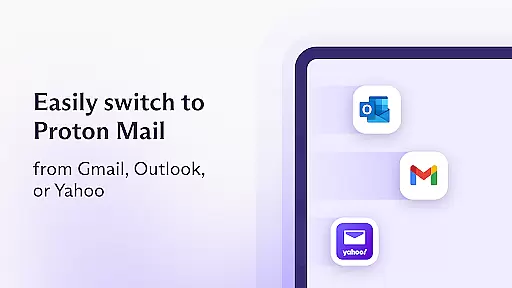
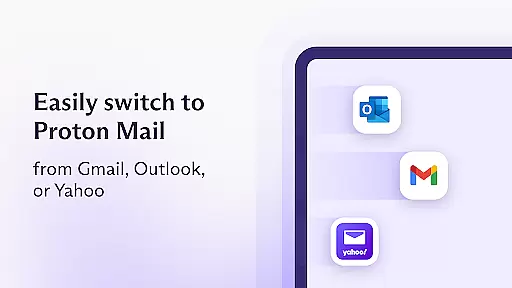
The app also leverages open-source cryptography, having been rigorously evaluated by global security experts. By utilizing trusted encryption standards such as AES, RSA, and OpenPGP, Proton Mail guarantees top-tier protection without covert backdoors. Users benefit from seamless migration tools like Proton Easy Switch, enabling swift transfers from other email services, and Gmail Auto-forwarding, which consolidates emails into a single, secure inbox. These features collectively enhance both security and convenience, positioning Proton Mail as a leader in private communication solutions.
Real-time messaging speed and reliability are crucial for any communication app, and Proton Mail excels in this area. The app ensures that your encrypted emails are delivered promptly and reliably to the recipients without delays.
Proton Mail's infrastructure is designed to handle a high volume of encrypted messages efficiently. This means you can send and receive emails with peace of mind, knowing that your communications will reach their destination on time every time.
The benefit to users is clear: whether you're coordinating with colleagues or staying in touch with family, the real-time performance of Proton Mail ensures that your conversations flow smoothly without frustrating lags or lost messages.
This reliability extends to notifications as well; users receive instant alerts when new emails arrive, allowing them to respond quickly and keep their workflow uninterrupted. With Proton Mail, experience the perfect blend of security and swiftness in your daily communications.
Media sharing support is an essential feature for modern email applications, enabling users to exchange not just text but also images, videos, documents, and more. Proton Mail facilitates secure media sharing by encrypting attachments so they remain private during transmission.
With Proton Mailu2019s robust encryption protocols, including end-to-end encryption for emails and attachments, you can confidently share sensitive files without worrying about unauthorized access. This makes it ideal for both personal use and professional environments where data protection is paramount.
Users benefit from seamless integration within the app interface, allowing easy attachment of various file types directly into their encrypted emails. Moreover, Proton Mail supports large file sizes, accommodating diverse needs from simple photo sharing to comprehensive document collaboration.
In addition to traditional attachments, Proton Mail offers options like Password-protected Emails which add another layer of security when sending important media files. Enjoy hassle-free yet highly secure media exchanges with Proton Mail's advanced capabilities tailored for todayu2019s digital communicators.
End-to-end encryption
Zero-access architecture
User-friendly interface
Open-source software
Multi-account support
Limited free storage
Paid features required
Occasional bugs
Learning curve
Slower sync

The ultimate productivity solution for all your email communication needs.
 4.40
4.40
SMS & MMS Messaging App to easily send messages or schedule SMS on Chat
4.10
A Browser with powerful ad blocker to help focus on what really matters.
3.00
This app enables the phone to receive and send FT8 traffic!
3.80
2nd Phone Number Line for Anonymous Texting, Calling, and Picture Messages
4.30
Bringing the functionality of Winlink to your Android device
4.3
Build your web browser around you with private search, and more.
4.60
Simple tool for businesses to talk to their customers.
4.40
Share the moment!
4.10
We’re taking the yada yada out of wireless—now we’ve taken it out of your app.
4.70
Fast internet with AI, Adblock & VPN. Browse on a safe, incognito web browser.
4.70
Smart and simple anti-wiring application - IMSI-catchers catcher
4.40
Manage your data, talk & text - affordable phone plans & data usage made simple
4.30
A web browser that respects your privacy.
4.30
Block spam calls & scam - no more annoying calls with the call blocker function
4.30
Federated instant messaging for your mobile device (Jabber, XMPP, Snikket)
4.10
Messages: Fast, simple SMS app with scheduling and smart features.
4.00
Pure modern IRC experience for Android
3.70
Auto Reply SMS, Text Messaging, Away SMS Response, Busy SMS messages, Block Text
3.10


User Reviews