
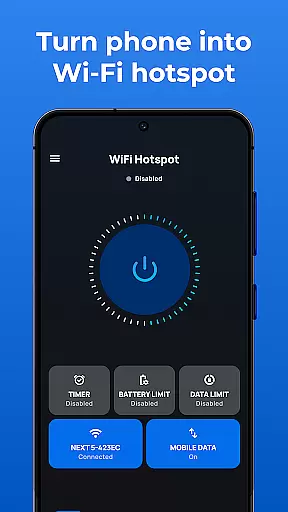
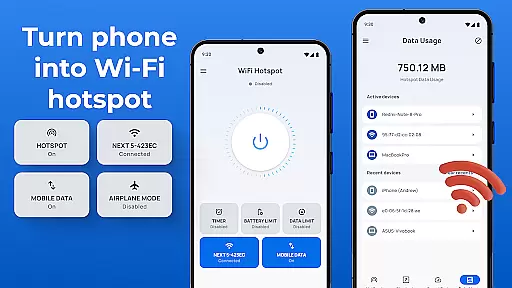
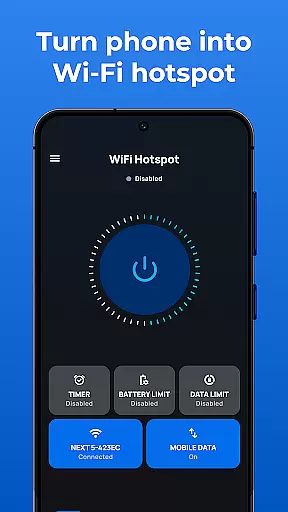
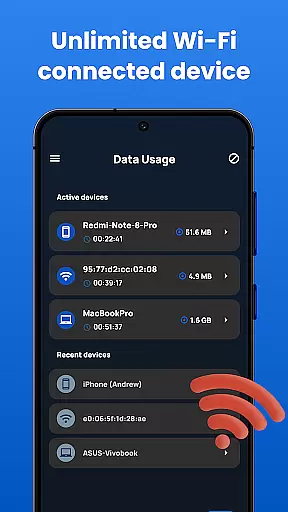
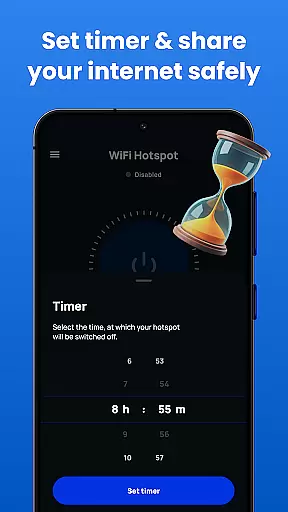
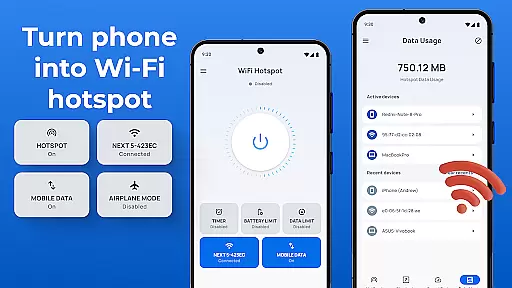
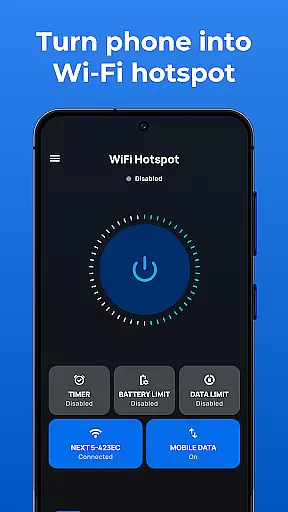
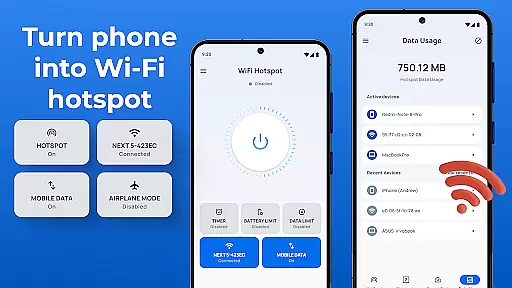
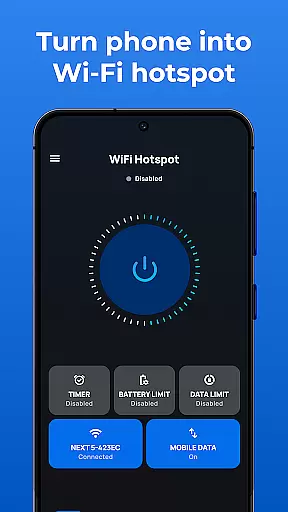
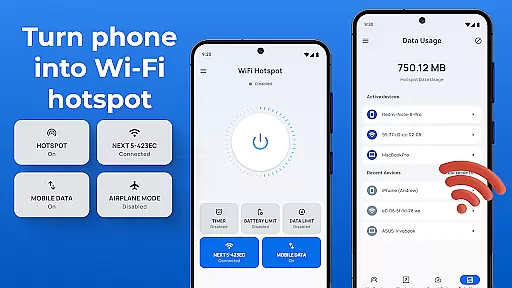
Portable WiFi is a powerful communication app designed to transform your Android device into a mobile hotspot. The application allows users to share their internet connection with other devices through WiFi, Bluetooth, or USB tethering. With its user-friendly interface, the app makes it simple to create a secure and free WiFi hotspot in just a few steps. Whether you need to share internet access with friends or establish a temporary network for work, Portable WiFi provides a reliable solution.
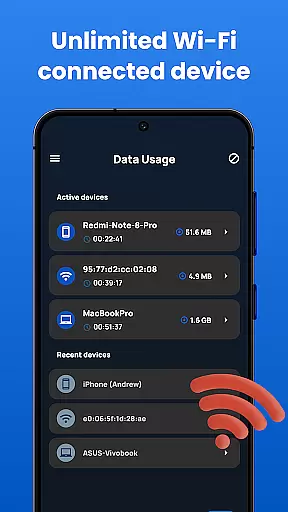
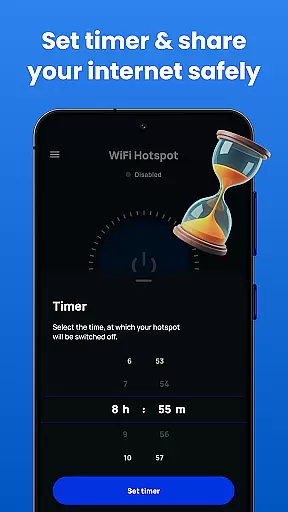
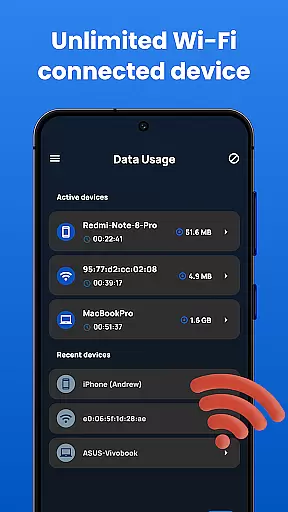
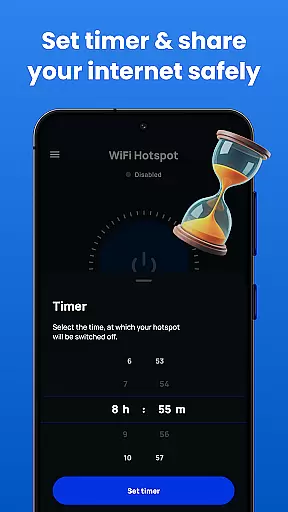
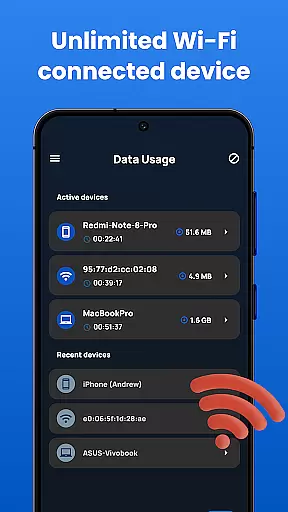
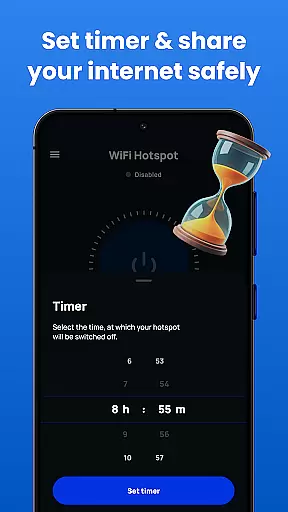
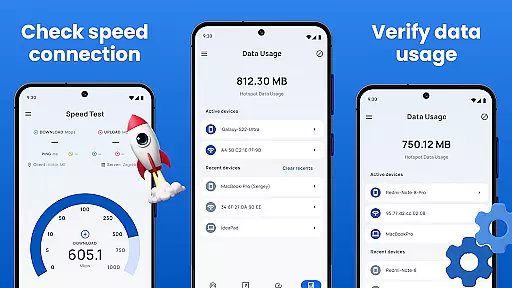
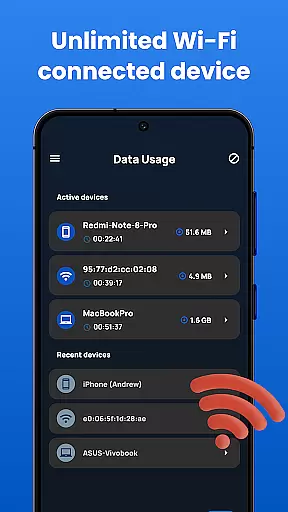
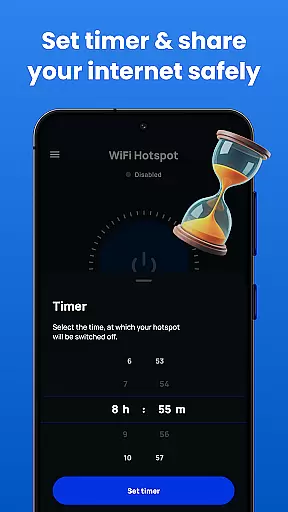
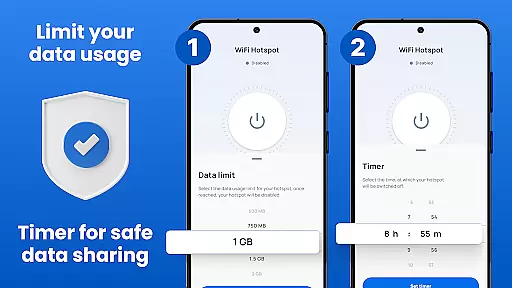
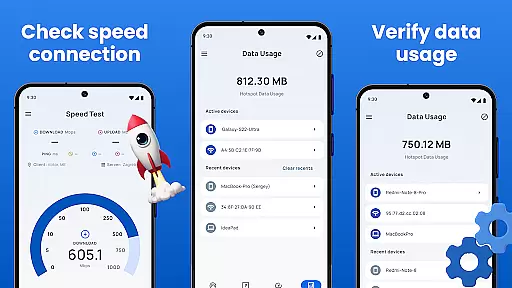
The app offers advanced features such as data usage tracking, speed testing, and customizable time limits for hotspot sessions. Users can easily monitor their internet consumption and manage settings like SSID name, security protocols (WPA2_PSK), and password protection. These capabilities ensure that your mobile hotspot operates efficiently while maintaining optimal performance. Additionally, the sleek design ensures compatibility across all phone and tablet screens, providing a seamless experience for every user.
Portable WiFi is particularly useful for travelers, remote workers, and anyone needing instant internet access without relying on public networks. By turning your smartphone into a personal hotspot, this app eliminates the need for additional hardware or costly data plans. Its versatility and ease of use make it an essential tool for modern connectivity needs.
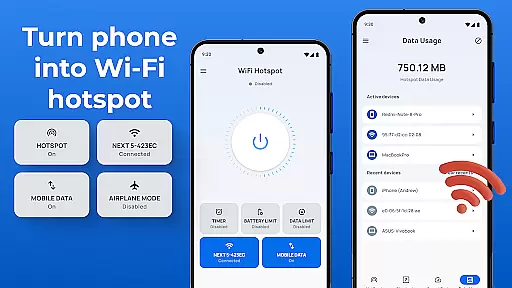
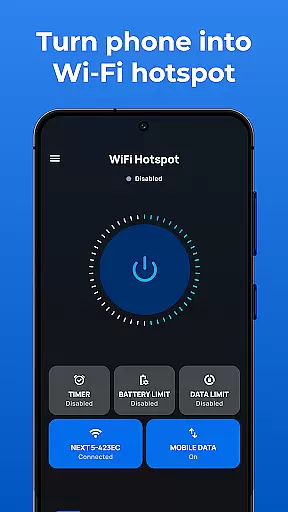
Portable WiFi stands out with its comprehensive feature set tailored for seamless internet sharing. One of the key highlights is the ability to control your hotspot through an intuitive widget, allowing you to toggle the shared network data service on or off with ease. This functionality extends to both WiFi hotspots and Bluetooth tethering interfaces, giving users multiple options for connectivity.
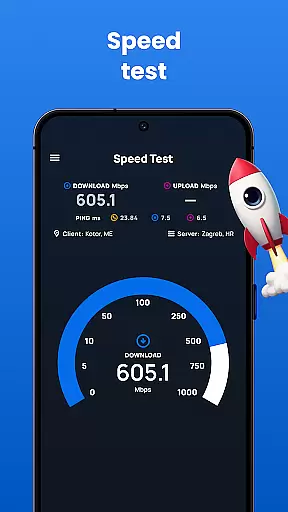
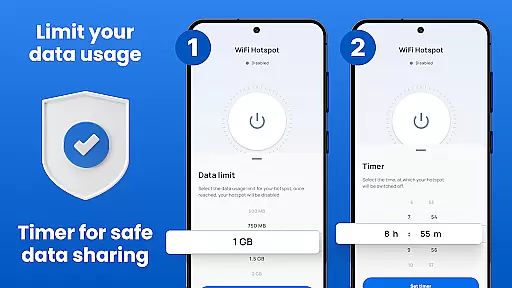
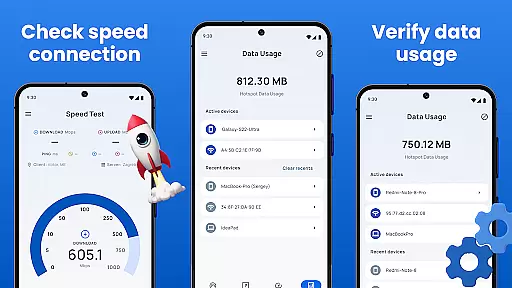
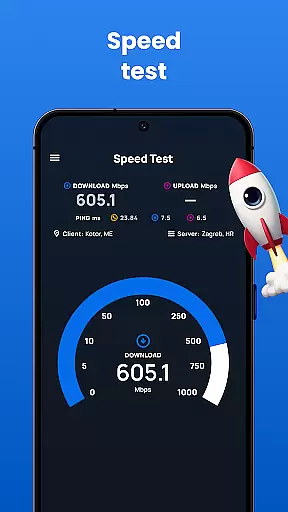
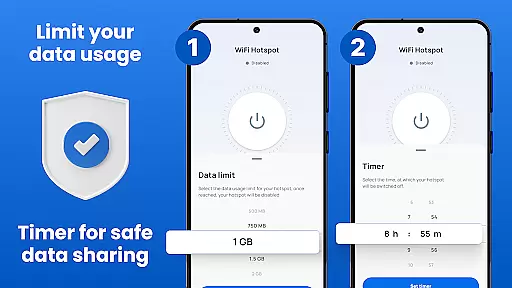
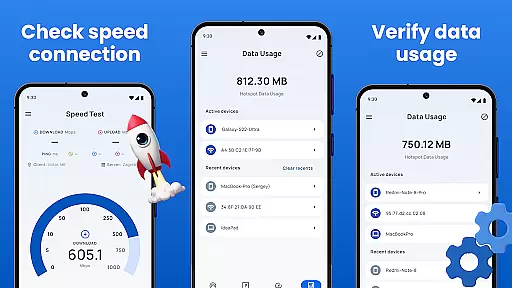
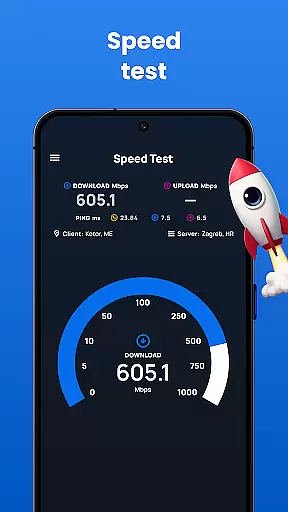
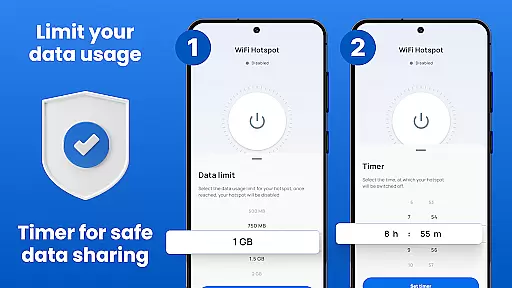
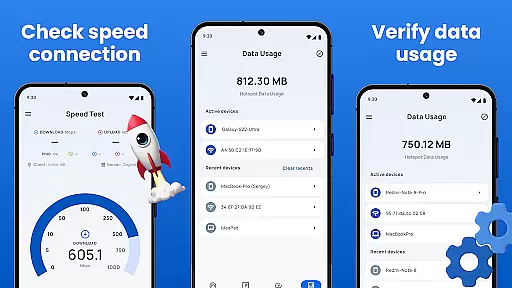
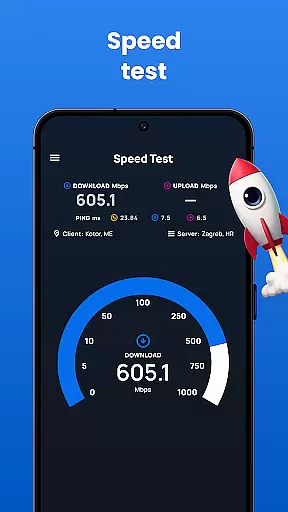
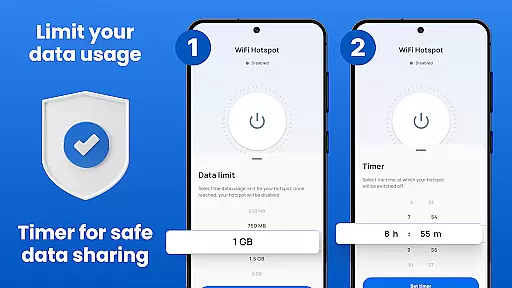
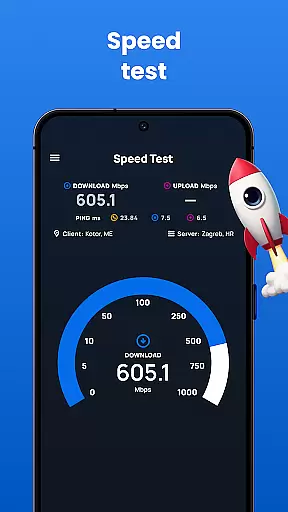
In addition to basic hotspot creation, the app includes advanced tools for managing data usage. Users can set fixed limits by session, day, or monthly period, ensuring they stay within desired thresholds. The app also supports secure connections via WPA2_PSK encryption, safeguarding your network from unauthorized access. Furthermore, the built-in speed test feature lets you measure the performance of your hotspot in real-time, helping you optimize your setup for better results.
Another notable aspect is the app's support for various sharing methods, including WiFi, Bluetooth, and USB tethering. Each method is straightforward to configure, requiring minimal effort to get started. For instance, Bluetooth tethering involves pairing your device with another through standard Bluetooth settings, while USB tethering connects your phone directly to a laptop using a cable. These diverse options cater to different scenarios, making Portable WiFi a versatile choice for all your internet-sharing needs.
In today's fast-paced digital world, the speed and reliability of real-time messaging are crucial for effective communication. Portable WiFi ensures that your messages are delivered instantly and reliably, without delays or failures. This is particularly important when you're using your device as a mobile hotspot, sharing internet with multiple users.
The app optimizes data transmission to ensure that every message reaches its destination as quickly as possible. By prioritizing messaging traffic, it guarantees that even during high-usage periods, your communications remain fluid and uninterrupted. This feature is especially beneficial for professionals who rely on instant messaging for work-related discussions.
Portable WiFi also provides detailed usage statistics, allowing you to monitor how efficiently your data is being used for messaging purposes. You can track which apps consume the most bandwidth and adjust settings accordingly to maintain optimal performance. This level of control ensures that your messaging experience remains consistently reliable.
With Portable WiFi's robust infrastructure, users can enjoy seamless connectivity whether they're texting friends, collaborating with colleagues, or engaging in video calls. The app's ability to maintain stable connections under varying network conditions makes it an indispensable tool for anyone seeking dependable real-time communication capabilities.
Sharing media files such as photos, videos, and documents is a common requirement for mobile users. Portable WiFi excels in providing comprehensive media sharing support, ensuring that your files are transferred smoothly and efficiently between devices. Whether you're sharing vacation photos with family or collaborating on project documents with coworkers, this app has got you covered.
The application supports various file formats, making it versatile for different types of media sharing needs. From JPEGs and PNGs to MP4s and PDFs, Portable WiFi handles them all with ease. Its compatibility with multiple file types ensures that you won't encounter issues related to unsupported formats, thus streamlining the sharing process.
Moreover, Portable WiFi offers advanced features like Bluetooth tethering and USB tethering, which enhance media sharing capabilities. These options allow you to connect directly to other devices without relying solely on Wi-Fi, providing alternative methods for transferring large files quickly and securely. Such flexibility is invaluable in environments where traditional wireless connections may be unreliable.
By leveraging Portable WiFi's powerful media sharing functionalities, users can effortlessly distribute content across their networks. The app's intuitive interface simplifies the entire process, enabling even novice users to share files confidently. With Portable WiFi, you gain not only speed but also peace of mind knowing that your media transfers are handled efficiently and effectively.
User-friendly interface
Secure connection options
Multiple sharing methods
Real-time speed testing
Customizable data limits
Limited advanced settings
No iOS compatibility
Occasional connectivity issues
Ads in free version
Root not supported

A web browser that respects your privacy.
 4.30
4.30
Messages: Fast, simple SMS app with scheduling and smart features.
4.00
Our Black Friday sale is here. Unlock special discounts on Proton Mail now.
4.30
WazzapMigrator: transfer your WhatsApp history from iPhone to Android
4.00
Chat on the Jabber network (XMPP protocol); support for SMS and other gateways
2.10
An agentic AI browser for Android, built by Perplexity
4.50
Watchgram for Telegram: Experience seamless Telegram messaging on your watch
1.80
Auto Reply SMS, Text Messaging, Away SMS Response, Busy SMS messages, Block Text
3.10
Weargram is an unofficial Telegram Client for Wear OS.
3.50
Browse fast on Opera Mini, with Data Saving, News, Football Scores, and Download
4.60
Experience real private browsing without tracking, surveillance, or censorship.
4.50
Talk & text free with a second phone number plus unlimited 5G data, no fees.
4.50
2nd Phone Number Line for Anonymous Texting, Calling, and Picture Messages
4.30
HD Video Meeting app is a fast & unlimited video conferencing app across world.
4.30
Group Chat That’s Fun & Games
4.30
Messenger app for faster and simpler SMS text messaging, and personalized themes
4.10 3.90
3.90
This app enables the phone to receive and send FT8 traffic!
3.80
Manage and Fund Calling Accounts and Schedule and Join Video Sessions
3.60


User Reviews