
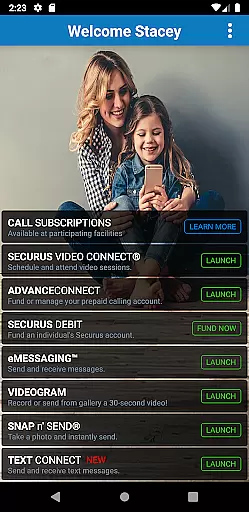


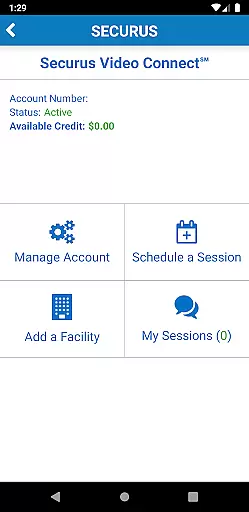

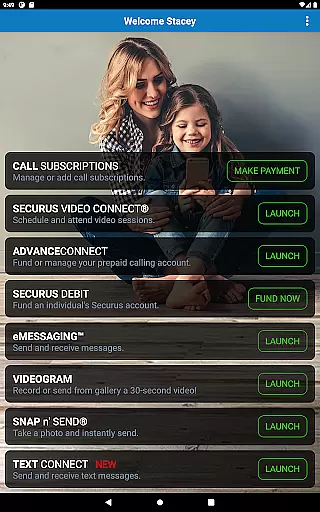


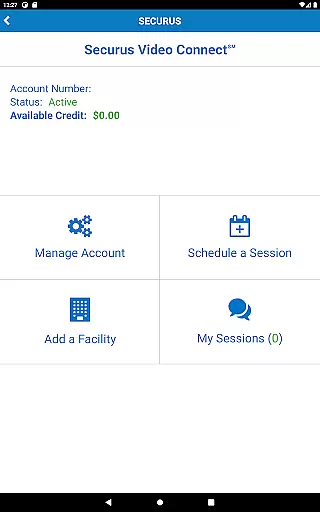
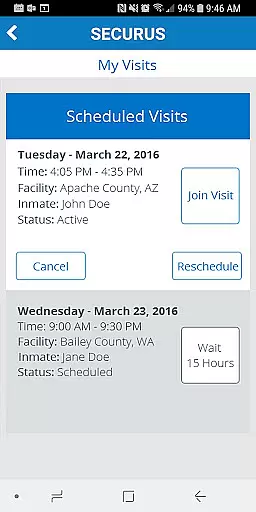
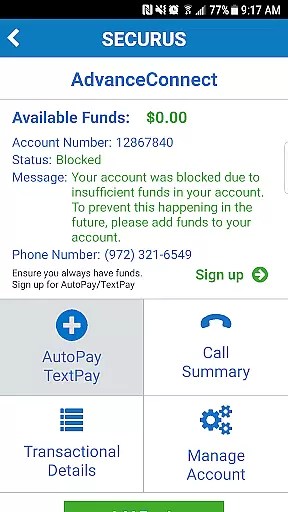
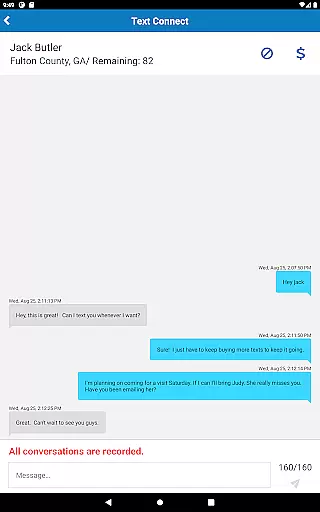
Securus Mobile is a comprehensive communication app designed specifically for staying connected with incarcerated individuals. The app offers multiple ways to maintain contact, including video calls, messaging services, and prepaid calling account management. With features like Video Connect, users can schedule and conduct video sessions from anywhere with Wi-Fi or cellular data service. It also provides essential account management tools such as changing passwords, setting up security questions, and managing credit/debit cards.
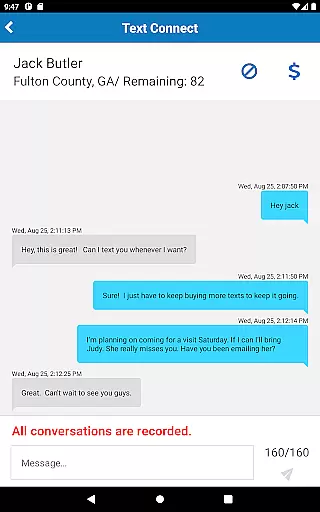
The app's functionality extends to messaging services through eMessaging and Securus Text Connect. Users can send and receive messages, attach photos, and even send digital greeting cards called eCards. These features ensure meaningful communication while offering convenience and flexibility. The app requires Android 11.0 or higher, ensuring optimal performance and security. Whether you're managing accounts, scheduling video calls, or exchanging messages, Securus Mobile provides a reliable platform for maintaining important connections.
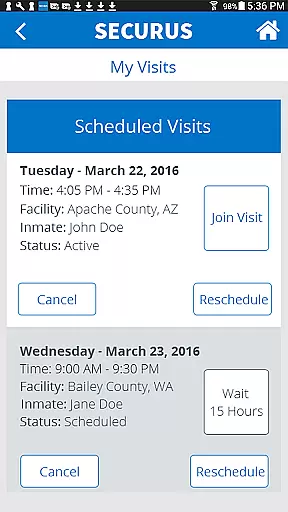
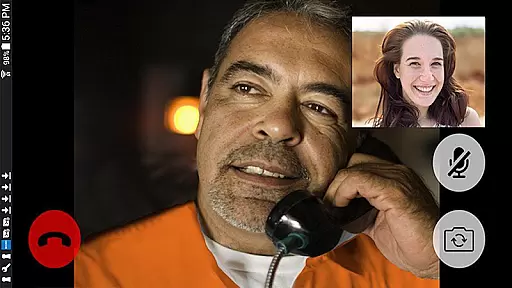
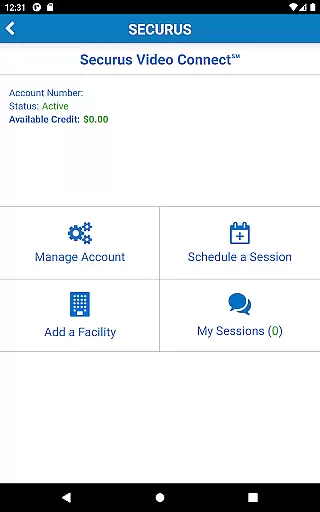
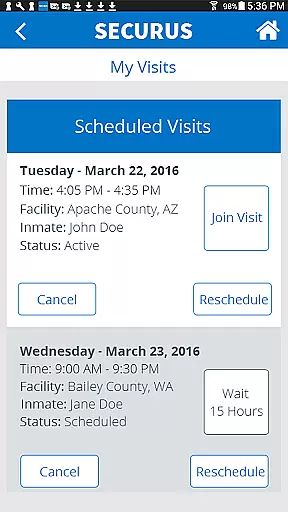
Securus Mobile stands out with its robust set of features tailored for seamless communication. One of the key highlights is Video Connect, which allows users to enroll, schedule, and manage video sessions with incarcerated individuals globally. This feature includes calendar syncing, session notifications, and connection testing to ensure high-quality video calls. Additionally, users can manage photos for identification and view transaction histories directly within the app.
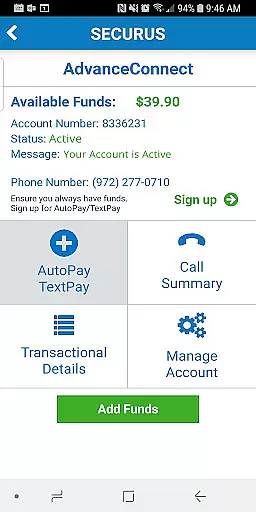
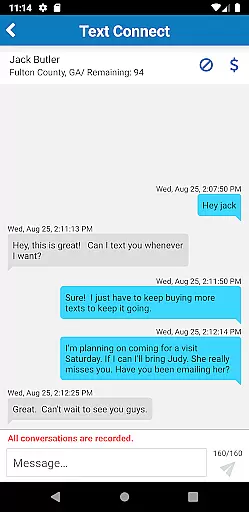
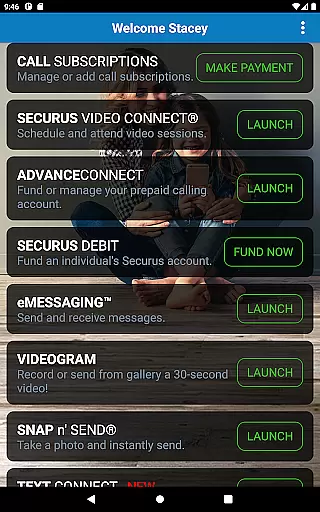
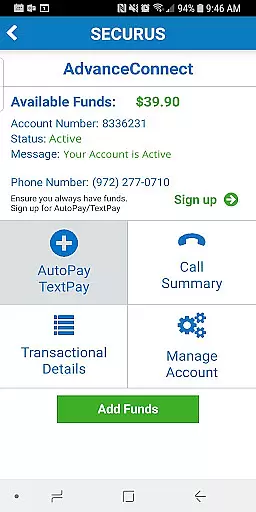
Another significant aspect is the prepaid calling account management. Users can fund their AdvanceConnect accounts to receive calls, add or change phone numbers, and view detailed call summaries. The Securus Debit feature enables depositing funds for contacts to use for various purposes like making calls or purchasing entertainment content. Messaging services are equally impressive, with eMessaging allowing photo attachments, VideoGrams, and stamp transfers. Securus Text Connect facilitates real-time two-way text messaging with automatic recharge options and low balance alerts, ensuring uninterrupted communication.
Real-time messaging speed and reliability are crucial for maintaining seamless communication, especially in sensitive environments like the Securus Mobile app. This application ensures that messages, whether text or multimedia, are delivered promptly and consistently.
The Securus Mobile app incorporates advanced technology to facilitate instant message delivery between users and incarcerated individuals. By leveraging robust server infrastructure and optimized data protocols, the app minimizes latency, ensuring that communications are transmitted without delay.
For users, this means peace of mind knowing that their messages will reach their intended recipients without unnecessary waiting. The app's reliable messaging system supports features such as eMessaging, VideoGrams, and real-time notifications, enhancing the overall user experience.
Moreover, the app provides tools like low balance alerts and automatic re-purchase options for Connects packages, ensuring uninterrupted service. These features collectively contribute to a dependable communication platform that users can trust in their most important interactions.
Media sharing support is an essential feature of the Securus Mobile app, enabling users to enrich their communication through various media formats. This functionality allows for a more personal and engaging interaction, particularly vital when connecting with incarcerated individuals.
Through Securus Mobile, users can send and receive not only text messages but also multimedia content such as photos, eCards, and even short video messages known as VideoGrams. The app facilitates attaching up to five items per message, including photos and digital greeting cards, allowing users to express themselves more fully.
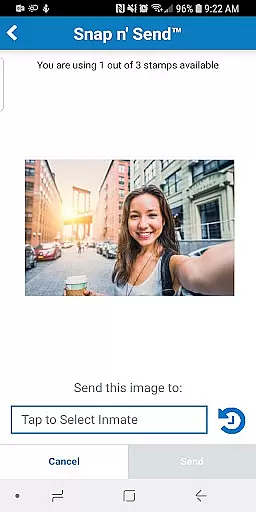
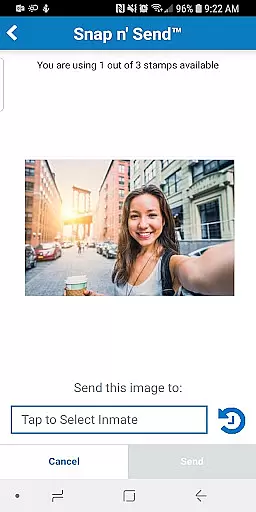
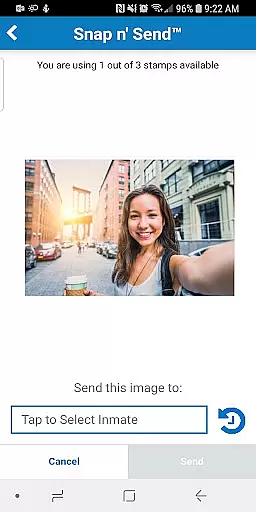
In addition to traditional media sharing, the app offers unique features like Snap nu2019 Send, which lets users capture selfies or select images from their gallery to send directly within messages. This flexibility enhances emotional connections and provides a richer communication experience.
By supporting diverse media types and integrating them seamlessly into the messaging interface, Securus Mobile ensures that every interaction is meaningful and memorable. Users benefit from an intuitive platform that prioritizes both convenience and quality in media sharing.
User-friendly interface
Comprehensive account management
High-quality video calls
Flexible messaging options
Secure transaction processing
Requires Android 11.0+
Limited to specific facilities
In-app purchases necessary
Occasional connectivity issues
Complex setup for beginners

Radio communication simulator for gaming communities
 4.3
4.3
Messenger for SMS - texting message app, faster, simpler & safer, for you.
4.70
A Browser with powerful ad blocker to help focus on what really matters.
3.00
Simplify texting with Messages SMS, offline messaging, themes & smart tools!
4.30
HD Video Meeting app is a fast & unlimited video conferencing app across world.
4.30
Call & Text Anywhere With A Canadian Number.
3.60
Read OBD2 data and DTCs Create custom dashboards Enhanced diagnostics available
4.70
Talk & text free with a second phone number plus unlimited 5G data, no fees.
4.50
Share the moment!
4.10
Build your web browser around you with private search, and more.
4.60
Connect and browse the internet with a fast VPN proxy server and IP blocker.
4.50
Get through your inbox faster with the mail app designed to simplify your life.
4.40
Chill zone on your phone: relax with fun reels & hype shorts!
4.20
A softphone with crystal clear SIP Calling & Reliable VoIP dialer
4.00
Threema is the messenger with the most consistent focus on security and privacy.
4.00
SMS Messenger ensures that communication become effortless and accessible.
3.80
This app enables the phone to receive and send FT8 traffic!
3.80
Weargram is an unofficial Telegram Client for Wear OS.
3.50
Chat on the Jabber network (XMPP protocol); support for SMS and other gateways
2.10


User Reviews