
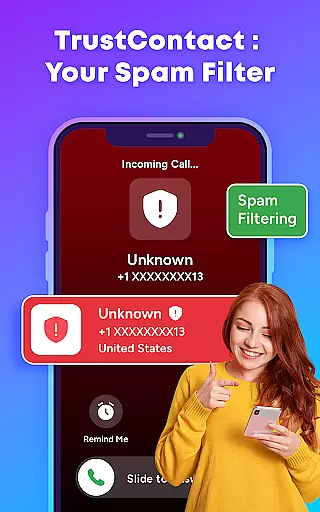
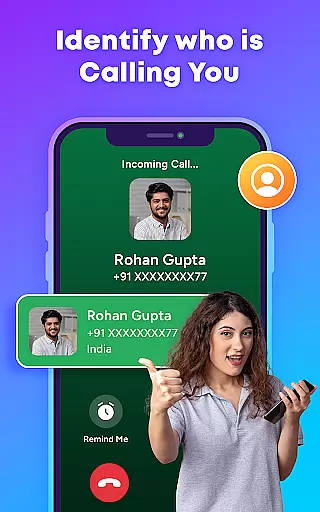
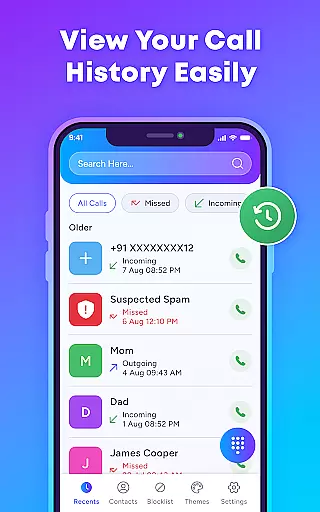
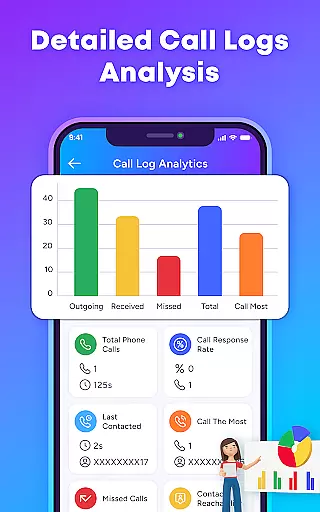
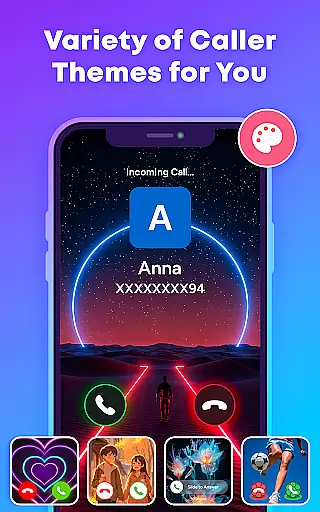
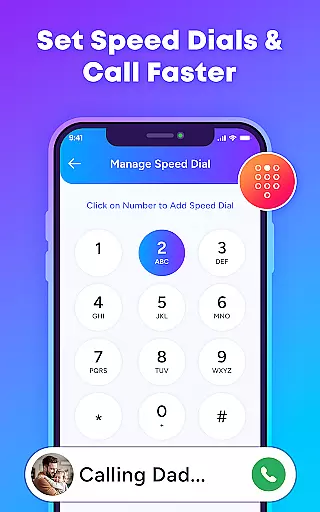
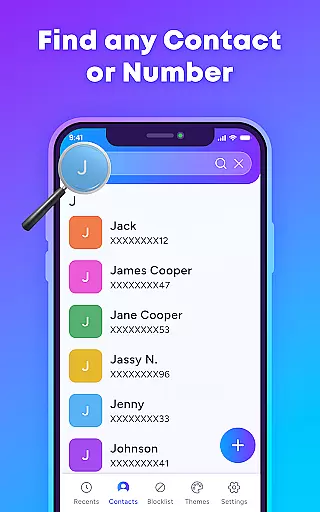
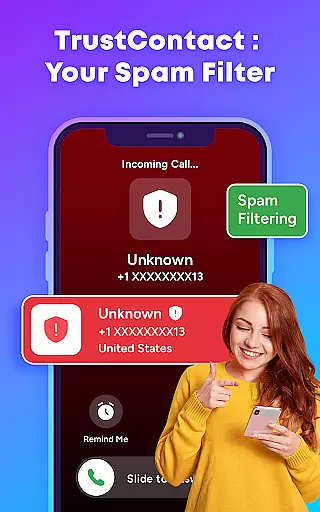
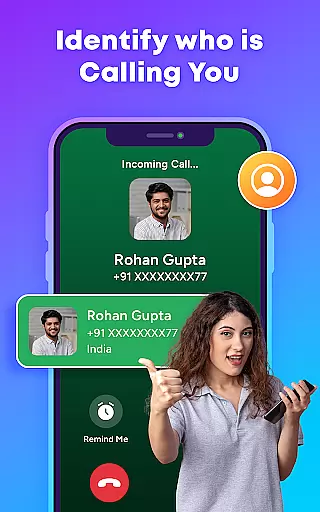
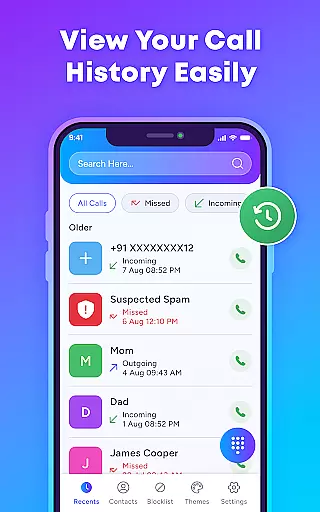
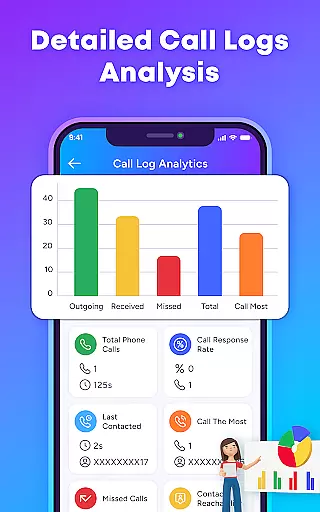
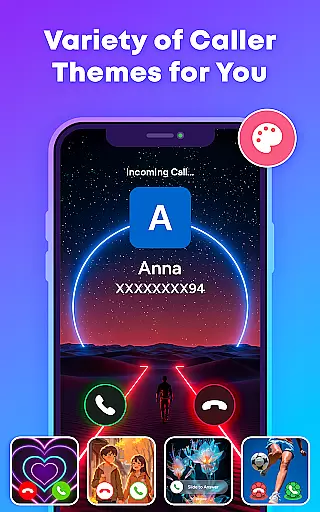
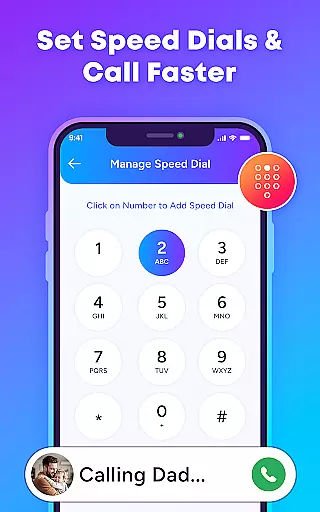
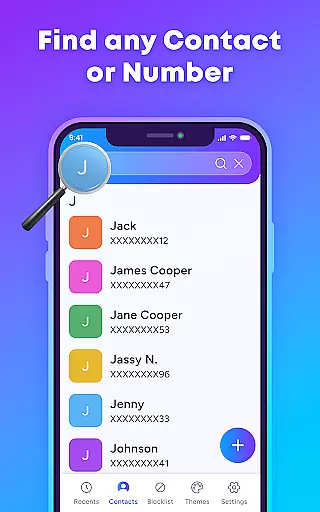
TrustContact is a comprehensive communication app designed to enhance your calling experience while protecting you from unwanted interruptions. This app serves as an advanced caller ID, spam blocker, and contact manager all in one package. With real-time identification of unknown callers, automatic blocking of spam and scam calls, and customizable call themes, it offers both functionality and personalization. The app also features offline capabilities, ensuring you maintain control even without an internet connection. TrustContact is ideal for users who want to protect their privacy while enjoying a modernized calling interface.
The app's robust feature set includes reverse number lookup, blacklisting, whitelisting, and smart contact organization. These tools allow users to manage their contacts efficiently while safeguarding against suspicious entries. Whether you're looking to block annoying robocalls or simply personalize your call screen with stylish themes, TrustContact provides the necessary tools to take back control of your phone. Its lightweight design ensures minimal battery consumption, making it suitable for everyday use.
TrustContact stands out with its powerful combination of security and customization features tailored for effective communication management. One of its core strengths is the real-time caller ID functionality, which instantly identifies incoming calls from businesses, telemarketers, or unknown numbers. This feature is supported by an extensive spam database and detection algorithms that ensure accurate identification and blocking of unwanted calls. Additionally, the app allows users to create custom blacklists and whitelists, giving them complete control over who can reach them.
Beyond security, TrustContact offers several personalization options such as dynamic call themes and stylish designs for the call screen. These aesthetic enhancements not only improve user experience but also make every call visually engaging. The app also includes a Smart Contact Manager that simplifies organizing and detecting suspicious contacts. Privacy-conscious users will appreciate the offline functionality and strict data protection policies, ensuring that personal information remains secure at all times. With frequent updates introducing new themes and features, TrustContact continues to evolve based on user needs.
In today's fast-paced world, the speed and reliability of real-time messaging are crucial for effective communication. TrustContact u2013 Caller ID & Block brings this necessity to the forefront by ensuring that all calls are managed with utmost efficiency. The app uses advanced algorithms and an extensive spam number database to provide instantaneous caller identification and blocking.
TrustContact is engineered to deliver real-time performance without draining your device's resources. Its lightweight design ensures that it operates smoothly in the background, providing swift response times when identifying incoming calls or blocking spam. This means you can enjoy uninterrupted communication without worrying about system lags or delays.
The benefits of using TrustContact extend beyond just speed; its reliable service ensures that every important call gets through while unwanted ones are efficiently managed. With features like offline functionality, users can maintain control over their communications even without an active internet connection. This reliability fosters a sense of security, knowing that your phone remains a tool for productivity rather than disturbance.
Sharing media during calls or as part of communication has become an integral aspect of our digital interactions. TrustContact recognizes this need and offers comprehensive media sharing support within its robust platform. Whether it's images, videos, or other file formats, the app facilitates seamless exchange, enhancing both personal and professional conversations.
TrustContact stands out by not only allowing traditional media but also integrating with your contact list to ensure accurate identification and tagging when sharing files. This feature simplifies collaboration and keeps all shared content organized within your contacts' profiles, making future reference effortless.
Moreover, TrustContact ensures privacy protection throughout the media-sharing process. Your data stays safe with end-to-end encryption, safeguarding against unauthorized access. By choosing TrustContact for your communication needs, you're guaranteed a secure environment where media sharing is both convenient and protected from potential threats.
Real-time caller ID
Spam call blocker
Customizable themes
Offline functionality
Privacy protection
Limited SMS features
Premium version costs
Contact sync issues
Occasional false positives
Regional limitations

Secure Messaging App to Enhance Messenger Texting Experience and Organize SMS.
 3.50
3.50
At select facilities, you now have an easy way to video visit your loved ones!
3.30
WazzapMigrator: transfer your WhatsApp history from iPhone to Android
4.00
Official NDI app: turn your phone into a professional live-streaming IP camera.
3.20
Call Blocker app: Identify unknown callers, block spam calls, fraud & robocalls
4.30
Caller ID App! Add names & photos to unknown calls & Call Recording
4.40
RemoteHams.com Android RCForb Client Pre-Release
4.30
Measure BHP, Torque & 0-60 Clear car OBD faults View engine data in Google Earth
4.00
Telegram is a messaging app with a focus on speed and security.
4.00
Use this Dialer app alone or as a TREK: Total Interface companion.
4.70
FolderSync enables easy sync of files between cloud storage and Android devices.
4.60
Fast and mini browser with Ad Blocker,Video Downloader and Video Player
4.40
Smart and simple anti-wiring application - IMSI-catchers catcher
4.40
Manage your data, talk & text - affordable phone plans & data usage made simple
4.30
SMS Messenger is a lightning-fast messaging app.
4.20
A customizable phone number in the cloud
4.20
Google's fast and secure browser
4.10
A softphone with crystal clear SIP Calling & Reliable VoIP dialer
4.00
Call & Text Anywhere With A Canadian Number.
3.60


User Reviews