
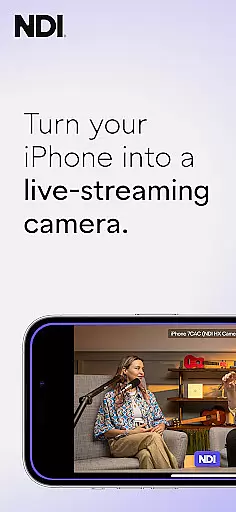
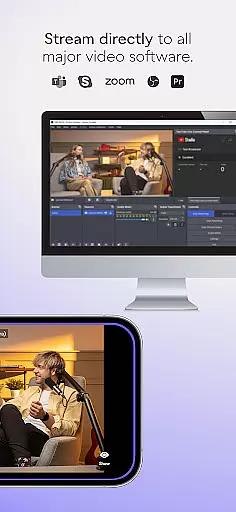
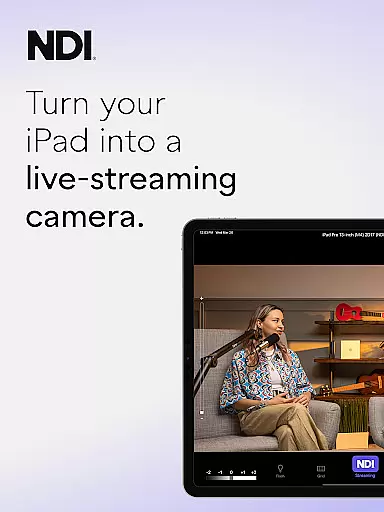
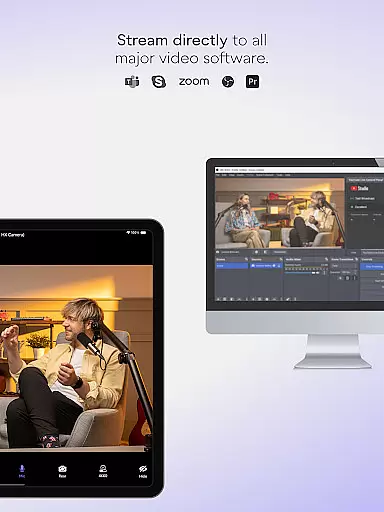
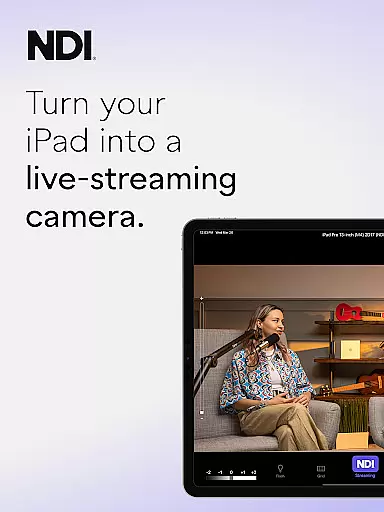
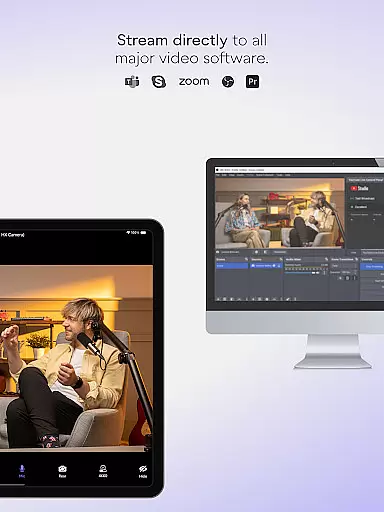
NDI Camera is a professional live-streaming application that transforms your mobile device into a high-quality NDI camera. With its intuitive interface and advanced features, the app allows users to stream low-latency video and audio directly to popular platforms such as MS Teams, Skype, and Zoom. The latest version 1.7 brings a modernized UI, full video height viewfinder, and tally light functionality with multiple modes.
This communication tool is designed for both amateur and professional use, enabling users to incorporate mobile footage into their live production systems seamlessly. Whether you're conducting webcasts, presentations, or live broadcasts, NDI Camera adds flexibility by introducing new camera angles and vantage points. The app requires NDI 4 or newer support, ensuring compatibility with current industry standards.
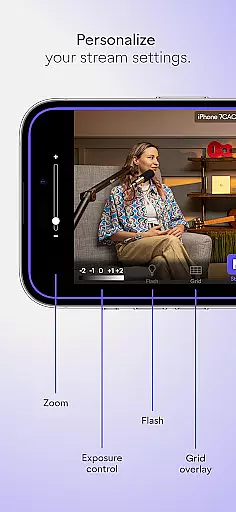
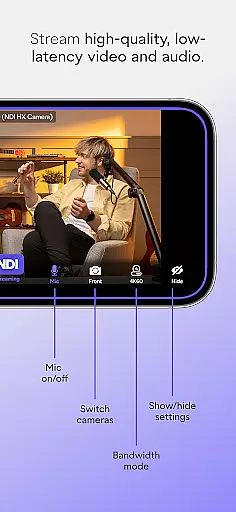
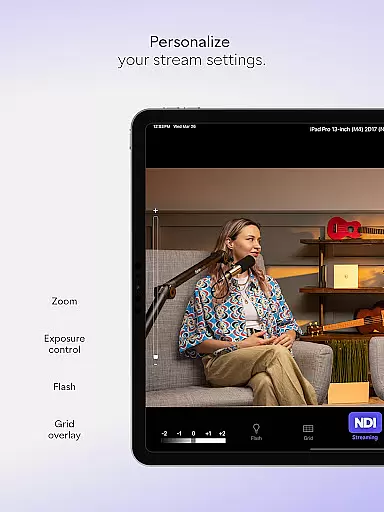
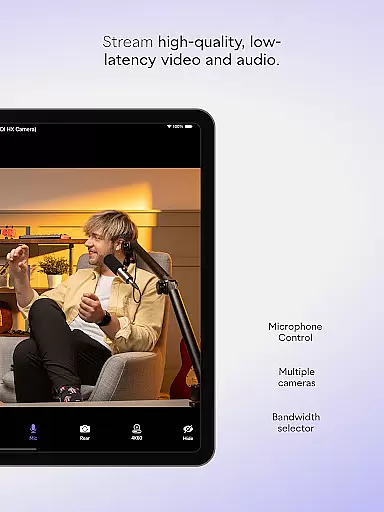
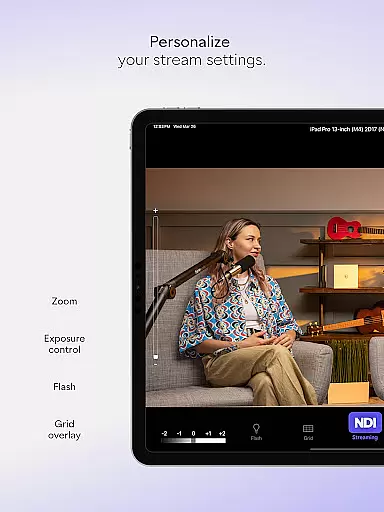
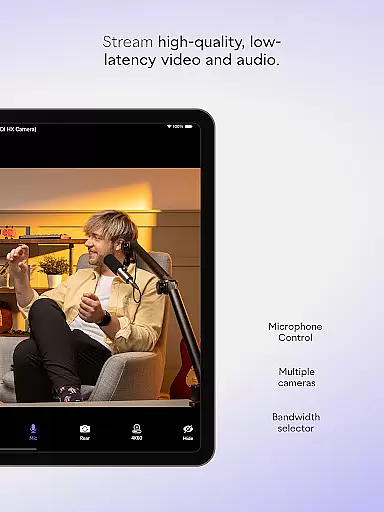
NDI Camera stands out with its rich feature set tailored for professional live streaming. The app provides three bandwidth modes - high, medium, and low - allowing users to adjust streaming quality based on their network capabilities. Additional professional settings include an optional grid overlay, autofocus, pinchable zoom, and front/rear camera selection.
The app also includes practical tools like an on-screen connection meter and tally display that indicates preview and on-air status. These features ensure users can monitor their streaming performance in real-time. With the newly added tally light feature, content creators can easily identify when they are live, enhancing their production workflow efficiency.
Real-time messaging speed and reliability are crucial for seamless communication in live-streaming applications like NDI Camera. This feature ensures that video and audio streams are transmitted without delays or interruptions, providing a smooth experience for both the broadcaster and the audience.
NDI Camera achieves this by utilizing advanced network protocols and optimizing data transmission to fit various network conditions. The app offers high, medium, and low bandwidth modes, allowing users to select the best option based on their network's capabilities. This flexibility ensures consistent performance even under varying internet speeds.
For users, this means they can rely on NDI Camera to deliver professional-quality streams with minimal latency. Whether it's for live broadcasts, webcasts, or presentations, the real-time messaging capability of NDI Camera ensures that every moment is captured and shared instantly, enhancing the overall production value.
Media sharing support in NDI Camera allows users to effortlessly send high-quality video and audio streams to popular platforms such as MS Teams, Skype, Zoom, and many others. This functionality transforms a mobile phone into a versatile tool for live production systems, making it easy to integrate mobile footage into professional workflows.
The app provides multiple features to enhance media sharing, including front and rear camera selection, autofocus, pinchable zoom, and an optional grid overlay. These tools give users greater control over their shots, ensuring high-quality content creation. Additionally, the tally display feature indicates preview and on-air status, helping users manage their streams effectively.
With NDI Camera, professionals can introduce new camera angles and vantage points to their coverage, adding depth and variety to their broadcasts. This ability not only enriches the viewer's experience but also opens up creative possibilities for content creators, making NDI Camera an essential tool for modern live productions.
User-friendly interface
High-quality streaming
Multiple platform support
Flexible camera settings
Real-time monitoring tools
Requires NDI 4 support
Limited to compatible devices
No offline functionality
Premium features may require additional payment
Dependent on network stability

 3.90
3.90
Enjoy secure messaging & calling. Safe Messenger: group chats, calls, messages.
4.20
Manage BoostMobile Account
4.60
Fast and mini browser with Ad Blocker,Video Downloader and Video Player
4.40
Fast Dialer & Contact Manager with Caller ID and Spam Protection
4.00
Experience real private browsing without tracking, surveillance, or censorship.
4.50
2nd Phone Number Line for Anonymous Texting, Calling, and Picture Messages
4.30
Chill zone on your phone: relax with fun reels & hype shorts!
4.20
BE PRIVATE
Anonymous. No Trace. Fast.
4.20
FolderSync enables easy sync of files between cloud storage and Android devices.
4.60
Simple tool for businesses to talk to their customers.
4.40
Phone Dialer with Caller ID, Address Book & Contacts Manager.
4.30
HD Video Meeting app is a fast & unlimited video conferencing app across world.
4.30
Federated instant messaging for your mobile device (Jabber, XMPP, Snikket)
4.10
Share the moment!
4.10
A softphone with crystal clear SIP Calling & Reliable VoIP dialer
4.00
Threema is the messenger with the most consistent focus on security and privacy.
4.00
This app enables the phone to receive and send FT8 traffic!
3.80
Auto Reply SMS, Text Messaging, Away SMS Response, Busy SMS messages, Block Text
3.10


User Reviews