

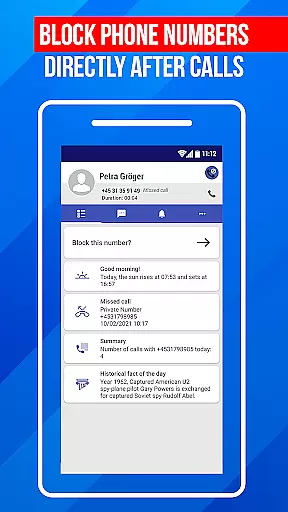
Call Block is a powerful communication app designed to help users take control of their incoming calls. The app's core functionality revolves around blocking spam calls and unwanted numbers, ensuring a more peaceful communication experience. Using advanced call filtering algorithms, it automatically identifies and blocks robocalls, telemarketers, and potential scams.
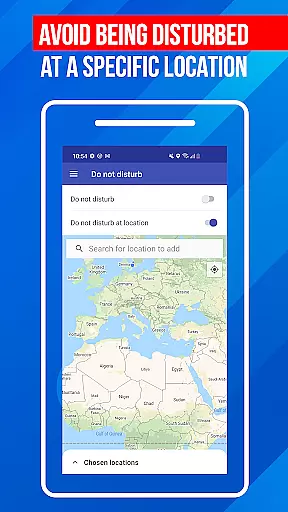
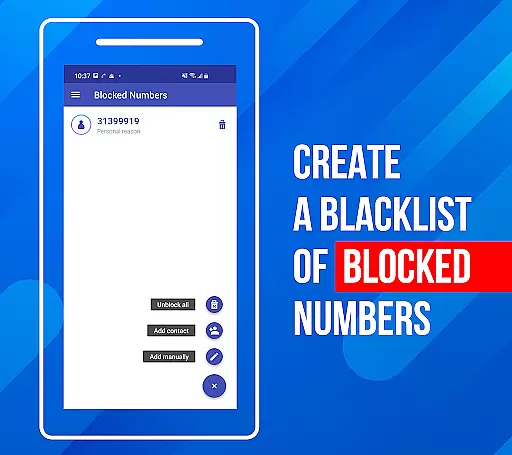
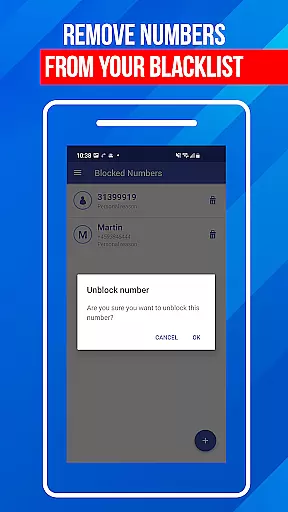
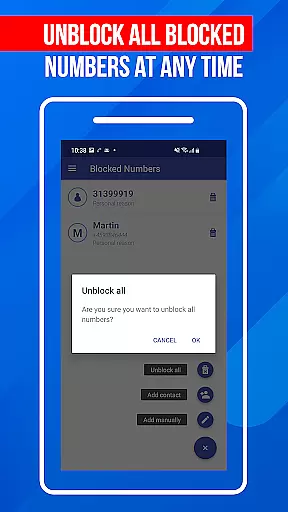
Beyond basic call blocking, the app offers additional features like a personal blacklist where users can add specific numbers or number patterns they wish to block. It also includes a Do Not Disturb function that can block all calls during specific times or in designated locations. With an intuitive interface and regular database updates, Call Block provides comprehensive protection against evolving spamming techniques.
This app is particularly useful for professionals who receive frequent sales calls or individuals who want to avoid fraudulent communications. By maintaining an extensive database of known spam numbers and offering customizable blocking options, Call Block helps users protect their time and privacy effectively.
Call Block distinguishes itself through several key features that enhance its call management capabilities. The app's most notable feature is its advanced spam call blocker, which uses sophisticated algorithms to detect and prevent unwanted calls in real-time. This system works even if the number isn't saved in the user's contact list, thanks to a comprehensive database of over one billion numbers worldwide.
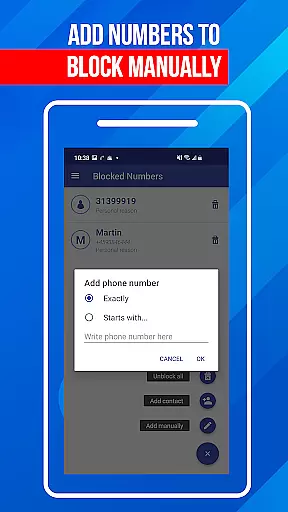
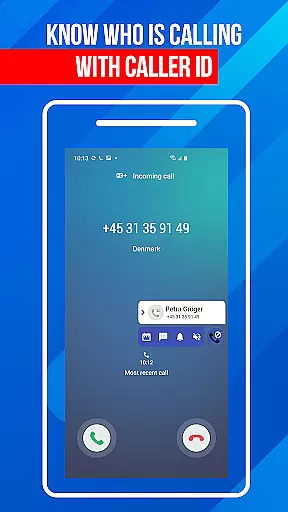
Another significant feature is the customizable blacklist functionality. Users can manually add specific numbers or number patterns to their personal blacklist, giving them precise control over which calls get through. The app also includes a Do Not Disturb mode that can be scheduled or location-based, providing flexible call management options. Additionally, the caller ID feature offers detailed information about incoming calls, helping users make informed decisions about answering or blocking.
The app's commitment to security extends to its regular database updates, ensuring protection against the latest spamming techniques. The user-friendly interface makes these powerful features accessible to all users, regardless of technical expertise. These combined features create a robust solution for anyone looking to maintain better control over their communication channels.
In today's fast-paced digital world, the speed and reliability of real-time messaging are crucial for effective communication. Call Block ensures that every message you send or receive is delivered instantly without delays. This immediacy in communication is vital, especially when you're coordinating with team members or staying in touch with family and friends.
The app uses advanced algorithms to optimize message routing, ensuring minimal latency even during peak usage times. By prioritizing message delivery, Call Block maintains a seamless flow of conversation, making your interactions feel as natural as face-to-face discussions. The result is an uninterrupted communication experience that keeps you connected at all times.
Moreover, Call Block guarantees reliable message delivery by implementing robust error-checking mechanisms. Whether you're sending important updates or casual messages, you can trust that your communications will reach their destination without fail. This reliability fosters confidence in using the app for both personal and professional messaging needs.
Sharing media files such as photos, videos, and documents has become an integral part of our daily communications. Call Block excels in providing comprehensive media sharing support, allowing users to exchange various file types effortlessly. With this feature, you can easily share memorable moments with loved ones or collaborate on projects by sending large files without any hassle.
The app supports multiple file formats, ensuring compatibility across different devices and platforms. Whether you're sharing high-resolution images or lengthy video clips, Call Block maintains the quality of your media throughout the transfer process. This versatility enables users to communicate more effectively, enhancing both personal interactions and professional collaborations.
Additionally, Call Block incorporates advanced compression techniques to minimize file sizes without compromising quality. This optimization not only speeds up the sharing process but also conserves storage space on your device. As a result, you can enjoy swift and efficient media sharing while maintaining the integrity of your files.
Advanced spam detection
Customizable blacklist
Global number database
User-friendly interface
Regular updates
Limited iOS support
Occasional false positives
Premium features locked
Location restrictions
Resource intensive

BiP is a fast, secure, free messaging and HD video calling app!
 4.10
4.10
Secure Messaging App to Enhance Messenger Texting Experience and Organize SMS.
3.50
Our Black Friday sale is here. Unlock special discounts on Proton Mail now.
4.30
Fast and mini browser with Ad Blocker,Video Downloader and Video Player
4.40
Manage Phone Calls, call history, and contacts easily with Phone Pro.
4.3
A softphone app with seamless SIP calling and an intuitive VoIP dialer
3.50
Bringing the functionality of Winlink to your Android device
4.0
Measure BHP, Torque & 0-60 Clear car OBD faults View engine data in Google Earth
4.00
Group Chat That’s Fun & Games
4.30
Stay in touch with the people who matter most.
4.60
Messenger, an MMS & SMS messages app with Blockers, Driving mode & Private box
4.60
Create a secure hotspot on-the-go with Portable WiFi - Mobile hotspot.
4.40
Phone Dialer with Caller ID, Address Book & Contacts Manager.
4.30
BE PRIVATE
Anonymous. No Trace. Fast.
4.20
SMS & MMS Messaging App to easily send messages or schedule SMS on Chat
4.10
Google's fast and secure browser
4.10
Fast Dialer & Contact Manager with Caller ID and Spam Protection
4.00
SMS Messenger ensures that communication become effortless and accessible.
3.80
TeamSpeak - Secure Chat for Gaming & Business
3.10


User Reviews