
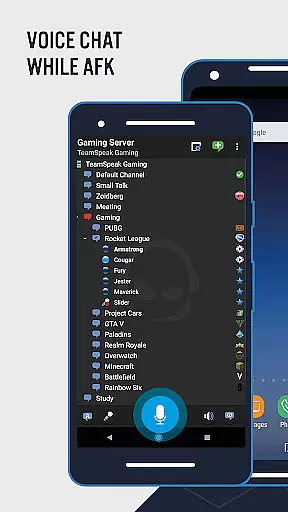
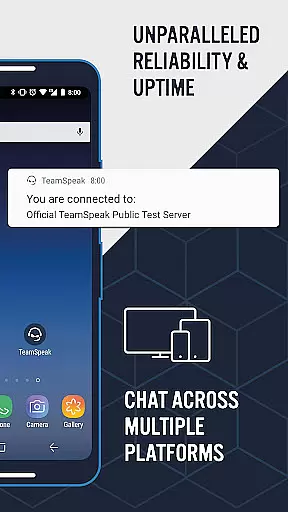
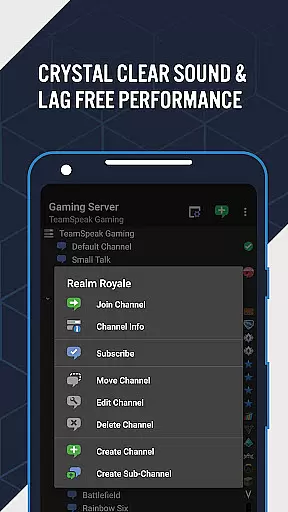
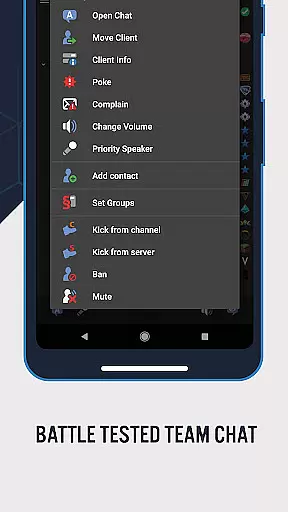
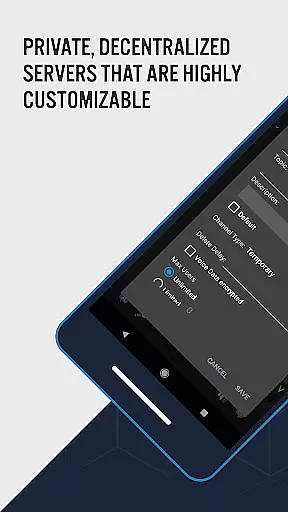
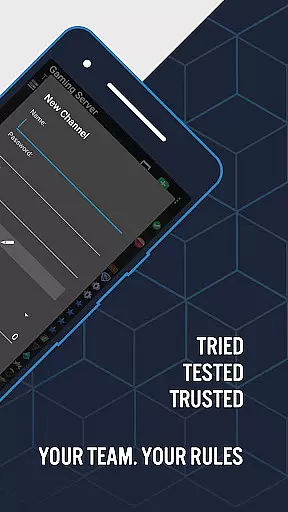
TeamSpeak 3 is a premier communication application designed for seamless voice chat and information sharing across multiple platforms including Android, PC, MacOS, iOS, and Linux. The app excels in facilitating real-time discussions among gamers, friends, family members, and small businesses globally. With its robust server-based architecture, users can connect securely to private servers or explore public channels, ensuring spam-free interactions.
The application's mobile version is optimized for on-the-go usage, allowing users to stay connected with their peers at all times. Whether you're coordinating strategies with teammates or participating in online events, TeamSpeak 3 delivers a reliable and high-quality communication experience. Its cross-platform compatibility ensures that no matter the device, users can maintain consistent and uninterrupted connectivity.
TeamSpeak 3 offers an array of sophisticated features tailored to enhance user interaction and streamline communication processes. Key functionalities include synchronized bookmarks for easy access to favorite channels, multi-server connectivity for expanded reach, and flexible communication modes such as Push-To-Talk (PTT) and voice activation.
Administrators will appreciate the app's support for common admin functions, enabling efficient management of channels and users. Additional features like text messaging, identity and contacts management, detailed channel and player information, and player status notifications contribute to a comprehensive communication tool. Continuous updates ensure that users benefit from the latest enhancements and features, making TeamSpeak 3 a dynamic and evolving solution for all your communication needs.
TeamSpeak 3 excels in providing real-time messaging capabilities that are crucial for effective communication. The app ensures messages are delivered instantly, which is vital when coordinating with team members or during online gaming sessions.
The reliability of message delivery is backed by a robust server system that minimizes downtime and maintains connection stability. This means users can trust that their messages will get through without delays or disruptions, even when using different devices across various platforms.
With features like synchronized bookmarks and multi-server connectivity, TeamSpeak 3 enhances the messaging experience by keeping everyone on the same page regardless of location. Users can seamlessly switch between servers and channels while maintaining an uninterrupted flow of conversation.
Moreover, the app supports both text-based chat and voice communication, allowing for versatile interaction depending on user preference or situation requirements. Whether it's sending quick texts or engaging in lengthy discussions, TeamSpeak 3 delivers a dependable platform for all forms of digital dialogue.
In todayu2019s interconnected world, media sharing has become an integral part of communication. TeamSpeak 3 recognizes this need and offers comprehensive support for exchanging various types of media files among users within its network.
Users can easily send images, documents, and other file formats directly through the chat interface. This feature facilitates richer interactions beyond just textual exchanges, enabling teams to collaborate more effectively by sharing relevant resources instantly.
The application also allows administrators to manage permissions regarding who can share what type of content, ensuring security and appropriateness within each community space. Such control mechanisms help maintain order while still promoting open lines of multimedia-based discourse.
Furthermore, as part of ongoing updates from developers committed to enhancing functionality based on user feedback, future iterations may introduce additional enhancements aimed at streamlining media handling processes further u2013 making every exchange smoother than ever before.
High-quality audio
Secure connections
Cross-platform support
Active development
User-friendly interface
Requires server connection
No direct user connection
Complex setup for beginners
Limited offline functionality
Dependent on network quality

Enables Plus features of Quick Search.
 4.4
4.4
Browse fast on Opera Mini, with Data Saving, News, Football Scores, and Download
4.60
Connect and browse the internet with a fast VPN proxy server and IP blocker.
4.50
Welcome to the future of phone service.
4.60
Call Blocker app: Identify unknown callers, block spam calls, fraud & robocalls
4.30
Experience real private browsing without tracking, surveillance, or censorship.
4.50
RemoteHams.com Android RCForb Client Pre-Release
4.30
FolderSync enables easy sync of files between cloud storage and Android devices.
4.60
Enhance browsing with AI-powered features and Copilot.
4.70
An agentic AI browser for Android, built by Perplexity
4.50
Get through your inbox faster with the mail app designed to simplify your life.
4.40
Use this SMS app standalone or as a TREK: Total Interface companion.
4.30
Group Chat That’s Fun & Games
4.30
Send SMS and chat messages easily with a fast text messaging app for Android.
4.10
SMS Messenger ensures that communication become effortless and accessible.
3.80
Message and video call your family and friends in HD!
3.80
A softphone app with seamless SIP calling and an intuitive VoIP dialer
3.50
Radio communication simulator for gaming communities
4.3
An app dedicated solely to marriage, not dating, and supported by a rigorous verification mechanism to ensure seriousness.
4.3


User Reviews