

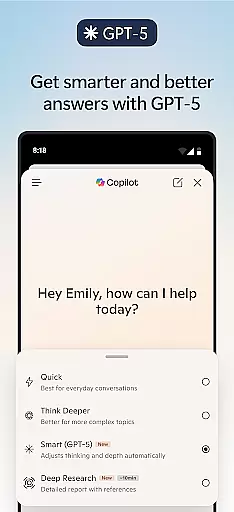
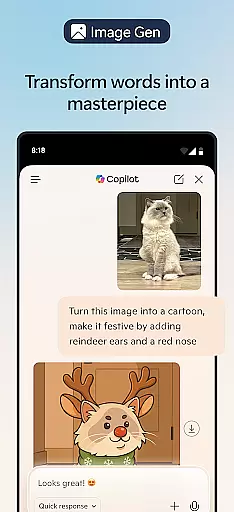
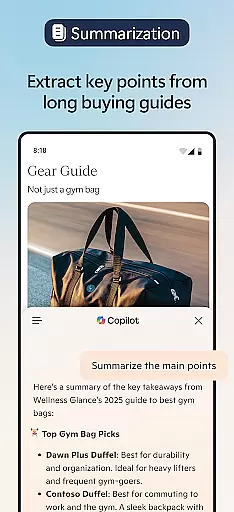



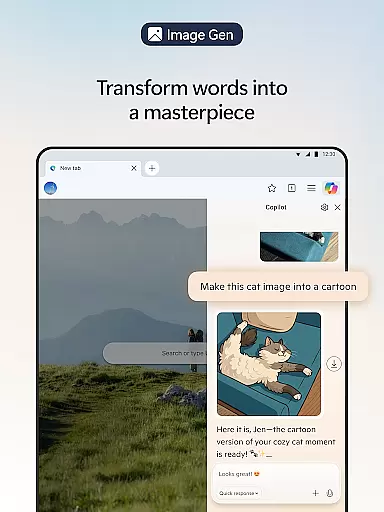
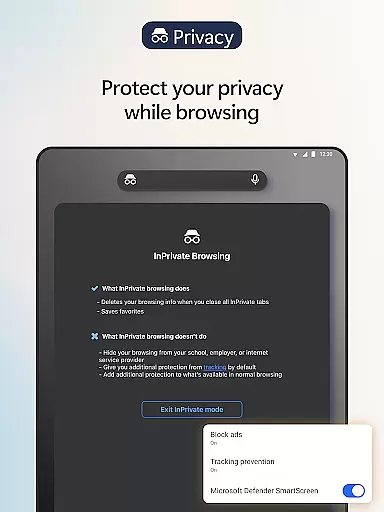

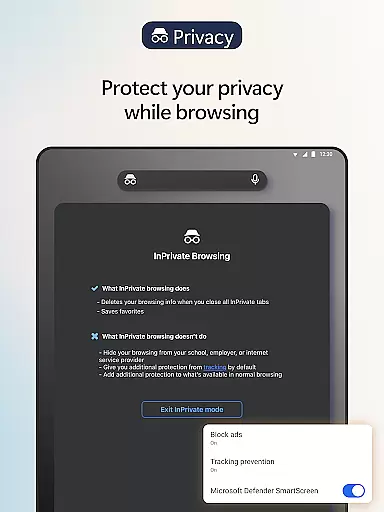
Microsoft Edge is a cutting-edge AI-powered web browser that integrates Copilot, your personal AI assistant, to revolutionize the browsing experience. With capabilities powered by OpenAI and Microsoft's latest models, including GPT-5, this browser helps users summarize content, answer queries, and even generate images. Designed for productivity and privacy, Edge offers features like tracking prevention, AdBlock, InPrivate browsing, and Microsoft Defender SmartScreen.
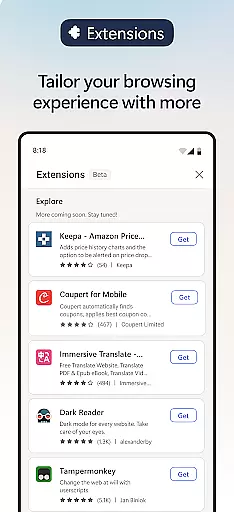
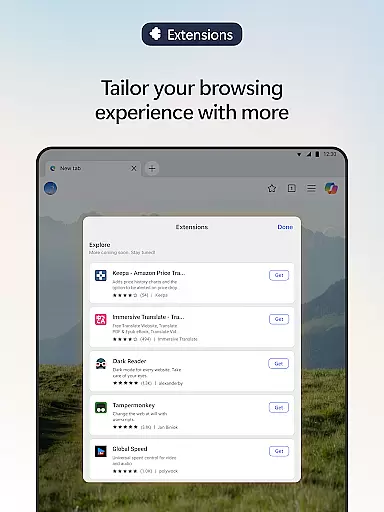
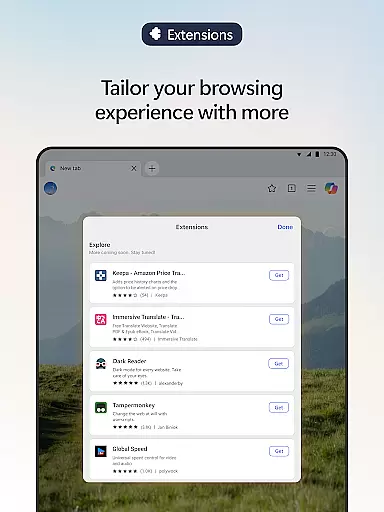
Available across devices, Microsoft Edge ensures fast, secure, and personalized browsing. Its extensions allow further customization, enabling cookie management, speed controls, and website theme adjustments. Whether you're looking to browse smarter, create content faster, or safeguard your online activity, Microsoft Edge delivers an all-in-one solution tailored to modern communication needs.
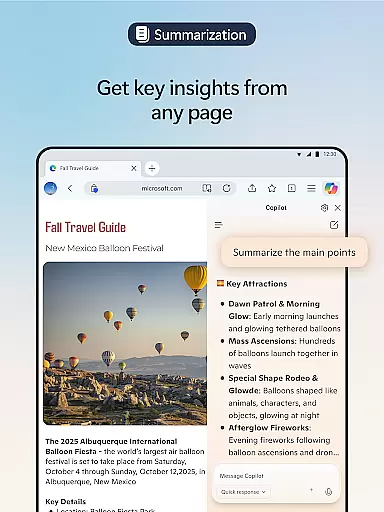
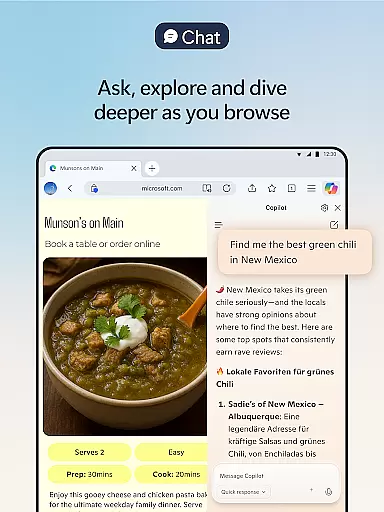
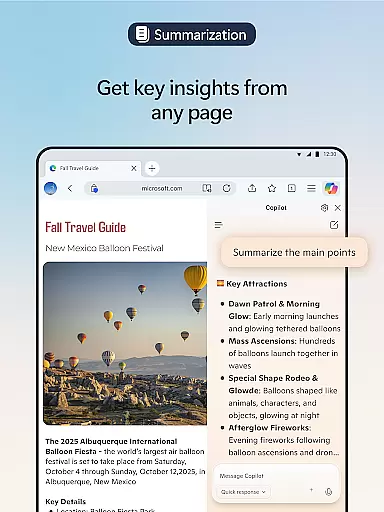
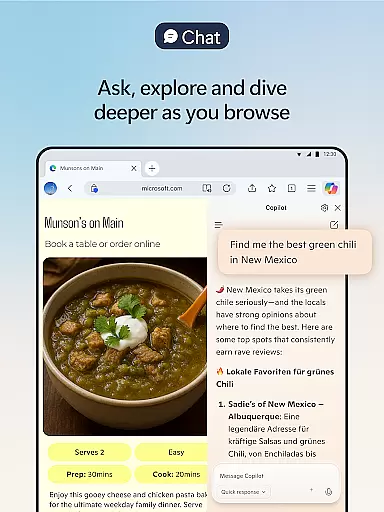
Microsoft Edge stands out with its innovative AI-driven features designed to enhance user productivity. The built-in Copilot leverages advanced AI models to provide summarized insights from articles, videos, and PDFs while answering complex questions about web content. With GPT-5 integration, it intelligently determines when to respond quickly or analyze deeply, ensuring efficient workflows.
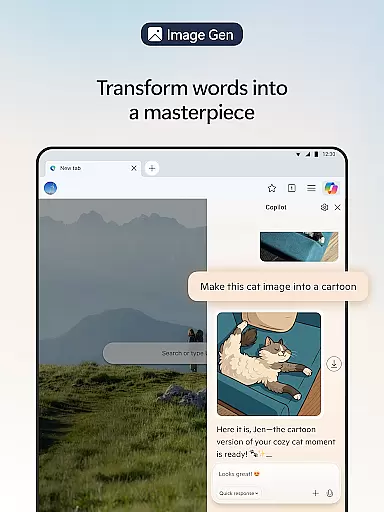
The browser also supports creative tasks through tools like image generation, multilingual translation, and polished writing assistance via Copilot. Extensions add another layer of functionality, allowing users to customize their experience with cookie managers, ad blockers, and more. Additionally, accessibility features such as Read Aloud enable multitasking and improved comprehension in multiple languages, making Edge versatile for diverse user needs.
Real-time messaging speed and reliability are crucial for a seamless communication experience. Microsoft Edge ensures that users can send and receive messages instantly without delays, making conversations smooth and natural.
The browser's optimized architecture allows for quick data processing, ensuring that messages are delivered promptly even during high-traffic periods. This reliability is vital for both personal and professional communications where timing can be everything.
With Copilot integrated into the browser, users benefit from AI-driven responses that enhance the messaging experience. Whether it's summarizing long threads or providing instant answers, the speed and accuracy of these features add significant value to real-time interactions.
Moreover, Microsoft Edge's robust security measures, such as tracking prevention and InPrivate browsing, ensure that your conversations remain private and secure. This combination of speed, reliability, and security makes Edge an excellent choice for all your communication needs.
Media sharing support is essential for modern web browsers, allowing users to share various types of content effortlessly. Microsoft Edge excels in this area by offering comprehensive media sharing capabilities that cater to diverse user needs.
With built-in support for multiple file formats, Edge enables users to share images, videos, and audio files without compatibility issues. The browser's advanced extensions further enhance this feature by providing tools like cookie management and website theme customization, which streamline the sharing process.
Copilot, the AI assistant within Edge, adds another layer of convenience by helping users generate content, translate languages, and proofread texts before sharing. These AI-powered features ensure that shared media is not only accessible but also polished and professional.
In addition to its technical prowess, Microsoft Edge prioritizes user safety with features like AdBlock Plus and Microsoft Defender SmartScreen. These tools protect users from malicious content while sharing media, ensuring a secure and enjoyable experience. Overall, Edge provides a robust platform for efficient and safe media sharing.
Advanced AI capabilities
Enhanced privacy tools
Customizable extensions
Fast performance
Multitasking support
Resource-intensive
Limited offline use
Complex interface
Frequent updates
Privacy concerns

BiP is a fast, secure, free messaging and HD video calling app!
 4.10
4.10
Enjoy secure messaging & calling. Safe Messenger: group chats, calls, messages.
4.20
Our Black Friday sale is here. Unlock special discounts on Proton Mail now.
4.30
Messenger app for faster and simpler SMS text messaging, and personalized themes
4.10
A Browser with powerful ad blocker to help focus on what really matters.
3.00
Fast and mini browser with Ad Blocker,Video Downloader and Video Player
4.40
2nd Phone Number Line for Anonymous Texting, Calling, and Picture Messages
4.30
Stay in touch with the people who matter most.
4.60
Group Chat That’s Fun & Games
4.30
Use this Dialer app alone or as a TREK: Total Interface companion.
4.70
Messenger for SMS - texting message app, faster, simpler & safer, for you.
4.70
Identify unknown numbers, block spam calls, customize calls with cool themes.
4.60
Faster version of Messages. Messenger for your contacts.
4.50
An agentic AI browser for Android, built by Perplexity
4.50
Fast Dialer & Contact Manager with Caller ID and Spam Protection
4.00
Message and video call your family and friends in HD!
3.80
Pure modern IRC experience for Android
3.70
Radio communication simulator for gaming communities
4.5
Manage Phone Calls, call history, and contacts easily with Phone Pro.
4.1


User Reviews