
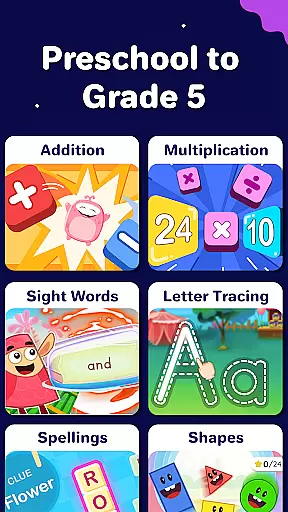
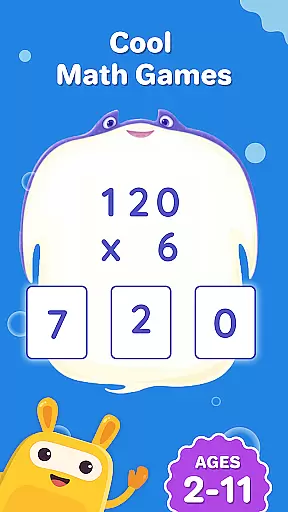
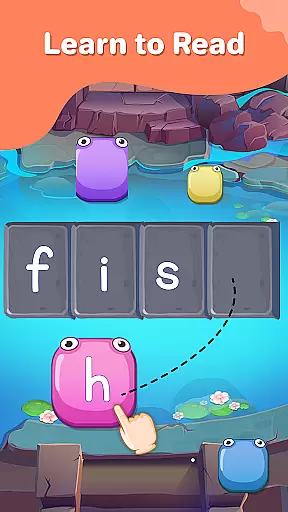
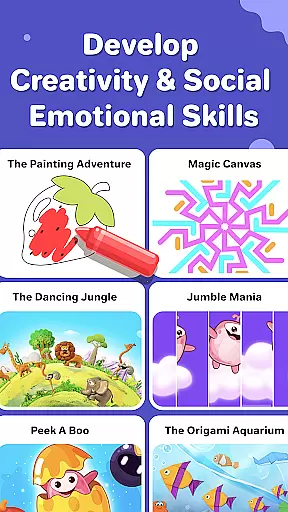
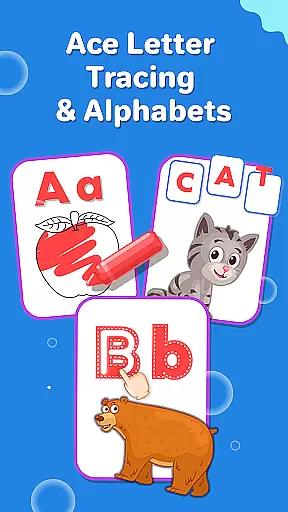
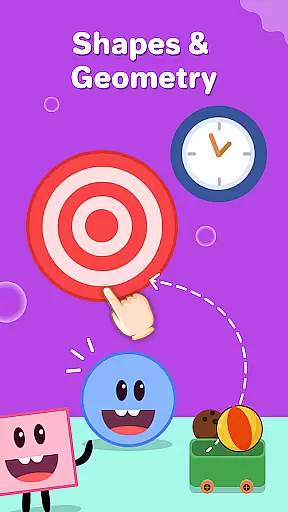
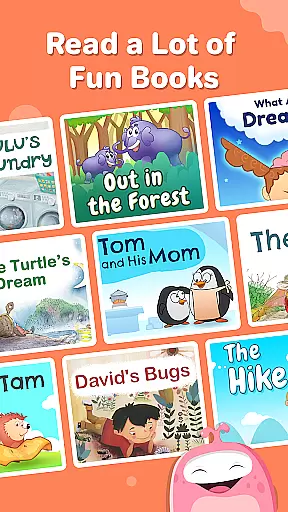
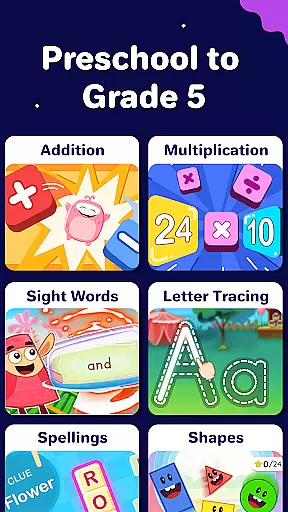
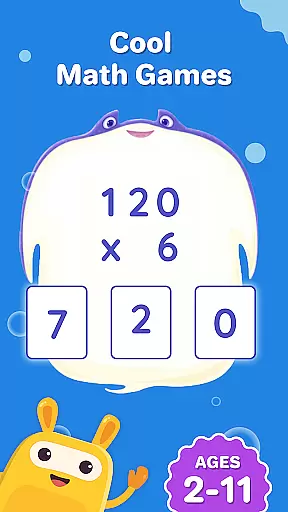
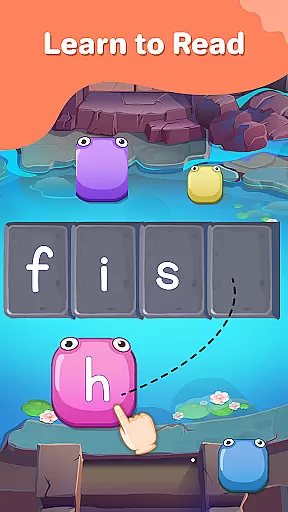
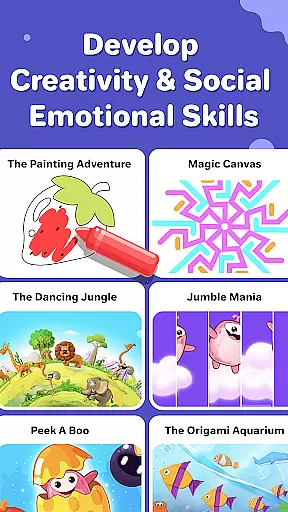
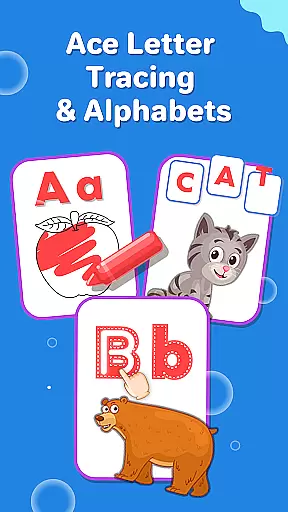
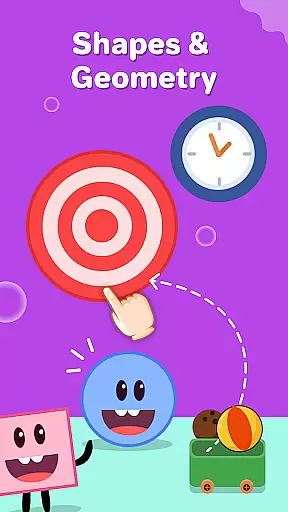
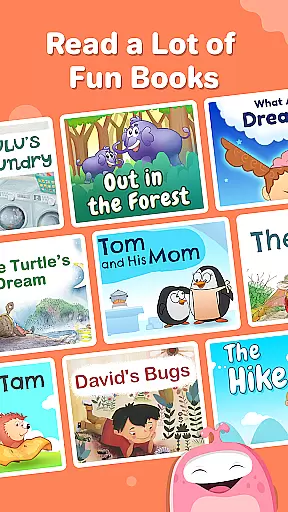
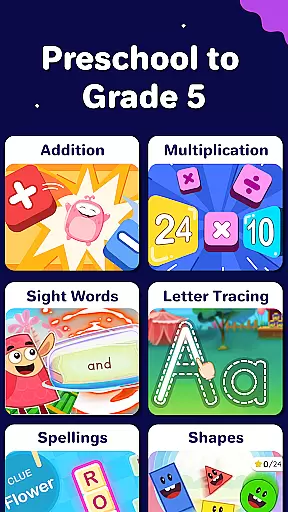
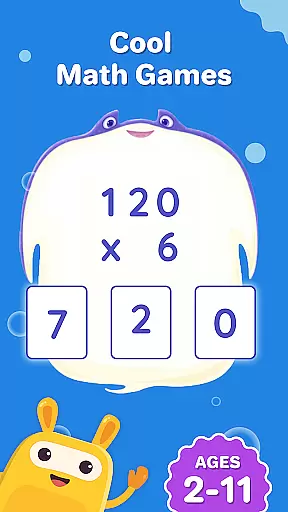
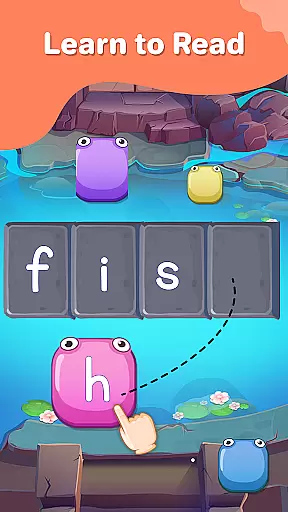
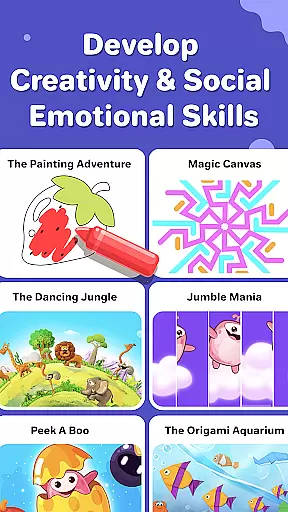
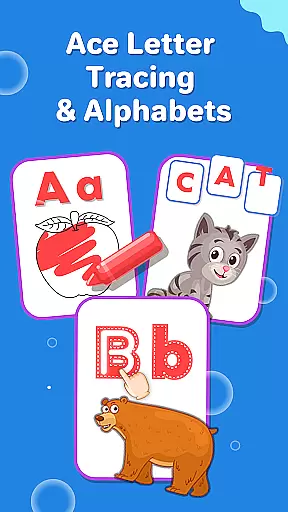
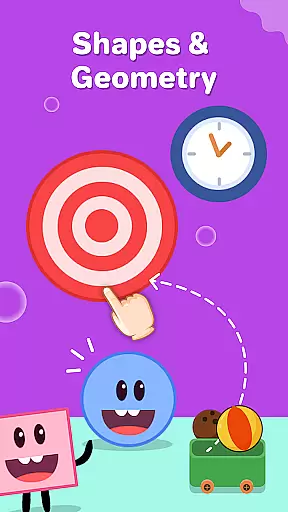
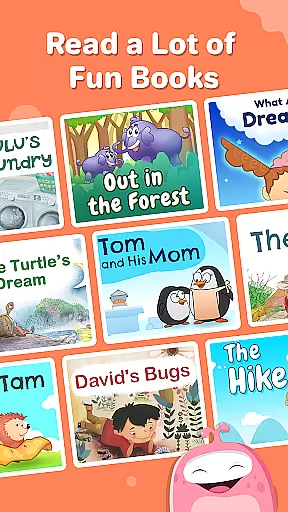
SplashLearn is an award-winning educational app designed for children aged 2-11, offering a comprehensive learning experience across math, reading, and creativity. The app provides personalized learning paths that adapt to each child's level, from preschool to 5th grade. With engaging activities like math counting games, phonics exercises, and interactive storytelling, SplashLearn transforms screen time into productive learning sessions.
The app's strength lies in its ability to blend fun with education through features such as telling time games, geometry puzzles, and sight word practice. It also includes creative elements like coloring games and themed activities including dinosaur games and cooking challenges. Parents and teachers trust SplashLearn because it supports early learners with foundational skills while helping older students master complex concepts in math and reading.
One key scenario where SplashLearn excels is during at-home learning. Whether used as supplementary material or part of homeschooling routines, the app keeps children engaged with its game-like interface and structured curriculum. This makes it particularly valuable for parents seeking to reinforce classroom lessons or provide additional practice in a fun, interactive way.
SplashLearn stands out with its rich feature set tailored specifically for young learners. One of its most notable aspects is the adaptive learning technology, which customizes content based on the child’s performance and progress. For example, if a child struggles with multiplication facts, the app will present more practice problems in that area until mastery is achieved. This ensures no learner is left behind while also challenging advanced students appropriately.
Another standout feature is the integration of common core standards into all activities. Each exercise aligns with educational benchmarks, ensuring that what kids learn on SplashLearn complements their school curriculum. Additionally, the app offers robust tracking tools for parents and teachers, allowing them to monitor progress through detailed reports. These insights help identify areas where extra support may be needed.
Beyond academics, SplashLearn fosters creativity and critical thinking through unique offerings like pizza games, cupcake challenges, and dinosaur adventures. These activities encourage imaginative play while subtly reinforcing math and reading skills. Furthermore, safety is prioritized with an ad-free environment, making it a secure space for children to explore independently. Overall, these features combine to create a holistic learning platform that grows with your child.
SplashLearn stands out for its commitment to content accuracy and authority, ensuring that every learning module is developed with educational integrity. The app's curriculum is meticulously crafted by experts in early childhood education, aligning with Common Core State Standards.
Each math problem and reading exercise undergoes rigorous review by certified educators, guaranteeing that the information presented is both accurate and age-appropriate. This attention to detail extends to their math multiplication tables, phonics games, and geometry puzzles, which are designed to build foundational skills correctly from the start.
Parents and teachers can trust that the app's contentu2014including its abc phonics, sight word activities, and telling time gamesu2014provides reliable educational value. The structured learn-to-read program and leveled readers further reinforce this commitment by offering scientifically-backed methods for literacy development.
This dedication to authoritative content ensures children receive consistent, high-quality instruction across all grade levels, from preschool counting games to advanced decimal practice for older students.
The hallmark of SplashLearn is its ability to create personalized learning paths tailored to each child's unique needs and abilities. Using adaptive technology, the app assesses individual skill levels and automatically adjusts difficulty to maintain optimal challenge without causing frustration.
For younger learners, the system introduces engaging toddler games and preschool counting activities, gradually progressing to more complex tasks like multiplication facts and fraction exercises as they grow. This adaptive approach ensures that whether a child is working on kindergarten subtraction or fifth-grade decimals, they're always learning at the right pace.
The app's intelligent algorithms track progress across various subjects, including math, reading, and creativity exercises. It uses this data to recommend specific activities that address each student's knowledge gaps while reinforcing mastered concepts through fun learning games.
With built-in rewards and progress tracking, SplashLearn keeps children motivated while providing parents and teachers with valuable insights into individual learning patterns and growth trajectories.
Personalized learning paths
Engaging game-based format
Comprehensive subject coverage
Safe, ad-free environment
Progress tracking for parents
Limited offline functionality
Subscription costs may add up
Advanced levels require patience
Occasional loading delays
No multiplayer options

Grazing Risk Monitoring Service
 4.1
4.1
Learn math, step-by-step
4.30
Childcare Management App: Daily sheets, sign in-out, billing and learning tools
4.70
Designed for Calculator 84 users
4.20
For medical training - Visualize complex vein maps and structures in real-time.
4.10
Our most popular app series returns, better than ever!
3.90
Discover Your Place in the Universe
4.70
Make your own game and world. Draw and animate characters
3.70
Educational Activities for 2-8
3.70
Explore myths and gods across cultures with in-depth insights and stories.
5.00
Dinosaurs coloring book game. Drawing and painting dinos.
4.50
One of the most engaging and innovative ABC apps on the market.
4.30
An aviator’s preparation, study and test tool for FAA Knowledge Exams.
4.30
Learn to make peaceful contact with extraterrestrial civilizations
4.10
Watch and Play Elmo's World!
4.00
Visit Daniel's house & make believe. Play doctor, make music, & feed fish.
3.20
Study the questions most likely to be asked during the Oral & Practical Exams.
2.80
Enrich the experience of your visit to the Pantheon with our audiotour.
1.60
Test prep for Indiana students
4.1


User Reviews