

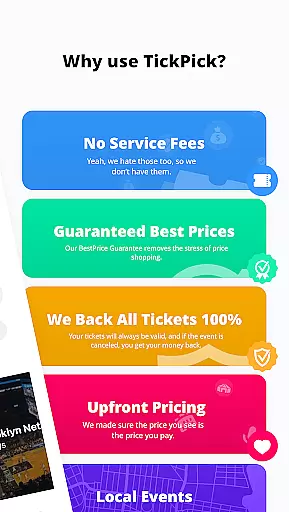





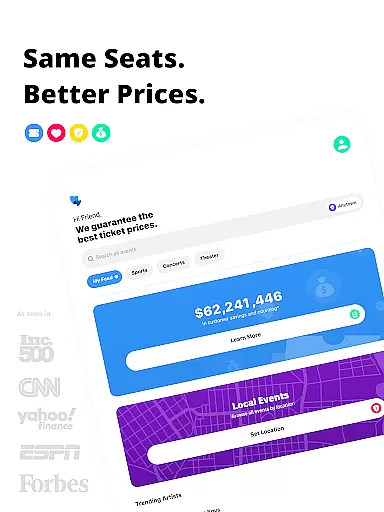
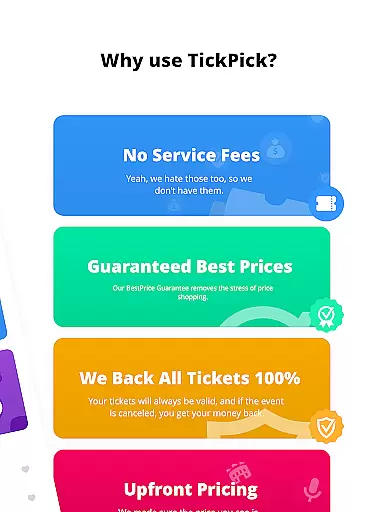
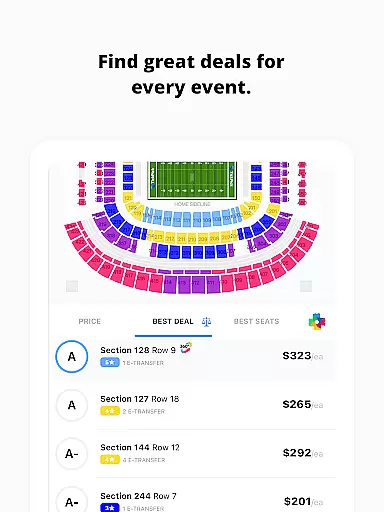

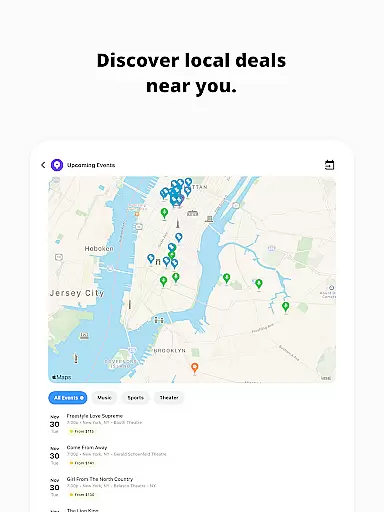
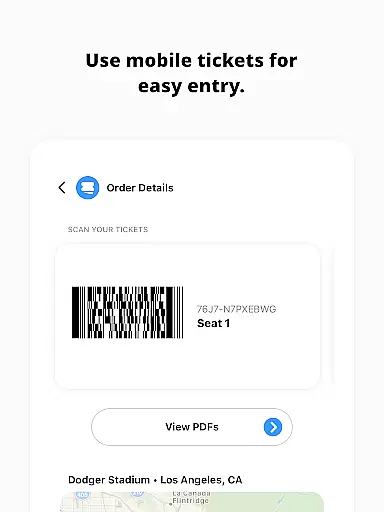
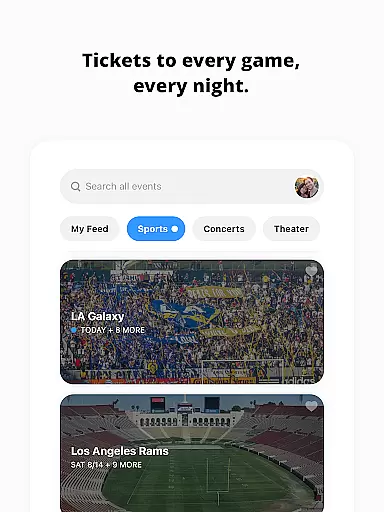

TickPick is a premier ticketing platform designed to simplify the process of purchasing tickets for live events, including sports, concerts, and theater performances. The app distinguishes itself by offering the same seats as its largest competitors but without adding service fees, making it 10% cheaper. With a 100% BuyerTrust Guarantee, users can purchase tickets with confidence, knowing they are protected against cancellations and guaranteed entry.
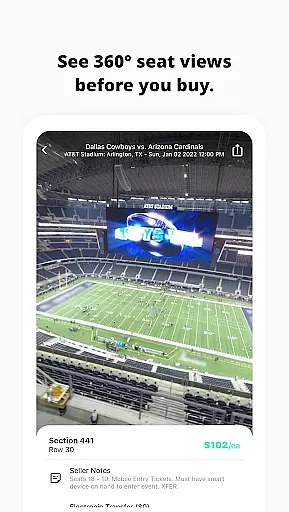
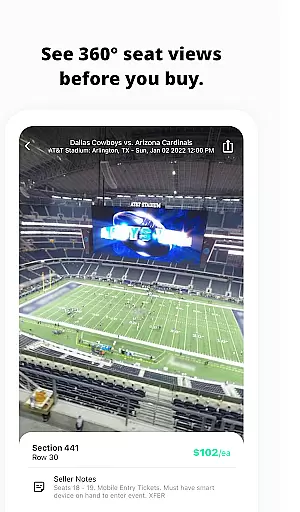
The app's intuitive interface allows users to buy tickets with just a few taps, ensuring a seamless experience. Whether you're looking for NFL, NBA, MLB, NHL games, or concerts and theater shows, TickPick provides an affordable and secure way to access your favorite events. Its proprietary features like Seat Rating and Score Report help users find the best value for their money, while 360-degree seat views offer a virtual experience of the venue before purchasing.
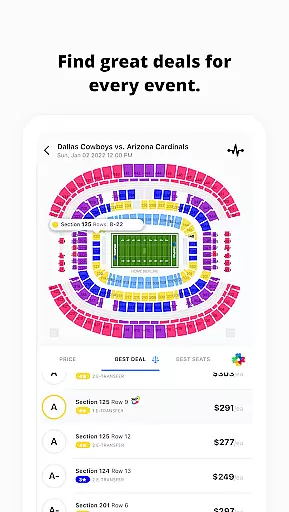
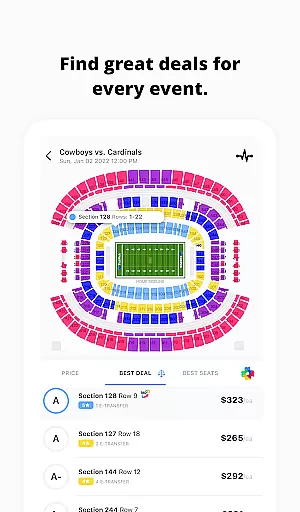
TickPick offers a comprehensive suite of features that enhance the ticket-buying experience. One standout feature is the patented Score Report, which ranks tickets based on price and seat location, helping users get the best deal possible. Additionally, the proprietary Seat Rating system allows users to sort tickets from the best seats in the house to the worst, ensuring they find the perfect seats for their needs.
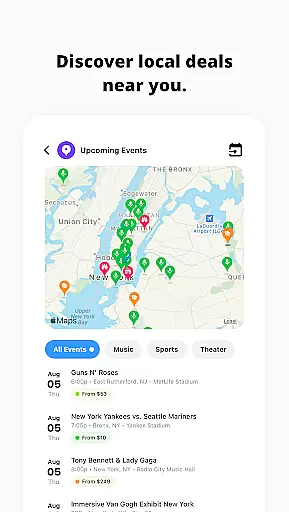
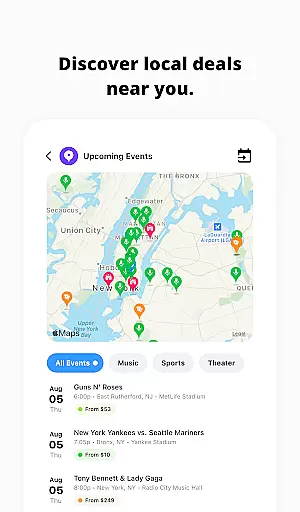
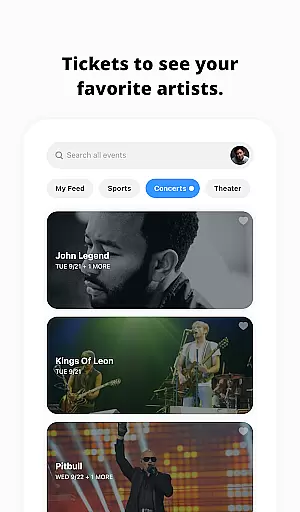
For those who prefer convenience, TickPick supports various payment methods including Apple Pay, PayPal, major credit cards, and flexible payment plans. The app also includes tools for managing listings and tracking sales, making it easy for users to sell tickets. Furthermore, features like 360-degree seat views, event tracking, and favorite artist options provide users with a personalized and informed ticket-buying experience.
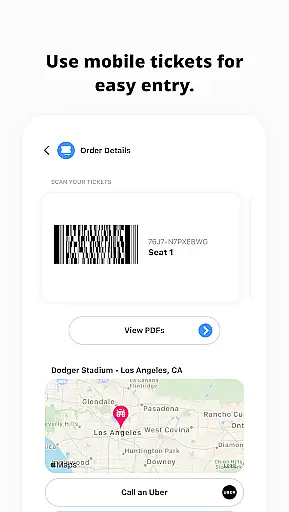
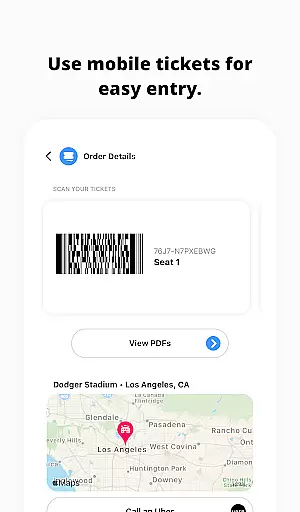
Post-transaction, users can order rides, get directions, and share e-tickets with friends directly through the app. These features not only streamline the purchasing process but also add value by enhancing the overall event-going experience. With TickPick, users can enjoy a seamless, secure, and cost-effective way to attend their favorite live events.
Task creation and detail customization are essential features for any event management app like TickPick. This functionality allows users to effortlessly create and personalize event tasks, ensuring a seamless planning experience.
TickPick excels in this area by providing intuitive tools that simplify the process of setting up events. Users can easily input event details, choose seating preferences, and even set budget limits. The app's interface is designed to guide users through each step, making it easy to customize every aspect of their event tickets.
The benefits for users are significant. With TickPick's detailed customization options, users can tailor their event experiences to match their specific needs and preferences. Whether it's choosing the best seats using the Seat Rating system or setting price alerts with the tracking feature, TickPick empowers users to make informed decisions.
This level of customization not only enhances user satisfaction but also increases the likelihood of repeat usage. By offering such comprehensive task creation and customization features, TickPick stands out in the Events category, providing a valuable tool for anyone looking to attend live events without the hassle of complex planning.
Reminder settings play a crucial role in ensuring users never miss an important event or deadline. For TickPick, this feature is vital as it helps users stay informed about upcoming events, ticket availability, and pricing changes.
The app offers flexible reminder options that can be tailored to individual preferences. Users can set reminders for when tickets go on sale, when prices drop, or when popular events are approaching. These notifications are timely and relevant, ensuring users have the information they need to act quickly.
By leveraging TickPick's reminder settings, users gain peace of mind knowing they won't overlook critical updates. This feature is particularly beneficial for those tracking multiple events or monitoring ticket prices over time. It allows users to plan their purchases strategically, often resulting in significant savings.
Overall, TickPick's robust reminder system adds substantial value to the user experience. It not only keeps users engaged but also enhances their ability to secure the best possible deals on event tickets. This functionality underscores TickPick's commitment to providing a comprehensive and user-friendly platform for event enthusiasts.
User-friendly interface
No service fees
100% BuyerTrust Guarantee
Patented Score Report
Comprehensive event coverage
Limited international events
Occasional technical glitches
Restricted customization options
Customer support delays
Complex pricing algorithms

The calendar app in this 2026 year see all dates.
 4.20
4.20
Watch live football matches and streaming events on our Arabic TV app!
3.50
Clubs, Festivals, Discounted Tickets, Guest Lists & VIP Tables
4.90
For weddings, parties & events
4.60
Everything you need for the Best Thursday Ever.
4.40
Beautiful invitation cards + easy RSVP tracking for any event. Design Invites.
4.80
Microsoft Ignite is an event that showcases latest advancements in technology
4.00
Introducing the official Magic: The Gathering app for mobile.
4.20
Octrober 2025: We've updated the MyGenMobile App with a new look and feel!
4.40
Invitation card maker for birthday party & Wedding. Digital greeting card editor
4.90
Find Live Event Ticket Deals to Sports, Concerts, Festivals, & Comedy For Less!
4.80
The Ultimate Tournament Hub
4.70
Discover events & experiences in NYC, LA, Chicago, DC, Miami and more!
4.70
Get live football here
4.30
Rocket Monkey - Space rocket launch schedule for launch sites around the world
4.20
ETH Mining provides secure way to mine Ethereum & earn ETH in Cloud mining app
3.50
TV.Garden is a video player to play your own TV streams from around the world!
3.40
Community for Mods, Addons, Melsaves, Melmods for Melon Playground
4.3
Soft Proxy for Your Online World
4.4


User Reviews