
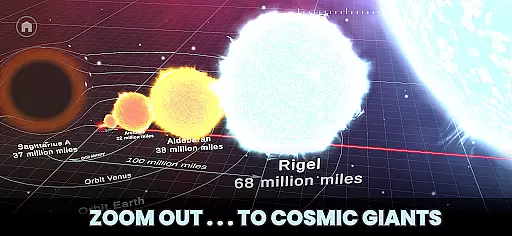
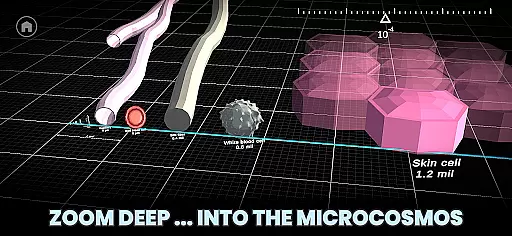



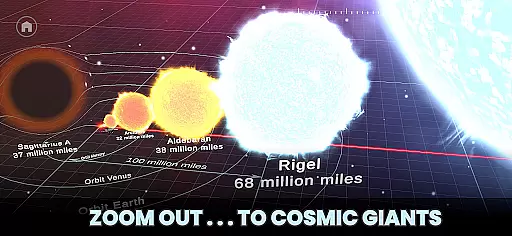
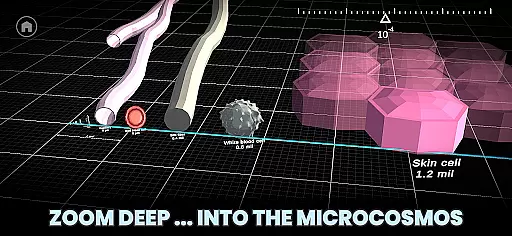




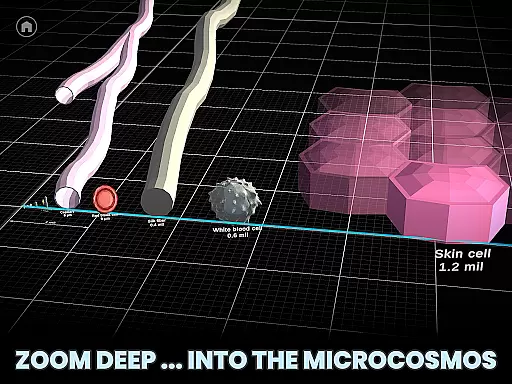


Univerzoom 3D is an innovative educational app that allows users to explore the vastness of the universe and microscopic worlds through interactive 3D zooming. The app provides a unique perspective on the scale of objects, from the largest celestial bodies to the smallest subatomic particles.
With intuitive swipe controls, users can seamlessly navigate billions of light years or delve into atomic dimensions. This makes it an ideal tool for students, educators, and science enthusiasts who want to visualize and understand the relative sizes of objects in the universe.
The app's true value lies in its ability to make complex scientific concepts accessible to all age groups, from children to adults, offering a fun and engaging way to learn about the cosmos and microcosmos.
Univerzoom 3D stands out with its fully interactive 3D interface that lets users control the scale of the universe with simple gestures. Users can zoom out to the edge of the visible universe or zoom in to explore microscopic dimensions, even beyond atoms.
The Discover feature enables users to compare various objects - from planets and stars to everyday items and animals. This comparison functionality provides a real sense of scale and perspective, enhancing the learning experience.
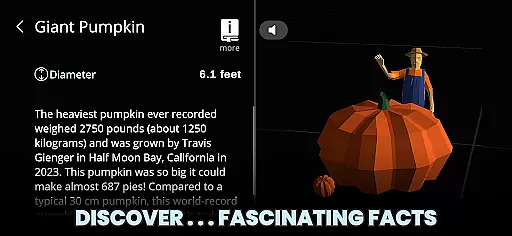
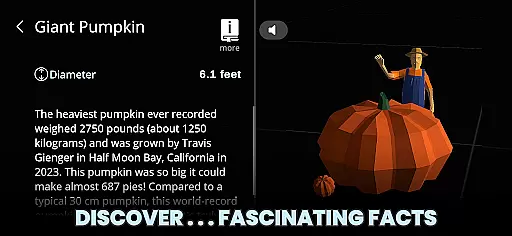
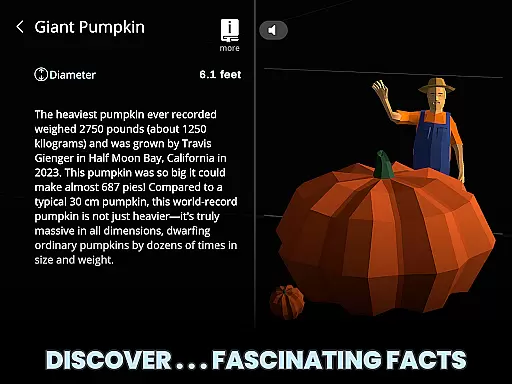
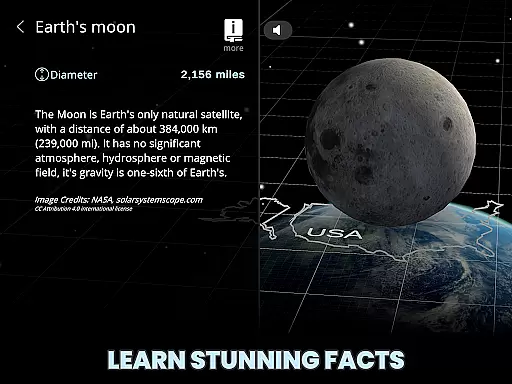
The Learn section offers fascinating facts about selected objects, with optional Text-to-Speech functionality. It also connects users to trusted external sources for deeper exploration, making it an invaluable resource for curious minds and students interested in science.
Univerzoom 3D offers a vast virtual library that spans the scale of the universe, from the largest known structures to the smallest particles. This extensive range provides users with an impressive collection of 3D models and facts about objects in the cosmos and microcosmos.
The app ensures the authenticity of its content by sourcing information from trusted external references, making it not only engaging but also reliable for educational purposes. Users can explore detailed 3D representations of planets, stars, atoms, and more, all accurately depicted according to current scientific understanding.
With this wide array of content, Univerzoom 3D caters to curious minds of all ages, from students looking for interactive learning tools to enthusiasts fascinated by the mysteries of the universe. The app's dedication to accuracy and education makes it a valuable resource for anyone interested in astronomy or microscopy.
Univerzoom 3D is designed to be universally accessible, ensuring that its innovative approach to exploring the universe is available to a broad audience. The app supports various devices and operating systems, allowing users to experience its interactive 3D zooming feature without compatibility issues.
Whether you're using a smartphone or tablet, Univerzoom 3D adapts to your device's capabilities, providing an optimal viewing experience. Its responsive design means that gestures like swiping and pinching to zoom are smooth and intuitive, regardless of the platform you're on.
This commitment to format compatibility enhances user engagement by removing technical barriers, making the journey through the universe as seamless as possible. As a result, everyone from kids to grandparents can easily navigate and learn about the cosmos with just their fingertips.
User-friendly interface
Interactive 3D experience
Educational content
Wide age appeal
Inspiring curiosity
Limited offline content
Requires internet
Premium features
Occasional bugs
Heavy storage

Novels, audiobooks, ebooks & fanfiction. Read anytime, anywhere!
 3.40
3.40
Offline dictionary for learning Cantonese as a second language
4.90
Battle Royale Chapter 5 Season 2 HD Wallpapers Emotes Skins and BattlePass
3.00
Zerobooks Light Novel Reader by GOLDENAGATO
4.20
The Original & Authentic Crystals, Gemstones, Rocks & Minerals Encyclopedia.
4.60
Read unlimited novels, audiobooks, stories & Unlock ebooks, fanfiction and more!
4.70
Watch real short episodes in just minutes— addictive, you won't be able to stop!
4.70
Enjoy daily devotionals, Bible verses, audio courses, and more.
4.80
World's most comprehensive dictionary app: 13 languages, all online or offline!
4.80
"When tweetle beetles fight, it's called a tweetle beetle battle."
4.90
My Bible offers a comprehensive app by providing offline access, daily verses.
4.80
Daily Devotional Widgets & Hourly Verses. Listen to Bible & Watch Holy Stories
4.70
Words spoken by native English speakers and full definitions.
4.60
“It is fun to have fun, but you have to know how!”
4.40
Daily Bible app: King James Version with verses and audio for studying&prayer
4.40
Cute bedtime story for kids
4.30
A companion for prayer, with Azan alarm, Quibla direction, and Holy Quran book
4.10
Unlock more features in Lithium and show your support. Expand for details.
4.00
Enjoy your favorite books
3.50


User Reviews