
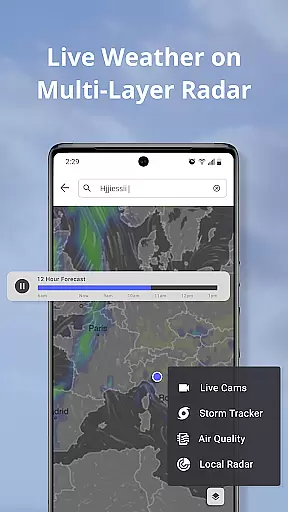
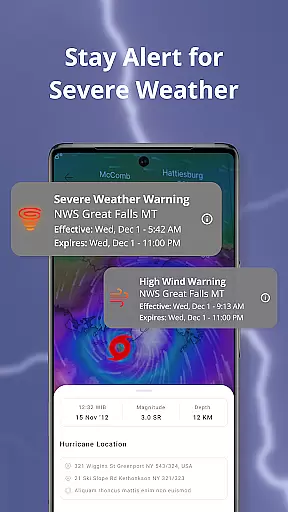
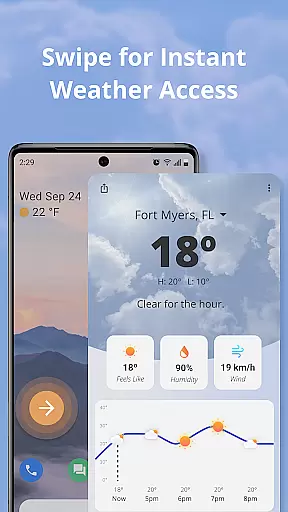
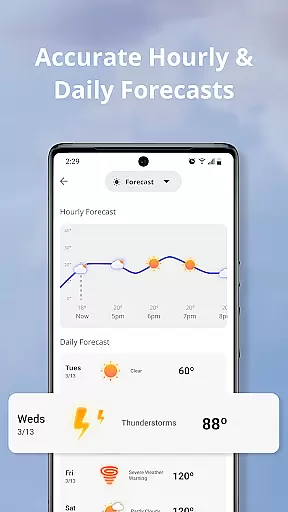
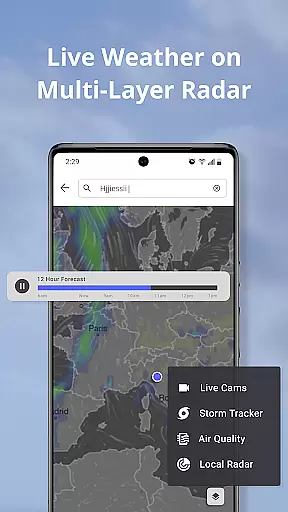
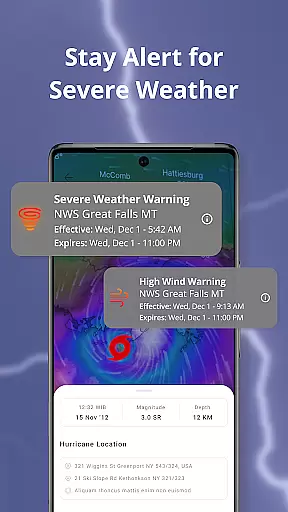
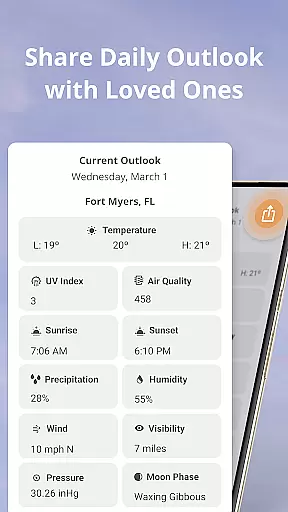
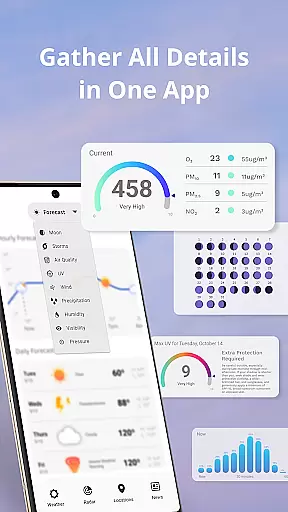
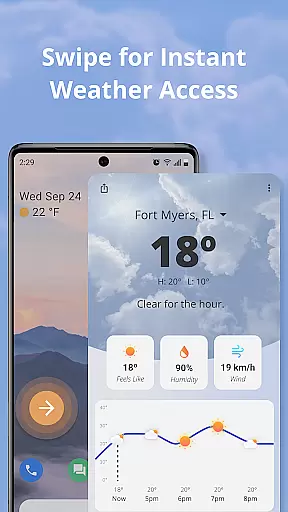
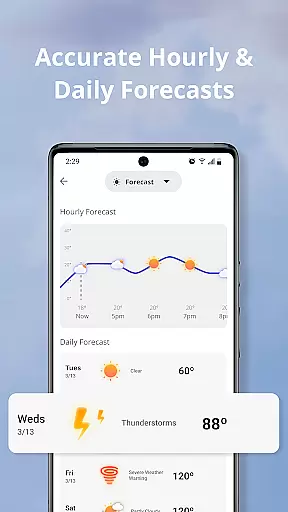
Weather Now Launcher is a comprehensive weather application designed to keep users informed about current and upcoming weather conditions directly from their homescreen. Powered by NOAA radar technology, the app provides accurate, real-time weather updates, ensuring preparedness for any severe weather events such as storms or hurricanes.
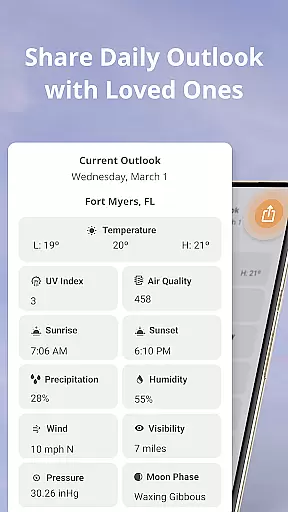
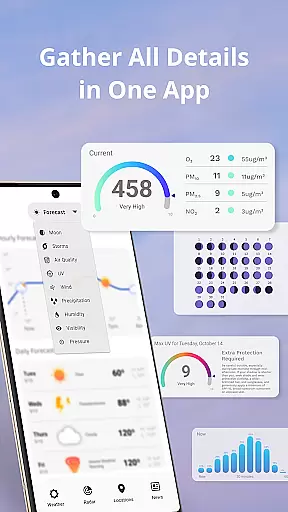
Beyond basic weather information, Weather Now Launcher offers detailed forecasts including temperature, wind speed, humidity, and more. Its customizable weather widget allows users to display hourly forecasts on their homescreen, making daily planning seamless. The app also features an intuitive interface with live radar tracking, storm alerts, and interactive maps, providing a complete weather monitoring experience.
This app is particularly useful for weather enthusiasts, outdoor adventurers, and anyone who wants to stay ahead of unexpected weather changes. By delivering reliable data through its sleek design, Weather Now Launcher empowers users to make informed decisions while prioritizing safety.
Weather Now Launcher stands out with its powerful set of features tailored to provide an in-depth weather monitoring experience. One of its core functionalities is the live radar powered by NOAA, which enables users to track storms, monitor rainfall patterns, and receive real-time updates on severe weather alerts specific to their location.
In addition to radar capabilities, the app offers detailed weather forecasts that go beyond basic predictions. Users can access information on temperature fluctuations, wind speed, humidity levels, and other critical metrics. The customizable homescreen widget ensures quick access to hourly forecasts, allowing users to plan their day effectively without surprises.
The app also excels in user experience with its sleek and intuitive interface. Features like interactive maps, zoom functionality, and easy navigation between radar views enhance usability. Furthermore, the inclusion of weather warnings and storm notifications ensures users are always prepared for adverse conditions, making Weather Now Launcher a reliable tool for staying informed and safe.
Forecast accuracy and data credibility are essential for any weather application, and Weather Now Launcher excels in these areas. By leveraging NOAA's powerful radar capabilities, the app provides precise and reliable weather information directly on your homescreen.
The integration of live radar allows users to track storms, monitor rainfall patterns, and receive real-time updates on severe weather alerts specific to their local area. This ensures that you are always prepared for any weather event, from storms to hurricanes. The detailed forecasts go beyond basic predictions, offering insights into temperature, wind speed, humidity, and more.
With customizable weather widgets, users can display hourly forecasts on their homescreen, allowing them to plan their day with confidence. The app's commitment to accuracy and reliability empowers users to make informed decisions about their daily activities.
By prioritizing forecast accuracy and data credibility, Weather Now Launcher ensures that users can trust the information provided. This level of precision and reliability is crucial for staying safe and prepared in the face of changing weather conditions.
Weather Now Launcher offers an extensive temporal and spatial forecast range, ensuring comprehensive coverage for all your weather needs. The app provides detailed weather information across different timeframes, from hourly forecasts to long-term predictions, allowing users to plan both short-term activities and future events with confidence.
The spatial forecast range is equally impressive, covering a wide geographical area with precise local data. Whether you need weather updates for your current location or want to check conditions in another city, the app delivers accurate information tailored to each specific area.
Users can explore interactive maps to track weather patterns in real-time, zooming in on particular regions to gain deeper insights into local conditions. This feature is especially useful for travelers, outdoor enthusiasts, and professionals who require detailed weather data across various locations.
By combining a broad temporal and spatial forecast range with user-friendly features like customizable widgets and intuitive navigation, Weather Now Launcher stands out as a versatile tool for staying informed about weather conditions. Its ability to provide reliable data across different times and places makes it an indispensable companion for anyone seeking to stay ahead of the weather.
Accurate Forecasts
Real-Time Alerts
User-Friendly Design
Customizable Widgets
Interactive Maps
Limited Global Data
Requires Internet
Ads in Free Version
Complex Settings
Occasional Glitches

Weather for Indiana, Kentucky and Ohio
 4.90
4.90
Live weather radar, widgets & forecasts. Track rain, storms & temperature.
4.20
The reliable and trusted global air quality, wildfire, pollen, PM2.5 forecast
4.70
Powerful US and worldwide earthquake feed with earthquake alerts and maps.
4.60
weather forecast, weather radar, weather widget in one local weather app
4.70
Analog Weather Watch Face for Wear OS 5+
4.10
Powerful US and worldwide earthquake feed with earthquake alerts and maps.
4.70
A professional, comprehensive and accurate weather forecast app
4.90
Weather radar map, storm tracker, local forecast, live rain alerts & daily news.
4.60
Accurate weather forecast, daily weather changes are easy to grasp
4.90
Weather - Local weather forecast, weather daily & hourly, weather radar
4.80
The moon phases app for tracking the lunar calendar, blue moon and full moon.
4.80
Ultimate weather forecast + moon phase for Wear OS 5+ (Pixel, Galaxy, et al.)
4.70
Track rainfall totals with ease using our rain gauge app. Accurate rain tracker.
4.50
Super-res, real-time weather radar. Be prepared for extreme weather.
4.50
Personal Weather Station PRO - Meteo monitor to check your WU info and charts.
4.20
An unofficial app version of the National Weather Service (Weather.gov)
3.90
Magnetic Compass meets smart tech: Get directions and weather alerts seamlessly
3.30
The Weather Network TV App - Your weather when it really matters
2.90


User Reviews