
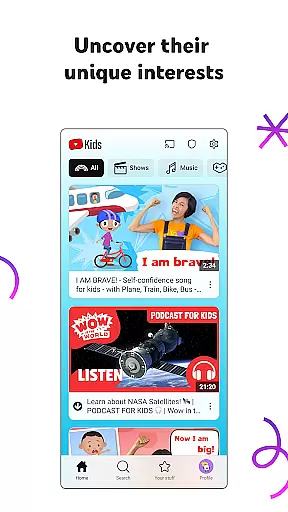
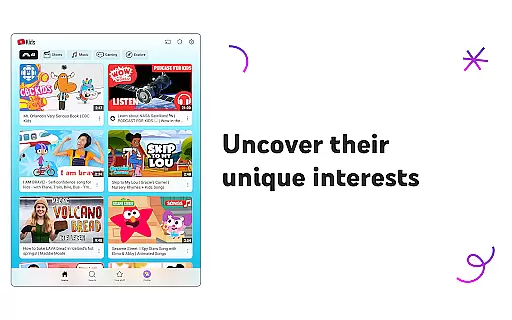
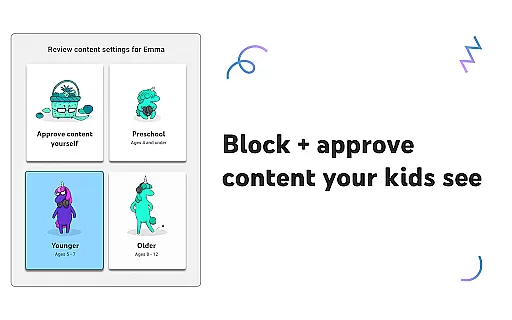
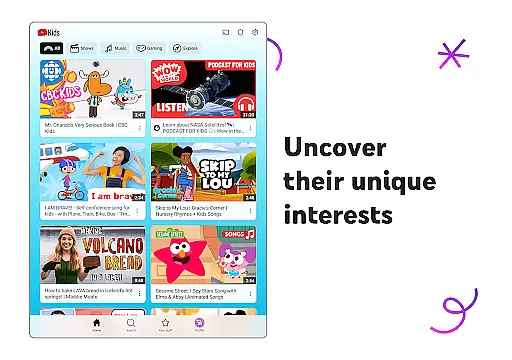
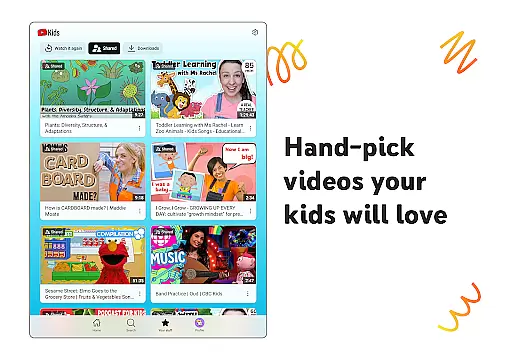
YouTube Kids is a specialized entertainment app designed to provide a safe and engaging video-watching experience for children. The app offers curated content that spans educational material, cartoons, music, and more, all tailored to inspire kids to discover their unique interests. With distinct modes like Preschool, Younger, and Older, the platform grows with your child, ensuring age-appropriate content at every stage.
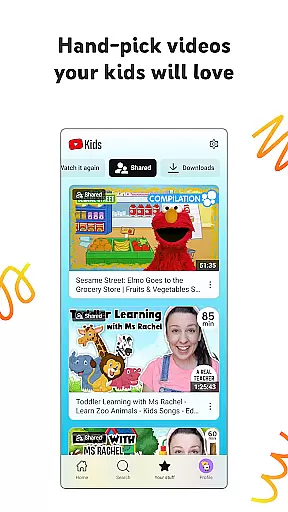
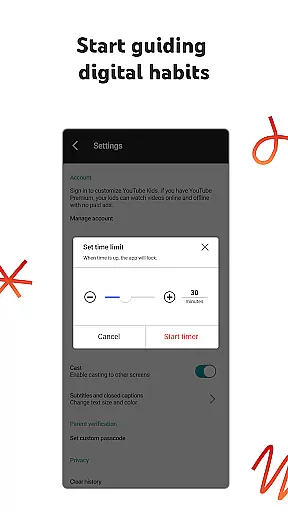
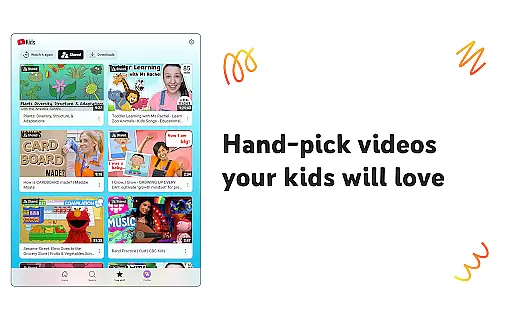
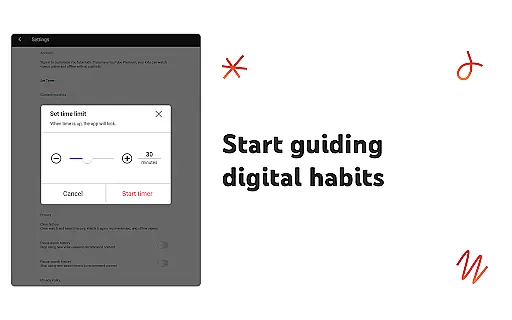
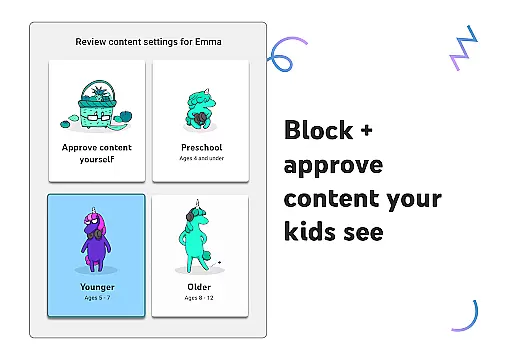
Parents can customize individual profiles using custom content filters, hand-pick approved videos, or allow kids the freedom to explore within set boundaries. YouTube Kids also features parental controls, enabling guardians to shape viewing experiences, set screen-time limits, and block unwanted content. This ensures a trusted environment where kids can learn, grow, and have fun while exploring their favorite topics.
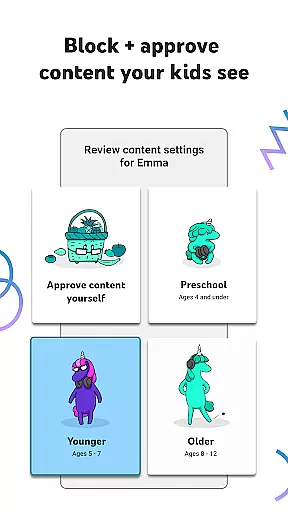
YouTube Kids stands out with its suite of innovative features crafted to enhance both safety and engagement. One key feature is the ability to personalize profiles through custom content filters, allowing parents to tailor what their children see based on age and maturity level. For instance, Preschool mode focuses on foundational learning, while Older mode introduces popular gaming and music videos.
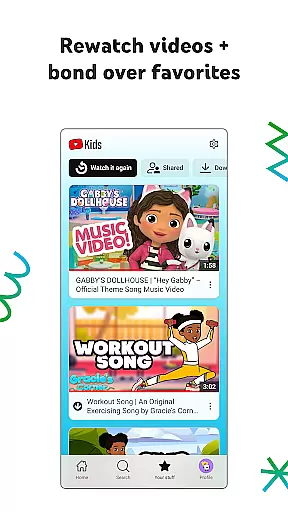
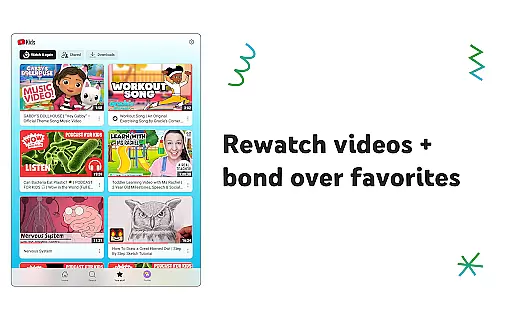
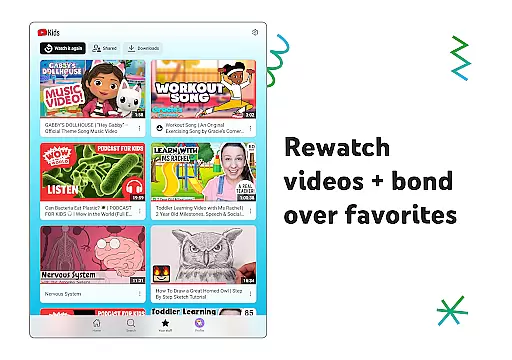
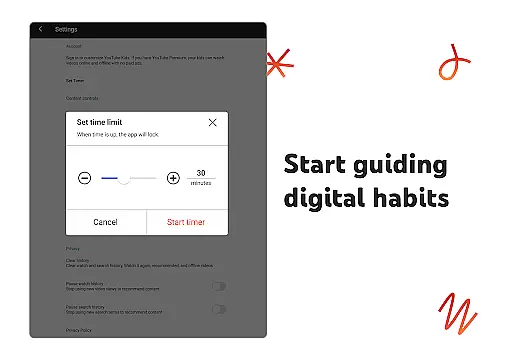
The app includes a Watch it Again tab, making it easy for kids to revisit favorite videos and for parents to track their preferences. Parental controls are robust, offering tools to flag inappropriate content, set screen-time limits, and even freeze the app when breaks are needed. These features collectively ensure that YouTube Kids remains a family-friendly platform that balances fun with responsibility.
In the realm of digital content for children, YouTube Kids stands out by offering a vast array of videos that cater to diverse interests and age groups. The platform is meticulously curated to ensure that there's always something new and engaging for young viewers to discover.
From educational content that teaches the alphabet and nurtures curiosity in Preschool mode, to popular music and gaming videos for older kids, the app provides fresh content that evolves with the childu2019s growing preferences. This ensures that each interaction with the app is a unique opportunity for learning and entertainment.
The app also features a 'Watch it Again' tab, allowing kids to revisit their favorite videos. This feature not only enhances user engagement but also helps parents understand what captures their children's interest, fostering deeper family connections over shared media experiences.
User engagement is a critical metric for any entertainment platform, and YouTube Kids excels in this area by providing an environment where children can explore content at their own pace. The app's intuitive design and personalized content filters contribute significantly to prolonged user sessions.
By enabling parents to customize individual profiles and set content filters, YouTube Kids ensures that children are presented with videos that match their developmental stage and interests. This personalization leads to higher satisfaction and encourages kids to return to the app regularly.
Additionally, features like the Timer help manage screen time effectively, promoting healthy viewing habits without abrupt interruptions. These thoughtful functionalities not only enhance user retention but also build trust with parents who seek a balanced approach to digital consumption for their families.
User-friendly interface
Customizable content filters
Parental control options
Age-specific viewing modes
Curated educational content
Limited offline functionality
Potential ad exposure
Content moderation gaps
No advanced search filters
Requires parental setup

Air Horn - Siren Sounds Prank, Fun way to wake up your Friends and Family
 4.3
4.3
Triple A is a highly complex, kinetic, and interactive visualizer.
4.50
Time tracking, lap counting and much more for Carrera® Digital 132/124
4.80
Fire effects for your Philips Hue lights
4.20
Stream videos to VIDAA & VEWD TVs from Hisense, Sharp, Skyworth, Vestel & TiVo
3.00
Stories that spark in seconds.
4.80
Necrophone is spirit box ghost hunting app made for spirit communication.
3.70
Daily immersive workout plan: Body warm up & finger yoga exercises
3.80
Catch the latest episodes of The Voice or live stream NFL games with The NBC App
4.20
Companion app for Elden Ring to track quests, bosses, progress and more.
4.70
Geooh GO is the most feature rich geocaching app available today.
4.50
Heroclix search units with multi filter , team builder, collection manager.
4.40
Music visualizer and party effects for Hue
3.90
Browse popular images and videos from Reddit on Android TV!
3.90
Binaural Brainwave Doses for Every Imaginable Mood
3.60
Watch whatever you want, whenever you want, wherever you want.
3.30
EVP Recorder / Voice Recorder for ghost hunting, to communicate with ghosts.
4.4
Collaboration with popular VTubers
4.0
Raise Christmas Magic with daily missions, magical scanners, and kindness.
4.4


User Reviews