
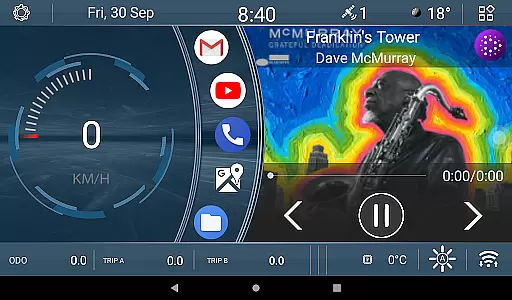
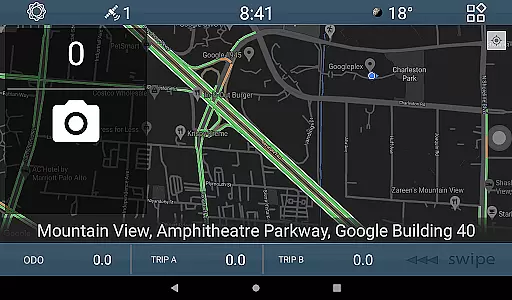
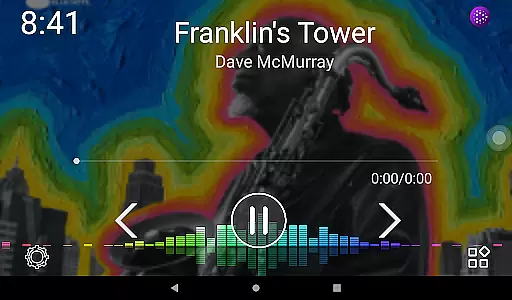
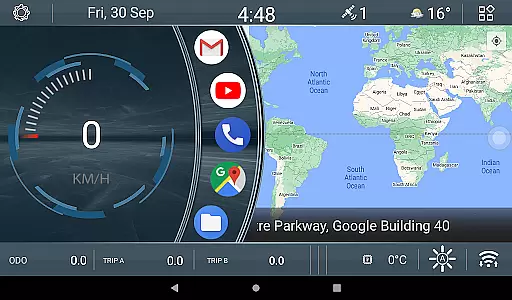
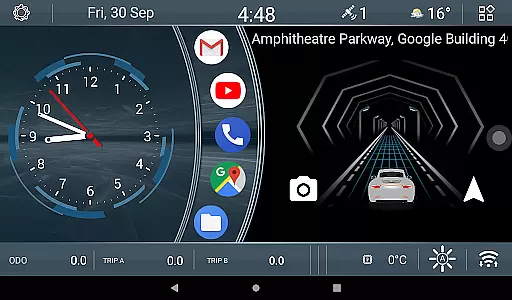
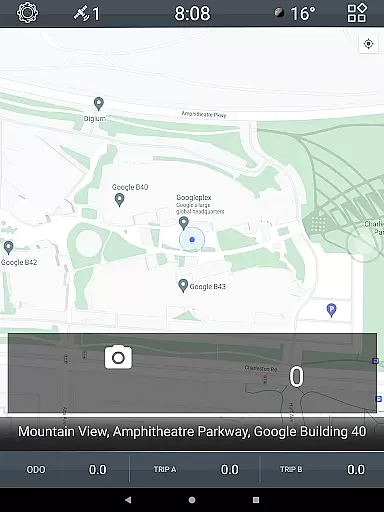
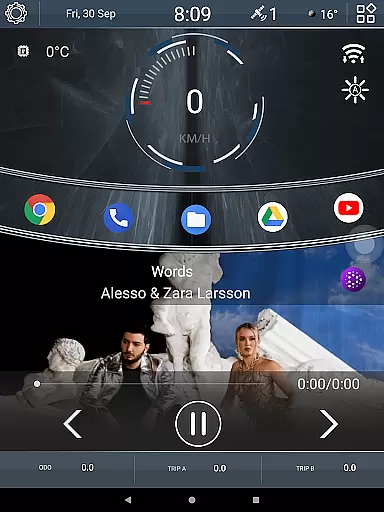
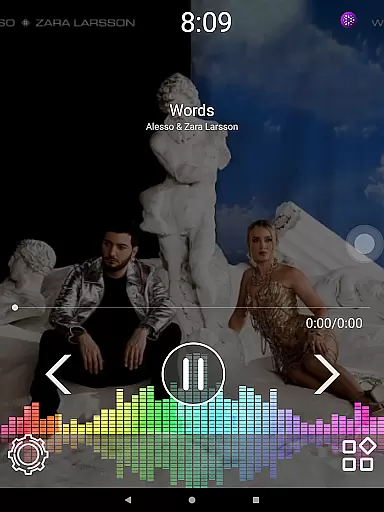
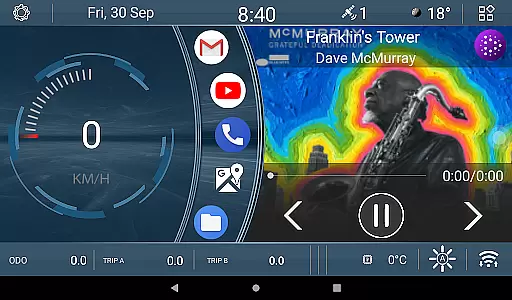
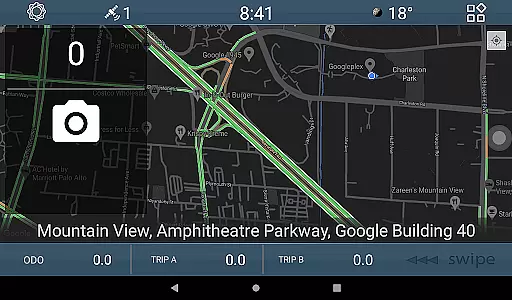
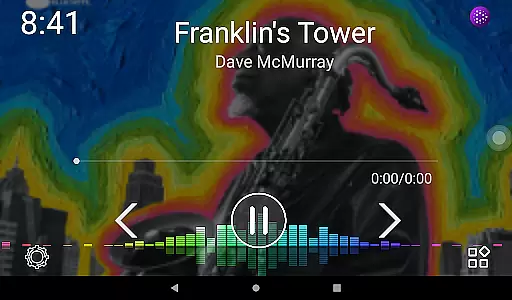
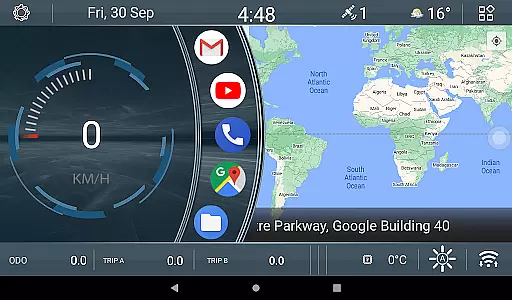
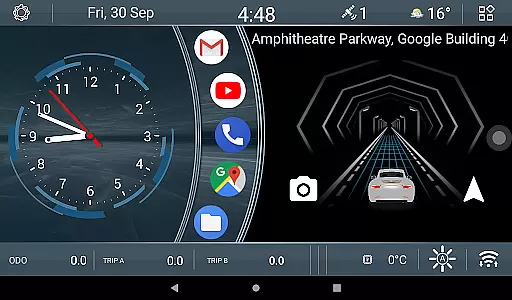
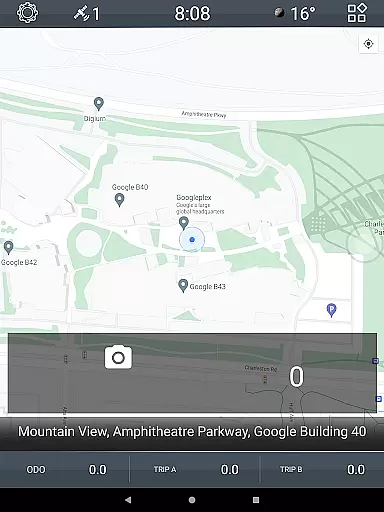
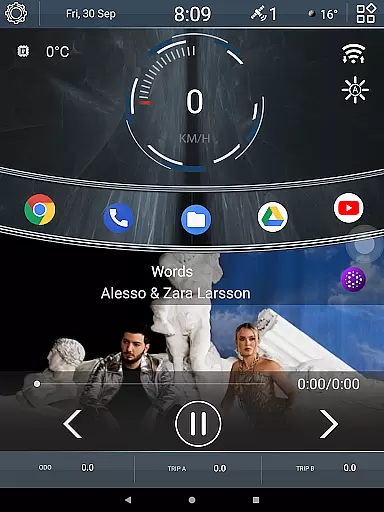
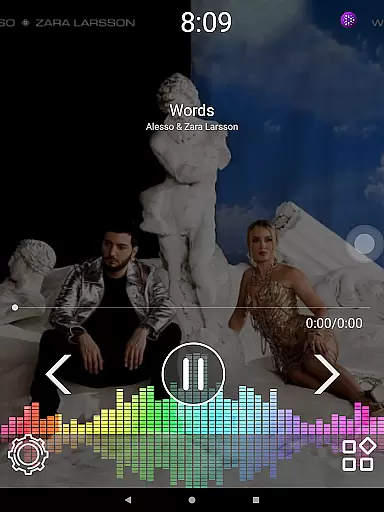
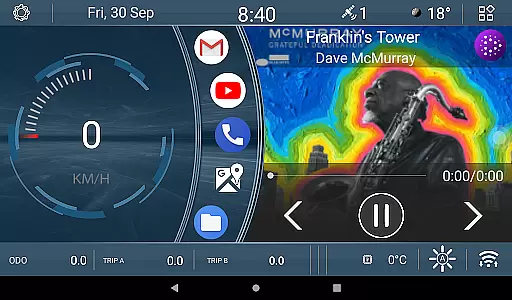
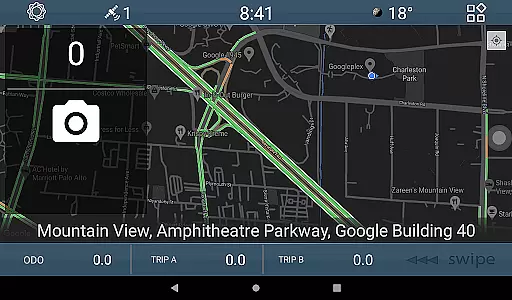
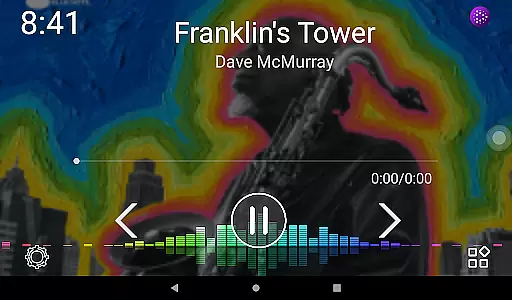
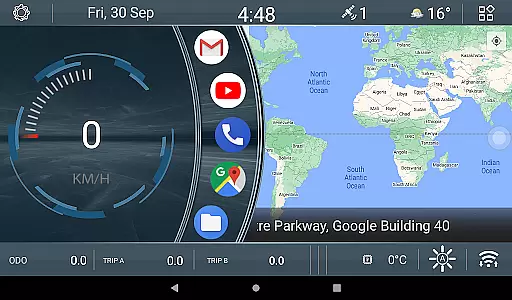
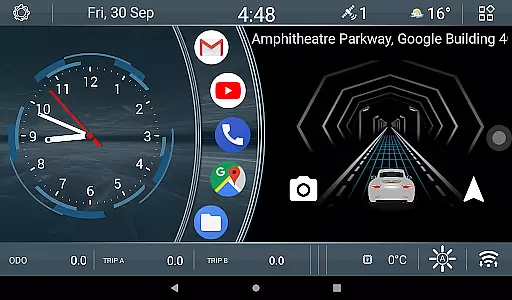
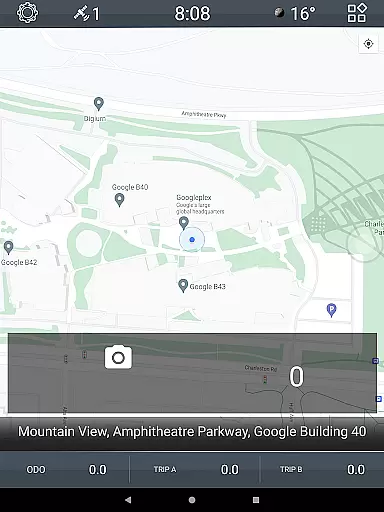
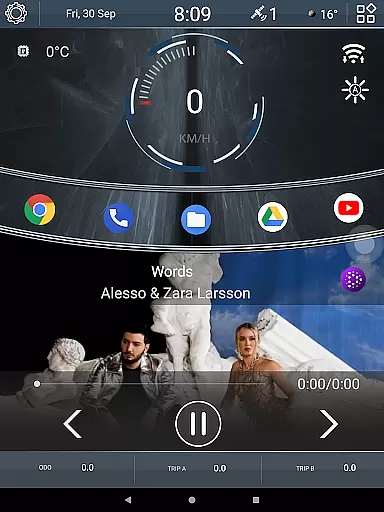
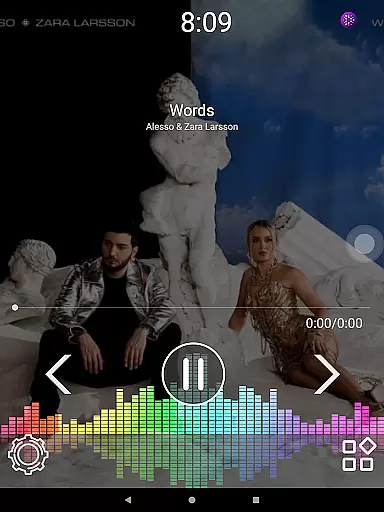
CL Theme V1 is a specialized theme designed for Car Launcher, offering a unique and interactive user experience. This theme features three functional screens that allow navigation through left-right gestures, providing an intuitive interface while driving. When the map is maximized, navigation controls shift to the bottom bar for easier access. The theme also includes engaging widgets such as an animated car movement indicator that responds to speed changes in real-time, and three odometer widgets tracking speed metrics over different time periods.
The CL Theme V1 enhances the driving experience by combining functionality with visual appeal. Its customizable widgets let users monitor their driving statistics flexibly, while the gesture-based screen transitions ensure safe and convenient operation. This makes it an ideal choice for drivers who want both utility and personalization in their vehicle's digital environment.
CL Theme V1 stands out with its innovative features tailored for automotive use. The theme offers three interactive screens that support seamless left-right gesture navigation, allowing drivers to switch between views effortlessly. When using the full-screen map, essential navigation controls are conveniently relocated to the bottom bar, ensuring uninterrupted access to important functions while driving.
One of the theme's highlights is its animated car widget, which visually represents vehicle speed through dynamic animations. The faster you drive, the quicker the animation progresses, creating an engaging and responsive experience. Additionally, the theme includes three customizable odometer widgets that display speed data for different durations - all-time, monthly, and daily. These widgets can be easily modified with a long press, giving users complete control over their driving statistics. Such features make CL Theme V1 a perfect blend of practicality and personalization for modern vehicles.
CL Theme V1 offers comprehensive details about your vehicle's performance through its innovative interface design. The theme includes three functional screens that display crucial vehicle metrics.
Users can access real-time data such as speed, distance covered over different time periods, and an animated widget that visually represents the vehicle's movement. This feature ensures drivers have all necessary information at their fingertips.
The interactive odometer widgets are specifically designed to track speed statistics for various durations - day, month, or overall usage. These widgets provide a customizable way to monitor driving habits and maintain vehicle health.
With intuitive gesture controls for navigation between screens, this theme enhances both aesthetic appeal and functional utility of the Car Launcher experience while maintaining accurate vehicle data representation.
One of the key advantages of CL Theme V1 is its straightforward pricing model. As a premium theme in the Auto & Vehicles category, it maintains complete price transparency during the purchase process.
Unlike some applications that use in-app purchases or hidden fees, this theme follows a simple one-time payment structure. Users can review the pricing details directly on the Google Play Store listing before making their decision.
The theme's cost reflects its comprehensive feature set, including multiple interactive widgets and sophisticated design elements. This transparent approach helps users make informed decisions about their purchase.
Additionally, users can evaluate the full feature set through detailed descriptions and screenshots provided on the store page, ensuring they understand exactly what they're getting for their investment.
User-friendly interface
Interactive widgets
Customizable options
Gesture-based navigation
Speed-sensitive animations
Limited to Car Launcher
Fewer screens than competitors
No voice command support
Basic customization options
Requires manual updates

Take Control of Your Car
 4.80
4.80
Theme for Car Launcher
4.5
Ferrari inspired analog & digital watch face with quick access and premium style
4.1
Practice the drills within MotoJitsu Master Riding Program Volume 1 & 2!
4.80
Control maps, media and messaging, with the Google Assistant while you drive
4.10
Blink Charging Mobile app makes finding an EV charger an intuitive experience.
3.80
Automotive Electrical Wiring Diagrams
4.40
Your go-to app for car, truck & SUV parts, DIY tools, and expert repair help.
4.70
PayByPhone: A quick and easy way to pay for parking.
3.80
Get more out of your AAWireless adapter with this companion app | aawireless.io
4.80
View your car’s service records and find out when maintenance is due.
4.70
Browse millions of cars, track vehicle listings or sell your car today
4.70
Find, search, and browse 40,000+ used cars, SUVs, and trucks.
4.50
Launcher for use in the car
4.40
Secure mobile payments & fuel savings at Phillips 66®, Conoco® and 76® stations
4.40
Get your personalized financing options and shop for used cars today!
4.20
Monitor your behind-the-wheel behavior to become a safer driver and save.
4.10
By enthusiasts, for enthusiasts
4.00
BlueDriver® is a Premium Diagnostic OBD2 Scan Tool. www.BlueDriver.com
3.90


User Reviews