
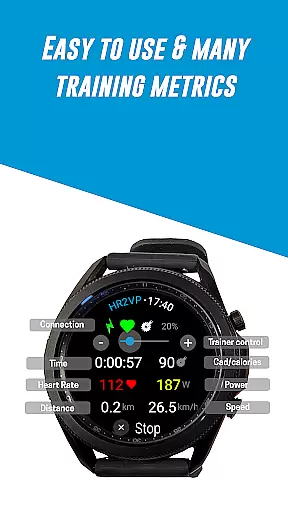
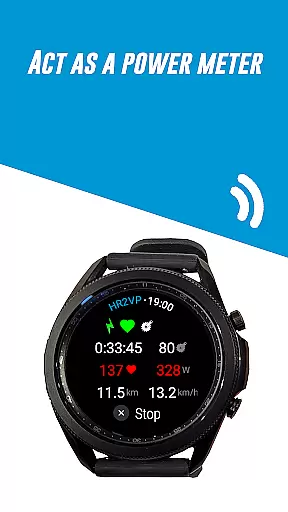
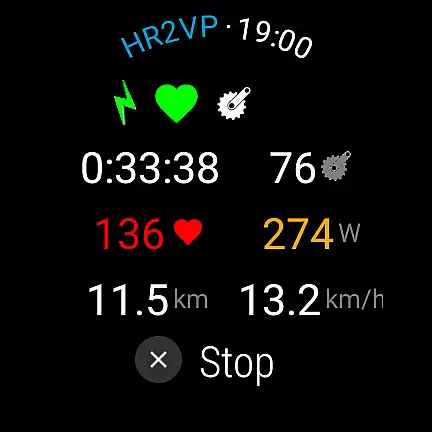
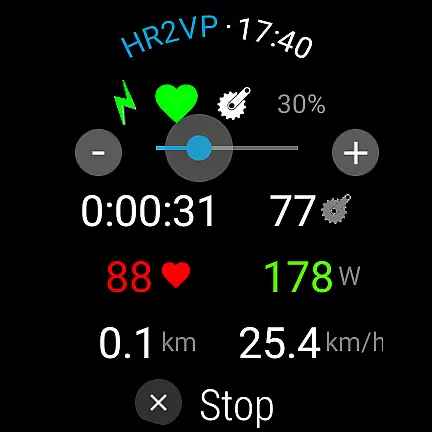
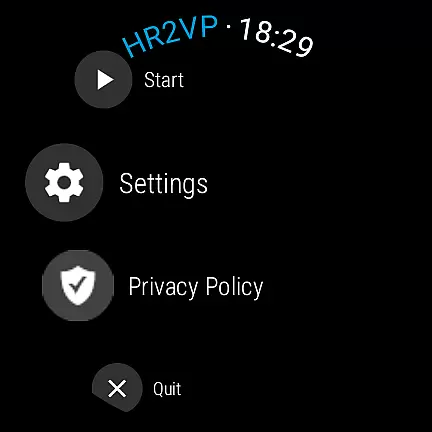
HR2VP Watch Bike Computer is a versatile fitness application designed to transform your Wear OS watch into a powerful heart rate monitor and cycling tracker. This app allows users to connect their smartwatches with bike computers or indoor training platforms, broadcasting vital stats such as heart rate and power over Bluetooth Low Energy or ANT+. Whether you're an avid cyclist or a fitness enthusiast, HR2VP provides essential metrics that can enhance your workout experience.
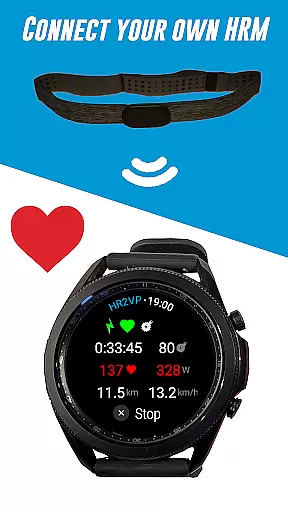
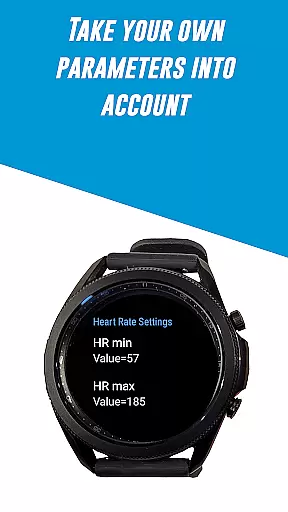
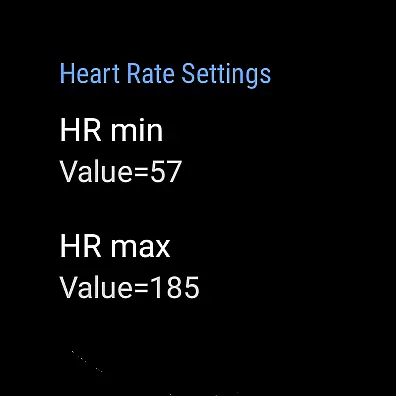
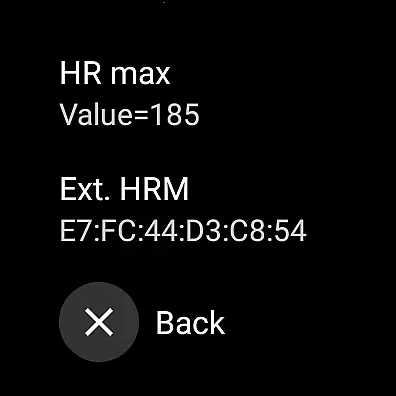
The app features advanced algorithms that compute power based on heart rate, measured either by the watch's built-in optical sensor or an external chest strap. It takes individual parameters like FTP, resting heart rate, and maximum heart rate into account for improved accuracy. Additionally, HR2VP supports integration with popular platforms like Strava, enabling automatic uploads of your rides complete with power data for detailed analysis and mapping.
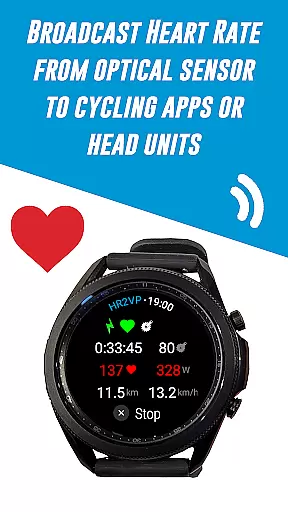
One of the standout features of HR2VP Watch Bike Computer is its ability to function as a BLE heart rate monitor. The app leverages the optical sensor in your Wear OS watch to measure heart rate during workouts and broadcasts this information via Bluetooth Low Energy. This makes it easy to track your cardiovascular performance without needing additional devices.
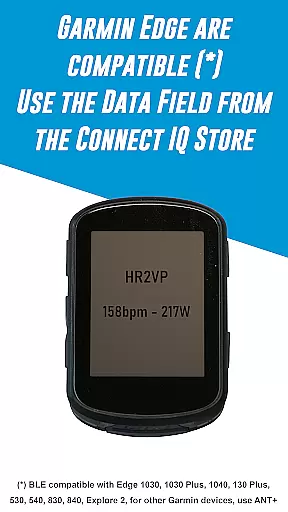
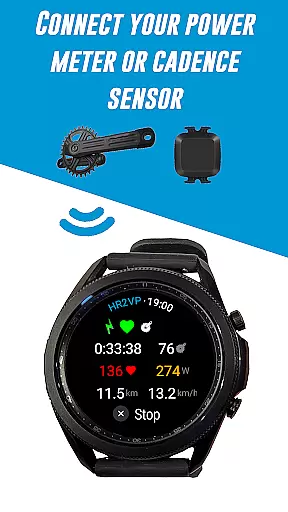
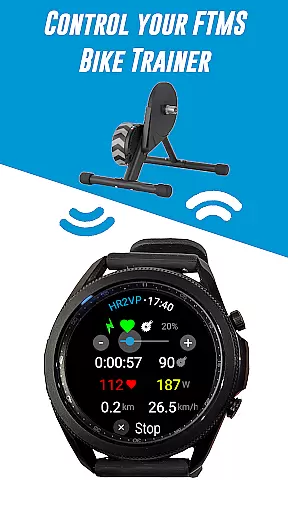
Another remarkable feature is the compatibility with Garmin Edge bike computers. By downloading the HR2VP data field from the Connect IQ store, users can display their heart rate data directly on their bike GPS screens. Moreover, the app supports various sensors including Bluetooth Smart power meters, cadence sensors, and FTMS bike trainers, providing comprehensive metrics for both indoor and outdoor cycling sessions.
Personalized planning in fitness applications refers to the ability to create tailored workout strategies based on individual user data. This feature is crucial for optimizing training sessions and achieving specific fitness goals.
HR2VP Watch Bike Computer offers personalized planning by utilizing advanced algorithms that compute power output based on heart rate. The app takes into account individual parameters such as Functional Threshold Power (FTP), resting heart rate, and maximum heart rate to provide accurate and customized training metrics.
Users benefit from this feature by receiving real-time feedback during their rides, allowing them to adjust their effort and maintain optimal performance levels. This personalized approach ensures workouts are neither too easy nor too challenging, maximizing efficiency and progress.
The true value of personalized planning in HR2VP lies in its ability to adapt to each user's unique physiology. By integrating with Wear OS watches and other sensors, it delivers a comprehensive and personalized training experience that evolves with the user's fitness level.
Progress visualization is an essential component of fitness apps, enabling users to track their achievements and stay motivated. It involves presenting workout data in an easily digestible format, often through graphs or charts.
With HR2VP Watch Bike Computer, progress visualization is achieved by displaying key metrics such as power output, calories burned, and heart rate trends. These visual representations help users understand their performance over time and recognize patterns in their training.
The benefits to users include enhanced engagement with their fitness journey and the ability to make informed decisions about future workouts. Seeing tangible results can be incredibly rewarding and encourages continued use of the application.
HR2VP stands out by offering seamless integration with platforms like Strava, where users can automatically upload their rides and visualize them on maps. This not only enriches the user experience but also fosters a sense of community among cyclists who share and compare their achievements.
User-friendly interface
Advanced power calculation
Wide device compatibility
Seamless Strava integration
Comprehensive sensor support
Requires phone for ANT+
Occasional disconnections
Power estimation lag
Limited short interval accuracy
No direct customer support

Text notifications, button control, heart monitor & more for your Amazfit.
 2.40
2.40
“Overcoming pain based on EMDR” helps you to alleviate chronic pain and stress.
4.10
a fun app full of surprises :)
4.70
Protect your healthy sleep
4.80
Your personal BP tracking companion, focus on helping you achieve wellness goal.
4.10
Make sense of your health data.
3.80
Your Health Assistant
3.90
beat yesterday.
4.00
Jogging app for calorie counter and distance tracker. Running app to lose weight
4.20
Load the bar with this barbell & plate calculator. It's leg day, not brain day!
4.70
Pilates, Calisthenics, Yoga
4.50
Personal step counter for you, private and accurate
4.50
Raccoon AI Calorie Counter. Intermittent Fasting & Timer. Macro, Carb, Protein
4.50
See what's really going on inside your head! Real time EEG graphs from your Muse
4.40
Fast Body building & Weight Loss. Home Workouts with Daily Coach, No Equipment.
4.30
This is an application that serves as a companion app for smart watch.
4.20
Track sleep cycle, relax with white noise, sleep sounds & smart alarm clock
3.80
Dexcom G7 Continuous Glucose Monitoring
3.70
Your plan in your pocket 24/7
3.00


User Reviews