
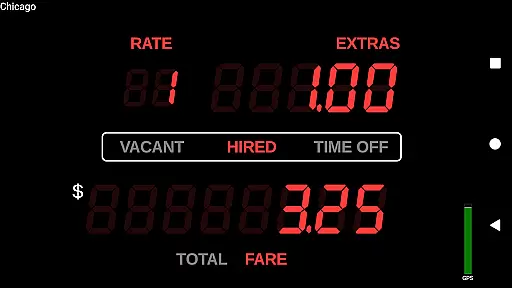
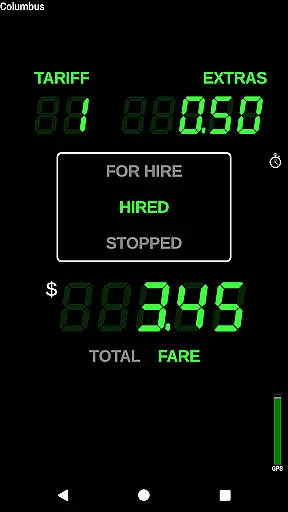
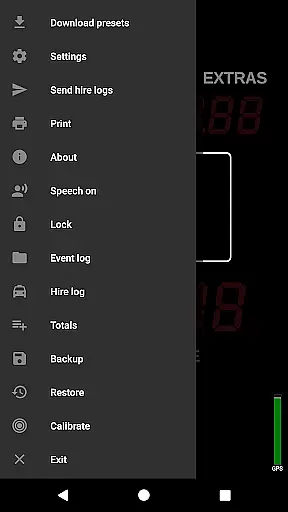
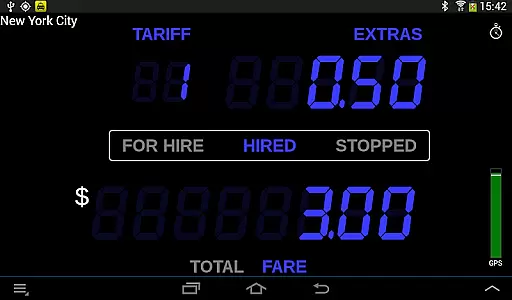
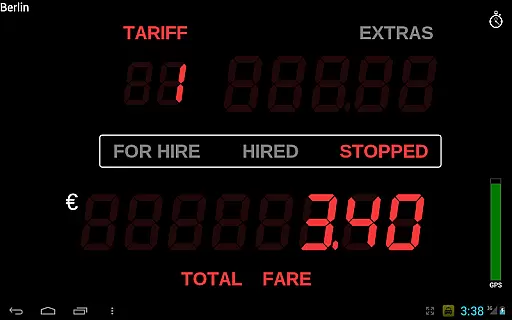
Taximeter is a professional-grade Android application specifically designed for drivers in the transportation industry. This app offers an accurate and reliable taximeter solution that has been developed in collaboration with both drivers and regulatory bodies. With thousands of professional drivers worldwide already using Taximeter, it stands out as a leading tool in its category.
The core functionality of Taximeter includes realistic LED effect displays, over 200 predefined presets across more than 40 countries, and customizable tariff options. It supports various operational modes such as calendar-controlled tariffs, geofencing, and ahead-of-time programming. Additionally, the app integrates seamlessly with popular payment processors like PayPal Here™, Square Point of Sale™, SumUp™, and Zettle™, making transactions smooth and efficient.
One practical use case of Taximeter is in private hire services where drivers need precise fare calculations based on distance and time. The app's ability to generate detailed PDF receipts and integrate with external dispatch systems adds significant value by streamlining operations and enhancing customer satisfaction.
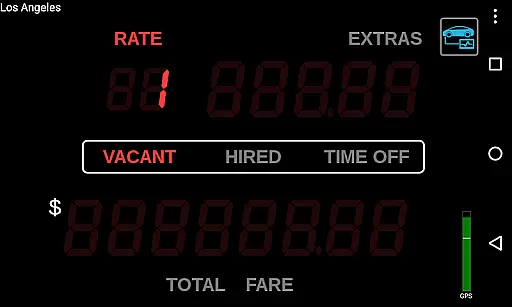
Taximeter boasts a wide array of features tailored to meet the needs of modern drivers. One standout feature is the realistic 'LED effect' appearance and operation, which mimics traditional taximeters while offering advanced digital capabilities. The app provides more than 200 predefined presets covering over 40 countries, ensuring global usability.
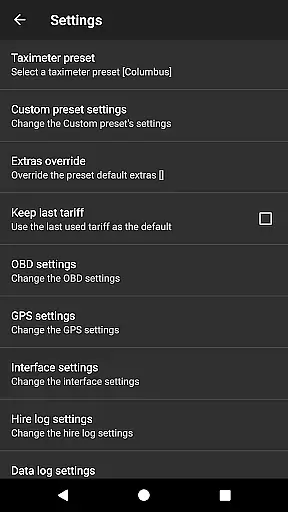
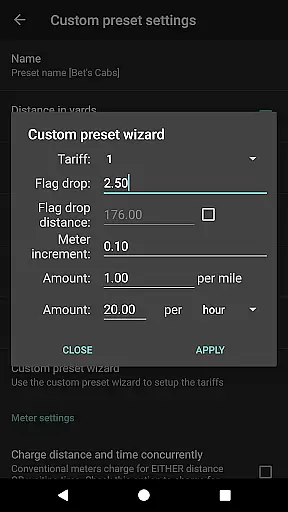
Another key aspect is the customization options available within Taximeter. Users can create custom presets with up to 10 different tariffs, utilizing a preset wizard for easy setup. Advanced functionalities include location-controlled tariffs (geofencing), ahead-of-time programming for future tariffs, and integration with On-Board Diagnostics (OBD) systems for precise distance calculation. These features collectively enhance the accuracy and flexibility of fare computations.
The app also supports data logging to the cloud, enabling users to track GPS positions, meter states, and fares remotely. This feature not only aids in maintaining transparency but also helps in optimizing routes and managing costs effectively. Furthermore, Taximeter's API allows integration with third-party dispatch systems, facilitating seamless communication and coordination among fleet operators.
In the realm of professional driving, having access to detailed vehicle information is crucial for both regulatory compliance and optimal service delivery. Taximeter offers an extensive suite of features that provide drivers with critical data about their vehicle's performance and fare calculations.
This Android taximeter application includes over 200 predefined presets across more than 40 countries, ensuring that drivers can operate legally and efficiently wherever they are. The ability to download the latest presets and even request custom presets free of charge means that drivers have up-to-date and accurate tariff information at their fingertips.
Furthermore, the integration with On-Board Diagnostics (OBD) allows for precise distance calculation using speed data from the vehicle itself rather than relying solely on GPS. This feature, combined with OBD calibration functions and support for wireless GPS receivers, ensures that all recorded information is as accurate as possible.
The inclusion of a customizable preset wizard, lockable presets, and settings along with ahead-of-time programming for future tariffs empowers drivers to tailor the application to their specific needs while maintaining control over operational parameters.
Price transparency in the taxi industry builds trust with customers and ensures fair business practices. Taximeter addresses this need by providing clear and accessible pricing information through its comprehensive set of features designed in collaboration with drivers and regulators.
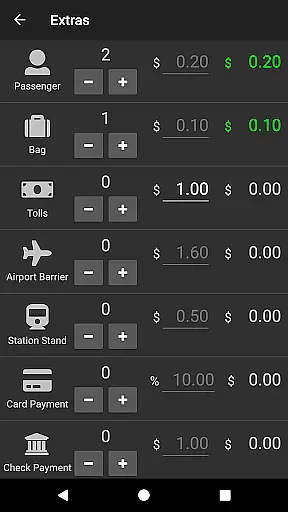
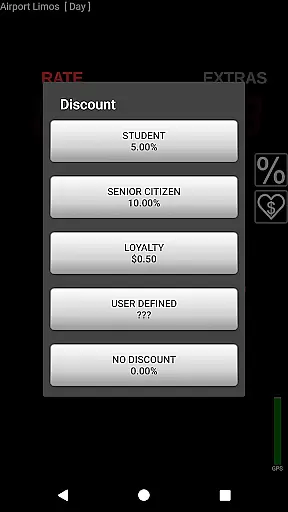
With Taximeter, drivers can offer itemized extras via XML programming, set minimum fares, apply taxes, offer discounts, and manage tipsu2014all within the app. This level of detail not only provides clarity but also enhances customer satisfaction by eliminating hidden fees or surprises.
The application supports various payment processing systems such as PayPal Hereu2122, Square Point of Saleu2122, SumUpu2122, or Zettleu2122, which further reinforces financial transparency. Customers receive a detailed PDF receipt that can be emailed or printed directly from the device, enhancing accountability.
Additionally, the hire log feature records transactions in text and CSV formats, allowing for easy tracking and reporting. By prioritizing price transparency, Taximeter helps drivers maintain integrity in their operations while fostering positive relationships with passengers.
User-friendly interface
Extensive preset library
Customizable tariff options
Seamless payment integration
Global usability
Requires compatible hardware
Monthly charges for data logging
Complex setup for beginners
Limited free support
Dependent on internet connectivity

The Smarter Way Forward
 3.30
3.30
Better fuel to help keep you on the road
3.20
Read and delete OBD codes with any ELM327 OBD scanner. Coding functions included
3.40
Control maps, media and messaging, with the Google Assistant while you drive
4.10
BlueDriver® is a Premium Diagnostic OBD2 Scan Tool. www.BlueDriver.com
3.90
1M+ high-quality auto parts at your fingertips. Fitment guaranteed.
4.70
Find Fast EV Chargers | Charge Your Vehicle at 1,100+ Fast Car Charging Stations
4.60
Marathon ARCO Rewards members earn rewards & apply the rewards for fuel savings!
4.80
PayByPhone: A quick and easy way to pay for parking.
3.80
Play what you want through Android Auto
4.90
Shop, finance, or sell today.
4.80
Buy and sell your boat
4.70
Shop cars & see your financing
4.60
Digital Car Key/Launcher, Screen Mirror, Android Dashboard, Remote Wireless Link
4.40
Automotive Electrical Wiring Diagrams
4.40
Get your personalized financing options and shop for used cars today!
4.20
Club Car Wash Mobile App—the fast lane to managing your wash membership.
3.30
App Mirroring for Tesla Car's Browser
2.80
Theme for Car Launcher
4.0


User Reviews