
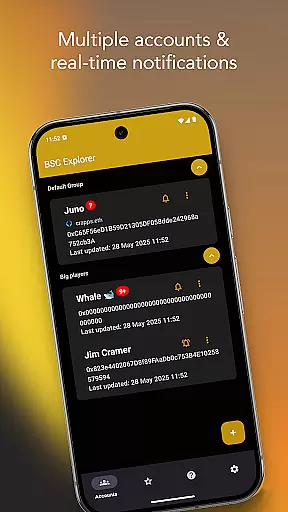
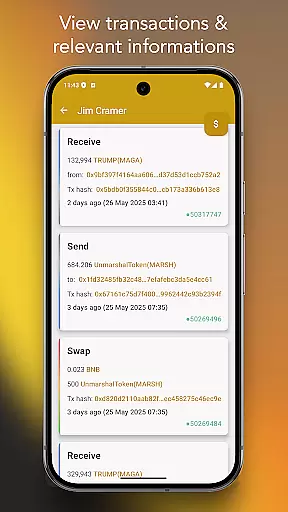
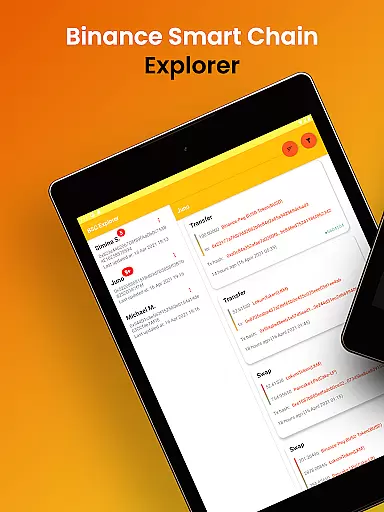
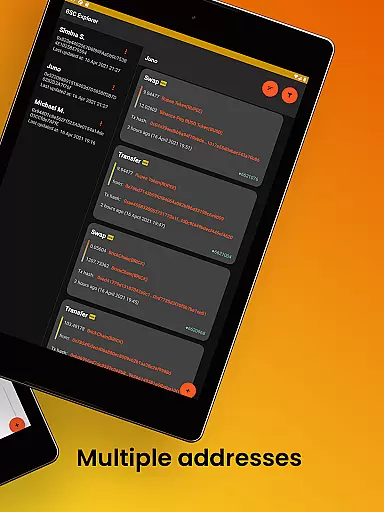
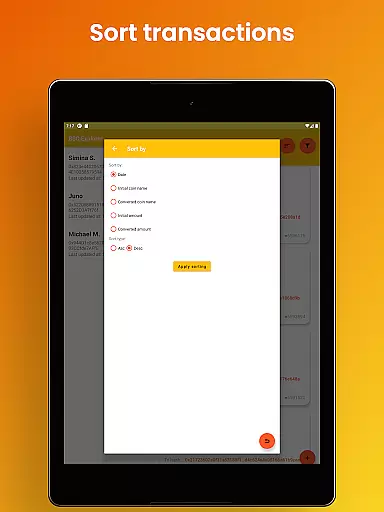
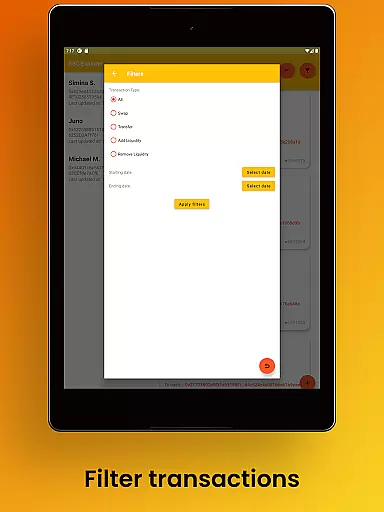
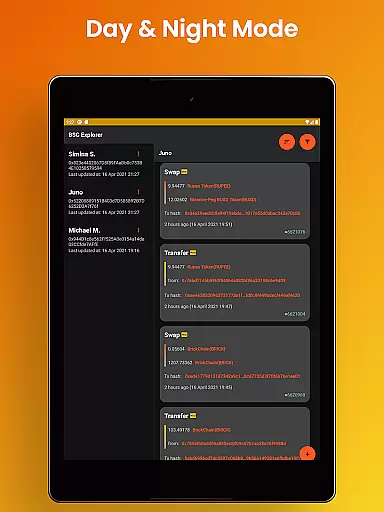
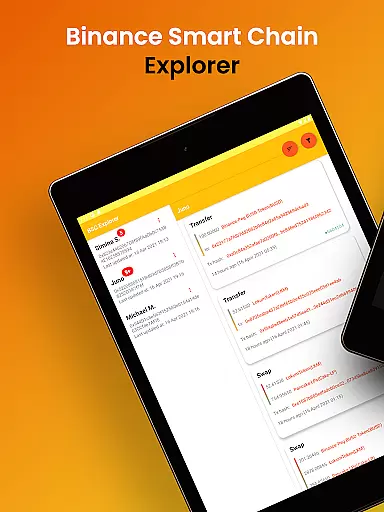
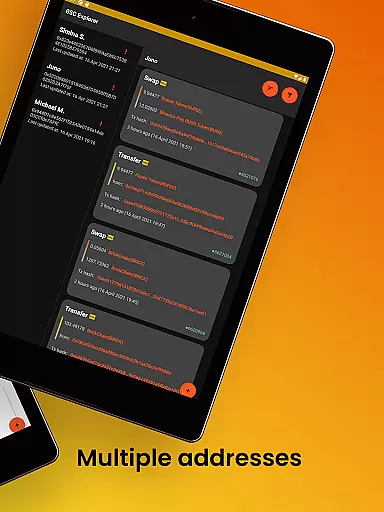
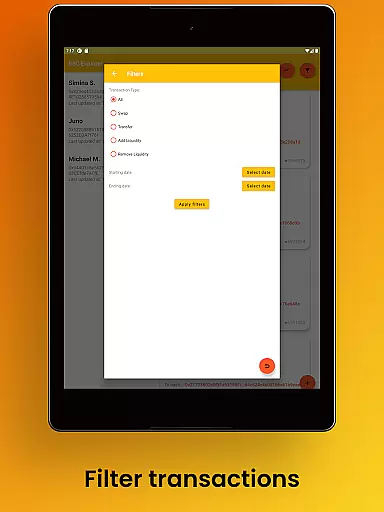
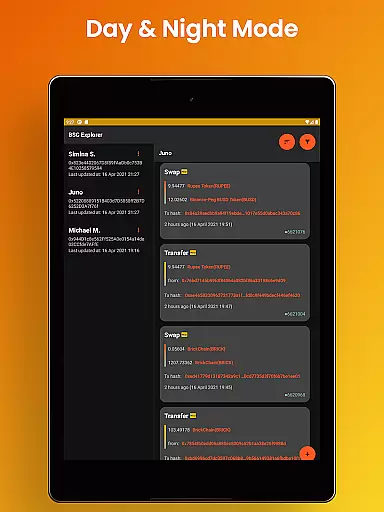
Binance Smart Chain Explorer is a powerful financial tracking tool designed specifically for crypto investors and DeFi traders. The app provides comprehensive portfolio management capabilities by allowing users to monitor wallet transactions of public addresses on the BSC Blockchain in real-time.
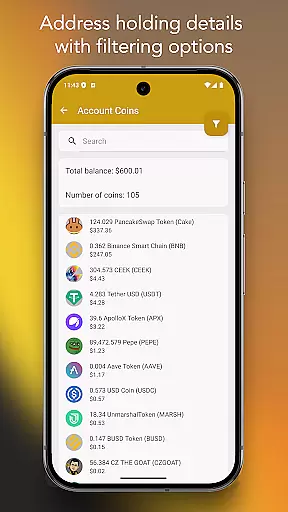
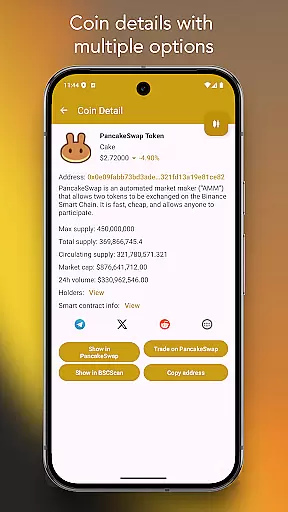
Key features include multi-wallet portfolio tracking with unlimited addresses, complete BEP-20 token balance monitoring, and detailed transaction information. Users can view smart contract details, token holder data, and access advanced filtering options. The app's enterprise-grade security ensures private keys remain safe through view-only access using public wallet addresses.
This application is particularly valuable for decentralized finance (DeFi) traders who need to track multiple wallets and tokens across the BNB Chain ecosystem. Its professional-grade tools help save time and improve investment decision-making.
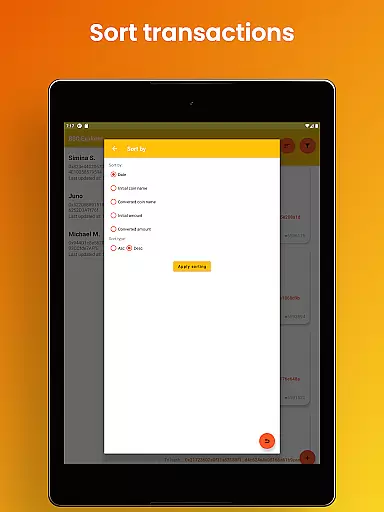
The app offers an impressive array of features that cater to both casual and professional crypto investors. Its instant crypto tracking system provides real-time transaction notifications for unlimited wallets, though premium notification features require subscription. The BEP-20 token tracking includes advanced search and filtering options, making portfolio management more efficient.
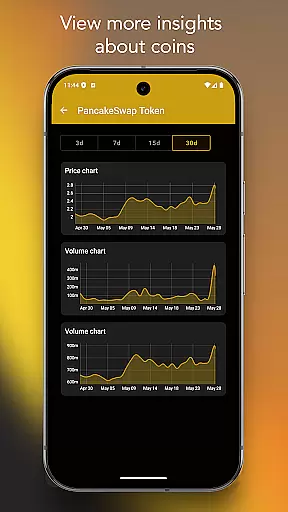
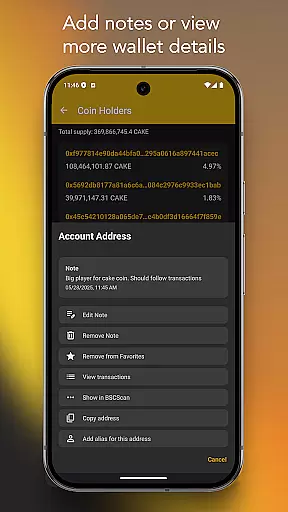
Users can access detailed information about any coin, transaction hash, or wallet address directly from PancakeSwap or BSC Scan. The app allows adding notes and favorites for better portfolio organization. Unique features like wallet address aliasing and smart contract code viewing enhance usability.
The user experience is further elevated by enterprise-grade security measures and a modern interface design. The app supports beautiful dark/light mode themes, multiple languages, and optimized layouts for both mobile and tablet devices. These features combine to create a premium user experience while maintaining top-notch security standards.
Account and fund security is paramount in the world of cryptocurrency, and Binance Smart Chain Explorer excels in this area. The app ensures that users can track their transactions with peace of mind, thanks to its view-only access feature. By simply using public wallet addresses, the app guarantees that private keys remain confidential and secure on the user's device.
Beyond just securing private keys, the application refrains from collecting or storing any personal data, reinforcing its commitment to user privacy. This approach not only protects users from potential data breaches but also aligns with best practices for financial applications. As a result, investors can focus on managing their portfolios without worrying about compromising their personal information.
The significance of these security measures cannot be overstated. In an era where digital threats are increasingly sophisticated, having an application that prioritizes safety provides users with the confidence to engage in crypto trading. Binance Smart Chain Explorer's dedication to enterprise-grade security makes it an essential tool for both novice and experienced traders looking to safeguard their investments while navigating the dynamic landscape of decentralized finance.
The transaction experience offered by Binance Smart Chain Explorer sets a new standard for crypto portfolio management. With real-time transaction notifications available through subscription, users can stay informed about every movement within their wallets instantly. For those who prefer periodic updates, the app also offers non-subscription-based alerts, ensuring all users have access to timely information regardless of their preference.
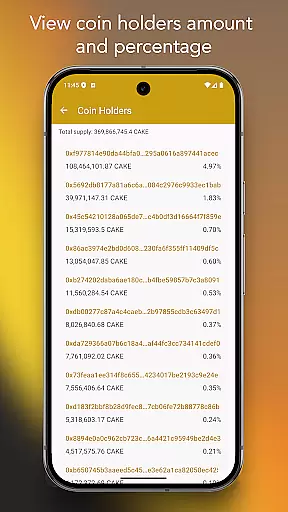
In addition to notifications, the app provides comprehensive BEP-20 token balance tracking complete with advanced search and filtering options. This functionality allows traders to efficiently monitor their assets and make informed decisions based on current holdings. Users can delve deeper into token holder data, viewing percentages relative to total supply, which adds another layer of insight when assessing market positions.
Furthermore, the ability to add aliases to wallet addresses streamlines the process of tracking transactions across multiple accounts. Coupled with detailed views of smart contracts and integration with platforms like PancakeSwap and BSC Scan, Binance Smart Chain Explorer delivers a seamless and enriched transaction experience. These features collectively empower users to manage their investments more effectively, making the app indispensable for DeFi traders and crypto portfolio managers alike.
User-friendly interface
Real-time notifications
Enterprise-grade security
Multi-wallet tracking
Smart contract viewer
Premium features locked
Subscription required
Limited free options
Complex for beginners
No iOS version

Expenses, Bills, Budget and Accounts - All seamlessly integrated in one app!
 3.80
3.80
Bitcoin gpu app helps you remote mine using your cell phone easily .
3.60
Earn cash & save money daily. Access instant cash advances* - no credit check!
4.50
Payday cash advance & Instant cash advance: Borrow money instantly, Get cash now
4.60
Change the way you money with Credit Genie
4.30
The Citi Mobile® App lets you manage your accounts virtually anytime, anywhere
4.80
“Money Manager” is an optimized application for personal asset management.
4.70
Registration of your debts and Mdionatk and assembled, as well as a significant reports
4.30
Read and extract public data on NFC Contactless banking card (VISA, MasterCard
4.30
PayMe helps you claim money from settlements on companies that harmed you.
4.80
Money App - Earn Cash back, Fast Cash Advance, Personal Loan Offers, Banking
4.70
Currency Converter (200+ currencies) with live exchange rates and offline mode.
4.70
Get a cash advance instantly. File taxes & cover unexpected bills in minutes.
4.60
The US Debt Clock .org App gives you a Real-Time glimpse of US Financial Stats
4.60 4.50
4.50
Save, spend & get paid faster²
4.50
Manage budget, save money, or file tax. Build, track & improve your credit score
4.40
Mine Bitcoin in the cloud! Earn BTC daily with high-speed mining power.
4.30
SuperQi, Your all-in-one Super App.
1.30


User Reviews