
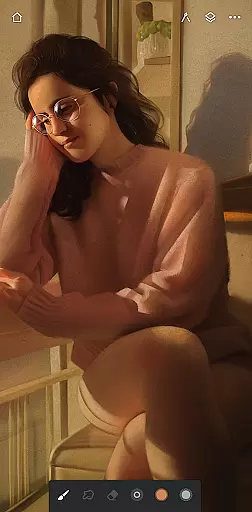
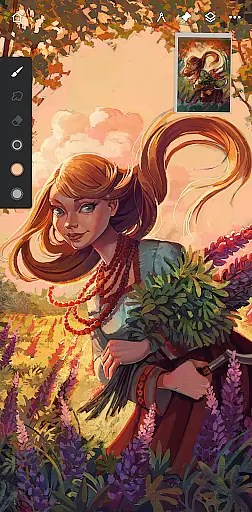
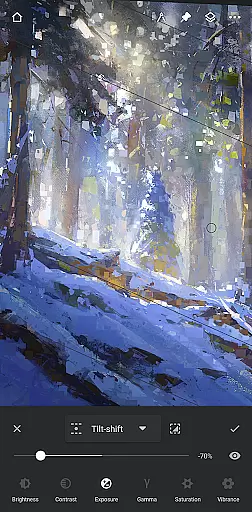
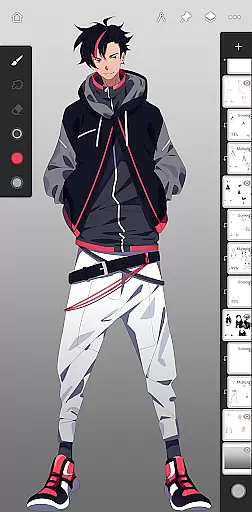
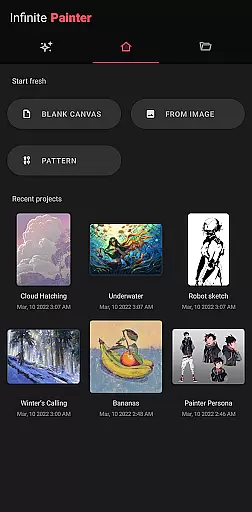
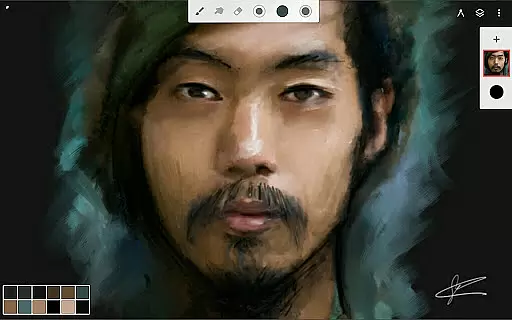
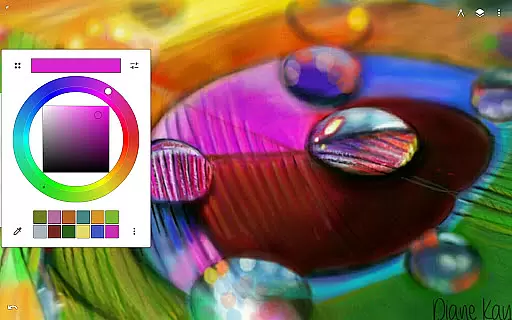
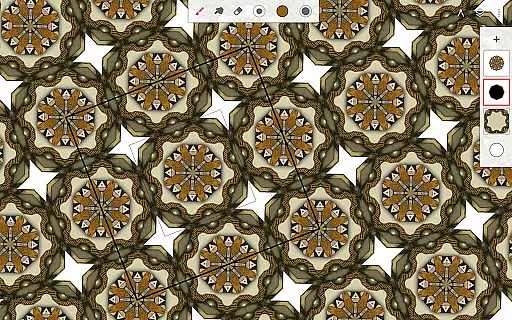
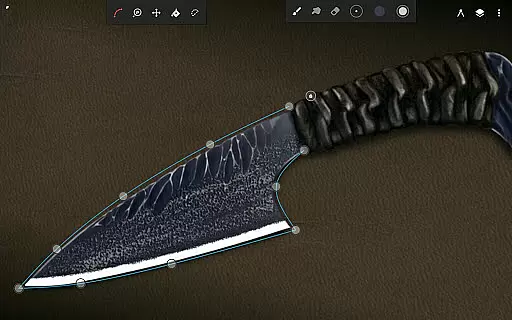
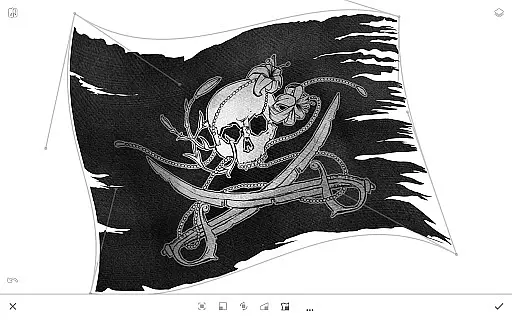
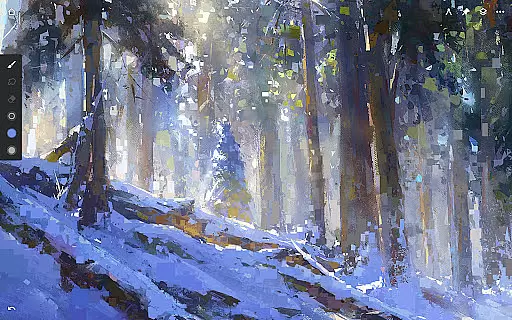
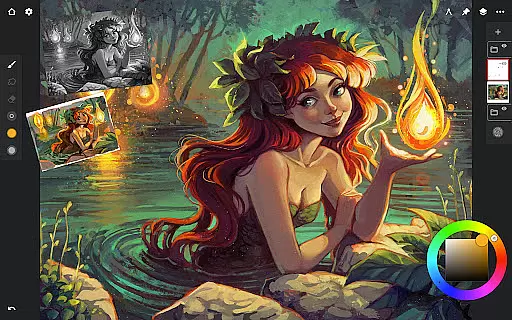
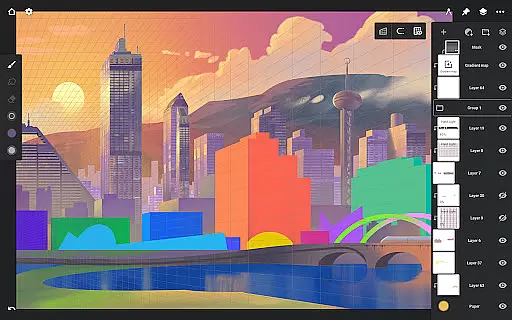
Infinite Painter stands as a premier digital art application, offering an extensive suite of painting, sketching, and drawing tools tailored for tablets, phones, and Chromebooks. This award-winning app is designed for artists of all levels, providing professional-grade features that cater to hobbyists and professionals alike.
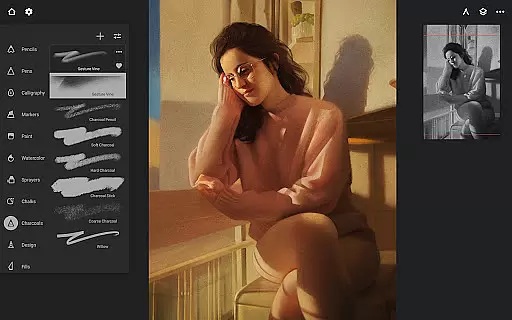
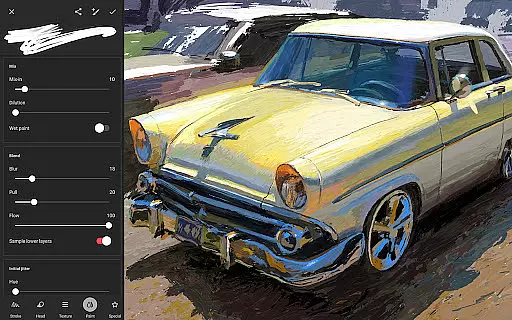
At its core, Infinite Painter boasts best-in-class pencils, a minimalistic interface, and a robust toolset. The app's innovative brush engine allows users to create realistic strokes and customize brushes extensively. With support for stylus devices, pressure sensitivity, and tilt recognition, it ensures precise control over every stroke.
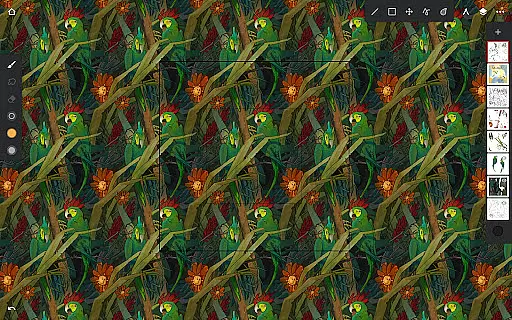
The app excels in optimizing workspace efficiency through customizable interfaces, gesture controls, and quick-access tools. Artists can work with multiple layers, apply industry-leading transformations, and utilize powerful selection tools. Additionally, the app facilitates creative workflows with features like symmetry guides, perspective tools, and seamless pattern creation.
Infinite Painter distinguishes itself through its comprehensive feature set designed to enhance digital art creation. The app includes hundreds of built-in brushes with realistic canvas interactions, each customizable through over 100 settings. Users can organize their favorite brushes into sets and share them with others.
A key highlight is the app's sophisticated layer system supporting 30 blend modes, masks, and adjustment layers. Artists can work with up to 64-bit deep color, apply gradient maps, and use over 40 live filter effects. The app also offers advanced transformation tools that maintain quality across multiple layers.
Workflow acceleration features include importing from various sources, searching free commercial-use images, and exporting in multiple formats including layered PSD files. The app supports professional-grade color correction, liquify tools, and provides printing presets with CMYK color modes, making it suitable for both digital and print projects.
Infinite Painter offers an extensive suite of creative tools that cater to both amateur and professional artists. The app includes hundreds of built-in brushes with realistic brush-to-canvas interactions, offering over 100 customizable settings. This allows users to fine-tune their tools to match their artistic style perfectly.
Beyond brushes, the application supports a variety of other artistic mediums. Users can work with layers, apply masks, and use adjustment and filter layers to create complex compositions. With features like gradient maps, color curves, and industry-leading color correction, Infinite Painter ensures that artists have everything they need for their digital artwork.
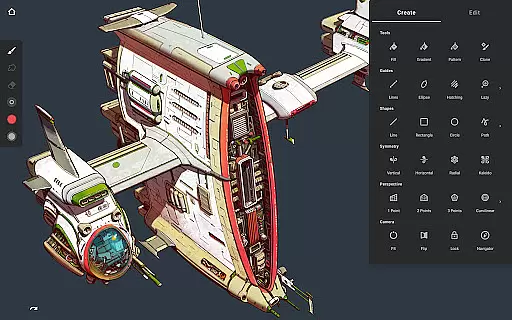
For those interested in precision drawing, the app provides guides and shapes, smart shape detection, and innovative hatching guides. These tools help maintain accuracy and consistency in the artwork, which is particularly beneficial when creating technical drawings or structured art pieces.
The inclusion of perspective guides further enhances the toolkit by allowing artists to design 3D cityscapes and incorporate isometric perspectives. Such features ensure that Infinite Painter stands out as a comprehensive art studio that fits right into your pocket, providing all the necessary instruments for boundless creativity.
Flexibility in canvas and format options is crucial for digital artists, and Infinite Painter excels in this area. The app supports high-definition canvas sizes, enabling artists to work on detailed projects without worrying about resolution constraints. Additionally, it allows for tons of layers, limited only by the device's capabilities and canvas size, giving artists the freedom to build complex artworks layer by layer.
Infinite Painter also shines with its selection and masking tools, which are essential for pixel-perfect editing. Artists can make precise selections, apply transformations across multiple layers simultaneously, and use gradient and pattern fill tools. These robust features ensure that every detail of the artwork can be meticulously crafted and adjusted as needed.
Exporting options in Infinite Painter add another layer of versatility. Users can export their creations in various formats such as JPG, PNG, WEBP, ZIP, layered PSD files, or Painter projects. This flexibility ensures that artwork can be shared or transferred across different platforms and used in diverse contexts, from web graphics to print media.
Moreover, the app's ability to handle 64-bit deep color while painting elevates the quality of the output, making sure colors are vibrant and true to life. Coupled with blend modes, clipping masks, and powerful selection workspaces, Infinite Painter delivers unparalleled canvas and format flexibility, empowering artists to bring their visions to life without compromise.
Extensive brush options
Advanced layer system
Professional color tools
Intuitive interface design
Powerful transformation features
Free version limitations
Steep learning curve
Pro subscription required
Device performance impact
Complex interface for beginners

Discover Cartoon Dream : Unleash Your Creativity with CuttingEdge AI
 4.50
4.50
Floor Plan Creator lets you create, edit and share floor plans.
4.00
Nano Banana AI Image Generator, Anime Filter, AI Portrait, AI Photo Generator
4.30
AR Anime Drawing: How to draw anime with AR drawing & sketching apps!
4.00
Your homescreen as an elegant glass with customized blur, lighting, and visuals.
3.70
Art of Combination Wear OS Watch faces (for Wear OS 5+ devices)
3.90
Unleash the artist in you with our AR drawing and tracing tool for photo drawing
4.10
Bring One UI 8.5 Icons to life -elegant dark icons with a modern, premium touch.
4.30
Everything you need to create hand drawn animation, anywhere you go!
4.40
2D animation studio for Android tablets - unlimited layers, infinite timeline
4.70
Photo editor for art, avatars, filters & fun transformations.
4.60
Draw anime & manga drawing, art with templates to create stunning picture!
4.50
Video AI: Revolutionize Your Content Creation with Advanced Video Generation
4.50
AI generated images & photos, turn your words into drawing, painting & pictures.
4.30
Remove Background, Magic Eraser, Photo Enhancer, Story Templates, Collage Maker
4.30
Create stylish invitation cards using templates for weddings, birthdays & RSVP.
4.20
AI Art Generator transforms your words into AI generated art & paintings.
3.70
Vidu is an AI video generator made for creators and aspiring makers.
3.30
Create trending AI photos & videos with powerful effects and 3D styles.
3.20


User Reviews