
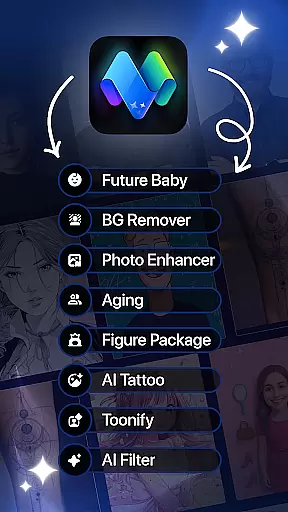
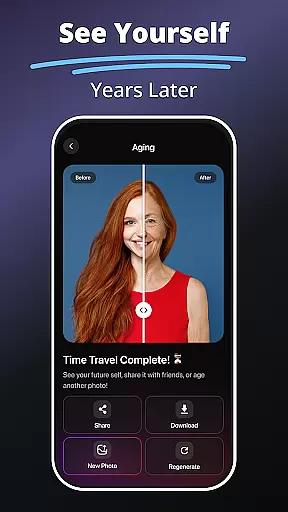
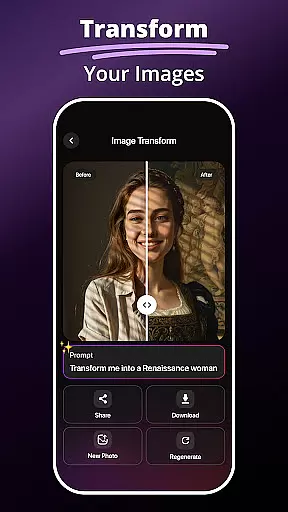
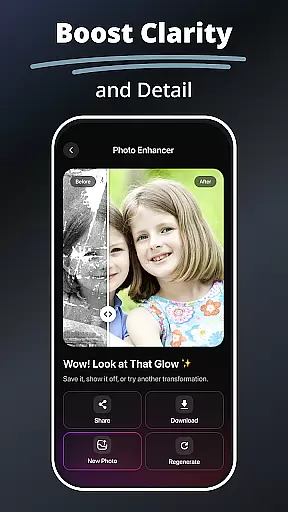
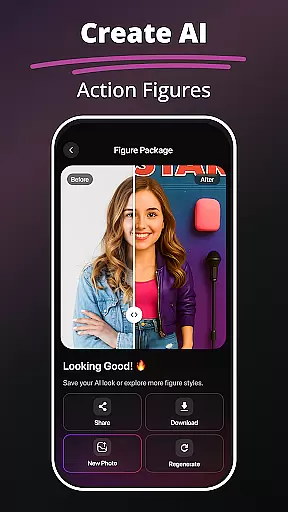
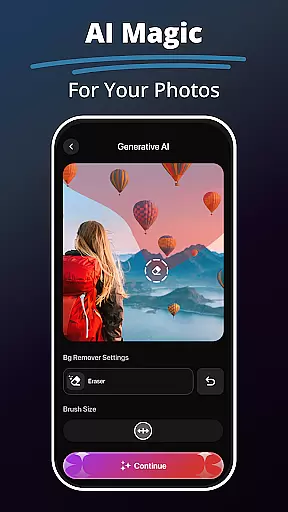
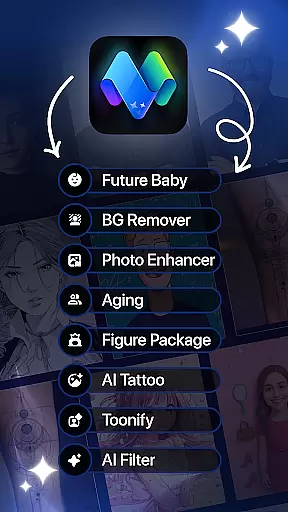
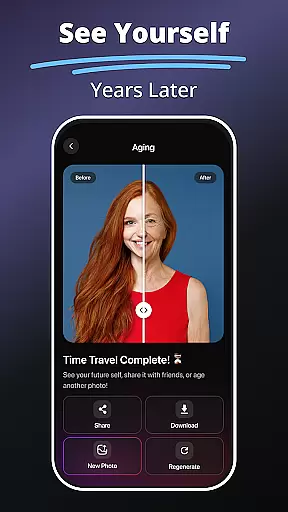
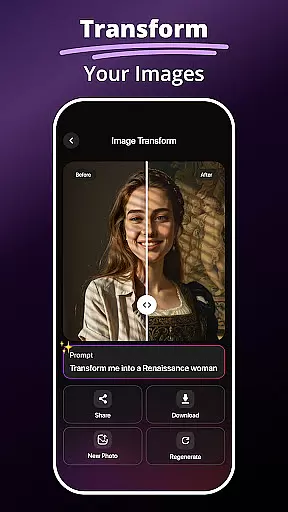
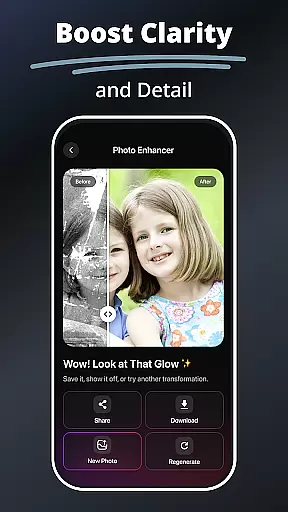
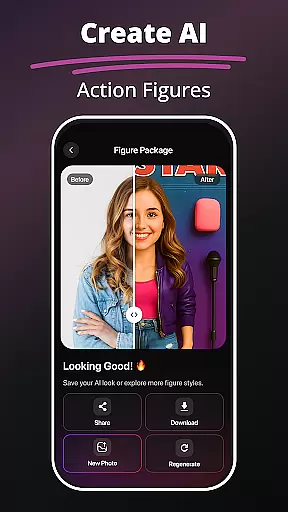
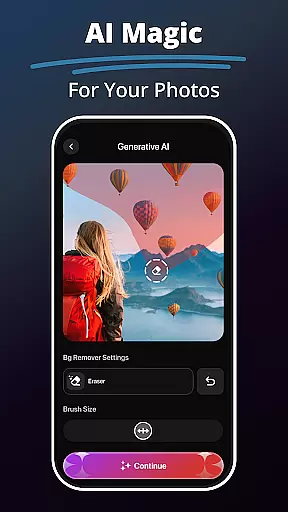
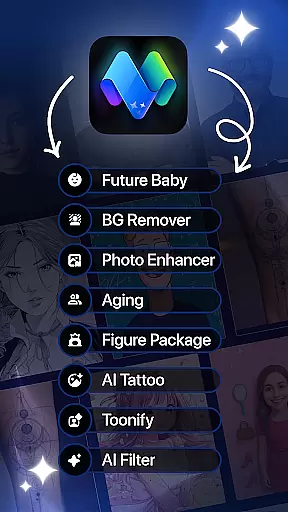
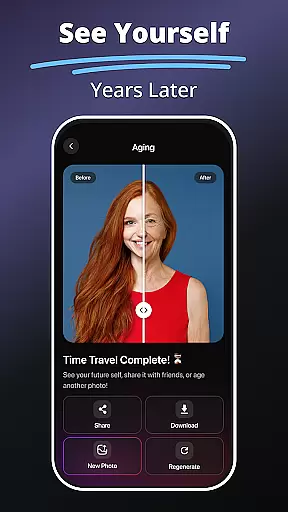
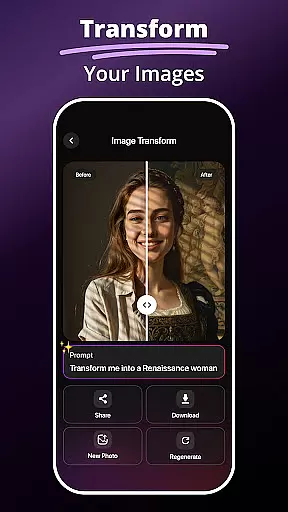
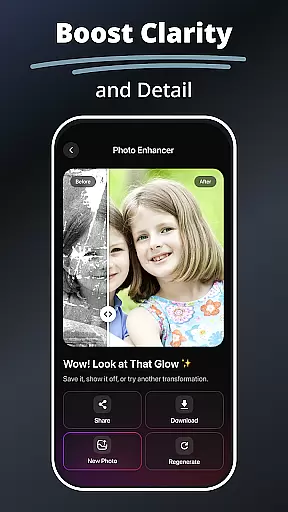
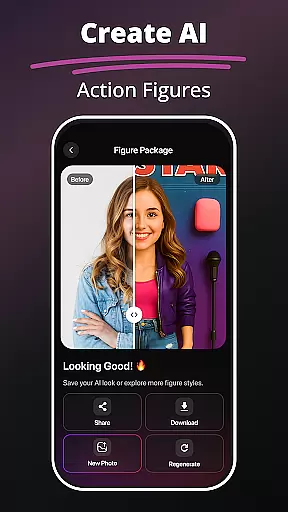
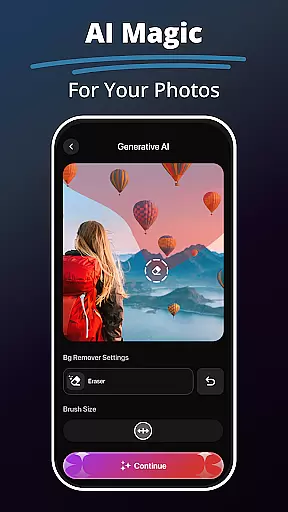
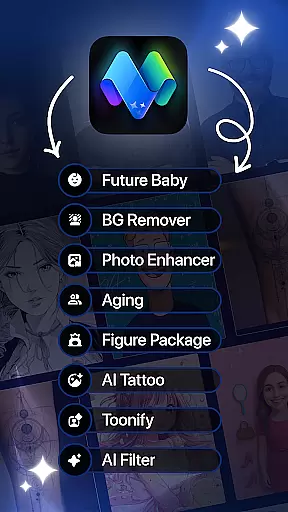
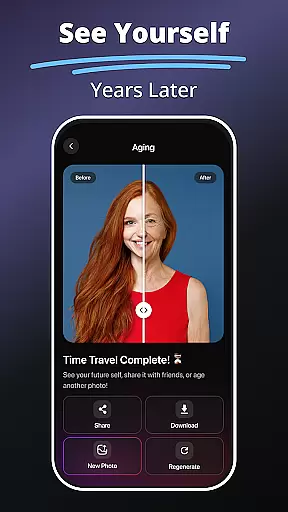
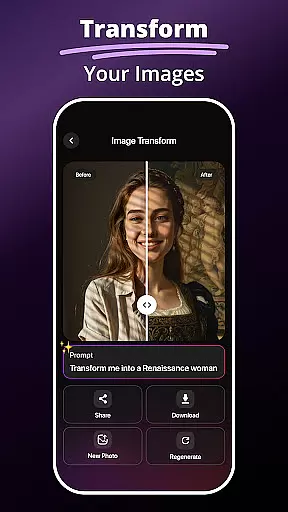
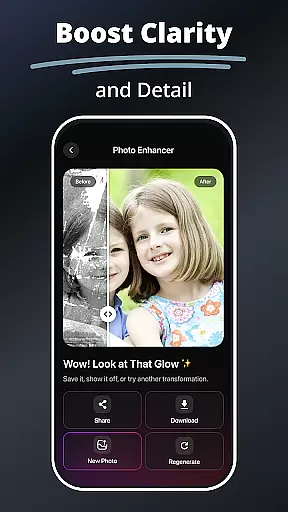
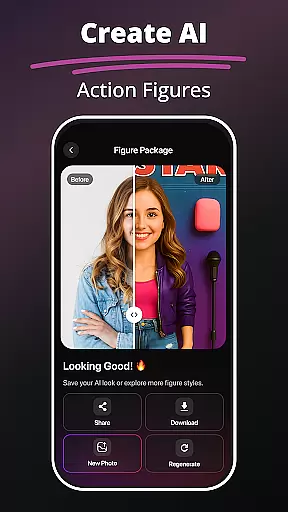
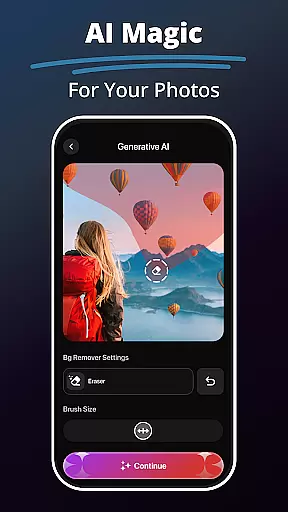
MePic is an innovative AI-powered photo editor designed for creative professionals and casual users alike. This all-in-one solution combines advanced editing tools with imaginative features, enabling users to transform ordinary photos into extraordinary digital art. The app's standout capabilities include text-to-image generation, future baby prediction, and professional-grade photo enhancement.
Beyond basic editing, MePic offers specialized tools for avatar creation, hairstyle experimentation, and background manipulation. Users can explore various artistic styles through AI filters or create personalized avatars in multiple formats. The application's intuitive interface makes complex edits accessible to everyone, while its powerful features satisfy even the most demanding creative projects.
Perfect for social media enthusiasts and digital artists, MePic streamlines content creation while maintaining professional quality standards. Whether you're enhancing portraits, designing unique visuals, or experimenting with new looks, this application provides endless creative possibilities across both mobile and desktop platforms.
MePic distinguishes itself through its comprehensive suite of AI-driven editing tools. The text-to-image feature converts descriptive text into high-quality visual representations, while the future baby generator uses sophisticated algorithms to predict potential offspring appearances. Advanced photo editing capabilities include precise skin smoothing, color correction, and object removal.
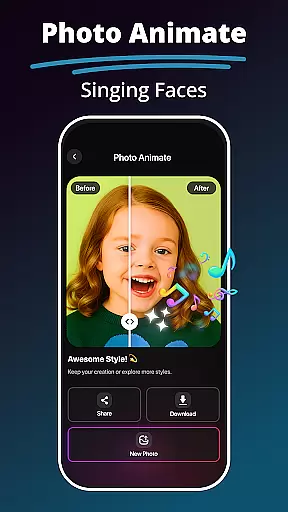
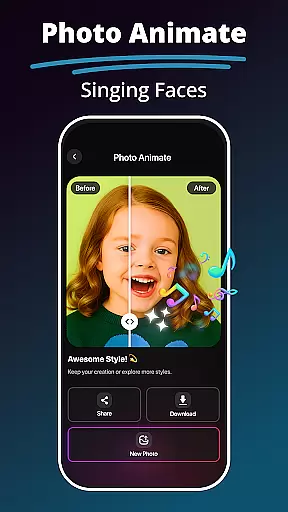
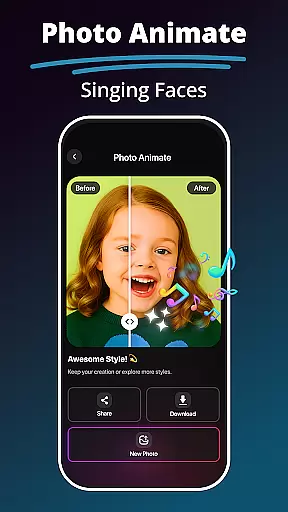
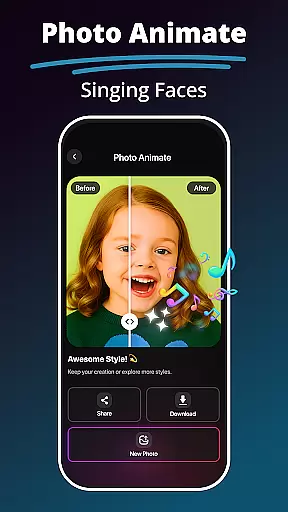
The avatar creator allows users to design customizable characters in various styles, from professional to fantastical. Hair and beard modification tools provide realistic previews of different styles, while background replacement maintains natural edges and perspective. Photo animation brings static images to life through dynamic motion effects and facial animations.
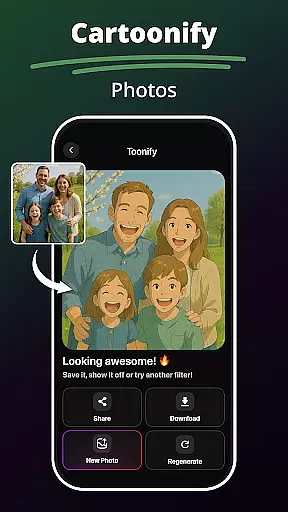
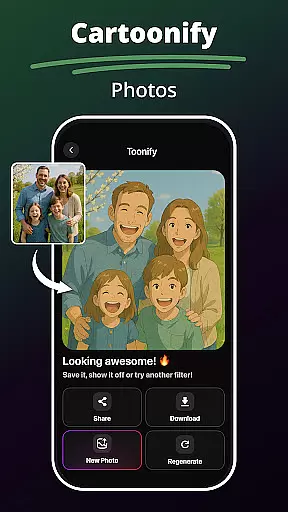
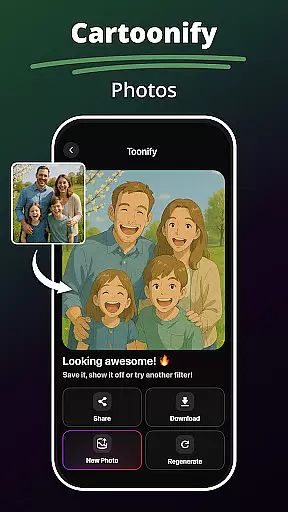
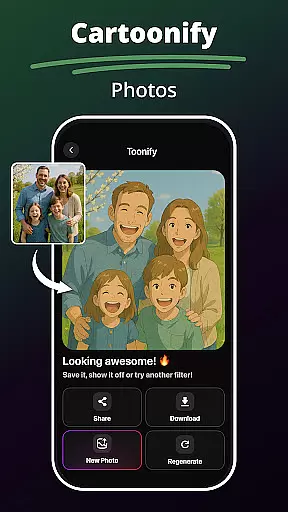
Additional features include AI-powered filters spanning cartoon effects to digital painting styles, smart enhancement tools for automatic quality improvement, and precise object editing capabilities. Each tool is optimized for both speed and quality, ensuring professional results without compromising performance across different devices.
In the realm of digital art and photo editing, having a comprehensive set of creative tools is essential for unleashing one's artistic potential. MePic stands out by offering an extensive suite of features that cater to various creative needs.
From AI-powered Text to Image generation that transforms textual descriptions into visual art, to an Avatar Creator that allows users to design personalized avatars in diverse styles, MePic ensures that no creative vision is left unfulfilled. The inclusion of a Future Baby Generator and Hair & Beard Changer adds a layer of novelty and fun, making it not just a tool, but an entertainment platform.
The app further enhances user experience with its AI Photo Editor & Filters, providing options from cartoon effects to digital painting styles. With capabilities like Background Remover & Object Editing and Photo Enhancer Tools, users can refine their creations down to the smallest detail, ensuring professional-grade output every time.
By integrating these advanced tools, MePic empowers users to push the boundaries of creativity, whether they are editing portraits, designing avatars, or crafting unique artwork. This complete toolkit not only meets but exceeds the expectations of both amateur enthusiasts and professional artists alike.
Flexibility in canvas and format options is crucial for accommodating different artistic visions and project requirements. MePic addresses this need by providing versatile solutions that adapt to various creative scenarios.
Users can experiment with unlimited possibilities as MePic supports a wide array of image manipulations, including resizing, cropping, and transforming images without compromising quality. The ability to remove or replace backgrounds seamlessly gives creators the freedom to place their subjects in any setting imaginable.
Moreover, MePicu2019s compatibility with multiple file formats ensures that users can import and export their projects in the most convenient way possible. Whether working on high-resolution prints or optimizing images for web use, MePic maintains the integrity and clarity of each piece.
This adaptability extends to its innovative features such as Photo Animate, which brings static images to life through motion effects. By offering such flexible canvas and format options, MePic solidifies its position as a leader in the Art & Design category, enabling creators to realize their boldest ideas effortlessly.
User-friendly interface
Advanced AI features
Versatile editing tools
High-quality results
Creative options
Premium features locked
Occasional lag
Steep learning curve
Limited free usage
Subscription required

Premium version of Shimeji-ee app with no ads & no limit active shimeji
 4.4
4.4
Learn how to draw with step-by-step tutorials, fun lessons & multiplayer drawing
4.70
Apply cartoon, caricature, and portrait effects to make your photos stand out!
3.60
Photo blender app to create overlay photos & double exposure.
4.40
Turn your drawings into flipbook-style animations with simple creative tools
4.60
A luxurious gold watch face for an elegant and refined look.
4.3
2D animation studio for Android tablets - unlimited layers, infinite timeline
4.70
Beauty Camera - Selfie Camera is the ultimate beauty camera and selfie app
4.30
Create and Design Custom Logos in Seconds with AI-Powered Tools!
4.40
Mobile pixel art editor. Simple. Fast. Portable.
4.80
Draw glowing spinners, relax, and spin your creative art
4.60
Discover Cartoon Dream : Unleash Your Creativity with CuttingEdge AI
4.50
Create color palette from Image, RGB & RYB Color wheel harmonies, Color Scheme
4.50
Everything you need to create hand drawn animation, anywhere you go!
4.40
Just trace a projected picture on paper and color! Draw & Paint with AR drawing
4.40
Bring One UI 8.5 Icons to life -elegant dark icons with a modern, premium touch.
4.30
Text to Image, Image to Video & AI Chat
4.20
AI Art Generator transforms your words into AI generated art & paintings.
3.70
Art of Combination Wear OS Watch faces (for Wear OS 5+ devices)
3.00


User Reviews