
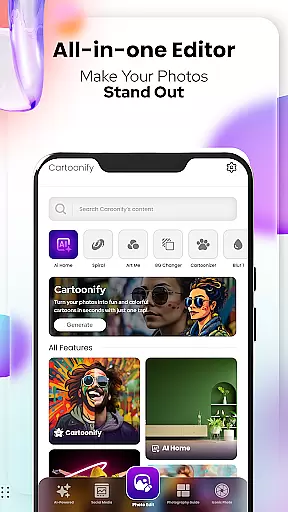
Cartoon Photo Editor - Toon Art is a creative photo editing app designed for art enthusiasts and casual users alike. The application specializes in transforming regular photos into captivating cartoon-style artworks through its unique features.
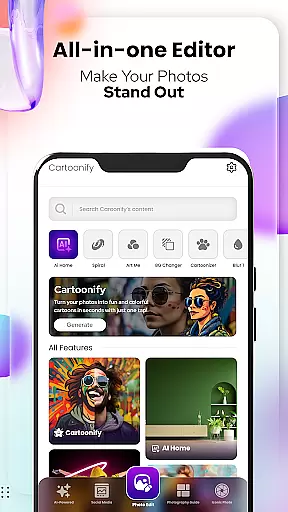
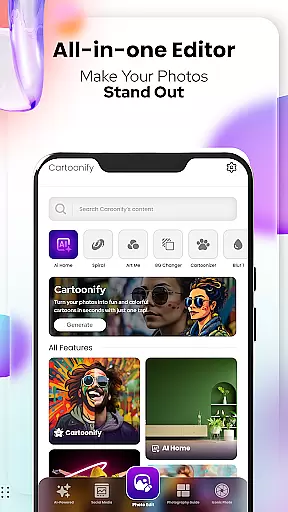
The app offers multiple artistic tools including Cartoonify for instant cartoon conversion, Art Me for applying stunning art filters, and Pet Cartoonizer specifically for creating charming pet caricatures. With additional professional-grade editing options like Background Changer and Sketching, users can achieve studio-quality results directly on their mobile devices.
Ideal for social media enthusiasts and pet lovers, this app allows users to create eye-catching profile pictures and memorable pet portraits. The intuitive interface and diverse filter options make it an essential tool for unleashing creativity and adding artistic flair to everyday photos.
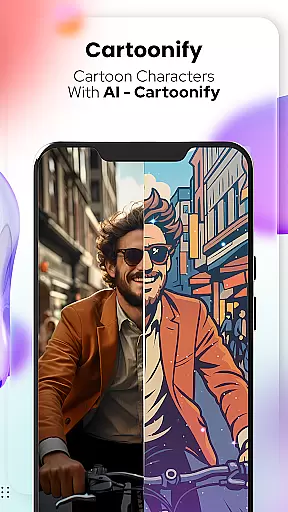
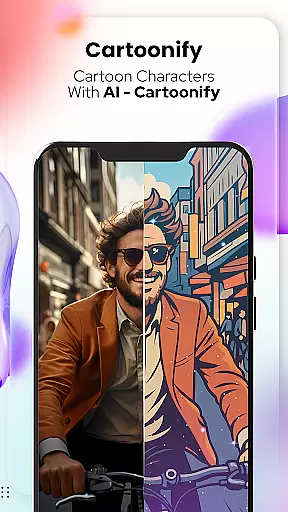
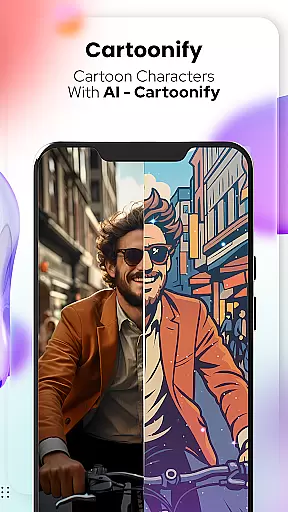
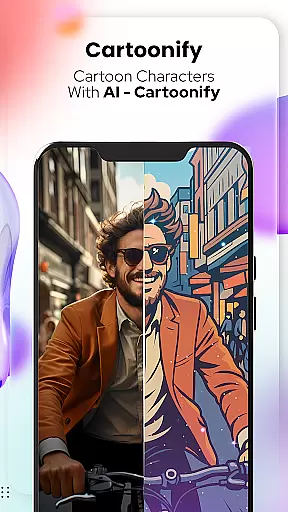
Cartoon Photo Editor stands out with its comprehensive suite of artistic features. The signature Cartoonify function instantly converts any image into a cartoon-style portrait using advanced image processing algorithms.
Art Me provides users with professionally designed art filters that transform photos into masterpieces. From impressionist styles to modern art effects, each filter is carefully crafted to deliver visually striking results. The Pet Cartoonizer feature applies a specialized algorithm that creates soft, pastel-toned pet caricatures while preserving the animal's distinctive features.
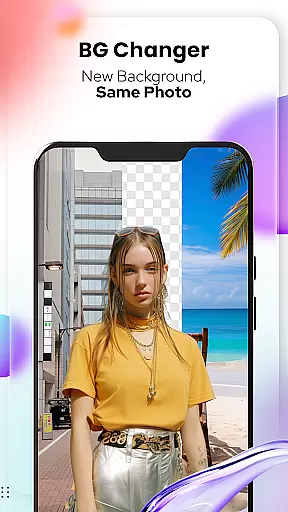
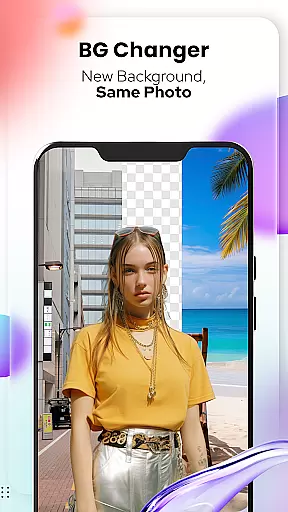
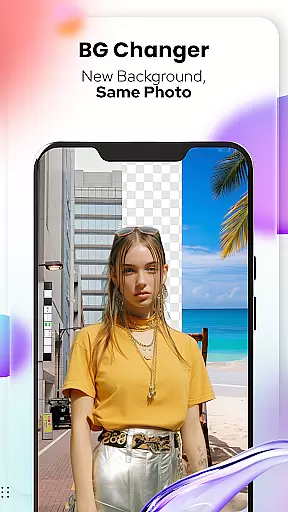
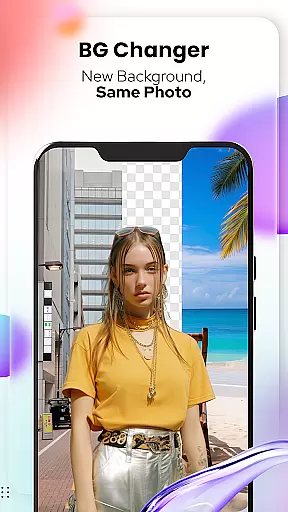
Additional tools include Background Changer for seamless background replacement, Sketching for pencil-drawn effects, and a complete set of professional photo editing instruments. These features collectively enable users to create sophisticated compositions with precise control over every artistic element.
In the realm of digital artistry, having a comprehensive suite of creative tools is essential for unleashing one's full artistic potential. Cartoon Photo Editoruff0dToon Art offers an extensive array of features that cater to both amateur enthusiasts and professional artists alike.
From the Cartoonify feature that ingeniously transforms any image into a cartoon-style portrait, to the Art Me function which applies stunning art styles for a unique touch, this app ensures you have all you need. The inclusion of Pet Cartoonizer and Sketching further diversifies your artistic expression, allowing for creativity that knows no bounds.
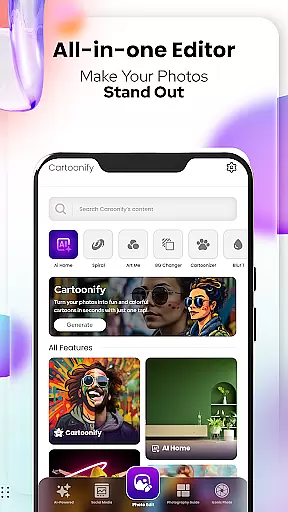
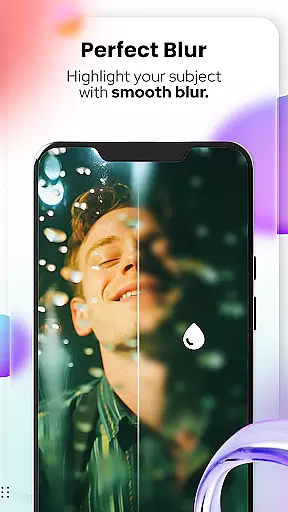
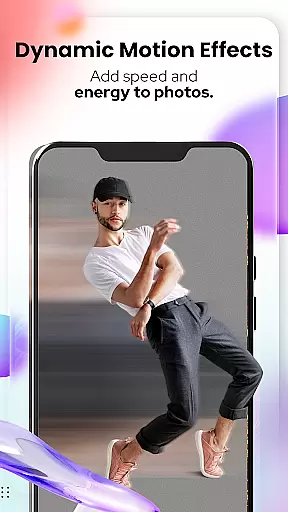
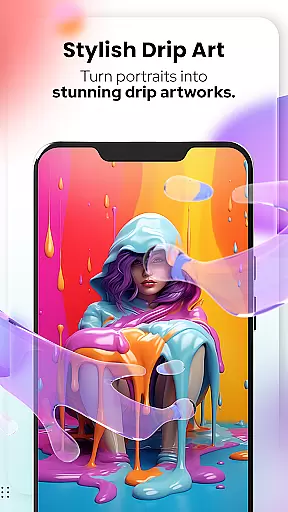
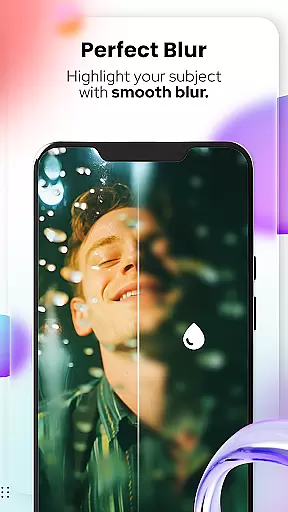
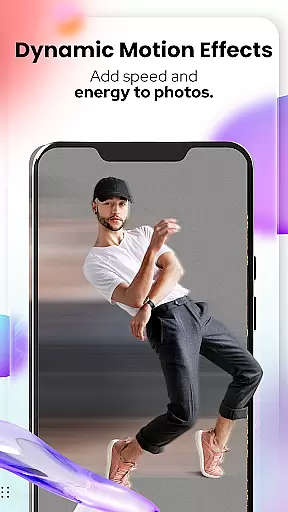
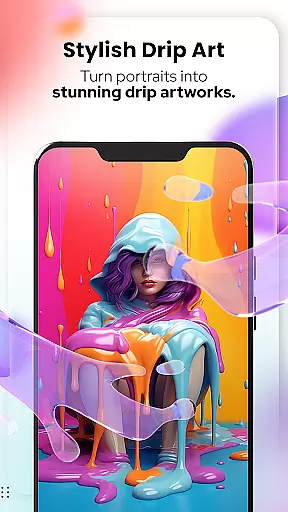
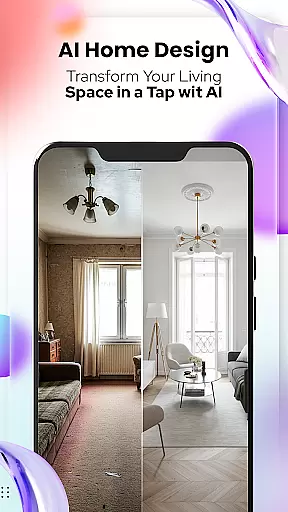
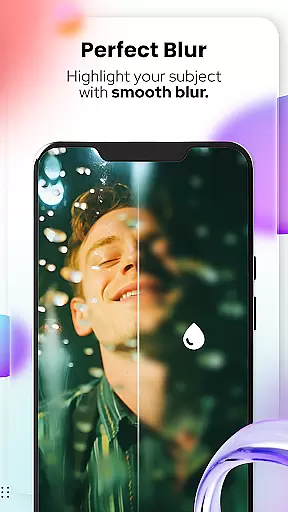
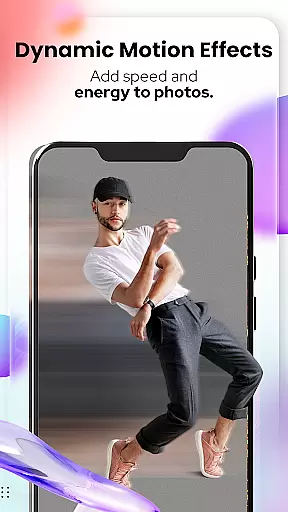
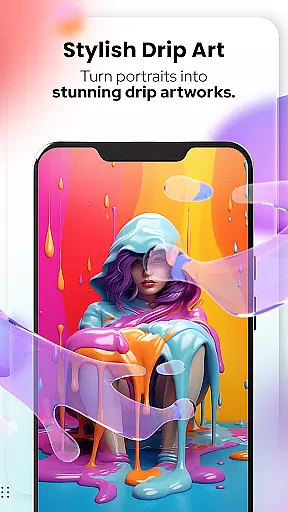
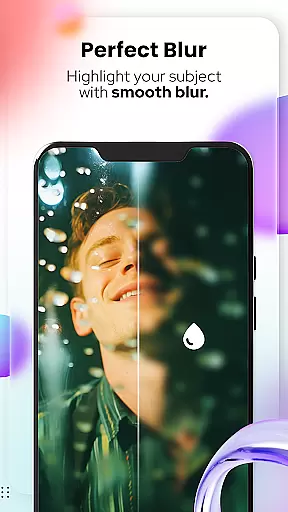
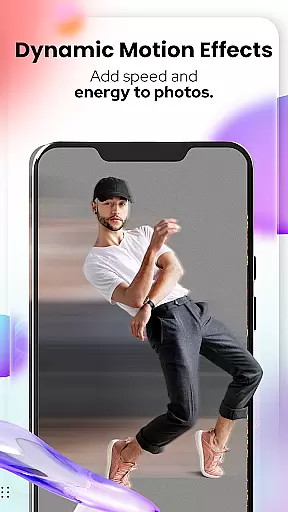
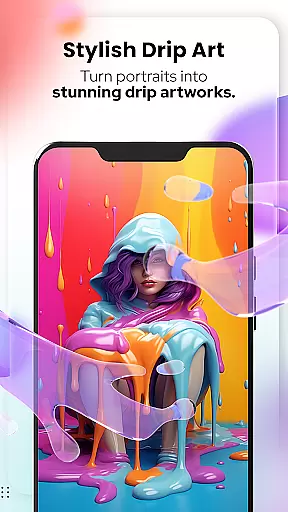
Moreover, with NEW! Photo Edit Tools such as Background Remover/Changer, Blur & Motion Effects, Spiral & Drip Effects, Filters & Stickers, Mosaic, Splash & Brush, Crop, Adjust & Overlay, Text & Fit Tools, users can take their edits to unprecedented levels. This complete toolkit empowers creators to modify their work with precision and flair.
The true value lies in the ability for users to stand out on social media or create personalized masterpieces without requiring traditional drawing skills. With Cartoon Photo Editoruff0dToon Art, every artist has the freedom to explore and execute their vision with professional-grade instruments at their disposal.
A canvas in the digital world is only as good as its flexibility and adaptability to various formats, ensuring that artwork can be displayed across multiple platforms and mediums. Cartoon Photo Editoruff0dToon Art excels in providing users with unparalleled canvas and format versatility.
With capabilities like Background Changer, artists are not confined by the original setting of their photos. They can easily remove or replace backgrounds, giving each piece a fresh context or enhanced aesthetic appeal. This feature alone significantly broadens the scope of creative possibilities.
Additionally, the app supports different editing needs through features such as Spiral & Drip Effects, Mosaic, Splash & Brush, and more. These allow for intricate adjustments and transformations that maintain high-quality resolution regardless of the final output format required.
Artists benefit from knowing their creations will retain integrity whether shared online, printed, or incorporated into other projects. By prioritizing canvas/format flexibility, Cartoon Photo Editoruff0dToon Art ensures every creation is ready for any showcase, empowering users to share their art confidently and widely.
User-friendly interface
Wide range of artistic filters
Specialized pet cartoonization
Professional-grade editing tools
Instant cartoon transformation
Premium features require payment
Some filters may distort images
Advanced tools have learning curve
Occasional processing delays
Limited free content available

Vidu is an AI video generator made for creators and aspiring makers.
 3.30
3.30
Learn how to draw with step-by-step tutorials, fun lessons & multiplayer drawing
4.70
Easy 3D drawing design maker & creator. Model designing, Sculpting. Create&paint
4.00
Art of Combination Wear OS Watch Faces
4.0
Convert image to JPG PNG HEIC PDF, support almost all kinds of image formats
4.70
Photo editor for art, avatars, filters & fun transformations.
4.60
Draw Trace image sketch by, AR art projector app, Easy to trace any image.
4.50
Get creative and make art with your Sesame Friends!
4.00
Explore future self face age filter & remove background image for a unique look.
3.50
Mobile pixel art editor. Simple. Fast. Portable.
4.80
Create and Design Custom Logos in Seconds with AI-Powered Tools!
4.40
Unleash Your Creativity with Draw Cartoon - AR Drawing App
4.10
Art of Combination Wear OS Watch faces (for Wear OS 5+ devices)
3.90
Create cute cat emojis & PFPs! Fun, custom avatars for cat lovers.
3.70
AI Assistant, powered by ChatGPT GPT-4 & GPT-4o. Your intelligent companion.
3.50
Sketch, trace and master AR drawing with awesome anime art!
3.30
Pose and morph realistic male and female models! 3D poser app
3.00
Transform photos into amazing monochrome dither art with professional algorithms
4.5
Art of Combination Wear OS Watch faces
4.3


User Reviews