
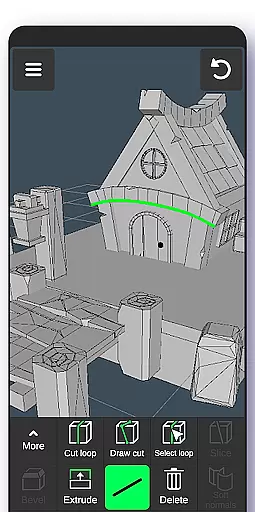
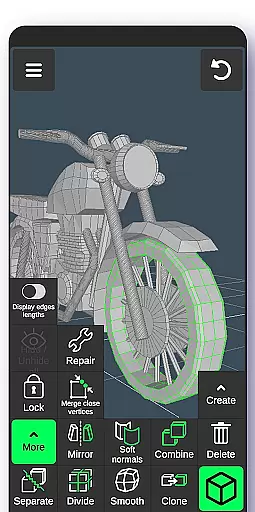
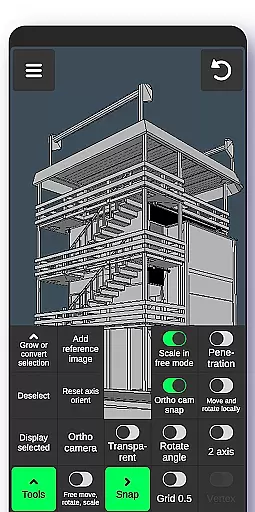
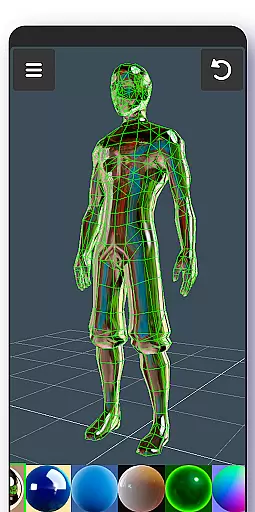
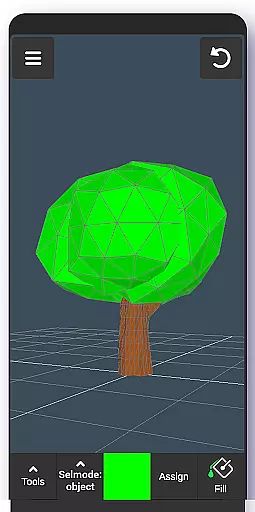
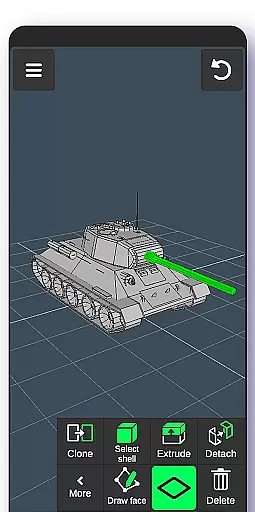
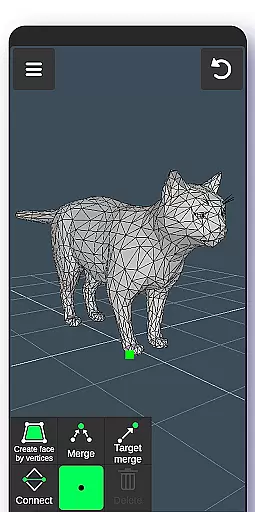
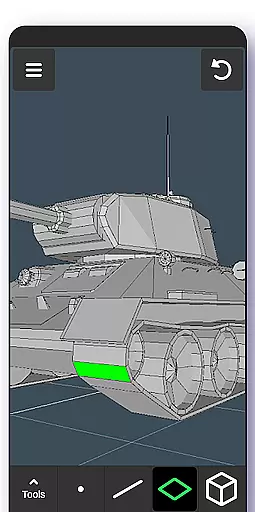
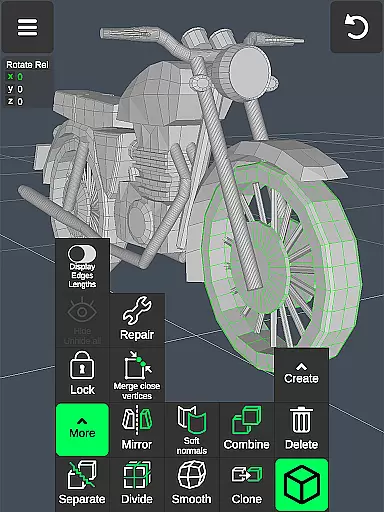
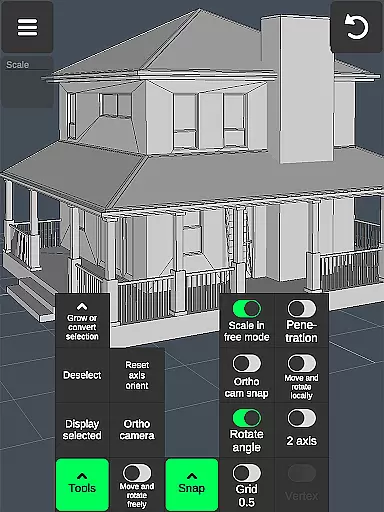
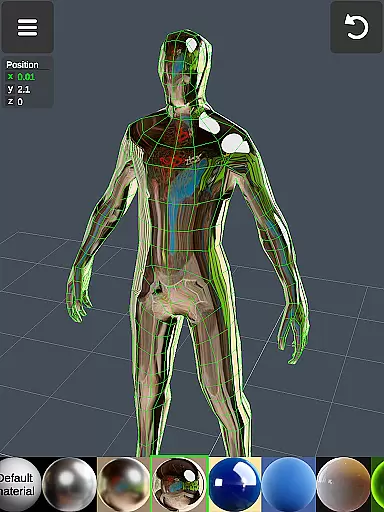
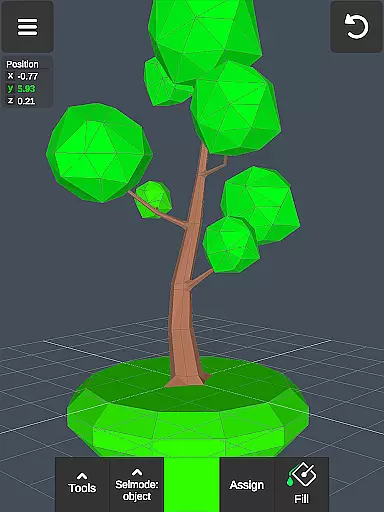
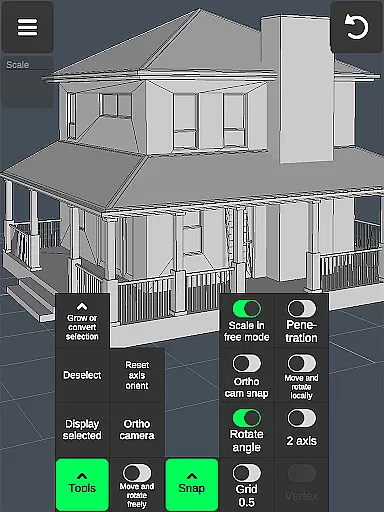

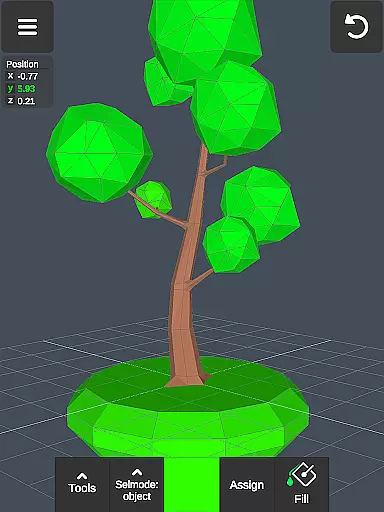
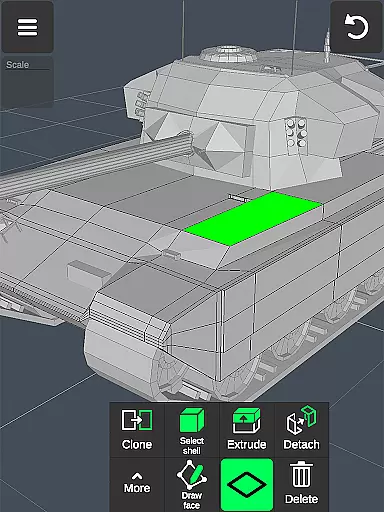
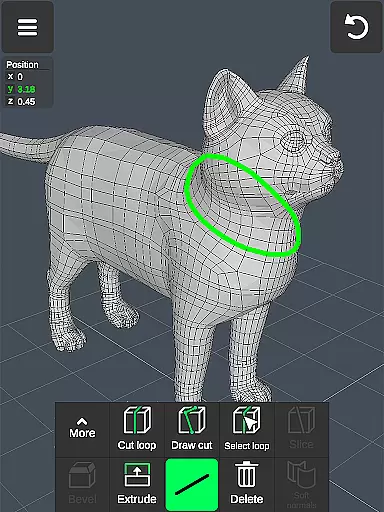
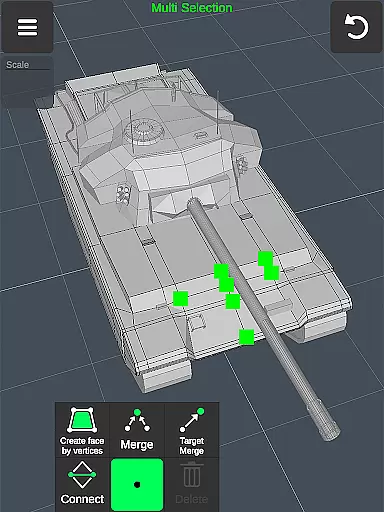
3D Modeling App is a comprehensive mobile solution for creating 3D models, objects, and art using intuitive gestures on your phone or tablet. Designed for professionals and hobbyists alike, the app supports a wide range of applications from graphic design to game development. Users can create detailed 3D characters, design game assets, and even simulate physics, all within a portable environment.
The app stands out with its versatile toolset that includes vertex, edge, face, and object manipulation tools, as well as advanced sculpting and display options. Whether you're an automotive engineer designing car models or an artist sketching digital sculptures, this app provides the necessary features to bring your ideas to life. Its ability to export and import .obj files makes it compatible with major 3D modeling and CAD software.
One of the standout features of 3D Modeling App is its fast workflow capabilities. Users can move, rotate, and scale 3D images using simple gestures, while quickly switching between tools ensures a seamless creative process. The app allows multi-selection of vertices, edges, faces, and objects through intuitive touch controls, enhancing productivity.
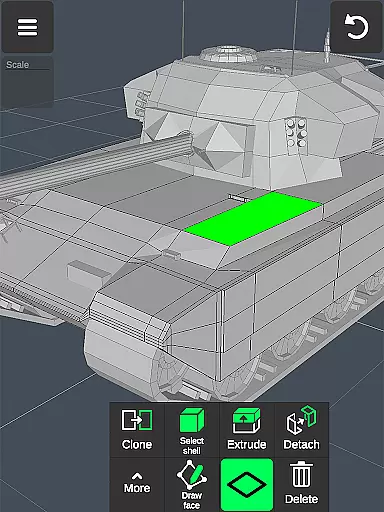
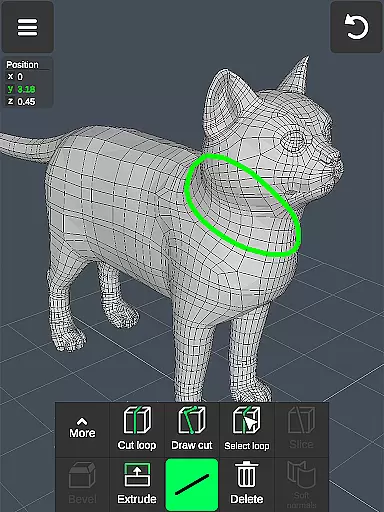
In addition to basic modeling tools, the app offers specialized functions such as vertex merging, edge cutting, and face extrusion. Sculpting enthusiasts will appreciate the move, smooth, push, and pull tools, complete with adjustable brush size and strength. Display tools provide essential information like triangle count and edge length, while customizable grid settings and snapping options ensure precision in every project.
In the realm of 3D modeling and design, having a comprehensive set of creative tools is essential for professionals and hobbyists alike. The 3D Modeling App excels in this area by offering an extensive suite of features that cater to various aspects of 3D creation. From vertex, edge, and face tools to object manipulation and sculpting, each toolset is designed to provide precision and control.
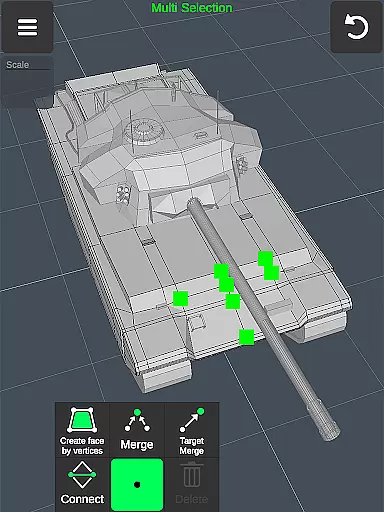
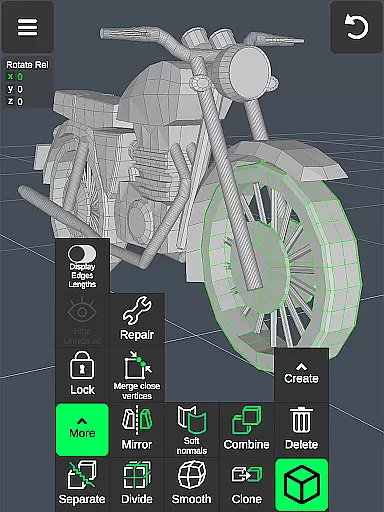
Users can merge, connect, and create faces using vertices, draw cuts with a swipe or point-by-point selection, extrude faces, clone objects, and even smooth normals. These robust functionalities empower users to execute complex 3D geometry tasks with ease. Additionally, the app supports advanced display options such as wireframe rendering, shadows, axis visibility, and orthographic camera views, which are crucial for accurate modeling.
The inclusion of sculpting tools further enhances the creative process, allowing digital sculptors to move, push, pull, and smooth their models with adjustable brush sizes and strengths. This level of detail ensures that artists can achieve the desired texture and form in their creations. Moreover, the ability to apply up to 20 materials and paint vertex colors adds another layer of realism and customization to 3D projects.
A versatile canvas is vital for unleashing creativity without constraints. The 3D Modeling App offers remarkable flexibility in terms of canvas and format compatibility, making it an ideal choice for diverse 3D projects. Whether you're designing characters, landscapes, or industrial components, the app's adaptive workspace adjusts to your needs.
One standout feature is its gesture-based navigation, enabling users to effortlessly move, rotate, and scale 3D images and objects. This intuitive interaction method streamlines workflow and allows creators to focus on their designs rather than interface limitations. Furthermore, precise value inputs for movement, rotation, and scaling ensure exactness in every action taken within the virtual space.
Exporting and importing capabilities also play a significant role in canvas/format flexibility. The app supports .obj file formats, which can be seamlessly integrated into popular 3D modeling software like 3ds Max, Maya, Blender, and CAD programs such as AutoCAD and SolidWorks. With third-party converters, files can be transformed into various formats including STL, DAE, FBX, and more, ensuring compatibility across different platforms and extending the reach of your work beyond the app itself.
User-friendly interface
Extensive toolset
Compatibility with major software
Supports stylus input
Versatile application uses
Steep learning curve
Advanced features may overwhelm beginners
Limited free resources
High system requirements
Occasional performance lags

Vidu is an AI video generator made for creators and aspiring makers.
 3.30
3.30
Create color palette from Image, RGB & RYB Color wheel harmonies, Color Scheme
4.50
Passport size photo maker, create ID photo and visa photo in seconds
4.80
Castle is social media for creating and playing games!
4.60
Novices can also easily complete diamond painting masters
4.70
Powerful home decoration & house design that allows you to design dream home.
3.80
Video AI: Revolutionize Your Content Creation with Advanced Video Generation
4.50
Create amazing pictures and unleash your creative genius with AR Drawing Sketch
4.40
An intuitive, high-performance painting app that lets you focus on creating
4.40
Create stunning art with AI.
4.80
2D animation studio for Android tablets - unlimited layers, infinite timeline
4.70
Photo stitcher for automatically screenshot stitching into a long screenshot
4.70
Image resizer to resize, crop, rotate, flip, change dpi photo or picture in bulk
4.60
The perfect place to start sketching! Use Sketchbook to draw and paint sketches.
4.50
Kling AI is an image and video generation and editing studio powered by AI.
4.50
Sketch and paint on your device with the feel and freedom of drawing on paper
4.00
Your homescreen as an elegant glass with customized blur, lighting, and visuals.
3.70
Create trending AI photos & videos with powerful effects and 3D styles.
3.20
Your Essential Color Theory Guide: Red, Yellow, Blue (RYB)
4.1


User Reviews