
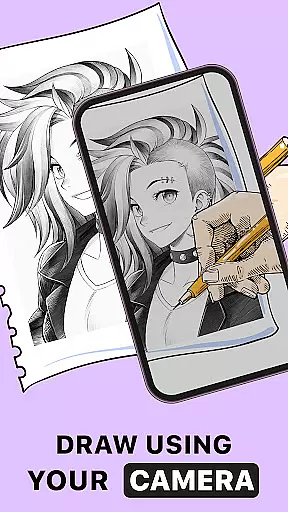
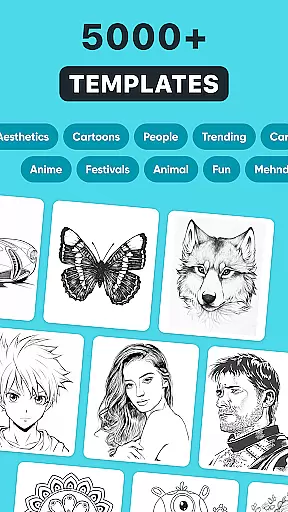
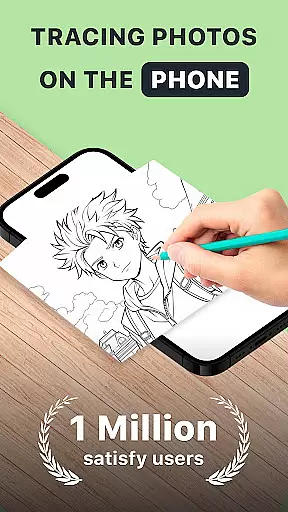
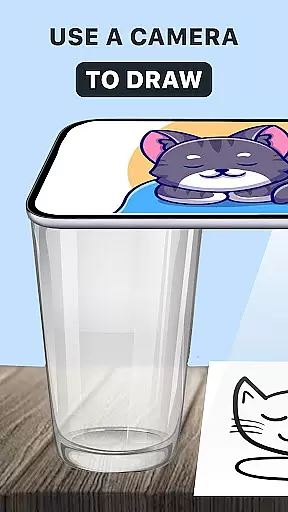
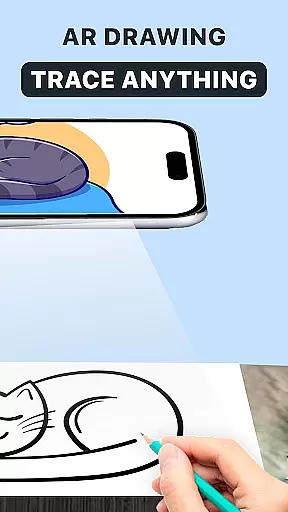
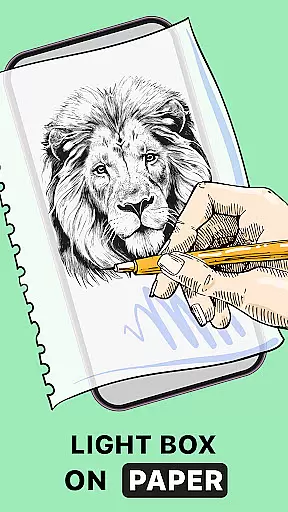
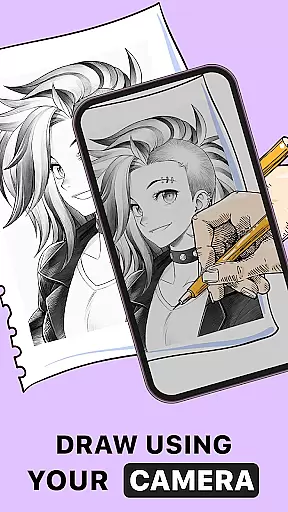
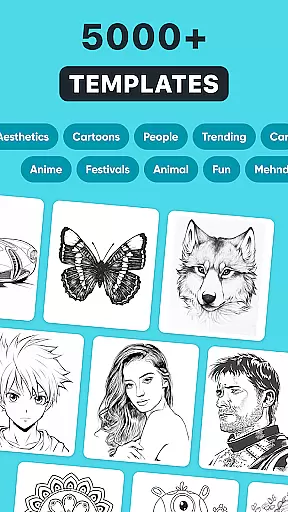
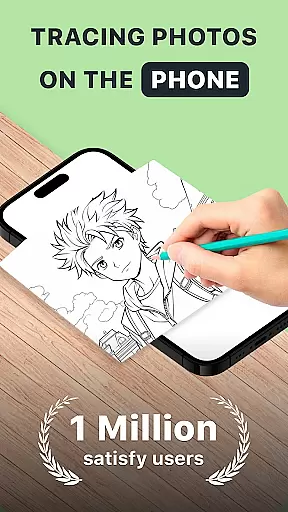
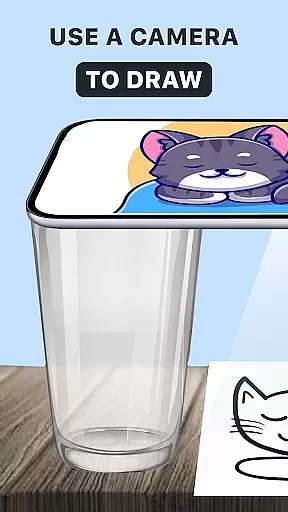
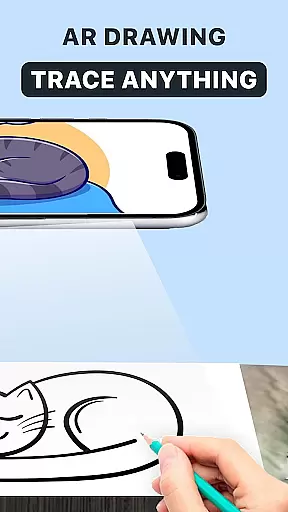
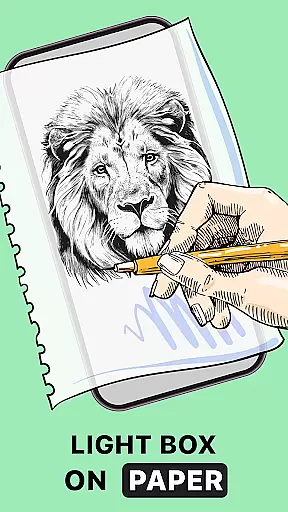
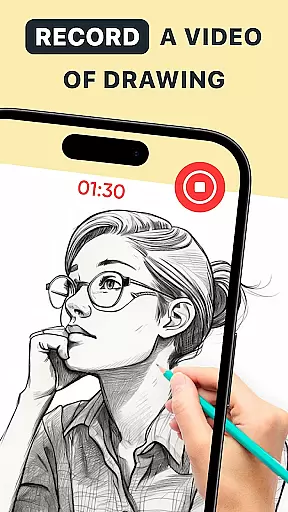
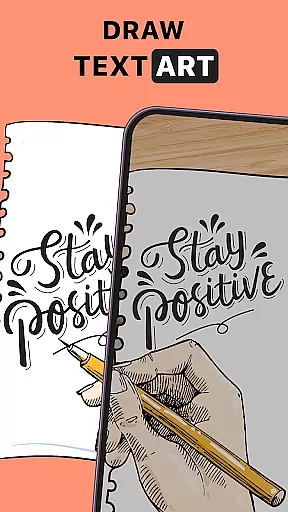
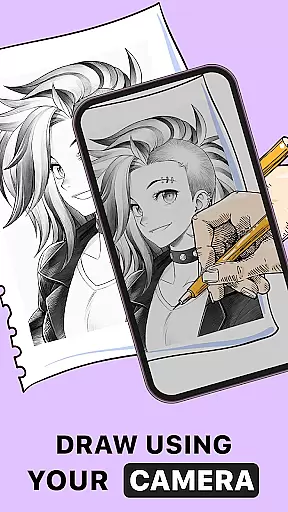
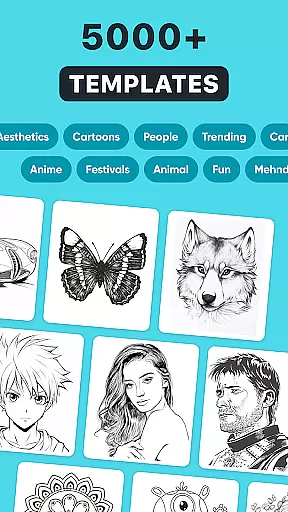
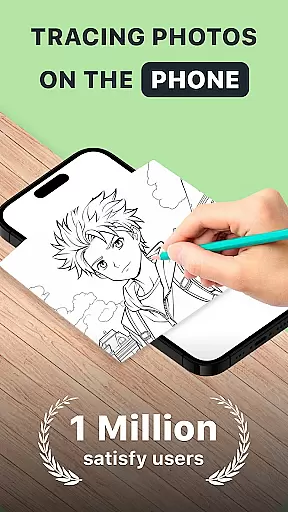
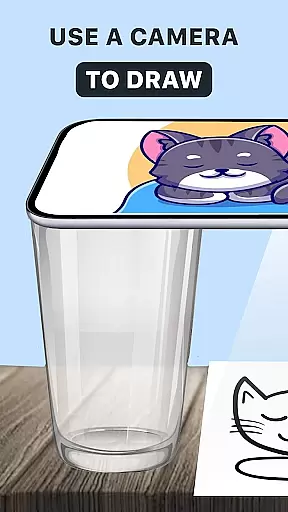
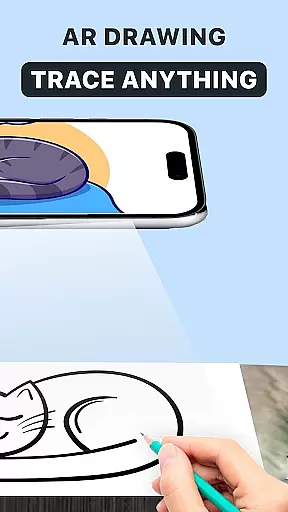
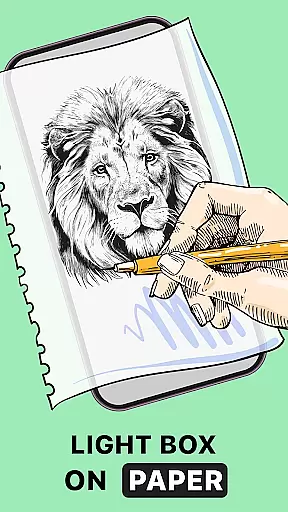
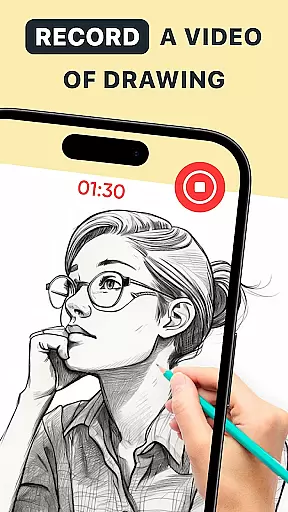
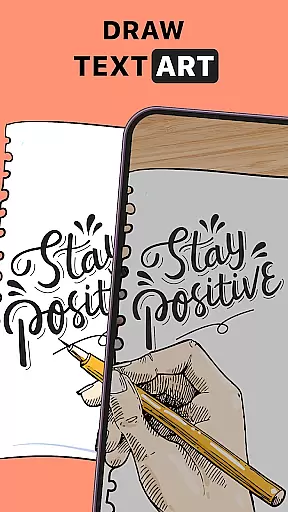
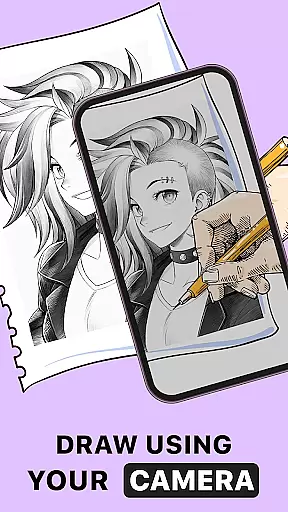
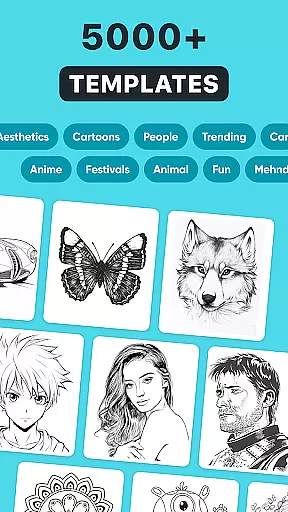
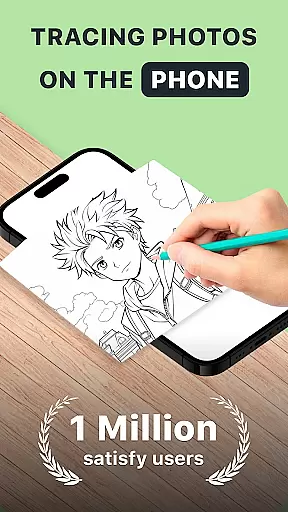
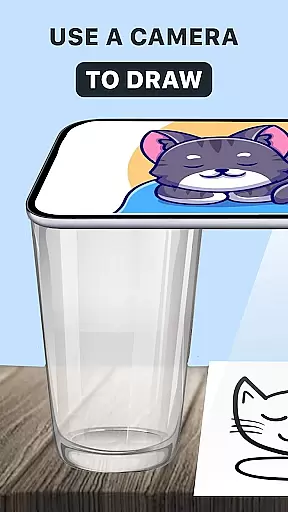
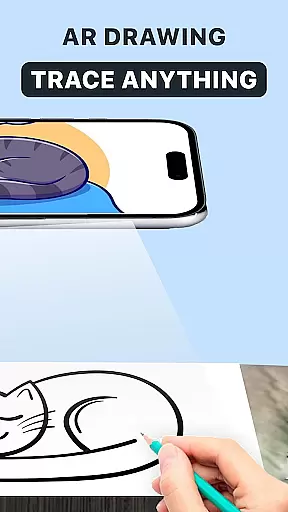
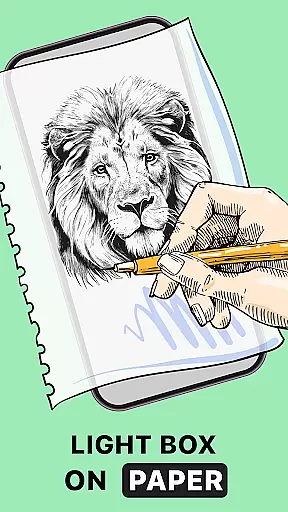
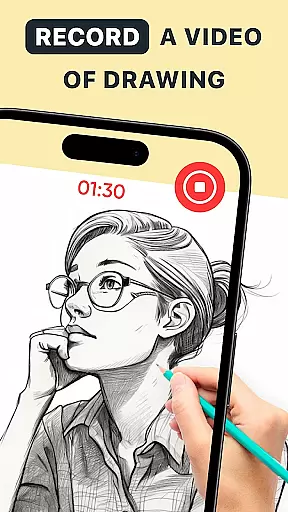
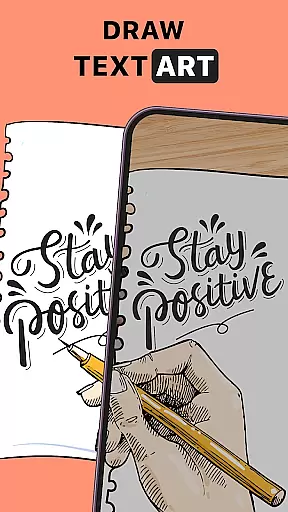
AR Drawing: Trace Anything is an innovative mobile application designed for art enthusiasts who enjoy drawing and coloring. This app offers a unique augmented reality (AR) experience that allows users to trace and draw on their sketchbooks with precision, using images from their gallery or the app's extensive library. Whether you're a beginner looking to improve your skills or a professional artist seeking new tools, AR Drawing provides versatile features that cater to all levels.
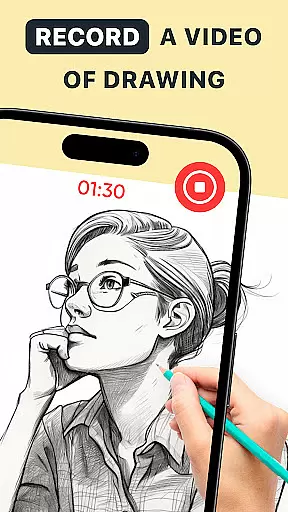
The app's core functionality revolves around its AR tracing capabilities, which guide users' hands to create perfect sketches. It also includes time-lapse recording features for capturing the creative process, making it ideal for sharing your artistic journey with others. With personalized art options and various effects, every piece created with AR Drawing becomes a unique masterpiece. The app's portability and ease of use make it suitable for artists on the go, enabling them to create anywhere, anytime.
AR Drawing: Trace Anything stands out with its comprehensive set of features tailored for artists. One of the key highlights is the AR tracing feature, which acts as digital tracing paper, allowing users to transform any image into a traceable outline. This function is particularly useful for those looking to replicate complex designs or improve their freehand drawing abilities. The app also includes an extensive library of images and supports importing from personal galleries, providing endless creative possibilities.
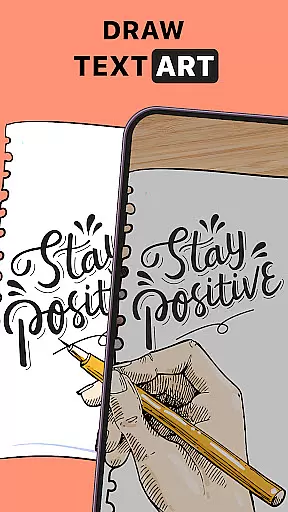
In addition to basic tracing, the app offers advanced customization options. Users can apply transparent and line effects to their artwork, creating unique visual styles. The built-in time-lapse recording feature enables artists to document their creative process, perfect for creating tutorials or sharing behind-the-scenes content. Furthermore, the app's versatility extends to various art forms, including anime drawing and detailed design work, making it suitable for different artistic pursuits. These features collectively enhance the drawing experience while maintaining user-friendly accessibility.
In the realm of digital art, having a comprehensive set of creative tools is essential for artists to fully express their visions. AR Drawing: Trace Anything offers an extensive suite of features that cater to both budding and experienced artists. The app includes functionalities such as AR trace drawing, sketchbook modes, and specialized tools for creating anime-style artwork.
These capabilities allow users to transform any image into a traceable outline, effectively turning photographs into customizable sketches. With options for transparent and line effects on images, artists can add unique touches to their work, ensuring each piece is distinctive. This level of personalization empowers creators to explore various artistic styles while honing their skills.
The versatility of AR Drawing's toolkit supports a wide range of artistic endeavors. Whether you're interested in detailed designs or simple tracing exercises, the application provides the necessary instruments for artistic expression. Its compatibility with different forms of art makes it suitable for anyone looking to expand their creative repertoire.
By integrating advanced AR technology with traditional drawing methods, this app bridges the gap between digital convenience and authentic artistry. Users can create anywhere, anytime, without the need for bulky suppliesu2014just a smartphone and paper suffice. This accessibility ensures that everyone, regardless of skill level, can engage with and improve their artistic abilities through innovative and interactive means.
Flexibility in canvas and format options is crucial for artists who wish to work without constraints. AR Drawing: Trace Anything excels in providing adaptable solutions that accommodate various artistic needs. The app allows users to submit images and process them into traceable outlines, which can then be sketched onto physical media or manipulated digitally.
This adaptability extends to its support for different types of artwork, including anime-style drawings and complex designs. Artists can easily switch between styles and formats, experimenting with diverse techniques without limitations. Such versatility encourages exploration and innovation within oneu2019s creations, fostering growth and development in artistic skills.
Moreover, the ability to capture time-lapse videos of the drawing process adds another layer of flexibility. Users can document their artistic journey, sharing behind-the-scenes content with others or using it as a teaching tool. This feature not only enhances personal portfolios but also contributes to community learning and engagement.
Ultimately, AR Drawing: Trace Anything empowers artists by removing barriers associated with traditional materials and methods. By leveraging augmented reality technology, the app enables seamless transitions between digital and physical mediums. This freedom ensures that every artist, from beginners to professionals, can find value in utilizing these flexible tools to bring their visions to life.
User-friendly interface
Extensive image library
Advanced AR tracing
Customizable effects
Time-lapse recording
Limited free features
Requires good lighting
Occasional glitches
Steep learning curve
Subscription fees

Premium version of Shimeji-ee app with no ads & no limit active shimeji
 4.4
4.4
Logo Generator powered by AI: Create stunning logos effortlessly!
4.70
Convert image to JPG PNG HEIC PDF, support almost all kinds of image formats
4.70
2D animation studio for Android tablets - unlimited layers, infinite timeline
4.70
Your homescreen as an elegant glass with customized blur, lighting, and visuals.
3.70
Beauty Camera - Selfie Camera is the ultimate beauty camera and selfie app
4.30
Create and Design Custom Logos in Seconds with AI-Powered Tools!
4.40
Draw, make movies & animate cartoons easily with our 2D animation maker app
4.40
Sketch and paint on your device with the feel and freedom of drawing on paper
4.00
Create stunning art with AI.
4.80
Your AI soulmate — meaningful chats, and unique emotional moments
4.70
The ultimate tool for creating animations
4.60
Get an overview over all your embroidery threads, projects and more.
4.60
Image/ Text to Video Generator
4.40
Floor Plan Creator lets you create, edit and share floor plans.
4.00
Paint with oils and sketch with natural tools on a realistic virtual canvas.
3.80
Create trending AI photos & videos with powerful effects and 3D styles.
3.20
Android 14 style widgets and wallpapers app.
4.1
A luxurious gold watch face for an elegant and refined look.
4.4


User Reviews