
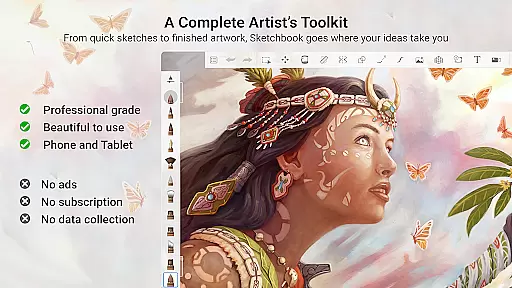
Sketchbook is a premier digital art studio designed for artists, illustrators, and creative enthusiasts who demand professional-grade tools in an intuitive interface. This award-winning app provides a complete set of sketching, painting, and drawing features that cater to both quick sketches and fully finished artwork. With its elegant design and natural drawing experience, Sketchbook ensures users can focus on expressing their ideas without distractions.
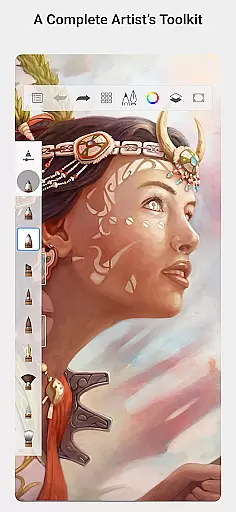
The app offers a full complement of brush types including pencils, markers, airbrushes, and smear tools that mimic physical counterparts. It also includes customizable brushes, precision-guided tools, layers with blend modes, and a clean interface purpose-built for sketching. Whether you're a professional artist or hobbyist, Sketchbook supports your creative journey from concept to completion.
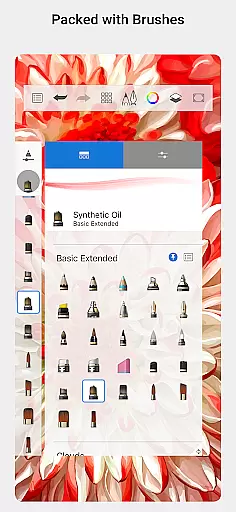
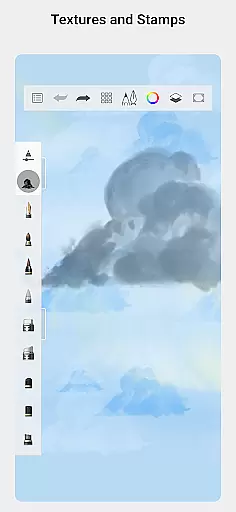
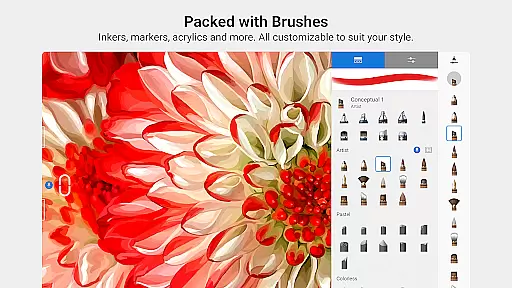
Sketchbook stands out with its extensive array of professional-grade features tailored for artists. The app includes over 140 customizable brushes, allowing users to create precise textures and effects that suit their artistic style. These brushes are highly adaptable, enabling detailed customization of size, opacity, and stroke to achieve the desired look.
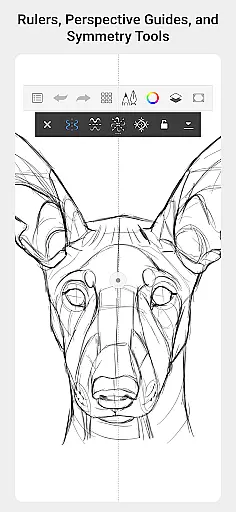
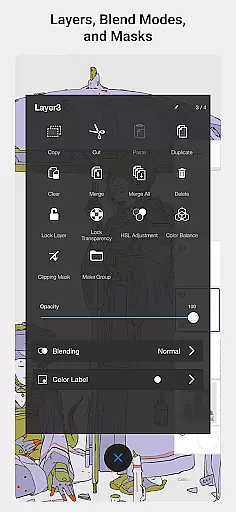
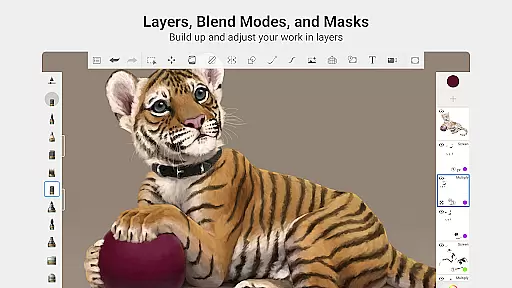
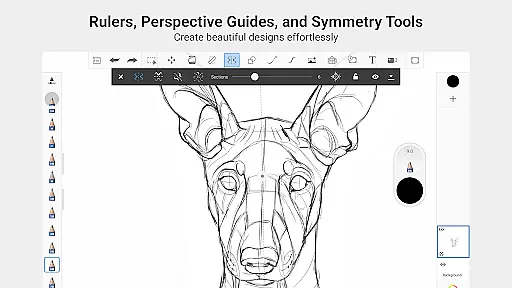
Precision tools such as guides, rulers, and stroke options provide exactness in every creation. Layers with comprehensive blend modes offer flexibility in exploring drawings and color compositions. Additionally, the app's distraction-free interface enhances focus by removing unnecessary UI elements, ensuring that artists can immerse themselves fully in their work without interruptions.
Sketchbook offers a comprehensive suite of creative tools that cater to both amateur and professional artists. The app includes a full range of brush types such as pencils, markers, airbrushes, and smear tools, each designed to mimic their physical counterparts. This diversity allows users to experiment with different styles and techniques, from quick sketches to fully finished artwork.
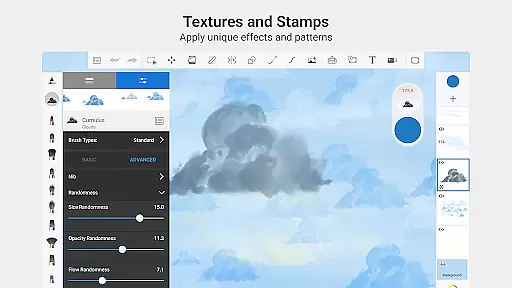
What sets Sketchbook apart is the high level of customization available for its brushes. Users can modify various parameters to create unique effects tailored to their specific needs. Whether you need precise lines or broad strokes, the app provides the flexibility to adjust settings until you achieve the desired result. This feature ensures that your digital art retains a personal touch.
In addition to customizable brushes, Sketchbook also offers guides, rulers, and stroke tools that support precision work. These features are particularly useful when working on detailed illustrations or technical drawings where accuracy is crucial. With layers and blend modes, artists can build up complex compositions and explore different color schemes without compromising the original sketch.
One of Sketchbook's standout features is its canvas and format flexibility, which empowers artists to work in a way that suits their creative process. The app supports various canvas sizes and formats, allowing users to choose the perfect dimensions for their projects. Whether you're creating small sketches or large-scale illustrations, Sketchbook adapts to your needs.
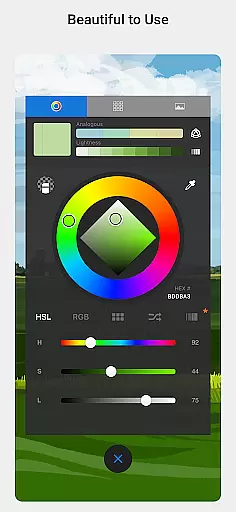
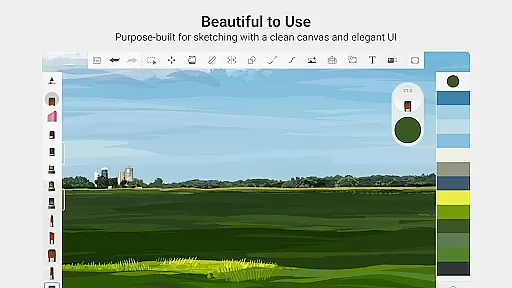
The interface is purpose-built for sketching, ensuring a clean and unobtrusive workspace. This design philosophy helps artists focus on their work without any distractions. The app's natural drawing experience makes it easy to capture ideas quickly, providing a seamless transition from traditional to digital art.
Furthermore, Sketchbook's compatibility with different devices enhances its flexibility. Artists can start a project on one device and continue working on another without losing any quality or functionality. This cross-device support ensures that creativity is never interrupted, no matter where you are or what device you're using.
User-friendly interface
Extensive brush library
Highly customizable tools
Clean, distraction-free workspace
Professional-grade features
Steep learning curve
Advanced features require payment
Limited free version capabilities
Occasional performance lags
In-app purchases necessary for full functionality

Custom Character Creator & PFP Maker!
 4.20
4.20
Digital illustration drawing & painting pad app to paint Anime and Manga art
4.50
Photo blender app to create overlay photos & double exposure.
4.40
Create stunning video, photo & magic from text with FlixAI GPT video generator.
3.10
Painting, drawing, & sketching
4.50
Minecraft & Roblox Clothes
4.70
Resize photos and print photos in exact size with our powerful photo printer!
3.80
A luxurious gold watch face for an elegant and refined look.
4.2
Video AI: Revolutionize Your Content Creation with Advanced Video Generation
4.50
Draw beautiful mandala's very easily
4.60
Photo editor for art, avatars, filters & fun transformations.
4.60
Get an overview over all your embroidery threads, projects and more.
4.60
Image/ Text to Video Generator
4.40
AI generated images & photos, turn your words into drawing, painting & pictures.
4.30
Trace, draw, and create art with AR - from memes to masterpieces!
4.30
Create stylish invitation cards using templates for weddings, birthdays & RSVP.
4.20
Powerful home decoration & house design that allows you to design dream home.
3.80
Transform photos into amazing monochrome dither art with professional algorithms
4.1
Your Essential Color Theory Guide: Red, Yellow, Blue (RYB)
4.2


User Reviews