
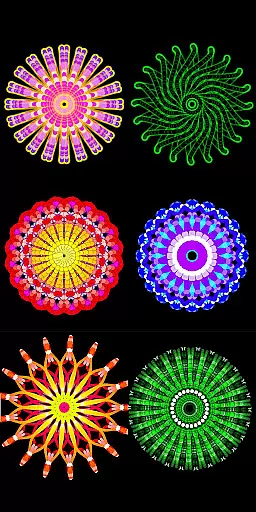
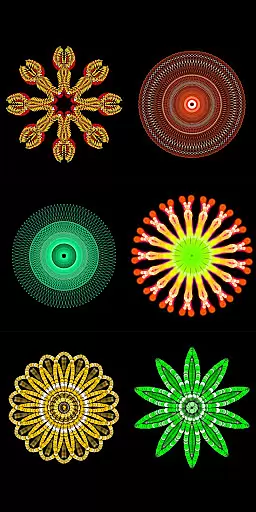
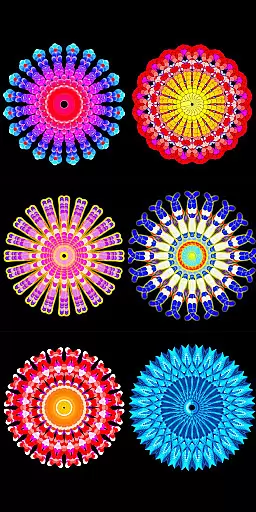
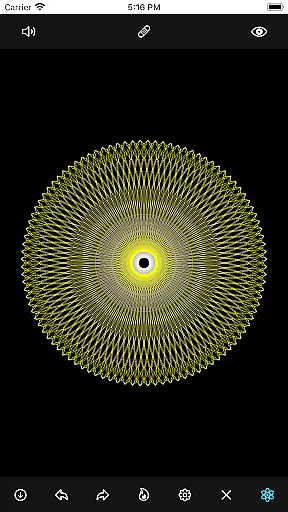
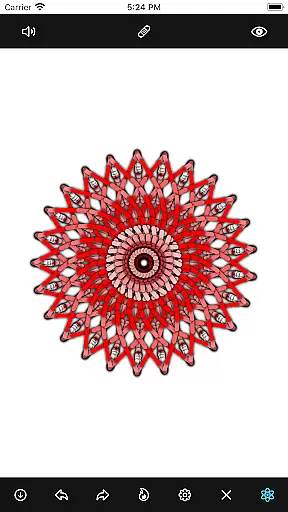
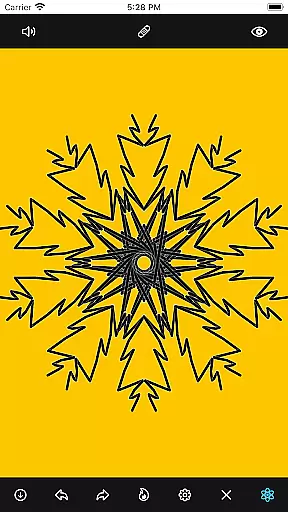
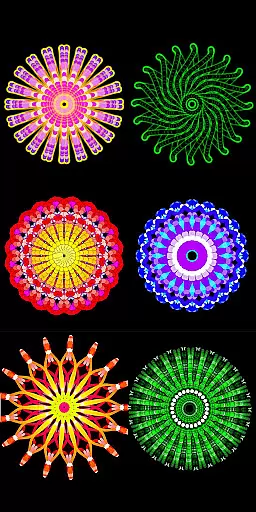
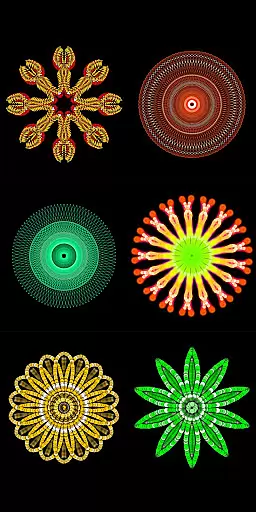
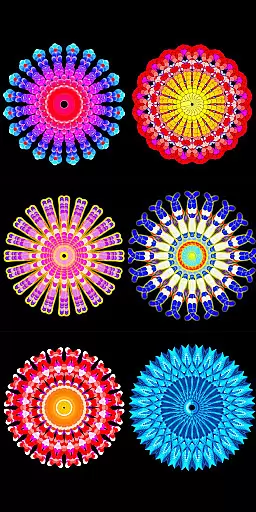
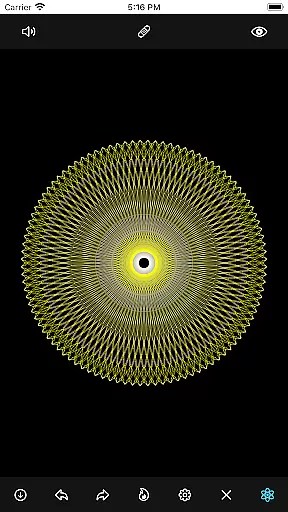
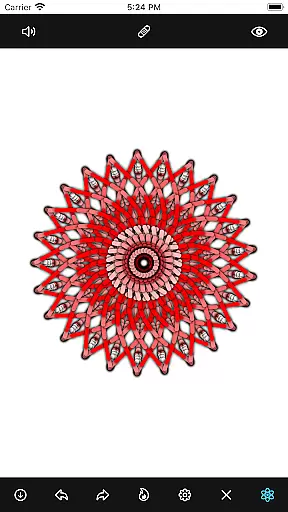
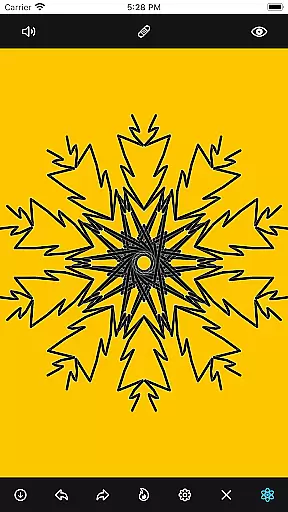
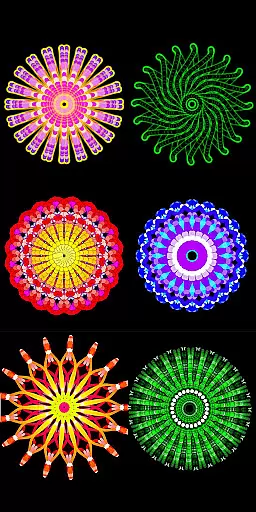
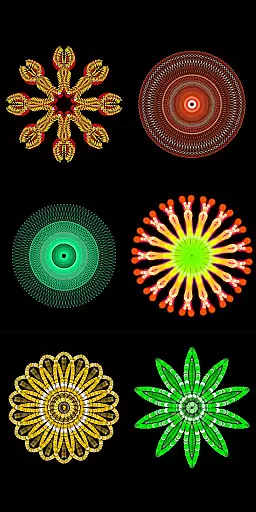
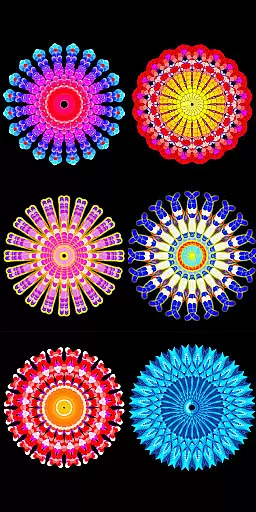
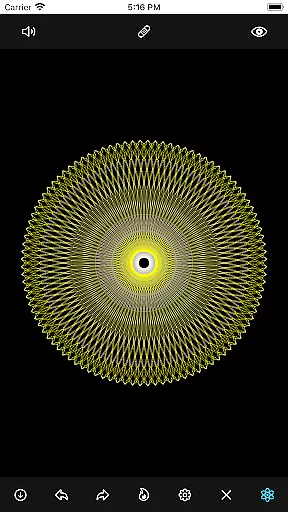
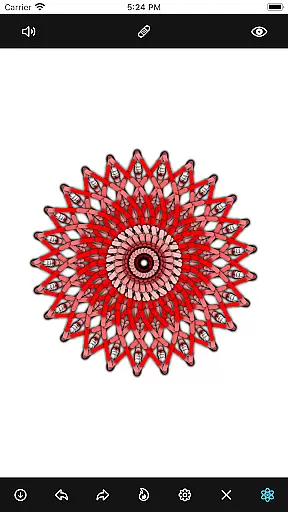
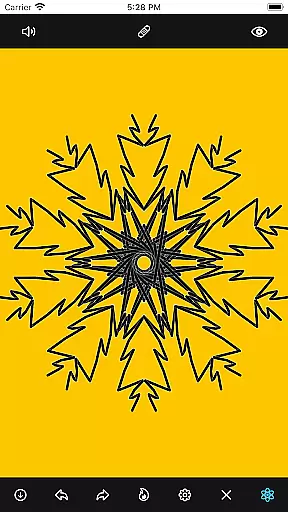
Mandala Maker 360 is a creative tool designed for both beginners and experienced artists to create intricate mandala drawings with ease. The app offers an intuitive interface that allows users to generate beautiful symmetrical designs in just a few steps.
With extensive customization options, users can modify canvas symmetry, background color, brush settings, and even apply shadows. The inclusion of predefined patterns and over 50 images provides additional creative freedom, making it a versatile choice for anyone interested in digital art.
Whether you're looking to create professional artwork or simply enjoy a relaxing creative session, Mandala Maker 360 delivers the tools you need to bring your artistic vision to life.
The app boasts a comprehensive set of features that cater to every aspect of mandala creation. Canvas Customization allows users to change the background color, adjust the canvas center, enable touch-based centering, and utilize canvas mirroring for perfectly symmetrical designs.
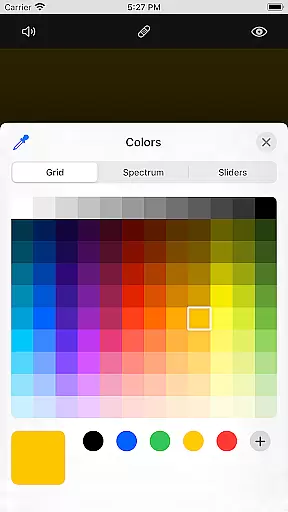
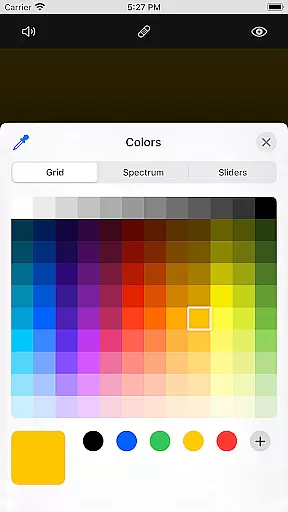
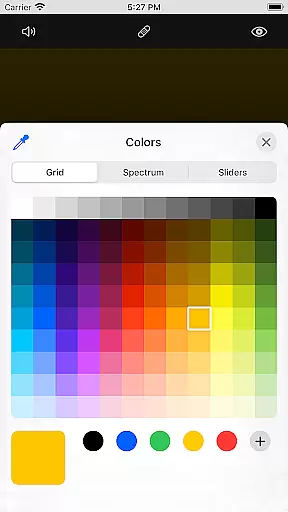
Brush Customization offers multiple brush styles, various color options including random selection, and adjustable brush sizes and types. This ensures each stroke can be tailored to the user's preference.
Image Customization provides over 50 images to incorporate into your mandalas, with adjustable size and dimensions. Shadow Properties let you apply randomized shadows with different sizes and colors, adding depth to your creations.
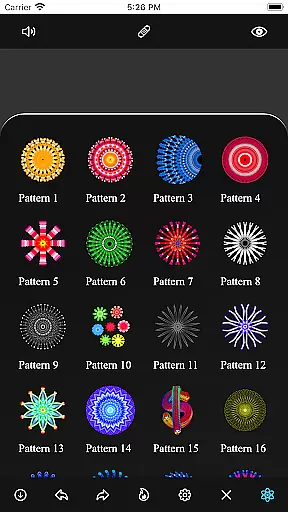
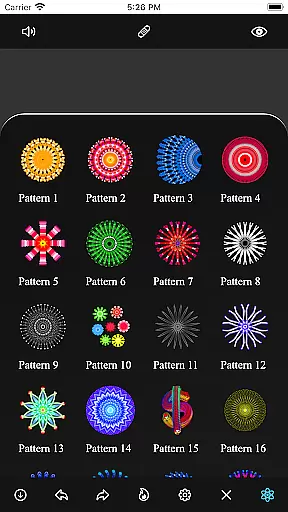
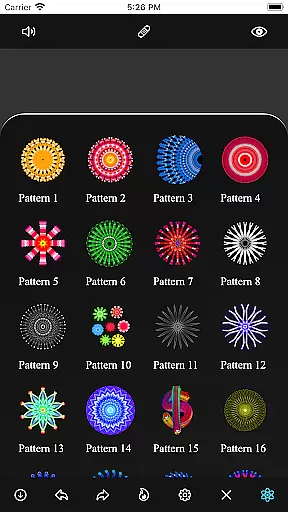
Additionally, the Patterns feature includes a selection of predefined patterns, offering multiple design options to enhance your artwork.
Mandala Maker 360 offers an extensive suite of creative tools that cater to both novice and experienced artists. The application provides a rich set of features for canvas customization, including options to change the background color, adjust the canvas center, and apply mirroring effects.
Brush customization is another highlight, allowing users to choose from multiple brush styles, select different color types, and adjust brush sizes and types. This flexibility ensures that each mandala drawing can be as unique and intricate as the artist desires.
In addition to brush and canvas adjustments, the app includes shadow properties to add depth to your artwork. Users can apply random shadows and select from various shadow sizes and colors, enhancing the visual complexity of their mandalas.
The app excels in canvas and format flexibility, providing artists with the freedom to explore their creativity without constraints. With Mandala Maker 360, you can easily change the canvas symmetry, enabling complex and balanced designs that would be difficult to achieve manually.
Image customization features further expand creative possibilities. Artists have access to over 50 images that can be used to draw mandalas, with adjustable image sizes and dimensions to fit any project requirement.
Moreover, the inclusion of predefined patterns adds another layer of versatility. Users can select from multiple patterns, each offering a different style and complexity, ensuring that every piece created is distinct and personalized.
User-friendly interface
Extensive customization
Variety of brushes
Predefined patterns
Shadow effects
Limited free features
In-app purchases
Occasional bugs
Learning curve
Ads present

Create stylish invitation cards using templates for weddings, birthdays & RSVP.
 4.20
4.20
Trace, draw, and create art with AR - from memes to masterpieces!
4.30
AI Face Swap, Video Effects Editor, Realtime Morph, Funny Video FX,AI Filters
3.70
Your Essential Color Theory Guide: Red, Yellow, Blue (RYB)
4.2
Art of Combination Wear OS Watch faces
4.5
Painting, drawing, & sketching
4.50
Inky runs Inkscape on Android devices and Chromebooks
2.90
Turning simple sketches into captivating tales filled with life and motion
3.90
An intuitive, high-performance painting app that lets you focus on creating
4.40
Mobile pixel art editor. Simple. Fast. Portable.
4.80
Draw on screen: FP sDraw is a simple and lightweight drawing app
4.70
Get an overview over all your embroidery threads, projects and more.
4.60
Draw, fidget, and spin glow art! Relax and express your creativity with a finger
4.60
Draw Trace image sketch by, AR art projector app, Easy to trace any image.
4.50
AI Tattoo Generator: Create Tattoo Designs & Get Ideas! Ink & Stencil Maker
4.50
Photo blender app to create overlay photos & double exposure.
4.40
AI generated images & photos, turn your words into drawing, painting & pictures.
4.30
OneUI 8.5 icons ✨ Smooth, modern & based on the latest Play Store design ??
4.10
Apply cartoon, caricature, and portrait effects to make your photos stand out!
3.60


User Reviews