
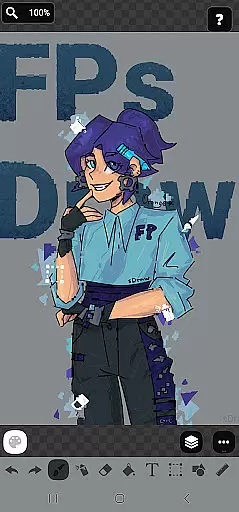
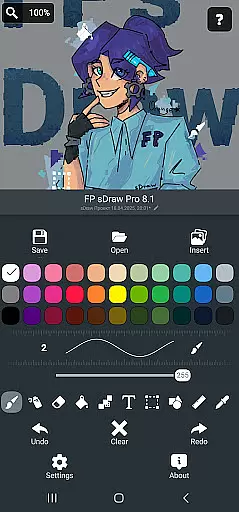
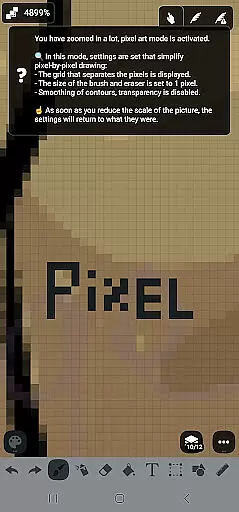
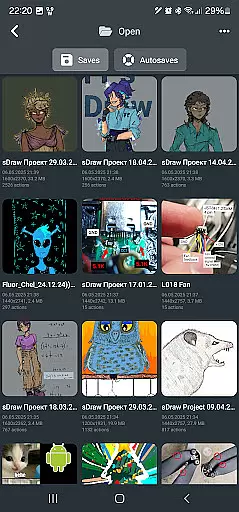
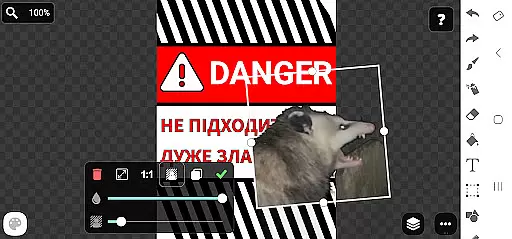
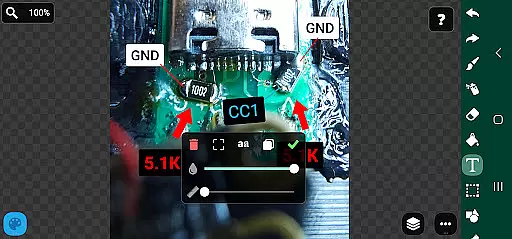
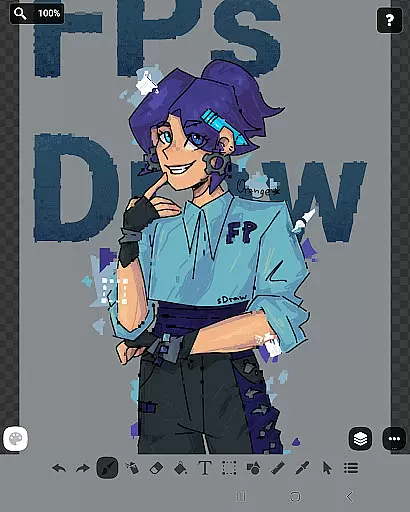
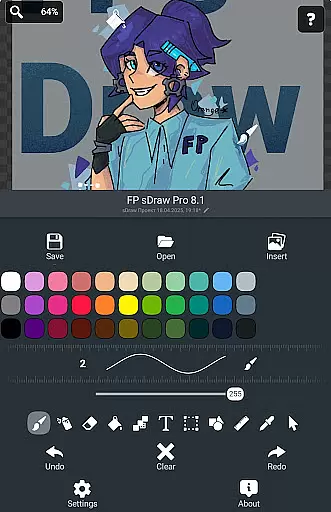
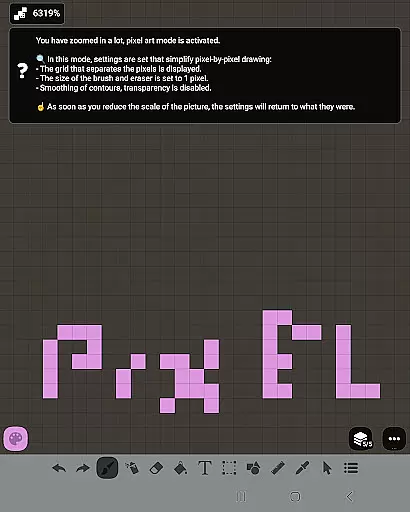
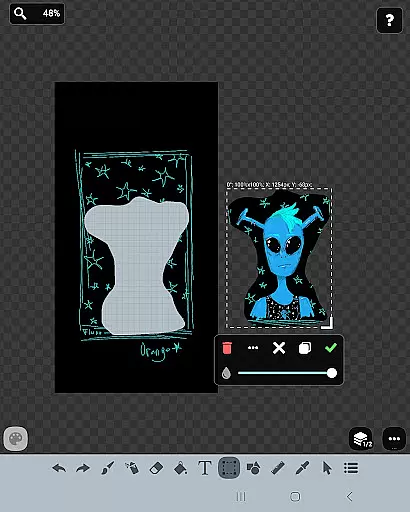
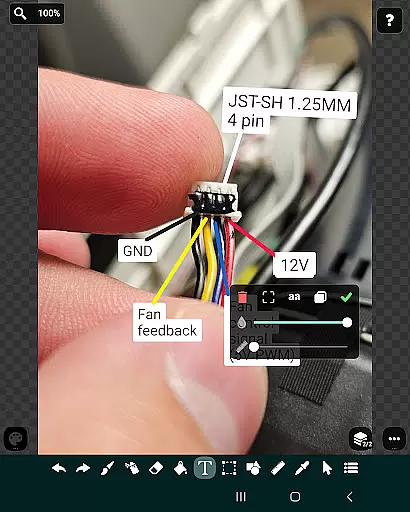
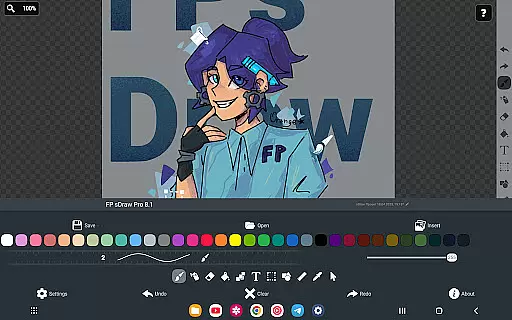
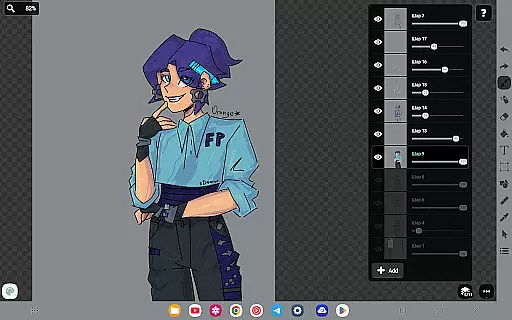
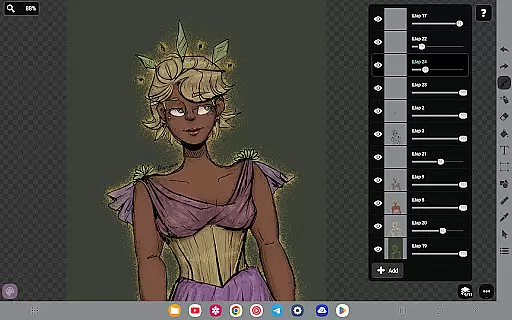
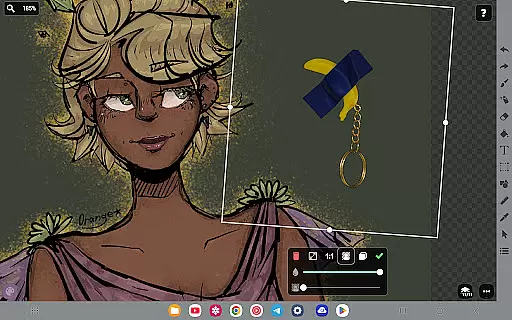
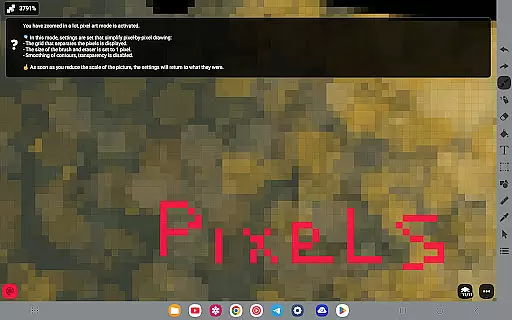
FP sDraw Pro is a streamlined drawing application tailored for users seeking simplicity and efficiency in their creative tasks. This app provides essential drawing tools without any distracting advertisements, making it an ideal choice for quick sketches, annotations, or creating memes. Its lightweight design ensures that it runs smoothly even on older devices, while its minimal storage requirement of less than 1MB allows for rapid installation and seamless operation.
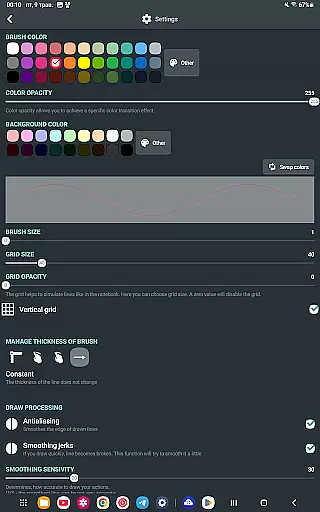
The application supports various drawing instruments such as brushes, erasers, airbrushes, text overlays, and more, catering to both casual doodlers and those needing to highlight or mark images professionally. With customizable UI elements and stylus support, FP sDraw Pro offers flexibility and precision, ensuring a comfortable user experience across different devices and use cases.
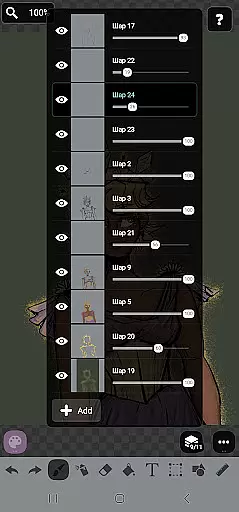
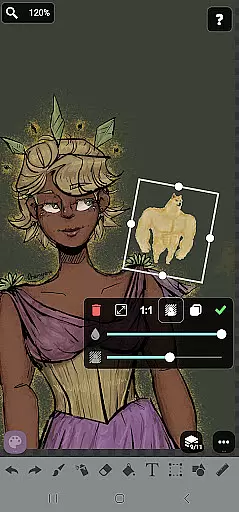
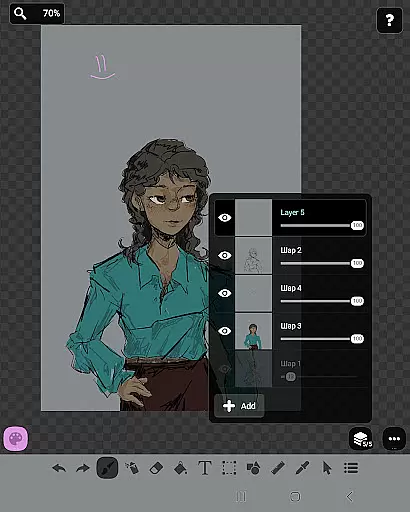
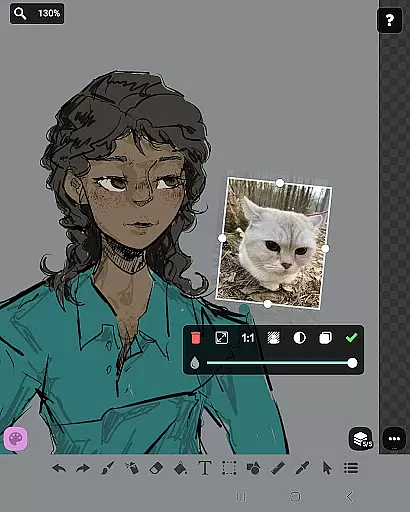
FP sDraw Pro stands out with its comprehensive yet straightforward feature set designed to enhance the drawing experience. The inclusion of layers allows users to organize complex sketches efficiently, while the ability to insert images from the gallery expands creative possibilities. Advanced tools like the airbrush, fill, text overlay, and shape options provide versatility for artistic expression.
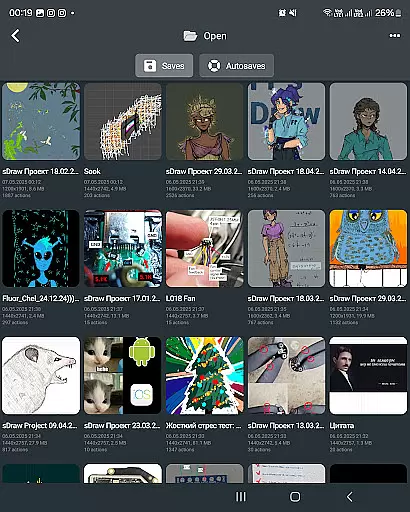
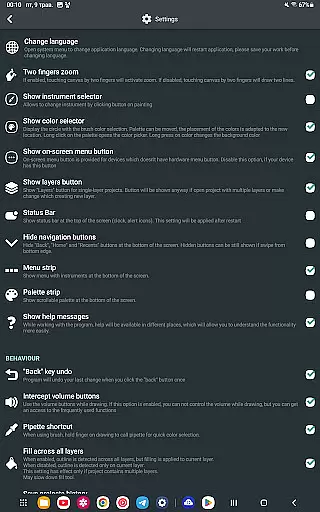
Additional functionalities include automatic backups to safeguard projects, volume button shortcuts for quick actions, and compatibility with styluses such as sPen and Active Pen. The free version offers full functionality, ensuring accessibility, while the Pro version provides extra perks like removing the 'sDraw' label from saved images and eliminating promotional reminders, thus enhancing the overall user experience.
In the realm of digital art, having a comprehensive set of creative tools is essential for artists to fully express their visions. FP sDraw Pro stands out by offering an extensive array of drawing instruments that cater to both amateur doodlers and professional designers alike.
From basic brushes and erasers to advanced features like layers, airbrush effects, text insertion, and shape tools, this application ensures that all your artistic needs are covered. The inclusion of a precision brush and mosaic effect adds another layer of depth, allowing users to experiment with different styles and techniques without limitation.
Furthermore, the app supports importing images from the gallery, providing a canvas for creativity that's not bound by the constraints of original content creation. This flexibility empowers artists to modify existing works or integrate personal photographs into their art seamlessly.
By focusing on delivering a complete suite of drawing utilities, FP sDraw Pro enhances the creative process, making it an indispensable companion for anyone looking to explore their artistic potential on a mobile platform.
The ability to work with various canvas sizes and formats is a critical feature for any digital art application, granting artists the freedom to create pieces that meet specific requirements or fit particular platforms. FP sDraw Pro excels in this area by offering unparalleled canvas and format flexibility.
Artists can customize their workspace with ease, adjusting not only the size but also the shape of their canvas to suit the project at hand. Whether it's creating a detailed portrait or a wide landscape, the adaptable interface of FP sDraw Pro accommodates all forms of artistic expression.
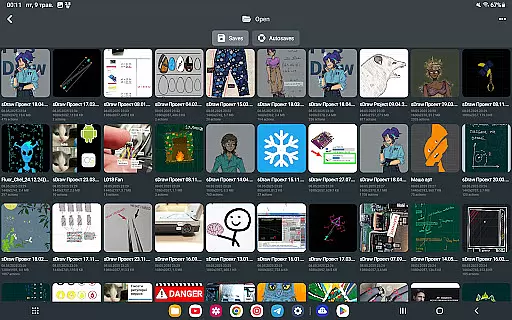
In addition to customizable canvases, the app provides options for saving and exporting artwork in multiple formats. This versatility ensures that creations can be shared across different mediums or integrated into other projects without loss of quality or compatibility issues.
With FP sDraw Pro's commitment to canvas and format adaptability, users are empowered to push the boundaries of their creativity, unrestricted by technical limitations, thus truly embodying the spirit of innovation in digital artistry.
Lightweight
No ads
Customizable UI
Stylus support
Automatic backup
Limited advanced features
Basic UI design
Fewer filters
No cloud sync
Small user base

Pose and morph realistic male and female models! 3D poser app
 3.00
3.00
Transform photos into amazing monochrome dither art with professional algorithms
4.4
Floor Plan Creator lets you create, edit and share floor plans.
4.00
Trace, draw, and create art with AR - from memes to masterpieces!
4.30
Logo Generator powered by AI: Create stunning logos effortlessly!
4.70
See Color, Paint Color
4.90
Create color palette from Image, RGB & RYB Color wheel harmonies, Color Scheme
4.50
Photo editor for art, avatars, filters & fun transformations.
4.60
Multiplayer Drawing game, Coloring, Painting・Sketch, Handwriting・Paint, draw
4.30
The ultimate tool for creating animations
4.60
Unleash your drawing and painting potential
4.50
Customizable Outlined Fonts. Watch Face Format. Battery friendly Digital Clock.
4.20
Sketch, plan, take notes and illustrate on an infinite canvas.
4.20
Create stylish invitation cards using templates for weddings, birthdays & RSVP.
4.20
Turning simple sketches into captivating tales filled with life and motion
3.90
Paint with oils and sketch with natural tools on a realistic virtual canvas.
3.80
AI Art Generator transforms your words into AI generated art & paintings.
3.70
Create sweet, cool and unique couple avatars easily, in just a few steps!
3.40
Draw anime easily with AR guidance, sketch templates & trace tools!
3.10


User Reviews