
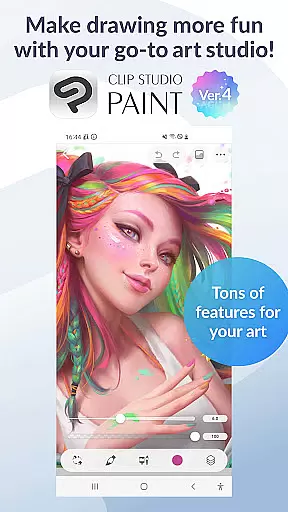
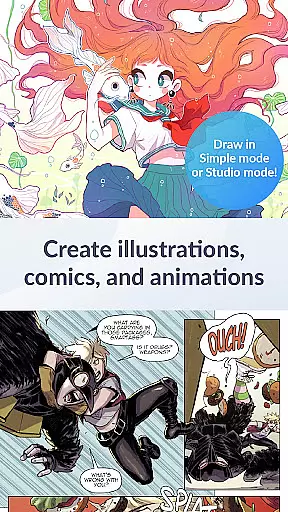
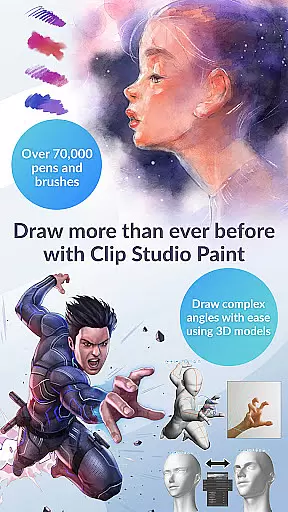
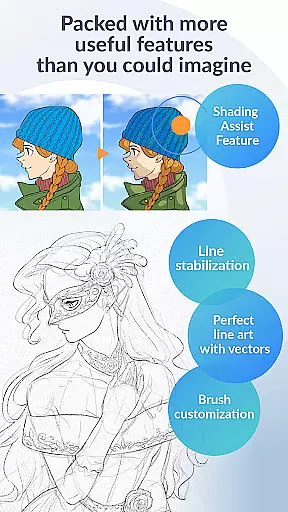
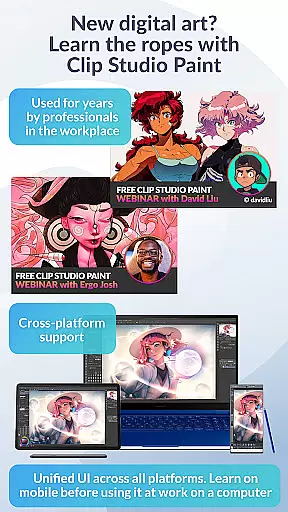
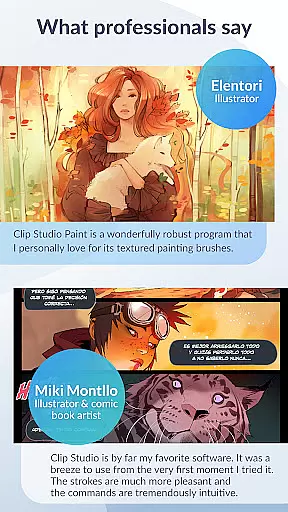
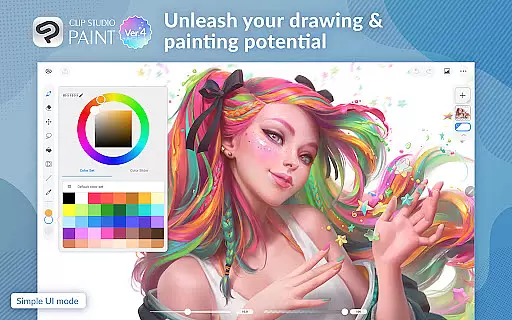
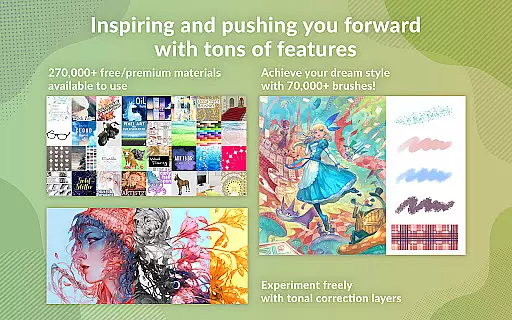
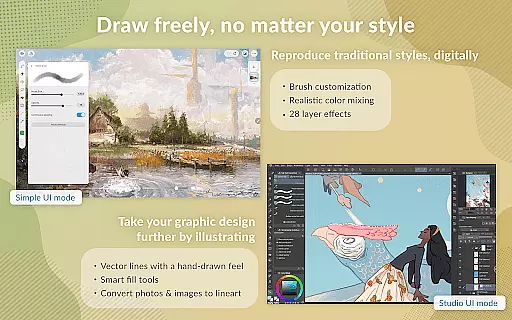
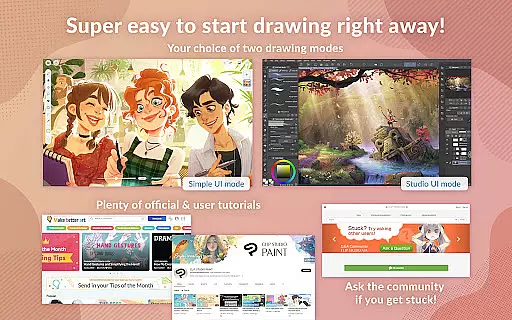
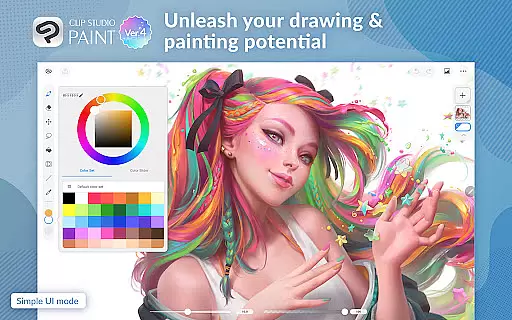
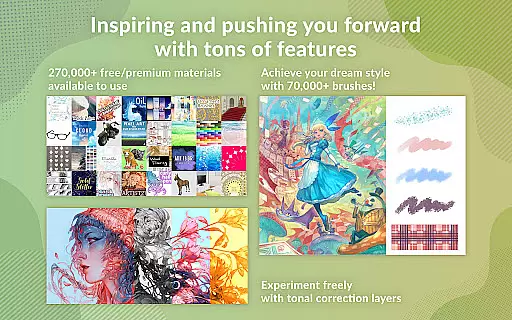
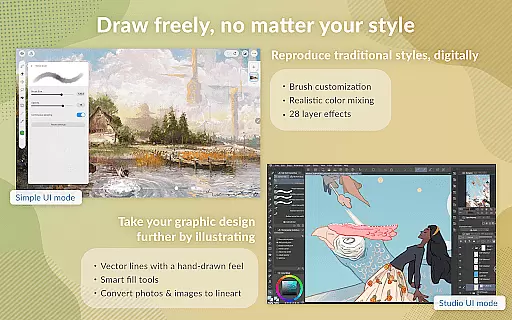
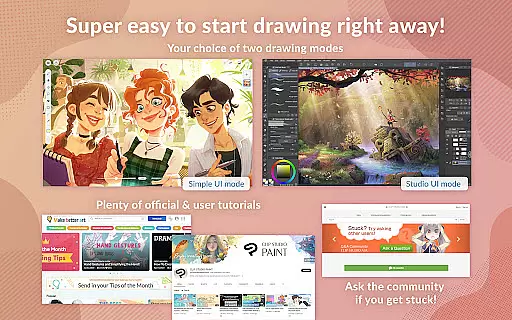
Clip Studio Paint is a premier digital art application designed for both professional artists and beginners. It offers a comprehensive suite of drawing and painting tools, including support for 3D models, vector layers, and advanced brush customization. With features like Gradient maps, Puppet warp, and live video reference, users can create detailed artwork with precision.
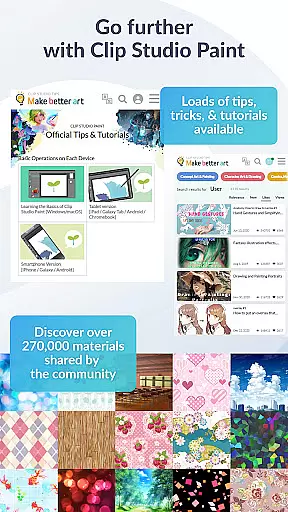
The app provides a free 30-day trial for tablets and up to 30 hours of free use per month on smartphones. Subscribers gain access to cloud storage, regular updates, and over 270,000 materials created by other artists. Whether you're crafting character art or experimenting with new styles, Clip Studio Paint supports your creative journey with powerful features that enhance productivity and artistic expression.
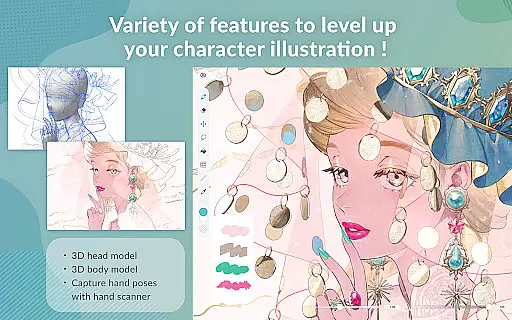
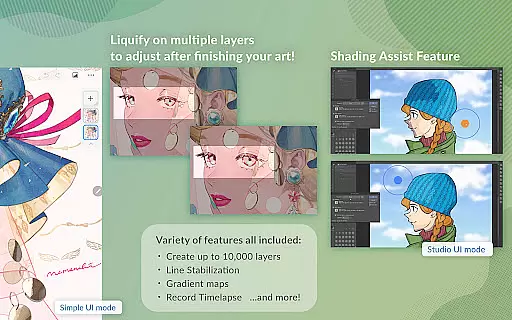
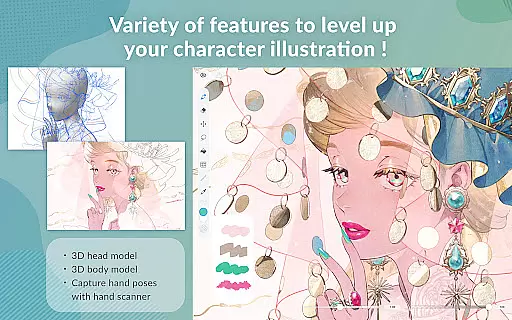
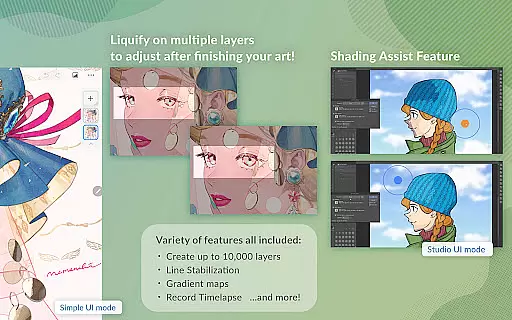
Clip Studio Paint stands out with its robust feature set tailored for digital artists. The app allows the creation of up to 10,000 layers, enabling highly detailed artwork. Artists can pose 3D models, utilize liquify effects across multiple layers, and capture complex hand poses using live video references. These capabilities ensure accurate representation and dynamic compositions.
In addition to its core functionalities, Clip Studio Paint offers an extensive library of customizable brushes and materials. Users can download premium assets from creators worldwide, adjust lines directly with their stylus, and employ 3D primitives for quick layout ideas. Advanced options such as perceptual color mixing and dual brush settings provide unparalleled control over artistic output, making it an indispensable tool for illustrators and animators alike.
In the realm of digital art, having access to a comprehensive suite of creative tools is paramount. Clip Studio Paint excels in this area by offering an extensive array of features that cater to both amateur artists and seasoned professionals. With over 70,000 brushes available, including custom textures, shapes, and dual brush settings, users can craft their perfect brush for any style or technique.
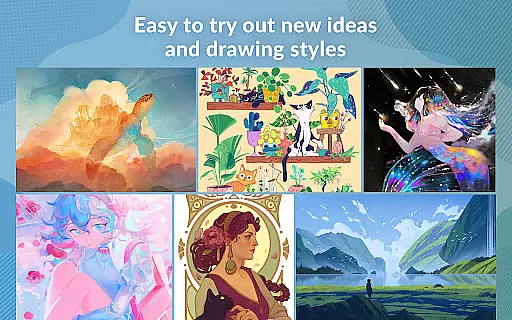
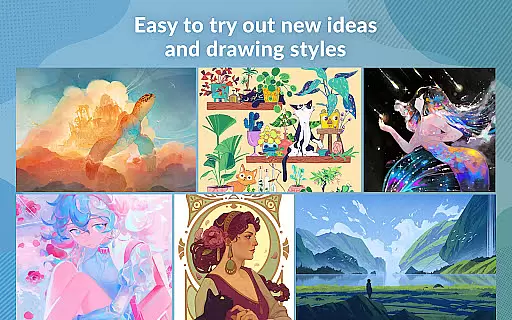
Additionally, the app provides advanced layer effects, perceptual color mixing, and vector painting capabilities, ensuring that artwork retains its quality at any scale. The inclusion of 3D primitives and models further enhances the creative process, allowing for quick layout and perspective ideas. These robust offerings empower artists to experiment with new styles and bring their visions to life without constraints.
The app's dedication to providing a complete toolkit is evident in its constant updates and addition of features such as Liquify, Puppet Warp, and Gradient maps. Such tools not only facilitate intricate artwork creation but also streamline the workflow, making complex adjustments possible with simple gestures. This level of depth ensures that every artist can find the right tool for their unique expression.
Flexibility in canvas and format options is crucial for artists who need to adapt their work across various mediums and platforms. Clip Studio Paint addresses this need by enabling creators to customize their canvas size and resolution, accommodating everything from small-scale sketches to large, detailed illustrations. This adaptability allows artists to seamlessly transition between projects with different requirements.
Moreover, the application supports a wide range of file formats for import and export, which is essential for collaboration and publishing workflows. Artists can save their work in formats that best suit their needs, whether it be for web publication, print, or further digital manipulation. The ability to export in multiple formats ensures that artwork maintains its integrity and quality regardless of its final destination.
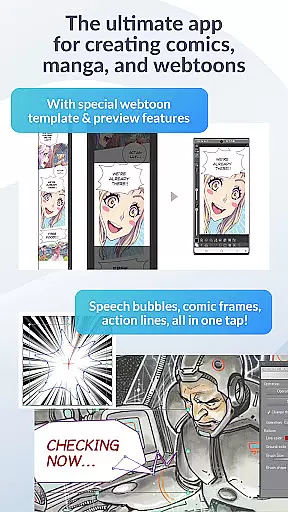
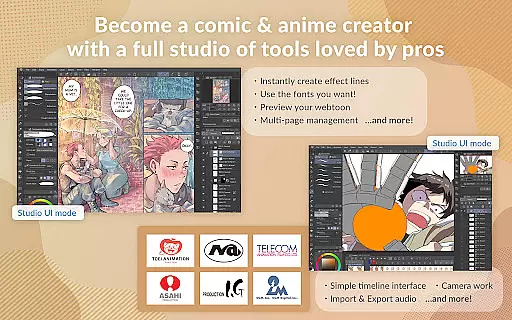
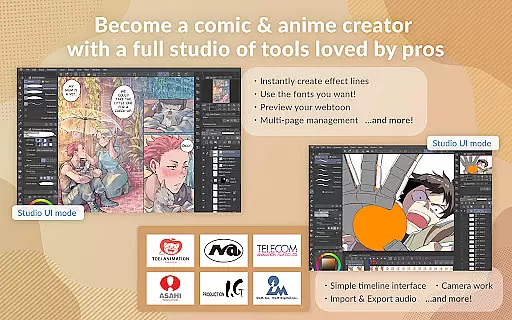
Clip Studio Paint also offers specialized features like multi-page management and instant creation of comic elements, which are particularly beneficial for comic and manga creators. By integrating these targeted functionalities, the app demonstrates its commitment to supporting diverse artistic endeavors while maintaining ease of use and accessibility for all types of projects.
Extensive brush library
Powerful layer management
Advanced 3D modeling tools
Comprehensive tutorial resources
Regular feature updates
Subscription required for full access
High learning curve for beginners
Limited offline functionality
Resource-intensive on older devices
Occasional bugs in new releases

Premium version of Shimeji-ee app with no ads & no limit active shimeji
 4.3
4.3
Download now for a stylish and functional timepiece
4.4
Create trending AI photos & videos with powerful effects and 3D styles.
3.20
Art of Combination Wear OS Watch faces
4.2
Create color palette from Image, RGB & RYB Color wheel harmonies, Color Scheme
4.50
Convert image to JPG PNG HEIC PDF, support almost all kinds of image formats
4.70
The perfect place to start sketching! Use Sketchbook to draw and paint sketches.
4.50
Painting, drawing, & sketching
4.50
Turning simple sketches into captivating tales filled with life and motion
3.90
Logo Generator powered by AI: Create stunning logos effortlessly!
4.70
Draw glowing spinners, relax, and spin your creative art
4.60
Draw Trace image sketch by, AR art projector app, Easy to trace any image.
4.50
Image/ Text to Video Generator
4.40
Draw, make movies & animate cartoons easily with our 2D animation maker app
4.40
Sketch, plan, take notes and illustrate on an infinite canvas.
4.20
Design unique, funny and adorable cat stickers that reflect your own style!
3.80
Your homescreen as an elegant glass with customized blur, lighting, and visuals.
3.70
Pose and morph realistic male and female models! 3D poser app
3.00
Inky runs Inkscape on Android devices and Chromebooks
2.90


User Reviews