
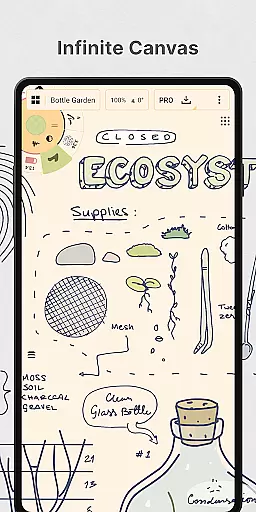
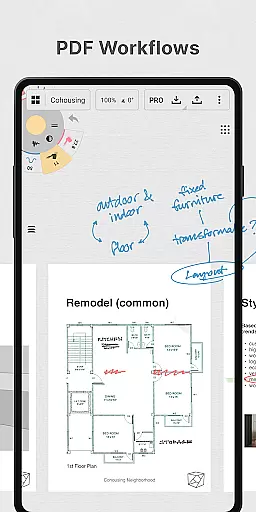
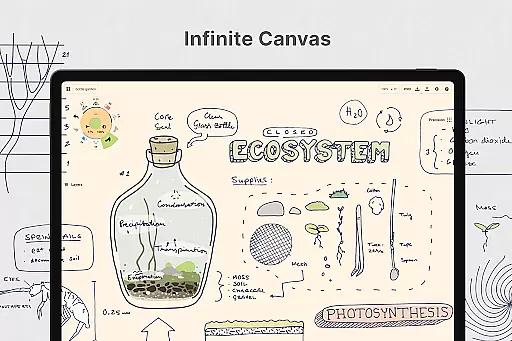
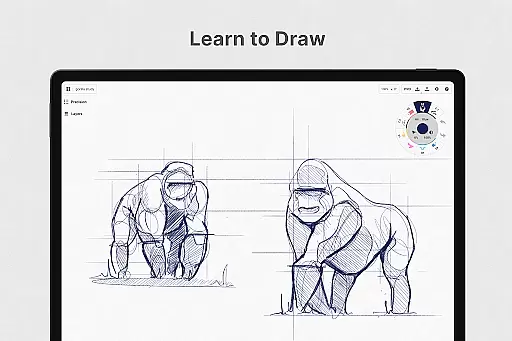
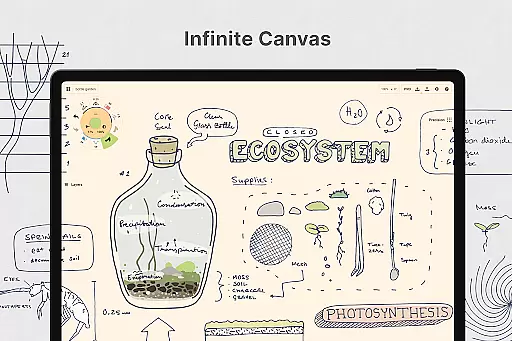
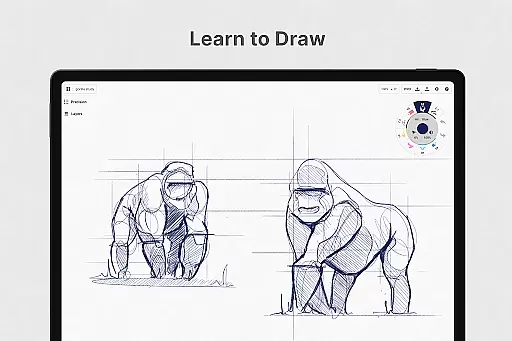
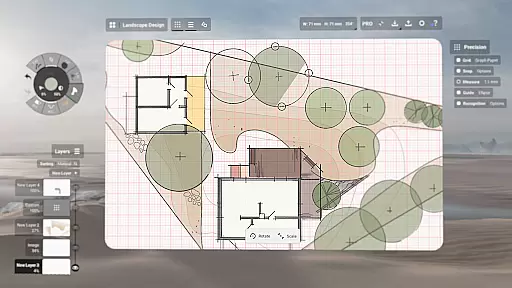
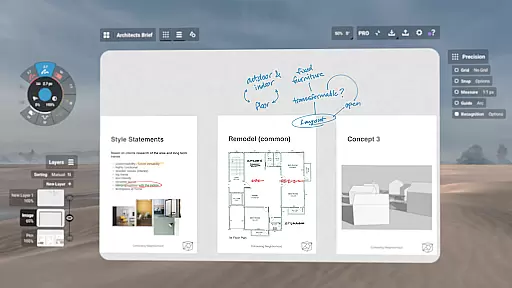
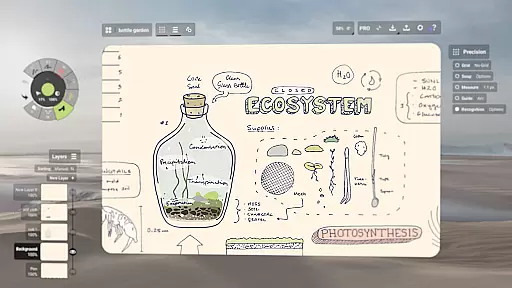
Concepts is a versatile vector-based creative workspace designed for artists, designers, and creators to bring their ideas to life. This digital sketchpad offers an infinite canvas where users can sketch plans, create mind maps, draw storyboards, and experiment with designs. The app's vector-based system allows every stroke to be editable and scalable, providing flexibility in design iteration without the need for redrawing.
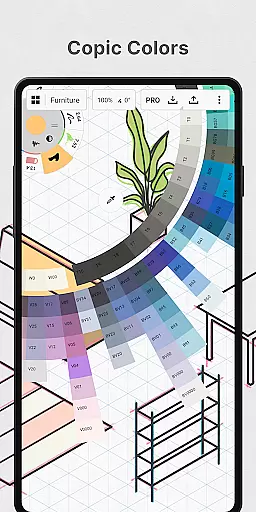
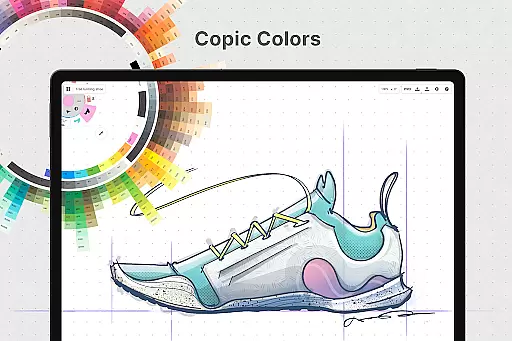
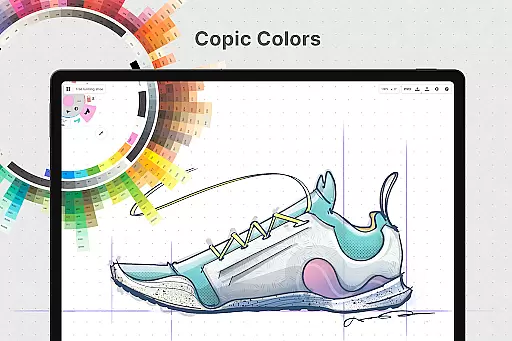
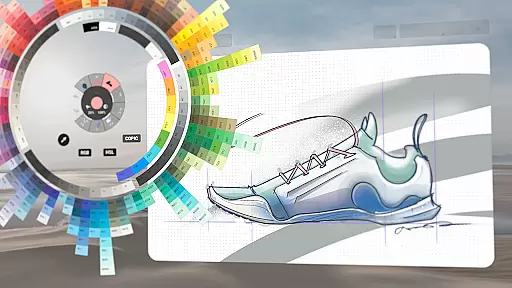
The workspace is optimized for pen-enabled devices and Chrome OS, offering realistic pencils, pens, and brushes that respond to pressure, tilt, and velocity. With features like HSL, RGB, and COPIC color wheels, customizable tool wheels, and flexible layering systems, Concepts provides a comprehensive suite for creative professionals. Whether you're at the brainstorming stage or finalizing designs, this app supports the entire creative process.
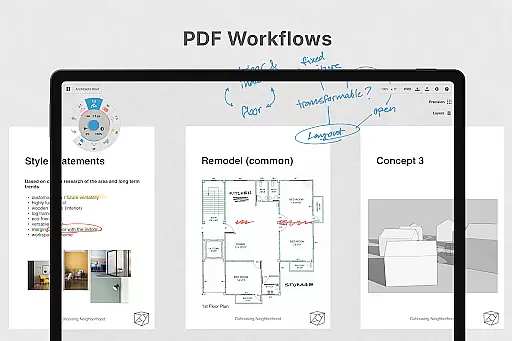
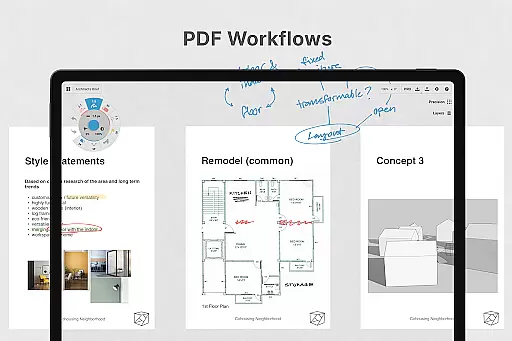
Ideal for professional use, Concepts is trusted by talented creators at renowned companies like Disney, Google, and Apple. It enables seamless collaboration and sharing of work with clients and peers. The app also supports exporting files in various formats, making it suitable for both personal projects and professional workflows.
Concepts stands out with its robust feature set tailored for creative professionals. The app's infinite canvas allows unrestricted ideation, while the vector-based drawing ensures every element remains editable and scalable. Advanced tools like Nudge, Slice, and Select enable precise modifications without starting over, streamlining the design process significantly.
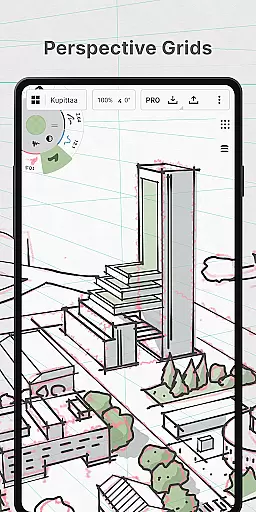
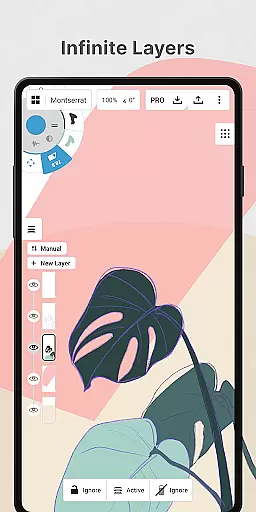
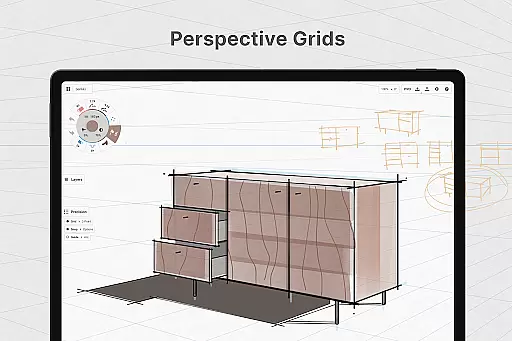
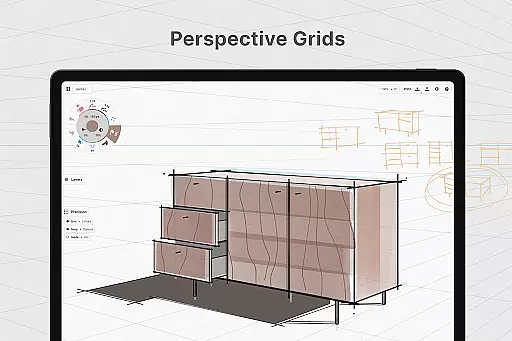
One of the key highlights is the realistic drawing tools that respond to pressure, tilt, and velocity, enhanced by adjustable live smoothing. The app offers multiple paper types and custom grids, alongside an infinite layering system with automatic sorting and adjustable opacity. These features provide complete control over the creative workflow, allowing users to personalize their workspace extensively.
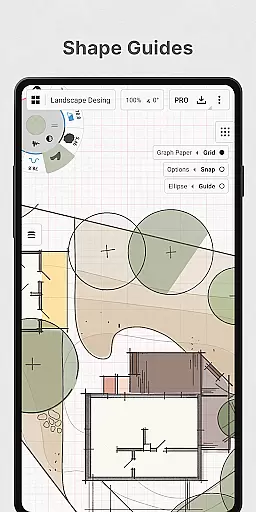
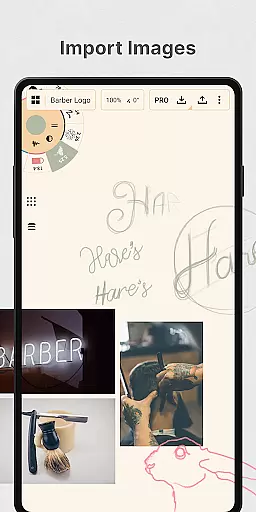
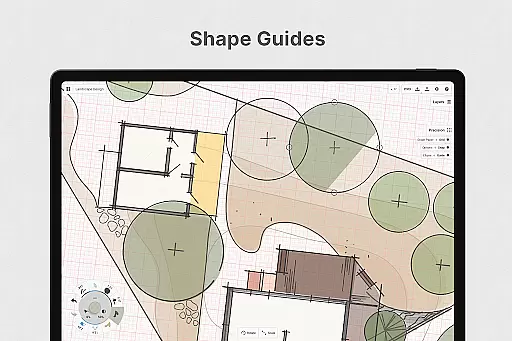
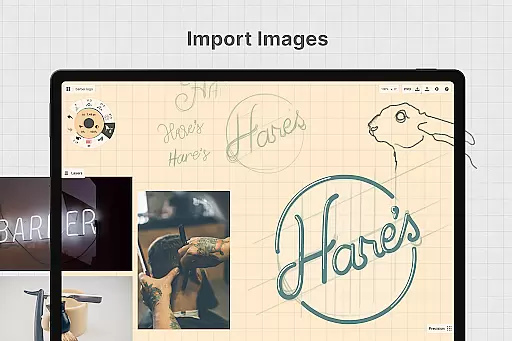
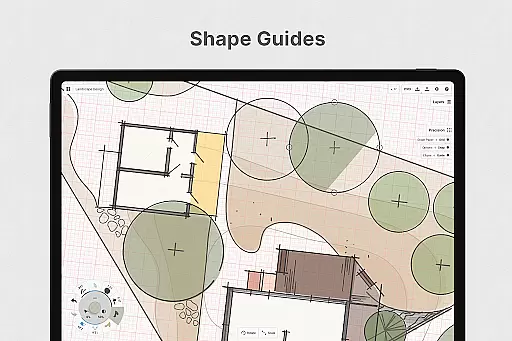
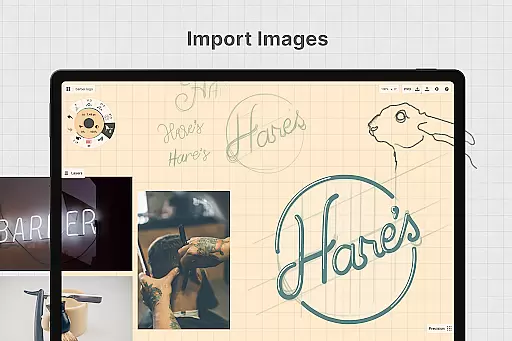
Additionally, Concepts supports importing images for tracing and references, exporting in various formats like PNG, PSD, SVG, and DXF, and integrating with other apps. The inclusion of shape guides, live snap, and measurement tools ensures precision in sketches. With frequent updates and a strong focus on user feedback, Concepts continues to evolve, making it an indispensable tool for modern creators.
In the realm of digital art and design, having a comprehensive set of tools is paramount. Concepts offers an extensive array of creative instruments that cater to various artistic needs. The app provides realistic pencils, pens, and brushes that respond to pressure, tilt, and velocity, with adjustable live smoothing to refine your strokes.
Moreover, Concepts boasts an infinite canvas accompanied by multiple paper types and custom grids, allowing artists to explore vast creative landscapes without constraints. A customizable tool wheel or bar lets users arrange their favorite tools and presets for quick access, streamlining the creative process.
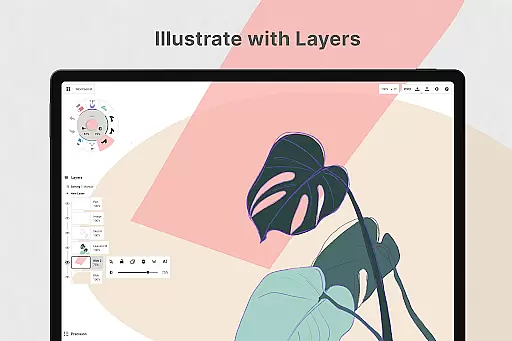
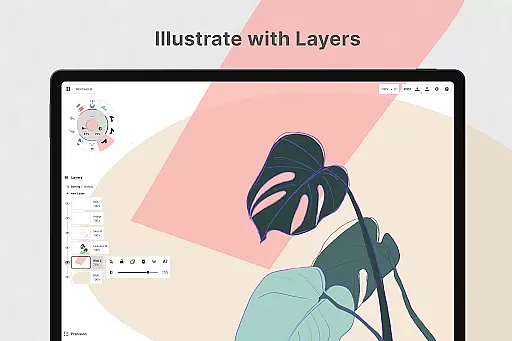
The app also features an infinite layering system with automatic sorting and adjustable opacity, empowering creators to manage complex compositions with ease. With HSL, RGB, and COPIC color wheels, artists can select colors that harmonize beautifully, enhancing the visual appeal of their work.
By equipping users with these sophisticated tools, Concepts ensures that artists can bring their ideas to life with precision and flair, supporting both spontaneous creativity and meticulous design work.
A flexible workspace is essential for unleashing creativity, and Concepts delivers this through its adaptable canvas and format options. The app's infinite canvas allows creators to expand their workspaces as needed, accommodating everything from small sketches to large-scale designs without limitations.
Artists can choose from various paper types and custom grids, tailoring the canvas to suit specific projects or personal preferences. This versatility supports diverse artistic styles and techniques, whether you're sketching rough drafts or finalizing detailed illustrations.
Furthermore, Concepts enables exporting in multiple formats such as images, PDFs, and vectors. This flexibility facilitates sharing and collaboration, allowing seamless integration with other applications and platforms used by clients or collaborators.
With the ability to personalize every aspect of the canvas and export in versatile formats, Concepts empowers artists to focus on their creative vision without being hindered by technical restrictions, thus enhancing productivity and creative freedom.
User-friendly interface
Highly customizable tools
Infinite canvas
Vector-based editing
Cross-platform support
Premium features costly
Steep learning curve
Limited free features
Subscription required
Occasional bugs

Logo Generator powered by AI: Create stunning logos effortlessly!
 4.70
4.70
Unleash your drawing and painting potential
4.50
Draw Trace image sketch by, AR art projector app, Easy to trace any image.
4.50
Get creative and make art with your Sesame Friends!
4.00
Resize photos and print photos in exact size with our powerful photo printer!
3.80
Photo stitcher for automatically screenshot stitching into a long screenshot
4.70
Inky runs Inkscape on Android devices and Chromebooks
2.90
Share the joy of painting with ibis Paint! Drawing anime and manga art.
4.50
Retouch photos. Create or edit images. Endless capabilities.
2.70
Photo editor for art, avatars, filters & fun transformations.
4.60
Painting, drawing, & sketching
4.50
Video AI: Revolutionize Your Content Creation with Advanced Video Generation
4.50
Image/ Text to Video Generator
4.40
Create and Design Custom Logos in Seconds with AI-Powered Tools!
4.40
Trace, draw, and create art with AR - from memes to masterpieces!
4.30
Nano Banana AI Image Generator, Anime Filter, AI Portrait, AI Photo Generator
4.30
Custom Character Creator & PFP Maker!
4.20
Design unique, funny and adorable cat stickers that reflect your own style!
3.80
Create cute cat emojis & PFPs! Fun, custom avatars for cat lovers.
3.70


User Reviews