
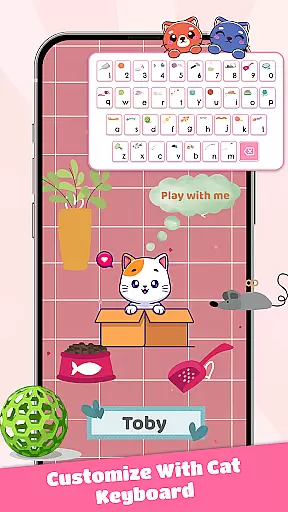
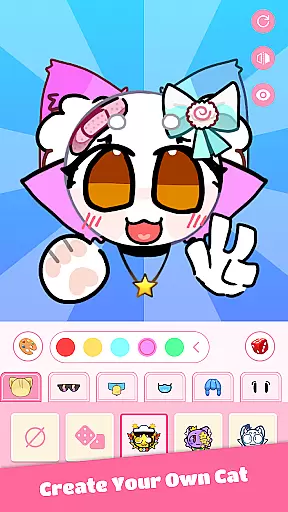
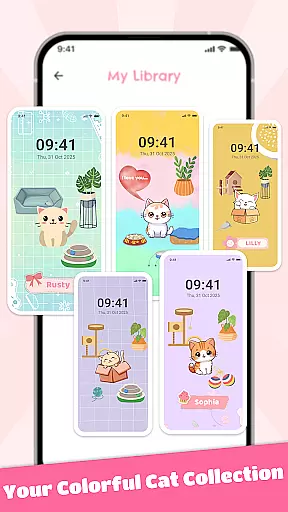
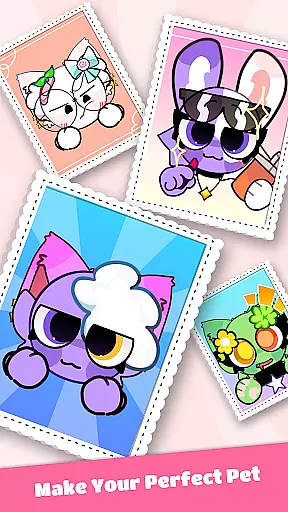
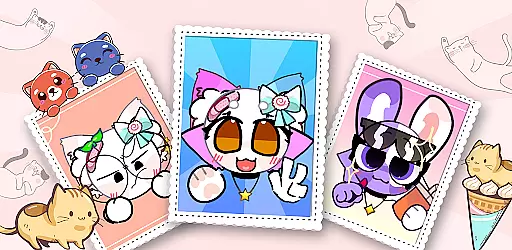
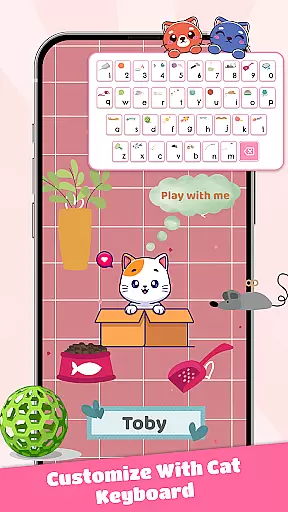
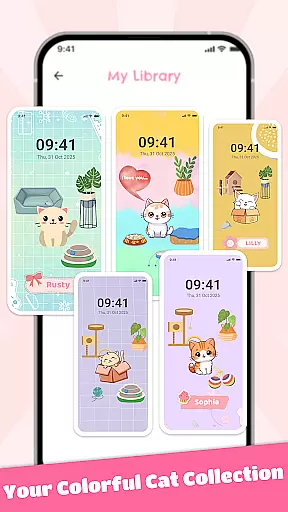
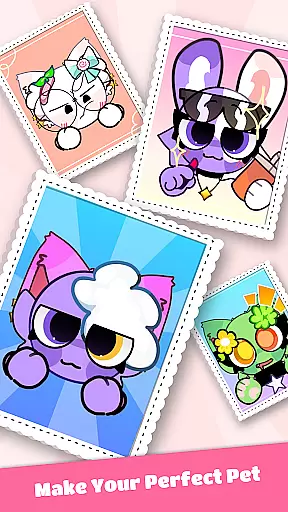
PFP Maker: Cat Emoji is a creative app designed for cat lovers and emoji enthusiasts who want to design personalized profile pictures (PFPs) and emojis. With endless customization options, users can mix and match various cat faces, expressions, accessories, and backgrounds to create unique avatars that reflect their personal style.
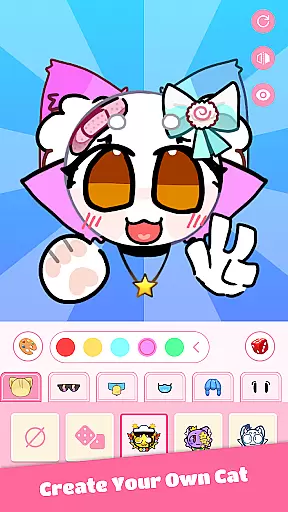
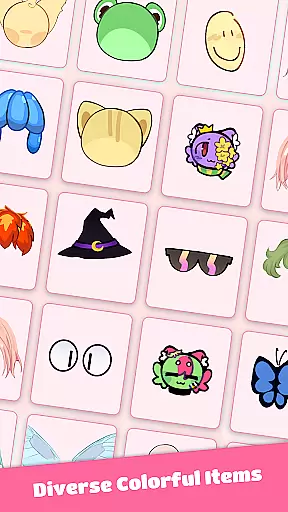
The app features an intuitive editor that makes designing fun and easy, even for beginners. It offers hundreds of options including different cat breeds, fur colors, eye shapes, hats, glasses, and more. Whether you're looking to enhance your social media presence or simply indulge in your love for cats, PFP Maker provides the tools to craft eye-catching designs with real-time previews and high-resolution export capabilities.
PFP Maker stands out with its user-friendly interface and powerful customization features. The app allows users to experiment with countless combinations of cat breeds, facial expressions, and accessories, ensuring no two creations are alike. Its real-time preview functionality lets users see their designs come to life instantly as they make adjustments.
In addition to its robust design capabilities, PFP Maker supports seamless sharing across popular platforms like WhatsApp, Instagram, TikTok, and more. Users can save their creations in high resolution and share them instantly. The app also receives regular updates, introducing new themes, accessories, and cat-inspired content to keep the experience fresh and engaging.
For those seeking additional creative freedom, PFP Maker offers both free and premium options. While the free version provides extensive features, premium packs unlock even more possibilities, making it the ultimate tool for crafting adorable, high-quality cat avatars.
When it comes to creating personalized cat emojis and profile pictures, PFP Maker: Cat Emoji stands out with its comprehensive suite of creative tools. The app offers an extensive range of customization options including various cat faces, expressions, accessories, and backgrounds.
The user-friendly editor ensures that even beginners can design with ease, eliminating the need for professional design skills. With real-time preview functionality, users can watch their designs come to life as they customize, ensuring satisfaction with the final product before exporting.
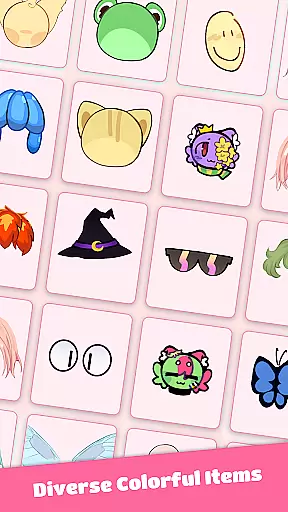
In addition to the basic features, PFP Maker provides hundreds of options such as different cat breeds, fur colors, eye shapes, hats, and glasses. This vast selection allows users to make their profile pictures truly unique and eye-catching for social media platforms like Discord and X.
PFP Maker: Cat Emoji excels in offering canvas and format flexibility, catering to a wide array of design needs. Users can export their creations in high resolution, making them suitable for both digital and print use.
The app supports various formats, allowing seamless integration across multiple platforms such as WhatsApp, Instagram, and TikTok. Whether you're designing stickers or profile pictures, the adaptable canvas sizes ensure your artwork looks great everywhere.
Regular updates bring new accessories, themes, and cat-inspired content, continuously expanding the creative possibilities. With both free and premium options, users have the flexibility to choose the level of access that best suits their creative ambitions.
User-friendly interface
Extensive customization
High-resolution export
Frequent content updates
Free and premium options
Limited to cat designs
Premium features locked
Occasional bugs
Ads in free version
Learning curve for some

Transform photos into amazing monochrome dither art with professional algorithms
 4.4
4.4
Art of Combination Wear OS Watch faces
4.2
See Color, Paint Color
4.90
2D animation studio for Android tablets - unlimited layers, infinite timeline
4.70
Experience next-gen icons with a modern liquid glass look.
3.60
Share the joy of painting with ibis Paint! Drawing anime and manga art.
4.50
Beauty Camera - Selfie Camera is the ultimate beauty camera and selfie app
4.30
Multiplayer Drawing game, Coloring, Painting・Sketch, Handwriting・Paint, draw
4.30
Unleash your inner artist! Sketchar: AR Drawing for Limitless Creativity
4.40
Mobile pixel art editor. Simple. Fast. Portable.
4.80
Create stunning art with AI.
4.80
Draw on screen: FP sDraw is a simple and lightweight drawing app
4.70
Get an overview over all your embroidery threads, projects and more.
4.60
Create neon drawing with magic doodle and fun doodle art effects!
4.50
Stylish letters, Stylish Keyboard, Symbols, Emojis, Cool nickname
4.40
Trace, draw, and create art with AR - from memes to masterpieces!
4.30
AR Anime Drawing: How to draw anime with AR drawing & sketching apps!
4.00
Design your dream room with AI. Get decor ideas & plan home interiors
3.90
Sketch, trace and master AR drawing with awesome anime art!
3.30


User Reviews