

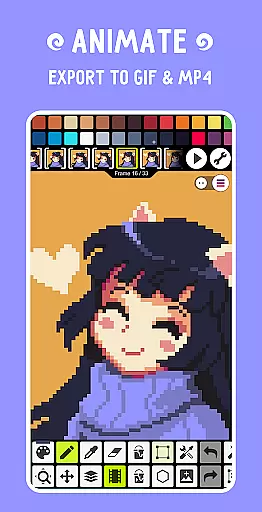
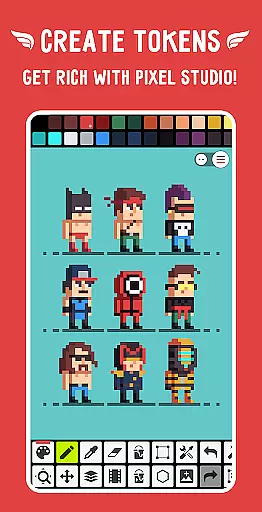
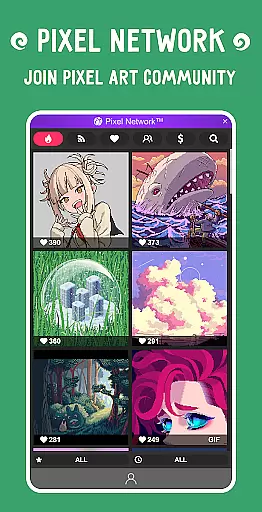
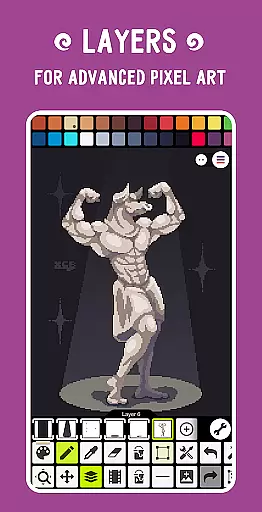
Pixel Studio PRO is a premium pixel art editor tailored for both artists and game developers. This special edition offers all PRO features unlocked without ads or in-app purchases. With support for layers, animations, and a comprehensive suite of professional tools, users can create stunning pixel art projects with ease. The application allows exporting animations to MP4 with added music tracks, making it ideal for creating dynamic game assets or animated shorts.
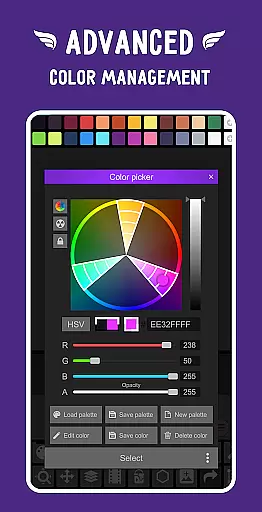
The app provides seamless integration with Google Drive for cross-device project syncing and supports popular file formats like PNG, JPG, GIF, BMP, TGA, PSP, PSD, and EXR. Its intuitive interface includes advanced color pickers, customizable toolbars, and support for hardware styluses from Samsung, HUAWEI, and Xiaomi. Whether you're a beginner or an experienced artist, Pixel Studio PRO delivers the portability and functionality needed to create impressive pixel art anytime, anywhere.
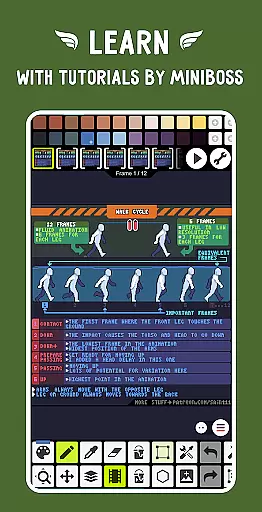
Pixel Studio PRO stands out with its extensive feature set designed for professional pixel art creation. The app supports advanced animation tools including frame-by-frame creation, onion skinning, and sprite sheet exports. Users can apply custom palettes, utilize built-in brushes, and access sophisticated drawing tools such as gradient fills, symmetry drawing, and precise cursor-based dot pens.
Additional PRO features include unlimited canvas sizes, multithreaded image processing, and extended format support (AI, EPS, PDF, SVG). The app's performance is optimized for devices with 4GB RAM minimum (6GB recommended), ensuring smooth operation on mid-range to high-end smartphones and tablets. With over 5 million downloads worldwide and translations in more than 25 languages, Pixel Studio PRO has established itself as a leading choice for pixel artists seeking professional-grade tools in a portable package.
Pixel Studio PRO offers an extensive suite of creative tools that cater to both beginners and professional artists in the pixel art space. The application supports layers, animations, and even music integration, allowing users to create complex projects with ease.
One of the standout features is its support for a wide range of file formats including PNG, JPG, GIF, BMP, TGA, PSP, PSD, and EXR. This versatility ensures that no matter what your workflow entails, Pixel Studio PRO can seamlessly integrate into it without any hiccups.
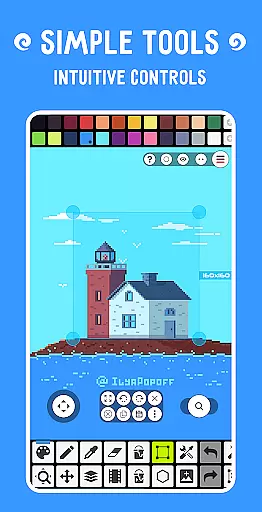
The inclusion of advanced tools such as Shape Tool for primitives, Gradient Tool, Built-in and custom brushes, along with specialized functions like Symmetry drawing and Dithering Pen, provides users with everything they need to bring their artistic visions to life.
Additionally, the app's compatibility with hardware like Samsung S-Pen, HUAWEI M-pencil, and Xiaomi Smart Pen enhances the user experience by providing precise control over the creative process, making it one of the most complete pixel art tools available on mobile platforms.
When it comes to canvas and format flexibility, Pixel Studio PRO excels by offering unlimited canvas size options alongside comprehensive format support. Users can work on projects of any scale without worrying about limitations imposed by the software.
The ability to customize the toolbar and settings, such as background color and grid configurations, allows artists to tailor their workspace according to their specific needs. This level of personalization ensures optimal comfort and efficiency while working on intricate designs.
Moreover, the application supports high-end features like canvas resizing and rotation, multithreaded image processing, and even advanced algorithms for pixel art rotation and scaling. These functionalities provide users with the power to manipulate their artwork in various ways, ensuring precision and quality.
With additional PRO features such as extended max project size and extra format support including AI, EPS, HEIC, PDF, SVG, WEBP, and advanced PSD handling, Pixel Studio PRO stands out as a top choice for professionals seeking unparalleled flexibility in their digital art endeavors.
User-friendly interface
Extensive PRO features
Cross-device sync via Google Drive
Advanced animation tools
Wide format compatibility
High system requirements
No free version available
Limited cloud functionality
Premium price point
Steep learning curve

Discover Cartoon Dream : Unleash Your Creativity with CuttingEdge AI
 4.50
4.50
Create stylish invitation cards using templates for weddings, birthdays & RSVP.
4.20
Trace, draw, and create art with AR - from memes to masterpieces!
4.30
Draw on screen: FP sDraw is a simple and lightweight drawing app
4.70
AI Art Generator transforms your words into AI generated art & paintings.
3.70
Powerful home decoration & house design that allows you to design dream home.
3.80
Image resizer to resize, crop, rotate, flip, change dpi photo or picture in bulk
4.60
Create and Design Custom Logos in Seconds with AI-Powered Tools!
4.40
Unleash your inner artist! Sketchar: AR Drawing for Limitless Creativity
4.40
See Color, Paint Color
4.90
Minecraft & Roblox Clothes
4.70
Everything you need to create hand drawn animation, anywhere you go!
4.40
Nano Banana AI Image Generator, Anime Filter, AI Portrait, AI Photo Generator
4.30
800+ Drawing, Painting Lessons App to Practice, Sketch & Paint Art.
4.30
Sketch, plan, take notes and illustrate on an infinite canvas.
4.20
Design unique, funny and adorable cat stickers that reflect your own style!
3.80
AI Assistant, powered by ChatGPT GPT-4 & GPT-4o. Your intelligent companion.
3.50
Draw anime easily with AR guidance, sketch templates & trace tools!
3.10
Art of Combination Wear OS Watch Faces
4.3


User Reviews