
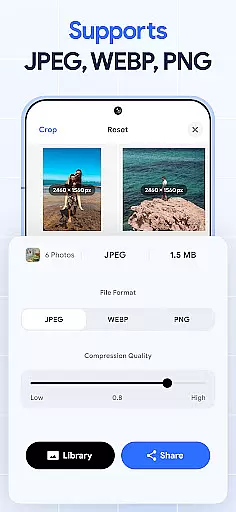
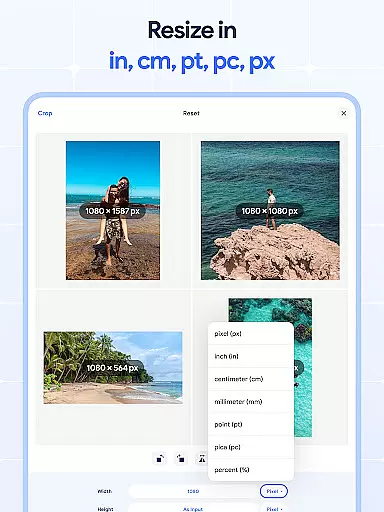
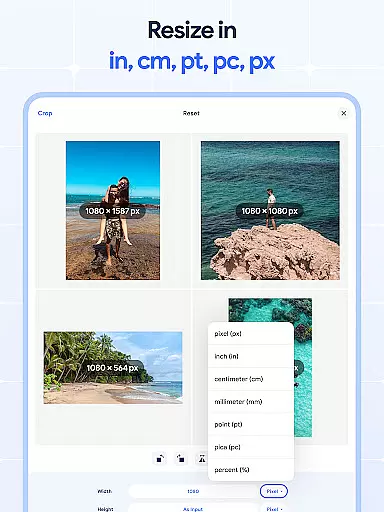
Image Resizer: Crop Photo is a versatile tool designed for resizing, cropping, rotating, flipping, and compressing images. This app caters to users who need to adjust image dimensions for social media, optimize storage, or prepare photos for printing. With its intuitive interface, the app allows effortless modification of photo resolution and orientation while maintaining quality.
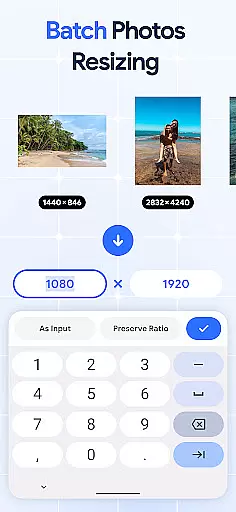
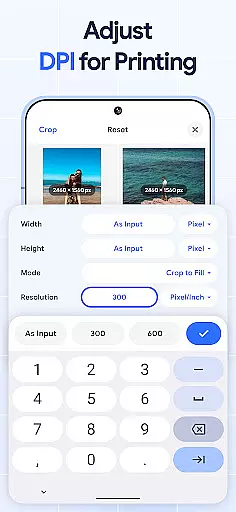
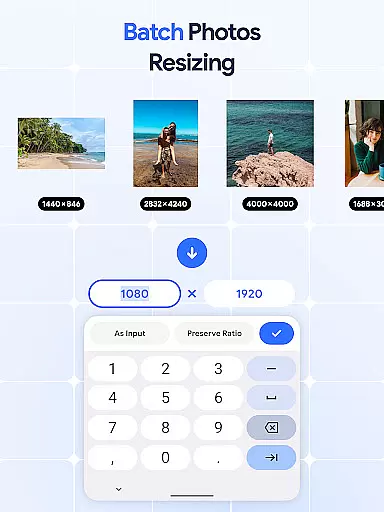
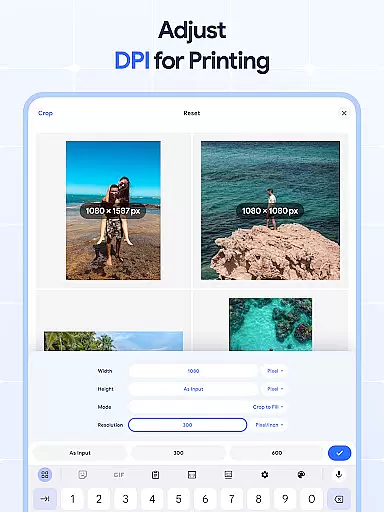
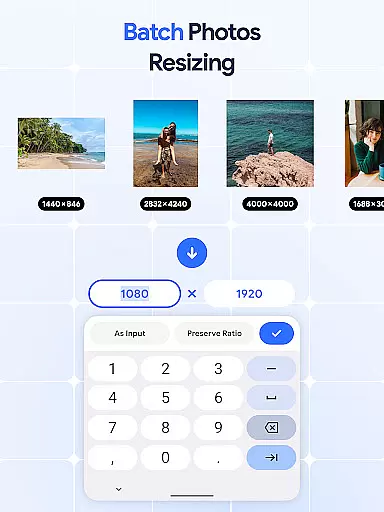
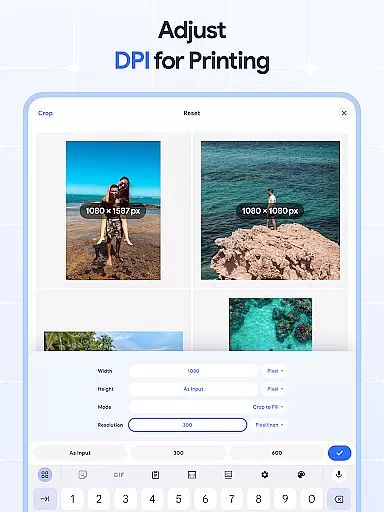
The application stands out with its batch processing capabilities, enabling users to edit multiple images simultaneously. Whether you need to resize, crop, rotate, or compress pictures in bulk, this app streamlines the process. The dpi changer feature ensures your images have the right resolution for both digital use and physical prints, making it an essential tool for photographers, designers, and casual users alike.
Image Resizer offers a comprehensive suite of features that cater to various image editing needs. One of its core functionalities is the ability to resize images quickly and efficiently. Users can adjust photo dimensions for different platforms, ensuring optimal display and performance. The batch resize option is particularly useful for handling multiple images at once, saving time and effort.
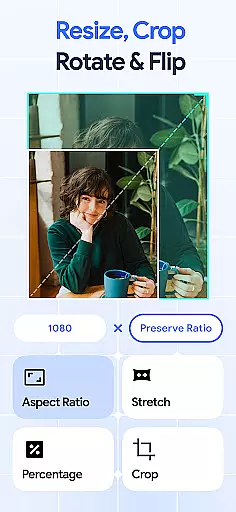
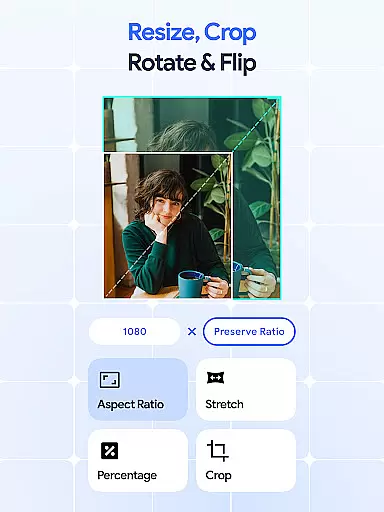
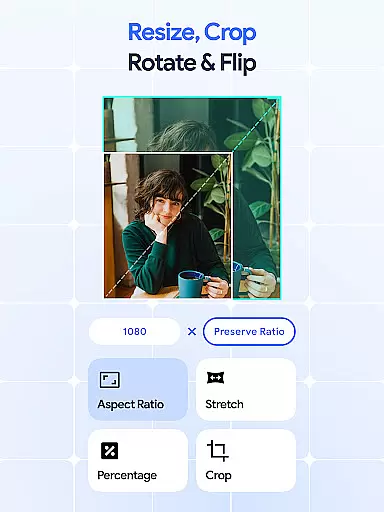
In addition to resizing, the app provides robust cropping and rotation tools. The photo cropper allows precise edits, removing unwanted parts of an image, while the rotator helps adjust orientation seamlessly. The flip feature adds creative flexibility, enabling mirrored effects with a single tap. Furthermore, the dpi changer and photo compressor ensure high-quality results whether you're optimizing for web or print, striking a perfect balance between file size and image clarity.
In the realm of digital art and design, having access to comprehensive tools is essential for bringing creative visions to life. Image Resizer: Crop Photo stands out by offering a wide array of features that cater to various image editing needs.
From resizing and cropping to rotating and flipping images, this app provides users with everything required to modify pictures accurately and efficiently. The inclusion of a dpi changer and photo compressor ensures that creatives can also optimize their images for both digital and print media without compromising on quality.
Users benefit from the ability to perform bulk operations, which is a significant advantage when handling large volumes of images. This feature saves time and effort, allowing artists and designers to focus more on the creative aspects rather than the technicalities of image editing.
The app's complete suite of tools empowers users to execute their projects with precision and creativity, making it an indispensable asset for anyone involved in art and design.
Flexibility in canvas and format options is crucial for accommodating diverse project requirements and creative expressions. Image Resizer: Crop Photo excels in providing versatile solutions that adapt to different artistic needs.
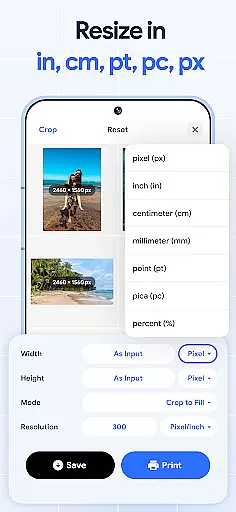
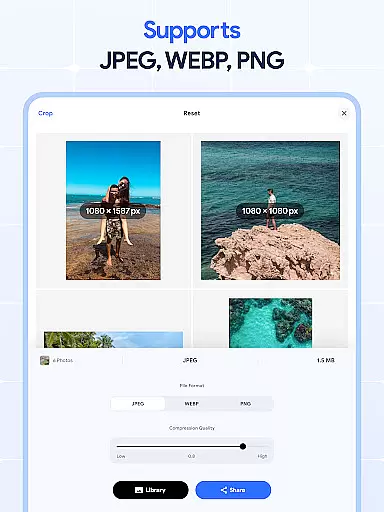
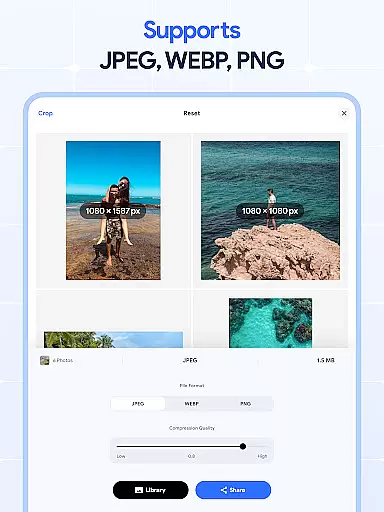
Whether you're adjusting the resolution for high-quality prints or compressing images for web use, the app supports a variety of formats and sizes. This versatility ensures that your work maintains its intended impact across different mediums and platforms.
Moreover, the ability to crop, rotate, and flip images adds another layer of adaptability, enabling creators to experiment with compositions and orientations. These features are vital for exploring new creative possibilities and refining visual narratives.
By offering extensive canvas and format flexibility, Image Resizer: Crop Photo enhances the creative workflow, allowing artists to seamlessly transition between concepts and executions without being constrained by technical limitations.
User-friendly interface
Batch processing support
High-quality compression
Comprehensive editing tools
Cross-platform compatibility
Limited advanced filters
No cloud integration
Premium features locked
Occasional bugs
Ads in free version

Digital illustration drawing & painting pad app to paint Anime and Manga art
 4.50
4.50
AI Face Swap, Video Effects Editor, Realtime Morph, Funny Video FX,AI Filters
3.70
Text to Image, Image to Video & AI Chat
4.20
Create color palette from Image, RGB & RYB Color wheel harmonies, Color Scheme
4.50
Passport size photo maker, create ID photo and visa photo in seconds
4.80
Draw anime easily with AR guidance, sketch templates & trace tools!
3.10
AI Art Generator transforms your words into AI generated art & paintings.
3.70
Draw glowing spinners, relax, and spin your creative art
4.60
Create cute cat emojis & PFPs! Fun, custom avatars for cat lovers.
3.70
2D animation studio for Android tablets - unlimited layers, infinite timeline
4.70
Create neon drawing with magic doodle and fun doodle art effects!
4.50
Video AI: Revolutionize Your Content Creation with Advanced Video Generation
4.50
Photo blender app to create overlay photos & double exposure.
4.40
AR Anime Drawing: How to draw anime with AR drawing & sketching apps!
4.00
Design your dream room with AI. Get decor ideas & plan home interiors
3.90
Apply cartoon, caricature, and portrait effects to make your photos stand out!
3.60
AI Assistant, powered by ChatGPT GPT-4 & GPT-4o. Your intelligent companion.
3.50
Art of Combination Wear OS Watch faces
4.3
A luxurious gold watch face for an elegant and refined look.
4.5


User Reviews