
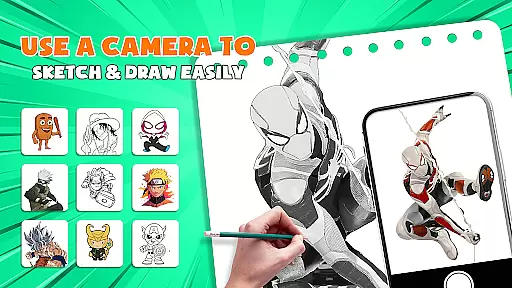
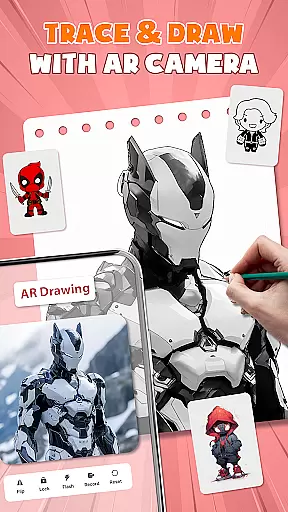
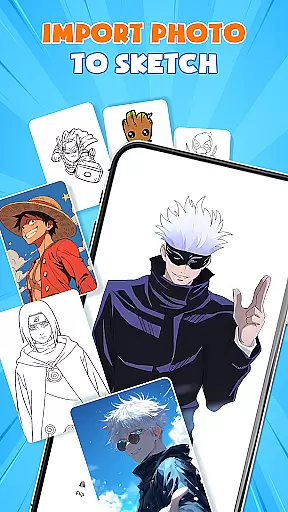
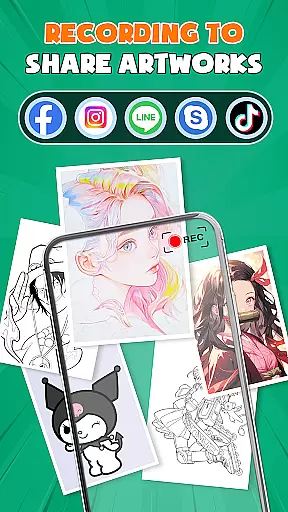
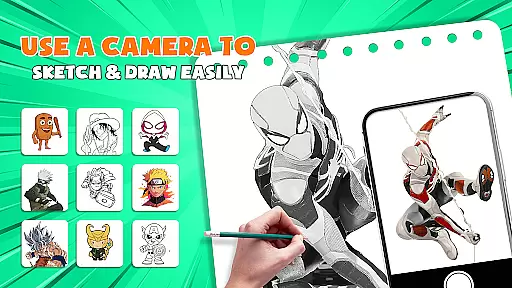
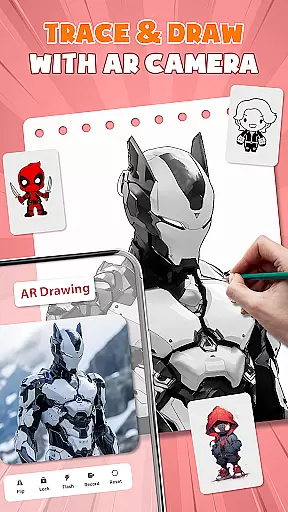
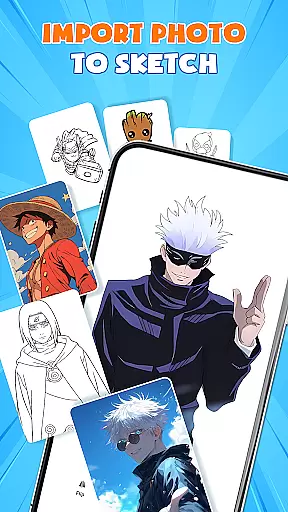
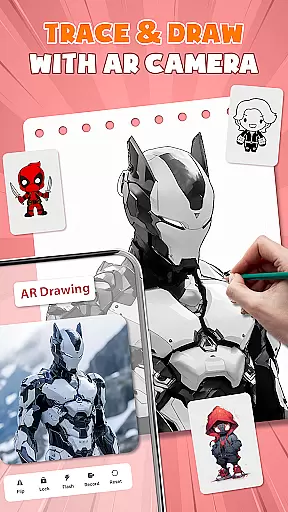
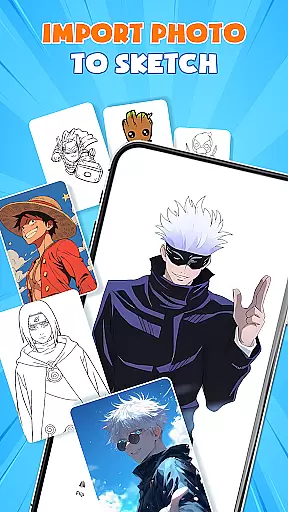
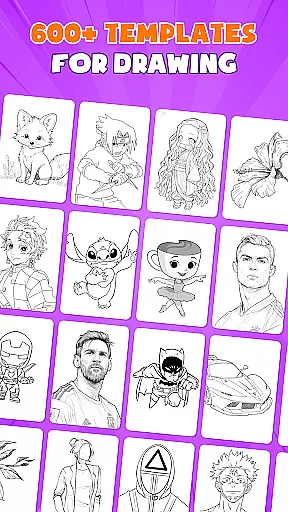
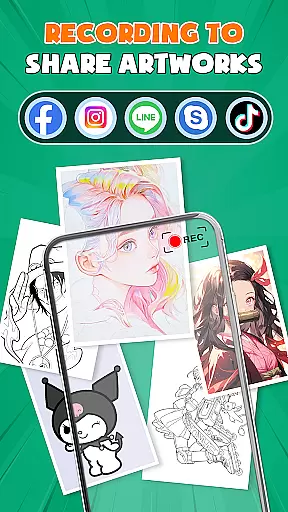
AR Drawing - Paint & Sketch is an innovative art application that combines augmented reality technology with traditional drawing techniques. This app allows users to create stunning anime-style artwork using advanced AR tracing and sketching tools. With features like AR projection, precise tracing overlays, and a vast library of free templates, the app caters to both beginner and professional artists.
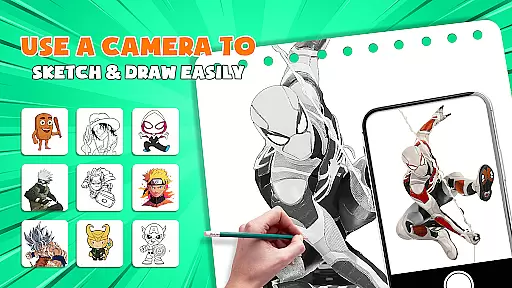
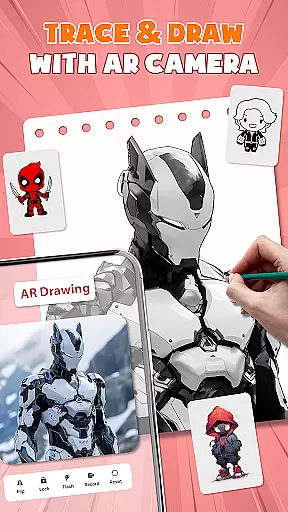
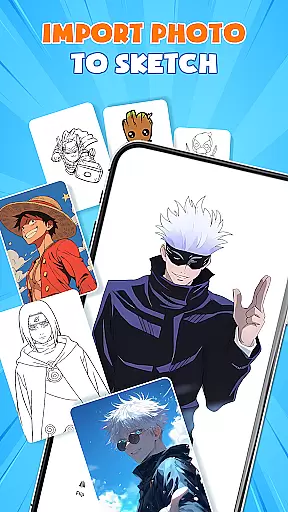
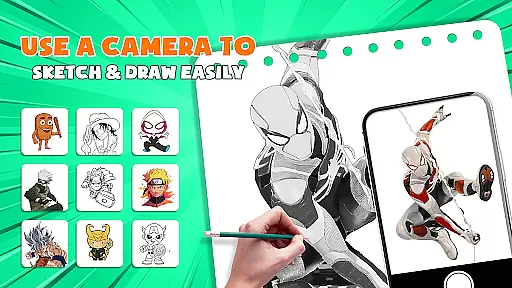
The application's standout feature is its ability to transform your device into a mobile projector for accurate tracing. Users can import images, adjust settings in AR view, and trace directly onto paper or canvas. The app also includes comprehensive painting tools, anime-specific presets, and a unique drawing game mode that makes learning fun and engaging.
Whether you're looking to master anime drawing or simply explore digital art, AR Drawing - Paint & Sketch provides all the necessary tools in one comprehensive package. Its intuitive interface and robust feature set make it an invaluable resource for artists seeking to enhance their skills while enjoying the creative process.
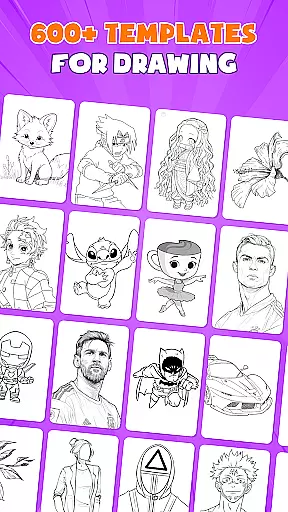
AR Drawing - Paint & Sketch distinguishes itself through its extensive collection of specialized features designed for digital artists. The app's AR projection capability enables users to project any image onto their drawing surface, allowing for unparalleled precision in tracing. This feature, combined with adjustable transparency settings and positioning controls, creates a seamless bridge between digital reference and traditional media.
The application offers a complete suite of drawing and painting tools that rival professional software. Users can access various brush types, vibrant color palettes, and advanced shading options through the AR pencil drawing mode. The Anime Studio feature provides dedicated tools for creating authentic anime artwork, including specialized filters, sketch overlays, and preset templates specifically designed for anime artists.
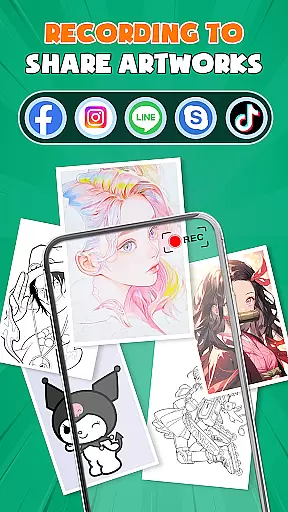
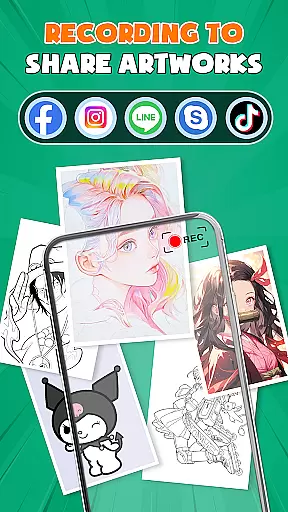
What sets this app apart is its community-driven approach and educational components. Through integrated drawing games, tournaments, and social features, users can engage with fellow artists, participate in challenges, and receive constructive feedback on their work. The app's comprehensive tutorial system and progressive learning structure make it an excellent choice for those seeking to improve their artistic abilities while enjoying a supportive creative environment.
AR Drawing - Paint & Sketch offers an extensive suite of creative tools that cater to both amateur and professional artists. The app includes AR projection and tracing features, allowing users to turn their devices into mobile projectors for precise tracing. This functionality is complemented by a full suite of painting app features, including vibrant brushes and shading options using the AR pencil drawing mode.
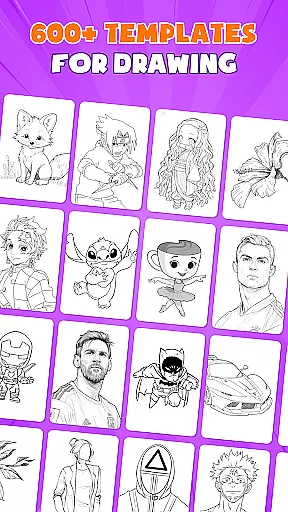
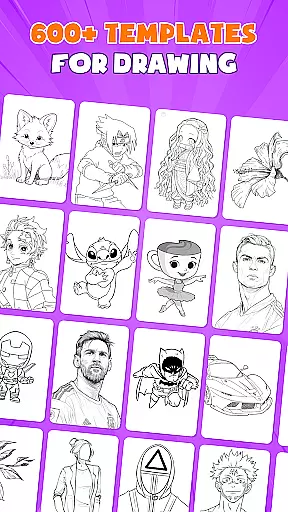
In addition to traditional sketching and coloring, the app provides specialized modes such as Anime Studio and Tattoo & Pencil Art. These modes offer tailored experiences for creating anime pictures and realistic tattoos or detailed pencil sketches. With over 1000+ free templates available in the art drawing apps library, users can easily find inspiration and patterns to incorporate into their work.
The inclusion of picture importing and opacity adjustment features enables users to transform any photo into instant artwork. This all-in-one approach ensures that artists have everything they need at their fingertips, from drawing sketch flows to AR sketch precision. Such comprehensive tool coverage empowers users to craft their art with professional-grade resources.
By combining these diverse functionalities, AR Drawing - Paint & Sketch redefines what a drawing app can do. Whether you're learning how to draw or mastering advanced techniques like ar drawing anime, this app elevates your creative process through its complete set of artistic tools.
One of the standout features of AR Drawing - Paint & Sketch is its remarkable canvas and format flexibility. Users can select or import images directly from their gallery or choose from a wide array of templates provided within the app. This versatility allows artists to work with existing visuals or start fresh with customizable outlines, catering to different artistic preferences and project requirements.
The app supports adjusting size, position, and transparency in AR view, providing unparalleled control over how the artwork is projected onto physical surfaces. Artists can place their phone over paper or canvas and begin tracing immediately, ensuring clean lines every timeu2014perfect for drawing sketches. This seamless integration between digital tools and traditional mediums enhances the overall creative experience.
Furthermore, AR Drawing - Paint & Sketch facilitates switching between various modes, such as paint mode for coloring masterpieces and AR pencil drawing for detailed shading. This adaptability extends to supporting multiple art forms, including anime, tattoos, and general sketches, making it suitable for a broad spectrum of artistic endeavors.
Ultimately, the flexibility offered by AR Drawing - Paint & Sketch empowers artists to explore endless possibilities in their creative process. By accommodating different styles and techniques, the app ensures that users can bring their visions to life without being constrained by rigid formats or limited canvas options.
User-friendly interface
Extensive template library
Precise AR tracing
Vibrant color options
Active artist community
Requires stable internet
Steep learning curve
Some features are premium
Device compatibility issues
Occasional performance lags

Sketch, plan, take notes and illustrate on an infinite canvas.
 4.20
4.20
AI Assistant, powered by ChatGPT GPT-4 & GPT-4o. Your intelligent companion.
3.50
Paint with oils and sketch with natural tools on a realistic virtual canvas.
3.80
Create color palette from Image, RGB & RYB Color wheel harmonies, Color Scheme
4.50
Nano Banana AI Image Generator, Anime Filter, AI Portrait, AI Photo Generator
4.30
Get creative and make art with your Sesame Friends!
4.00
Art of Combination Wear OS Watch faces (for Wear OS 5+ devices)
3.90
Beauty Camera - Selfie Camera is the ultimate beauty camera and selfie app
4.30
All-in-One art, logo & collage maker. Design photos and edit video backgrounds
4.80
Digital, Abstract, Classic - all types of color wheels in one app!
4.60
Photo editor for art, avatars, filters & fun transformations.
4.60
Draw glowing spinners, relax, and spin your creative art
4.60
Video AI: Revolutionize Your Content Creation with Advanced Video Generation
4.50
Photo blender app to create overlay photos & double exposure.
4.40
Apply cartoon, caricature, and portrait effects to make your photos stand out!
3.60
Experience next-gen icons with a modern liquid glass look.
3.60
Inky runs Inkscape on Android devices and Chromebooks
2.90
Art of Combination Wear OS Watch faces
4.3
Art of Combination Wear OS Watch faces
4.5


User Reviews