![[KNA004] ART VIEW](https://cdn.linksharehub.com/ocp/?u=https%3A%2F%2Fl5.fancapitalize.com%2Fimages%2F2025%2F12%2F2ee2c74bbf0d8ac3b1db0ba82f112943.jpg&t=webp)
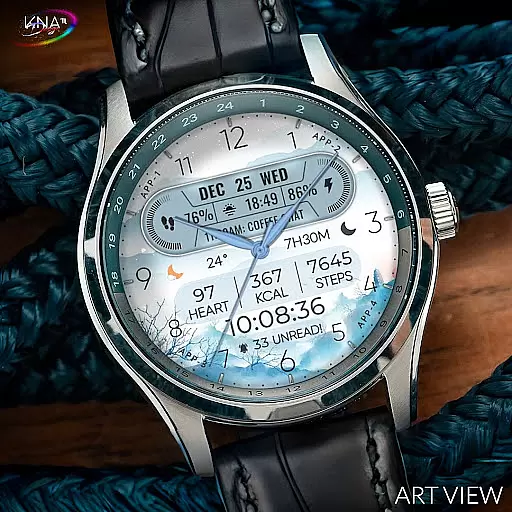
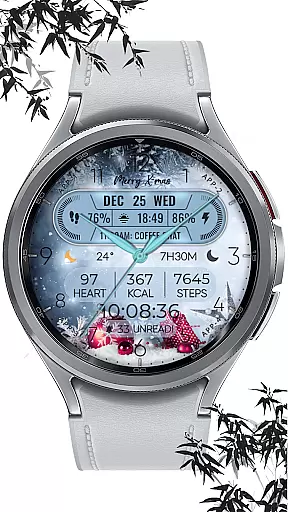
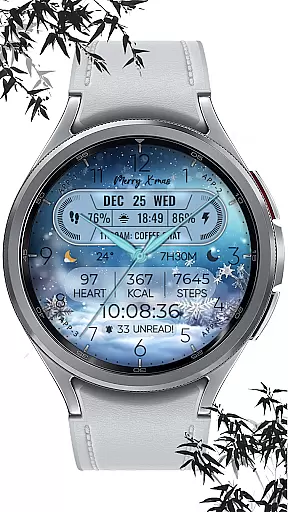
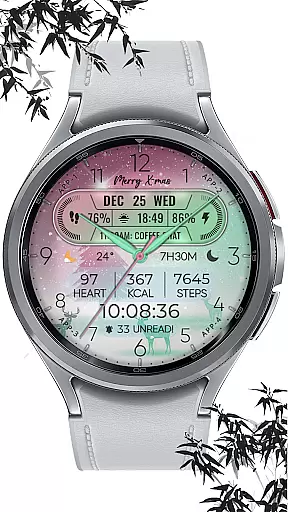
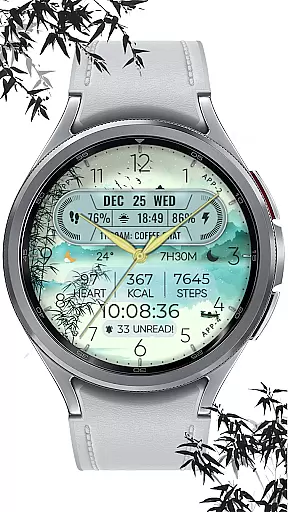
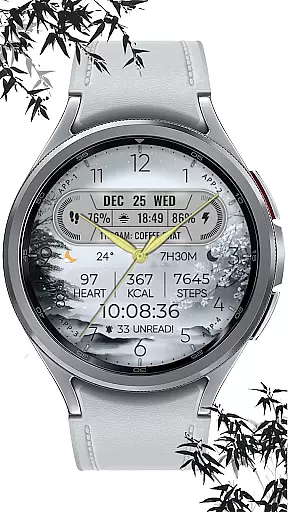
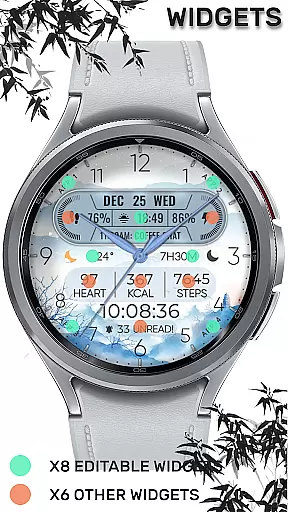
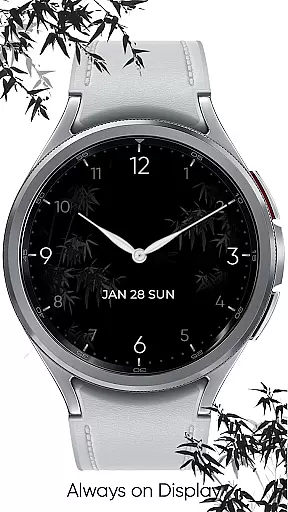
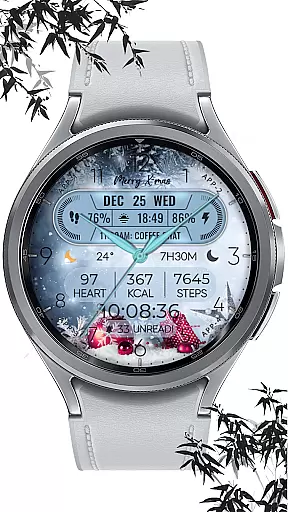
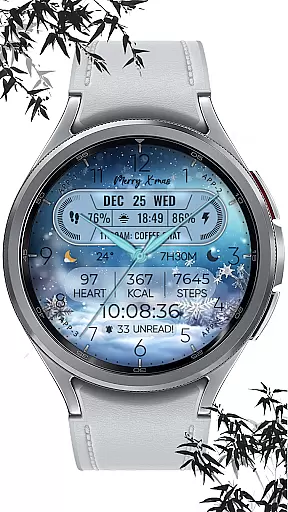
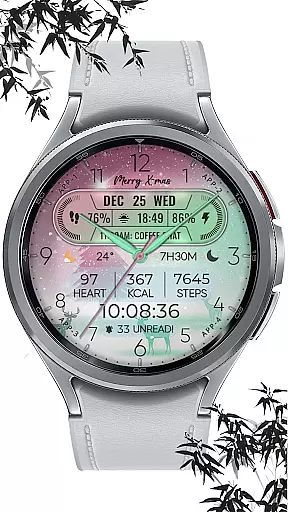
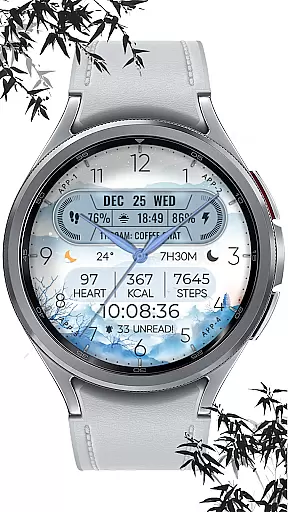
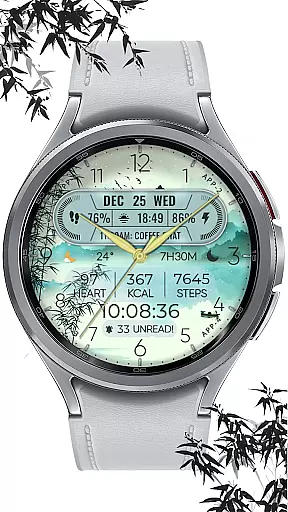
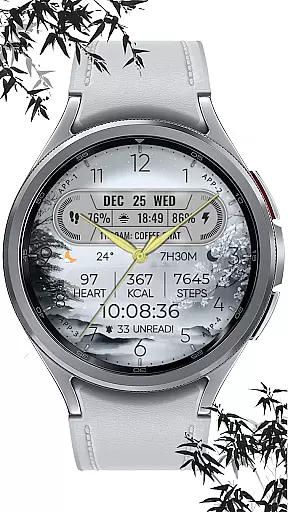
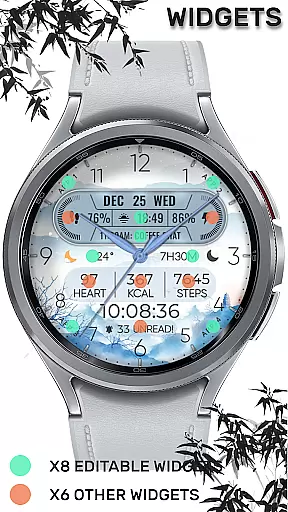
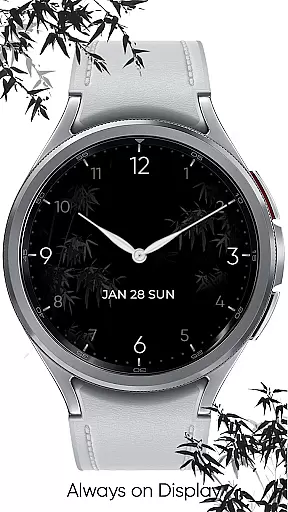
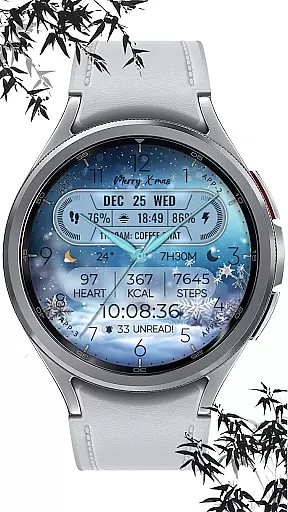
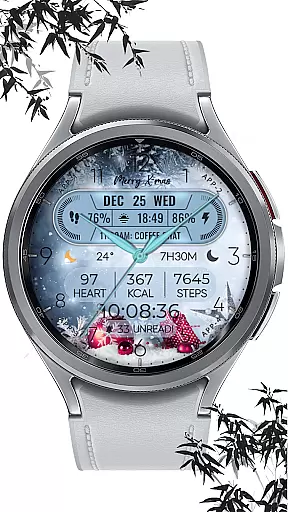
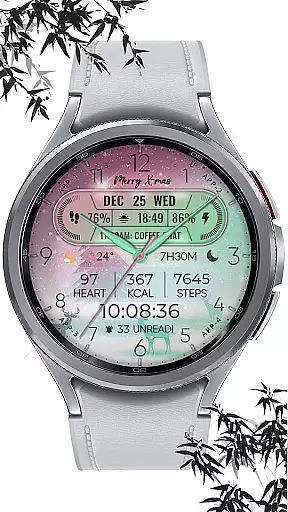
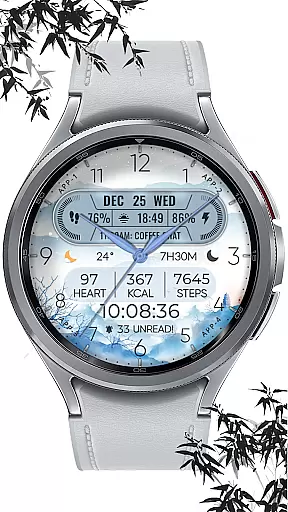
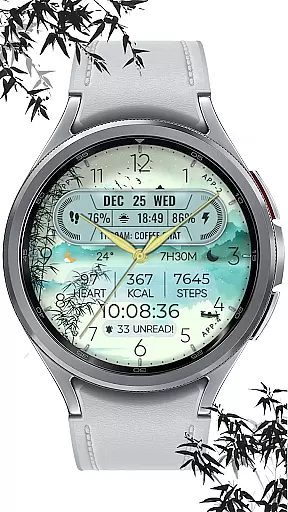
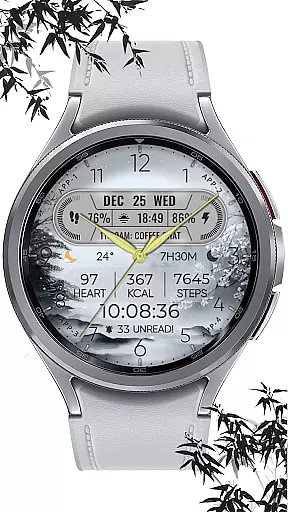
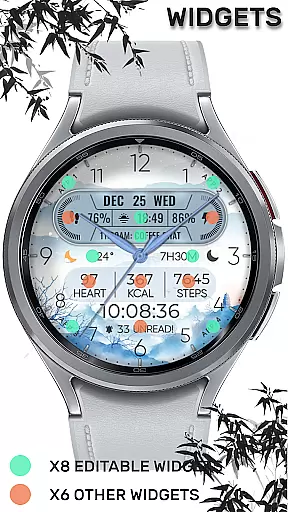
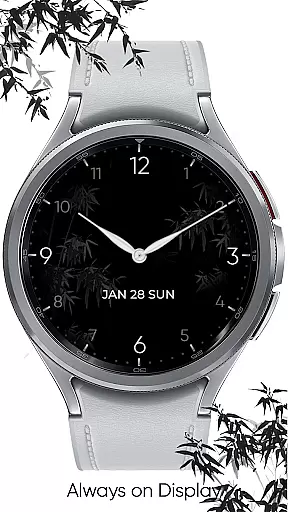
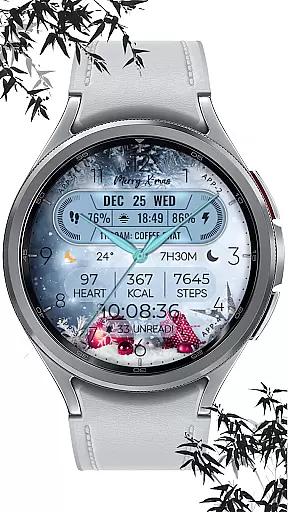
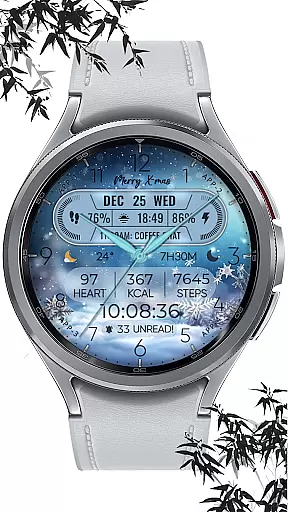
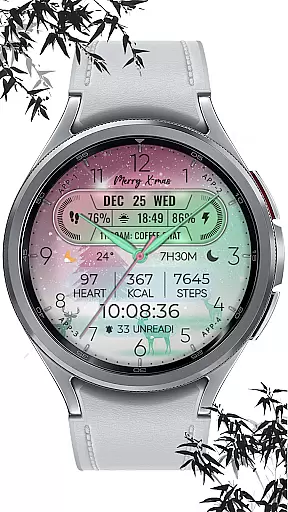
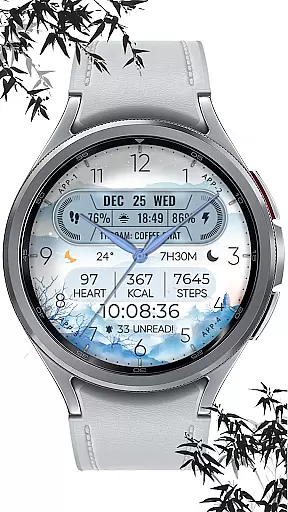
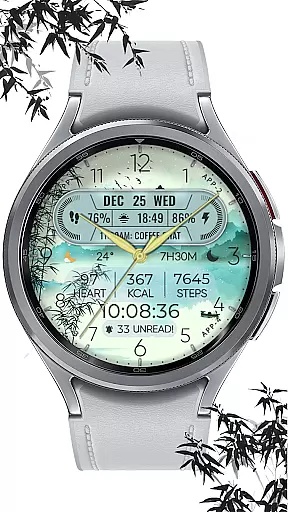
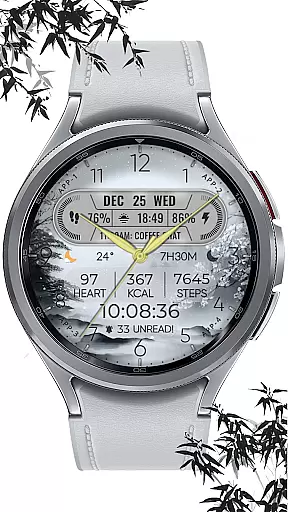
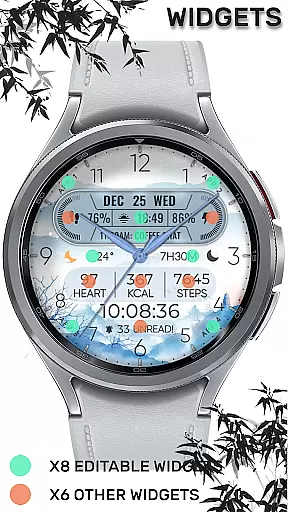
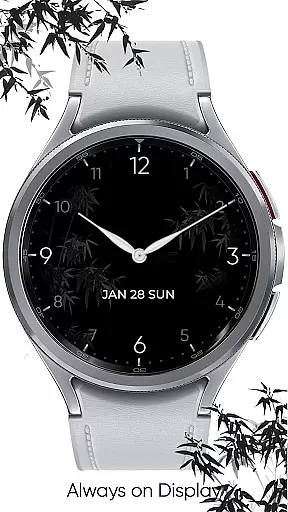
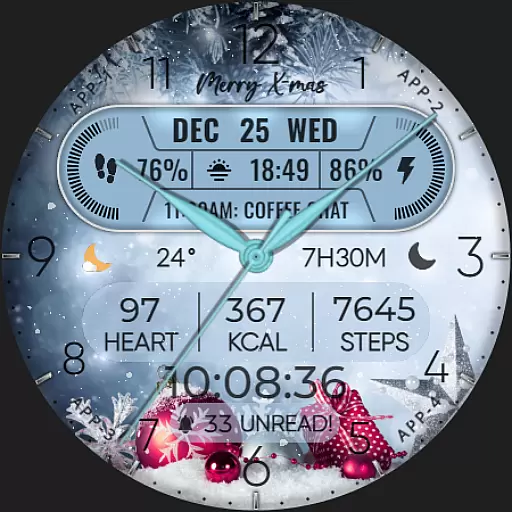
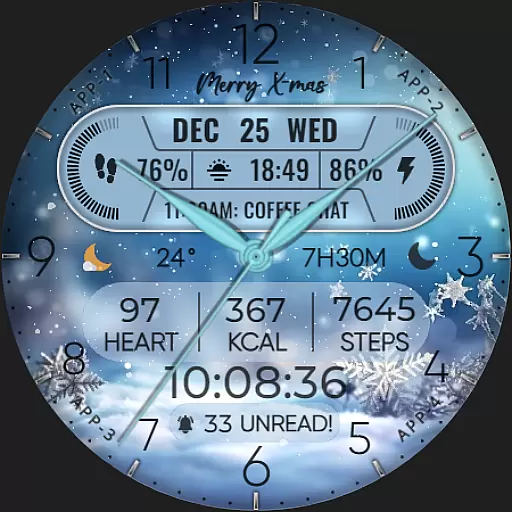
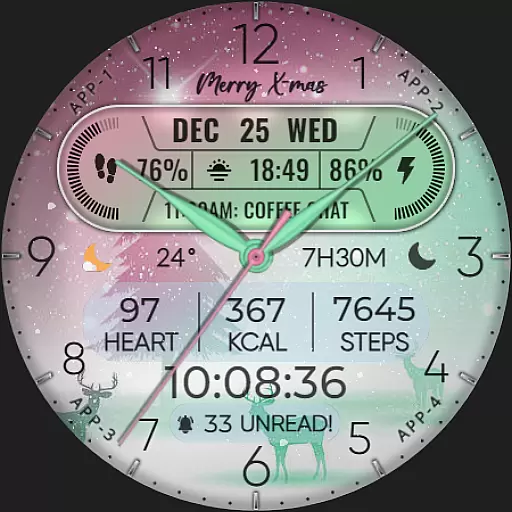
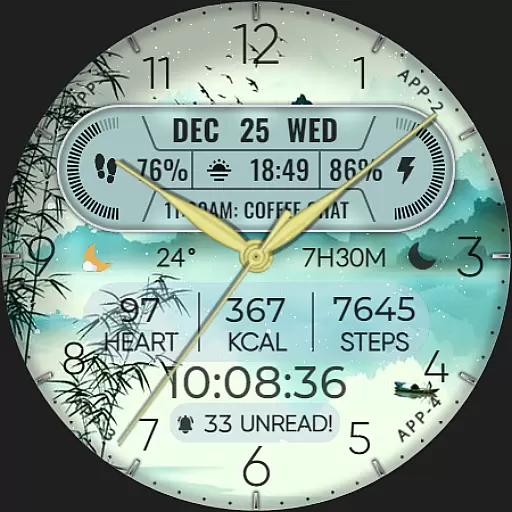
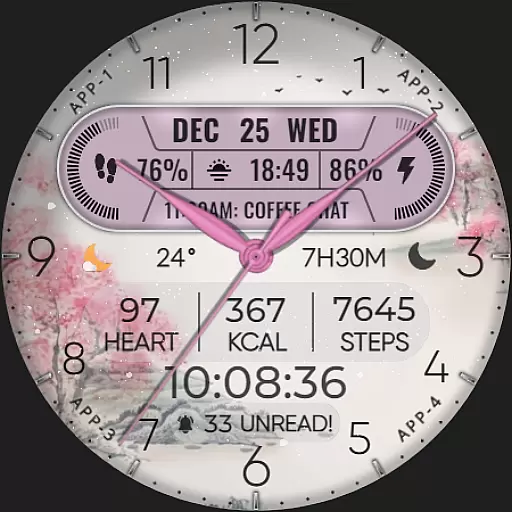
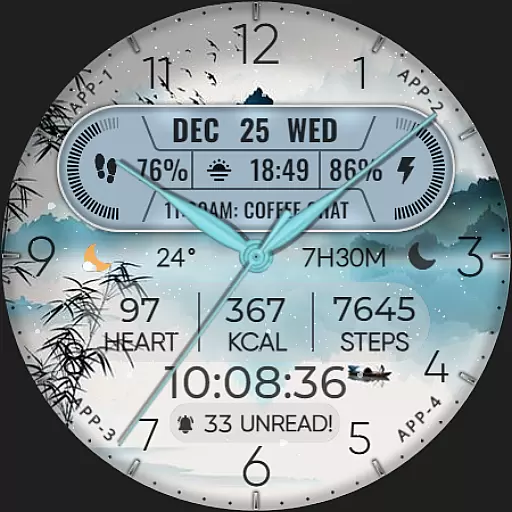
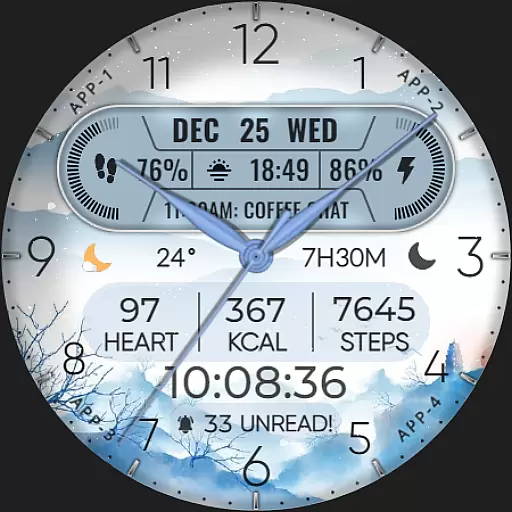
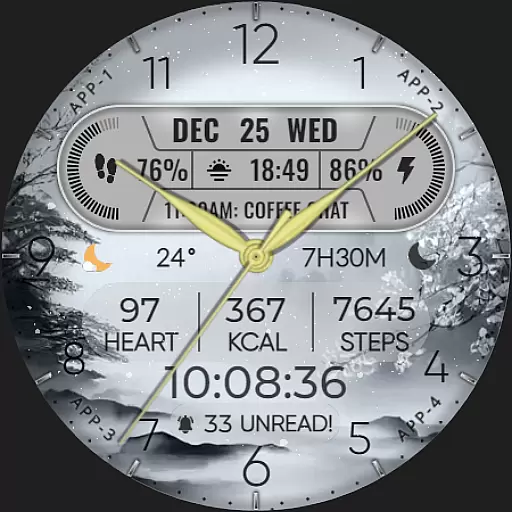
ART VIEW is a feature-rich watch face designed specifically for Wear OS devices, offering users a customizable and visually appealing experience. This application stands out with its hybrid design styles and functional complications that go beyond mere aesthetics.
The watch face provides essential information such as date, day of the week, and month, while also integrating advanced features like step counting, heart rate monitoring, battery level display, and more. With support for up to 8 editable complications, users can tailor their watch face to show weather updates, world clocks, or even sunrise and sunset times. The inclusion of 10 color options and 10 unique styles ensures personalization to match individual preferences.
Designed for smartwatches running API level 30 and above, ART VIEW is compatible with popular models including Google Pixel watches and Galaxy Watch series 4, 5, and 6. Its snowfall animation adds a festive touch during the holiday season, making it not just a utility but also a fashion statement on your wrist.
ART VIEW distinguishes itself through an array of sophisticated features tailored for tech-savvy users seeking both functionality and style in their Wear OS devices. One of its standout characteristics is the ability to customize up to 8 complications, allowing users to display a wide range of data such as weather forecasts, world clocks, and health metrics like heart rate and calories burned.
In addition to these practical functionalities, ART VIEW offers aesthetic customization with 10 distinct colors and styles. Users can choose from various designs that suit their personality or mood, ensuring their smartwatch remains a personal accessory. The hybrid styles blend traditional watch aesthetics with modern digital capabilities, providing the best of both worlds.
Furthermore, the application includes seasonal animations, such as snowfall effects during the X-max Festival, enhancing the visual appeal. Compatibility with API level 30+ devices ensures that users benefit from the latest technological advancements, while the straightforward customization process—achieved by simply touching and holding the display—makes personalizing the watch face accessible to everyone.
When it comes to designing watch faces for Wear OS devices, having access to a comprehensive set of creative tools is essential. The [KNA004] ART VIEW watch face offers an impressive suite of features that cater to both amateur designers and seasoned artists.
This application provides users with hybrid styles, eight editable complications, and ten color options alongside ten different styles. These features allow for extensive personalization, ensuring that every user can create a unique and personalized watch face that suits their individual tastes.
Moreover, the inclusion of practical data display options such as steps count, heart rate, battery level, next event, unread message count, sunrise & sunset times, and calories calculation makes this app not only about aesthetics but also functionality. Users can enjoy both form and function on their wrists.
The customization process is straightforward, thanks to the app's intuitive interface. By simply touching and holding the display and then tapping on the customize option, users can modify their watch face with ease. This simplicity in design empowers users to focus on unleashing their creativity without being bogged down by complex procedures.
Flexibility in canvas and format options is crucial for creating versatile and adaptive watch faces. The [KNA004] ART VIEW watch face excels in providing users with the ability to tailor their watch face to specific needs and preferences.
With compatibility across API level 30+ devices including Google Pixel, Galaxy Watch 4, 5, 6, and other Wear OS models, this app ensures that a wide range of users can enjoy its features regardless of their device model. This broad compatibility highlights the app's adaptability to different technological environments.
Additionally, the app supports various complications that can be customized with different types of data such as weather, world clock, sunset/sunrise times, and barometer readings. This flexibility allows users to prioritize the information most relevant to them, enhancing both the utility and personal relevance of their smartwatch display.
It's important to note that while some features may not be available on all watches, the core experience remains robust and versatile. Users are encouraged to explore these capabilities within the context of their specific device to fully leverage the potential of the [KNA004] ART VIEW watch face.
Highly customizable
Visually appealing design
Wide device compatibility
Comprehensive health tracking
Festive seasonal animations
Limited to Wear OS
Some features not available on all watches
Requires latest Android version
No automatic application after installation
Potential battery drain from animations

Customizable Outlined Fonts. Watch Face Format. Battery friendly Digital Clock.
 4.20
4.20
Easy 3D drawing design maker & creator. Model designing, Sculpting. Create&paint
4.00
Meet the magic aı 3d photo generator and smart AI video generator app.
3.20
Photo blender app to create overlay photos & double exposure.
4.40
Your homescreen as an elegant glass with customized blur, lighting, and visuals.
3.70
Beauty Camera - Selfie Camera is the ultimate beauty camera and selfie app
4.30
Video AI: Revolutionize Your Content Creation with Advanced Video Generation
4.50
Draw, make movies & animate cartoons easily with our 2D animation maker app
4.40
Create amazing pictures and unleash your creative genius with AR Drawing Sketch
4.40
See Color, Paint Color
4.90
Make your phone cooler and have a fantastic experience
4.80
Minecraft & Roblox Clothes
4.70
Turn your drawings into flipbook-style animations with simple creative tools
4.60
Painting, drawing, & sketching
4.50
AI generated images & photos, turn your words into drawing, painting & pictures.
4.30
Sketch, trace and master AR drawing with awesome anime art!
3.30
Draw anime easily with AR guidance, sketch templates & trace tools!
3.10
Pose and morph realistic male and female models! 3D poser app
3.00
Android 14 style widgets and wallpapers app.
4.4


User Reviews