
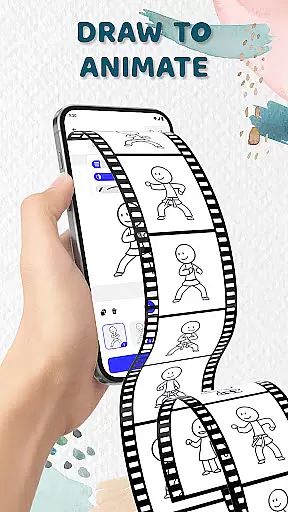
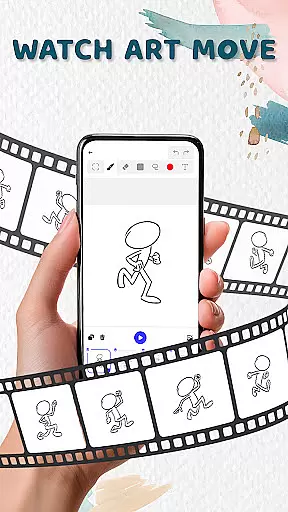
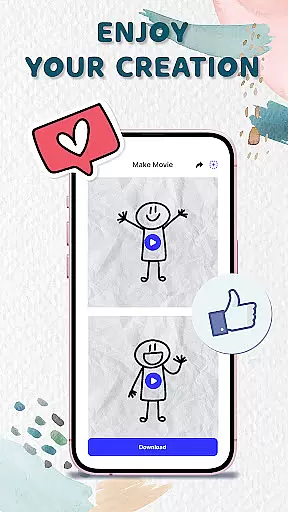
Animation Draw: Flip Maker is a creative app that allows users to transform simple sketches into dynamic animations. Designed for both beginners and enthusiasts, this pocket studio offers intuitive tools like adjustable pen sizes, color options, onion skinning, and frame-by-frame creation. Whether you're crafting short comics, stickman adventures, or playful cartoons, the app provides endless possibilities for creativity and storytelling.
The app's flipbook-style animation brings classic art techniques to life in digital format. Each frame adds movement, turning static drawings into lively scenes. From basic doodles to complex animated stories, Animation Draw makes the process enjoyable while emphasizing the joy of creation. Users can save their work as GIFs or MP4 files and share them with others online.
Animation Draw stands out with its robust set of features tailored for animators of all skill levels. The app includes an easy-to-use interface where users can draw and animate step by step, adding frames to create smooth motion. Tools such as onion skinning allow creators to see previous frames, ensuring continuity and precision in every animation.
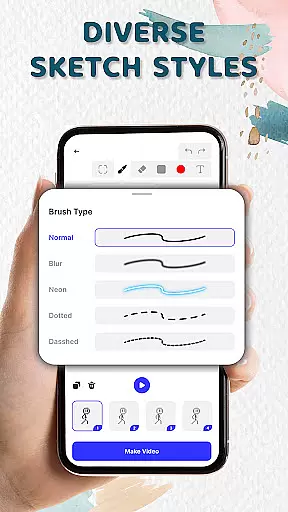
With support for multiple sketch styles and customizable drawing settings, including pen size and color options, the app empowers users to experiment freely. Additionally, it supports exporting animations in popular formats like GIF and MP4, making it simple to share finished projects on social media or with friends. These features combine to deliver a seamless experience from concept to final product.
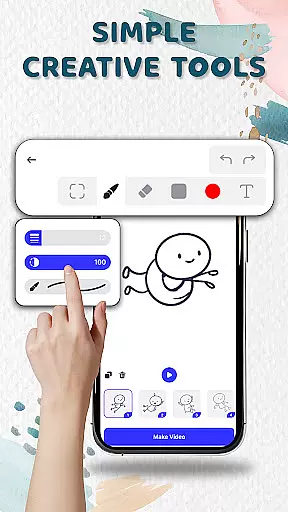
In the realm of digital artistry, having access to comprehensive creative tools is paramount. Animation Draw offers an extensive suite designed for both novices and seasoned artists alike.
Users can adjust pen sizes and colors, employ onion skinning techniques for seamless transitions between frames, and utilize intuitive controls that make animation accessible yet powerful enough to realize complex visions.
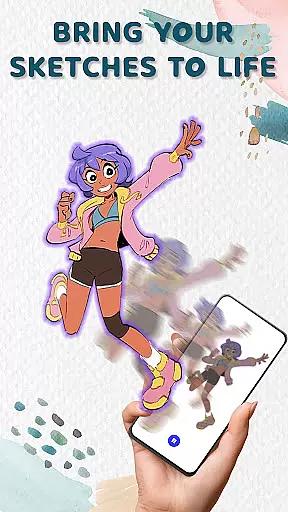
This app ensures that every artist has what they need to bring their sketches to life with dynamic animations, from simple doodles to intricate narratives.
The availability of these sophisticated features empowers creators to experiment freely, knowing that their toolkit supports rather than limits their imagination.
A versatile canvas is essential for unleashing creativity without constraints. Animation Draw provides flexible canvas options allowing artists to customize dimensions according to their project needs.
Whether crafting short comic strips or elaborate animated sequences, users benefit from adaptable formats that cater to various artistic styles and storytelling methods.
Additionally, exporting finished works in popular formats like GIF or MP4 enhances sharing capabilities, ensuring creations reach a wide audience across different platforms effortlessly.
This adaptability not only broadens creative possibilities but also simplifies the process of presenting one's work professionally.
User-friendly interface
Versatile drawing tools
Supports multiple formats
Encourages creativity
Great for all skill levels
Limited advanced tools
Occasional performance lags
Few tutorials available
Basic export quality
In-app purchases required

Pose and morph realistic male and female models! 3D poser app
 3.00
3.00
Floor Plan Creator lets you create, edit and share floor plans.
4.00
Paint with oils and sketch with natural tools on a realistic virtual canvas.
3.80
See Color, Paint Color
4.90
Create stunning video, photo & magic from text with FlixAI GPT video generator.
3.10
Novices can also easily complete diamond painting masters
4.70
Powerful home decoration & house design that allows you to design dream home.
3.80
2D animation studio for Android tablets - unlimited layers, infinite timeline
4.70
AI-powered photo & video creation—fast, fun, and effortless with Quick Actions
4.60
Painting, drawing, & sketching
4.50
Everything you need to create hand drawn animation, anywhere you go!
4.40
Create and Design Custom Logos in Seconds with AI-Powered Tools!
4.40
Just trace a projected picture on paper and color! Draw & Paint with AR drawing
4.40
Custom Character Creator & PFP Maker!
4.20
Turning simple sketches into captivating tales filled with life and motion
3.90
Experience next-gen icons with a modern liquid glass look.
3.60
Create trending AI photos & videos with powerful effects and 3D styles.
3.20
Meet the magic aı 3d photo generator and smart AI video generator app.
3.20
Retouch photos. Create or edit images. Endless capabilities.
2.70


User Reviews