
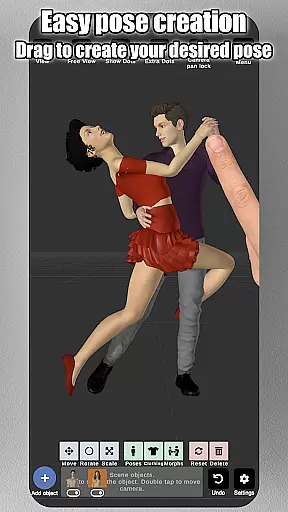
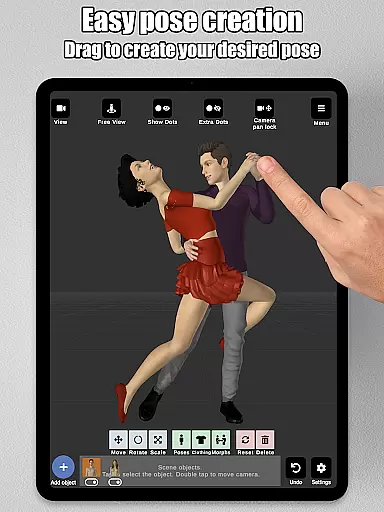
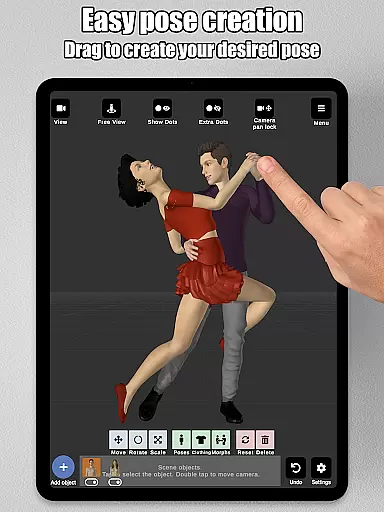
Art Model is a feature-rich 3D posing app designed for artists and designers. This powerful tool allows users to pose and morph an unlimited number of human models simultaneously, making it ideal for character design, illustrations, and storyboarding. With intuitive controls, creating poses is as simple as tapping a control point and dragging the limb into position, eliminating the need for complex joint rotations.
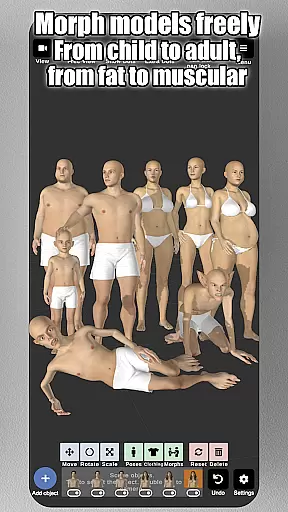
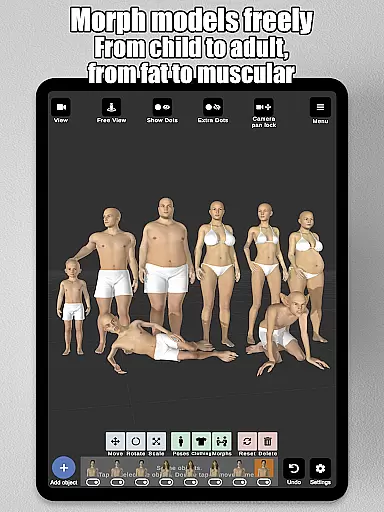
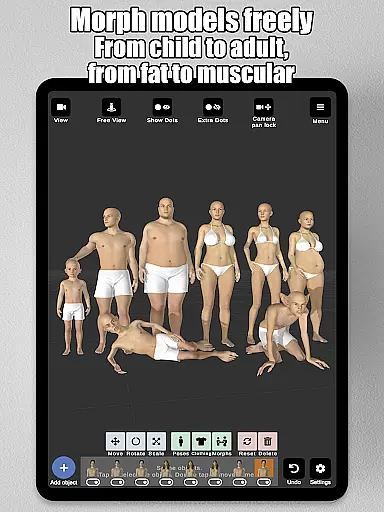
The app includes realistic male and female models, a wooden mannequin for traditional drawing references, and a robust morphing system that lets you customize body types and features. From children to adults, skinny to muscular, or even fantastical creatures, Art Model offers unparalleled creative freedom. Additional features like split-view editing, prop integration, and advanced lighting options make this app an essential tool for both digital and traditional artists.
Art Model stands out with its innovative features tailored for artists. The app's drag-and-drop posing system simplifies the process of arranging limbs, while the morphing system allows for detailed customization of body types and individual body parts. Users can choose from realistic 3D models or a classic wooden mannequin, catering to different artistic styles.
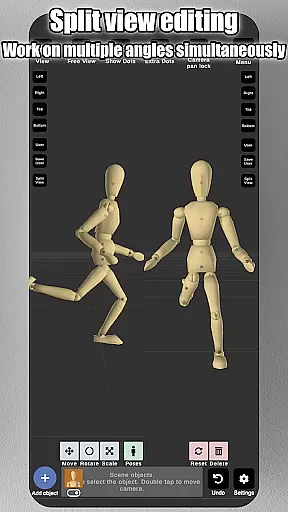
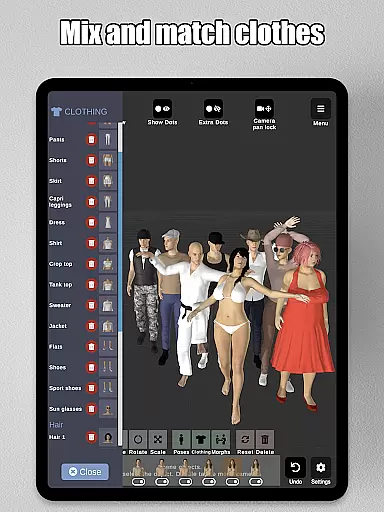
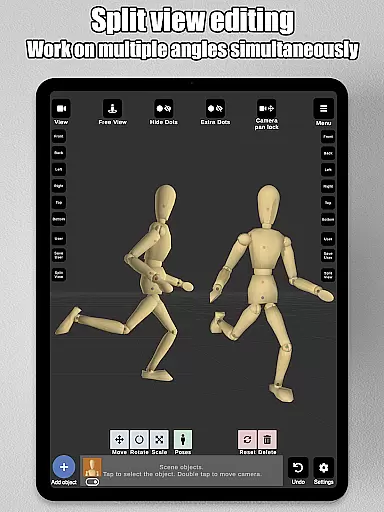
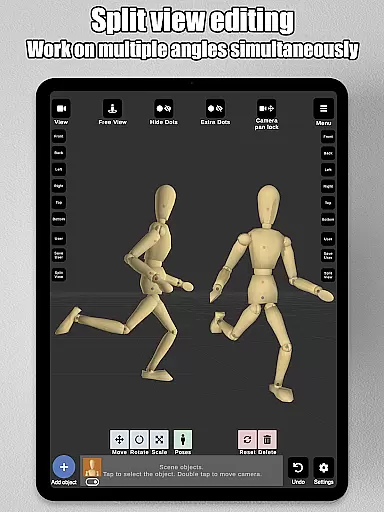
Beyond posing, the app supports scene enhancement through background image imports, props such as chairs and weapons, and advanced lighting options. The split-view editing feature enables simultaneous viewing from two camera angles, streamlining workflow. With clothing options, headgear, and preset poses, Art Model ensures every artist has the tools needed to bring their vision to life.
Art Model - 3D Art pose tool offers an extensive suite of creative tools that cater to both traditional and digital artists. With the ability to pose realistic male and female models, as well as a wooden mannequin for those who prefer classic references, this app provides a comprehensive toolkit for character design.
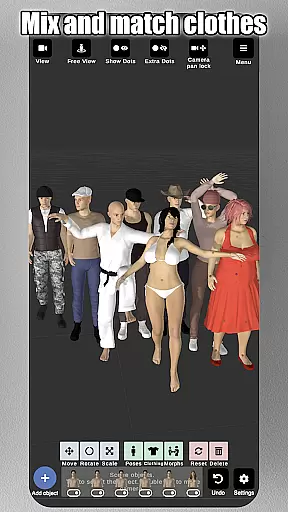
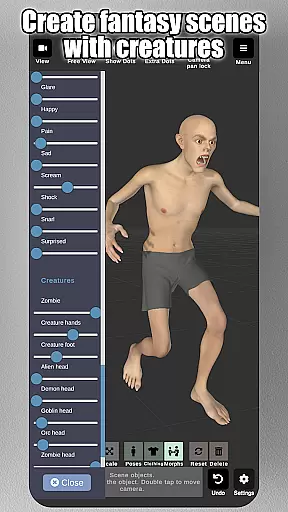
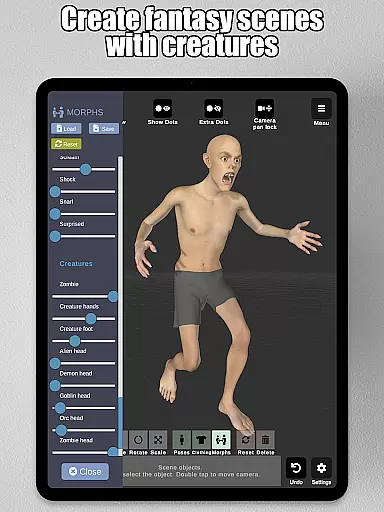
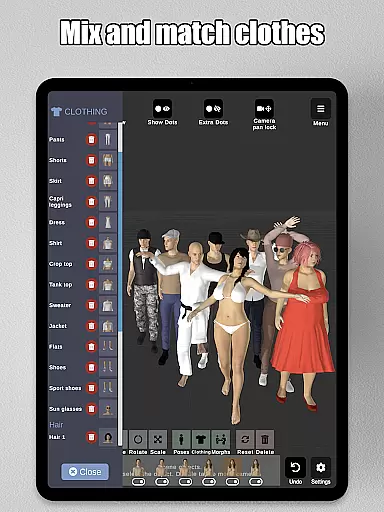
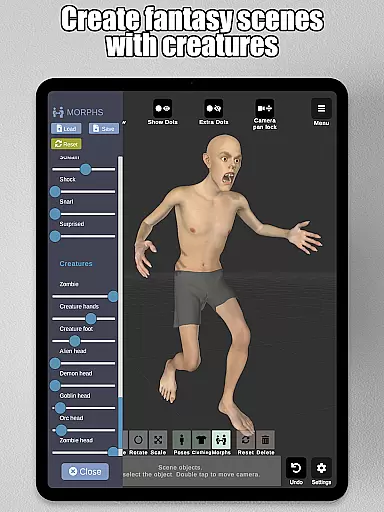
The morphing system is particularly noteworthy, allowing users to create an unlimited range of unique models. Whether you're transforming your model from a child to an adult, adjusting body types, or adding fantastical elements, the possibilities are endless. The app also includes clothing options, basic hair styles, and lots of headgear choices, enhancing the versatility of character creation.
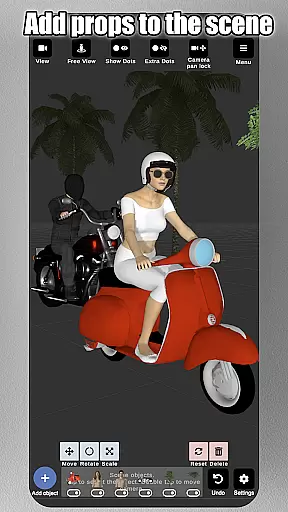
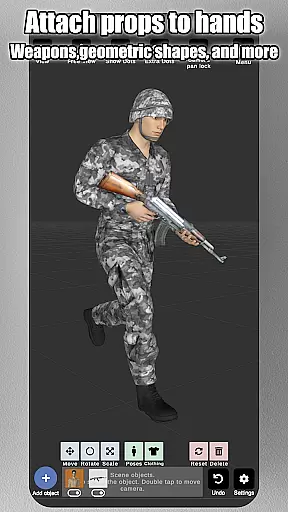
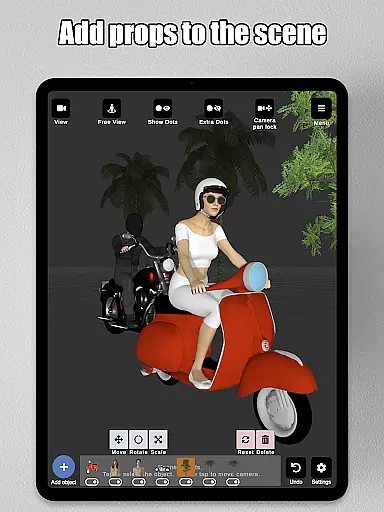
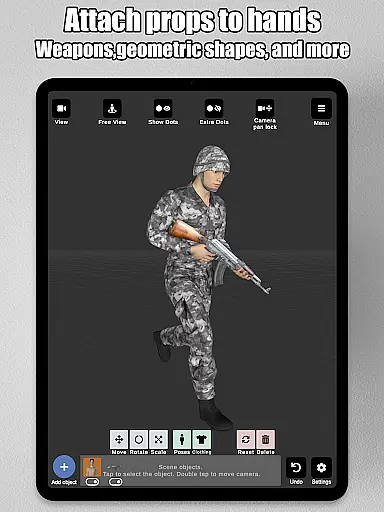
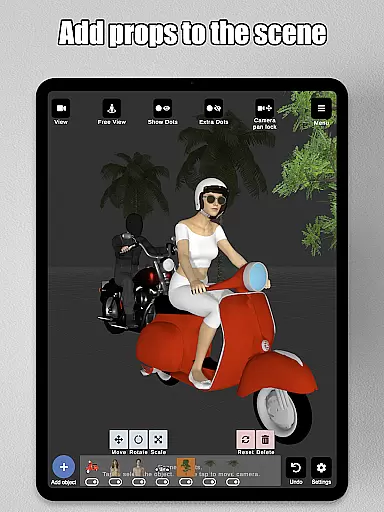
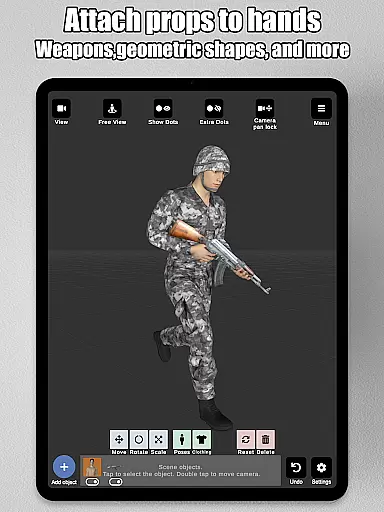
In addition to human models, users can enrich their scenes with various props such as chairs, tables, weapons, vehicles, trees, and geometric shapes. These items can be attached directly to the model's hands, moving naturally with the character, which adds another layer of realism and creativity to your projects.
Flexibility in canvas and format options is crucial for artistic expression, and Art Model excels in this area. The split view editing feature allows artists to visualize their models from two different camera angles simultaneously, making it easier to adjust poses and fine-tune details without constantly rotating the scene.
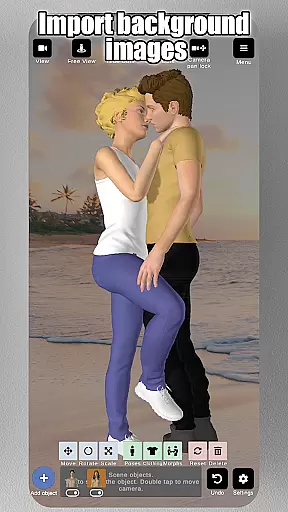
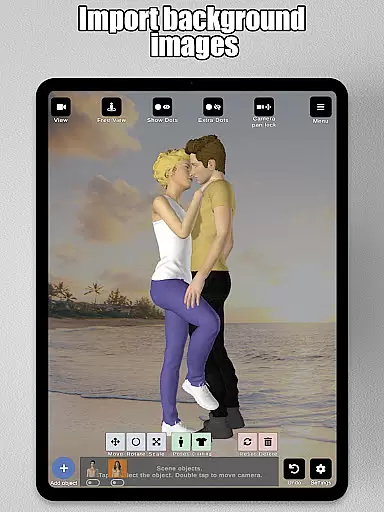
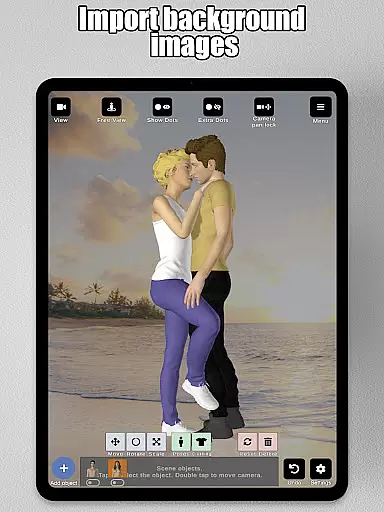
The app supports importing background images, enabling users to incorporate real-world settings into their artwork seamlessly. This feature not only enhances the environment but also serves as valuable drawing references, bridging the gap between imagination and reality.
With advanced lighting options and precise control over the camerau2014zooming in and out with a two-finger pinch, rotating with a two-finger drag, and panning with a one-finger dragu2014artists have complete command over their workspace. Such robust functionality ensures that whether you're working on illustrations, storyboarding, or improving your drawing skills, Art Model provides the perfect platform for all your creative endeavors.
User-friendly interface
Unlimited model morphing
Realistic 3D models
Versatile posing tools
Rich prop library
Steep learning curve
Advanced features locked
Occasional bugs
Limited free content
High system requirements

Discover Cartoon Dream : Unleash Your Creativity with CuttingEdge AI
 4.50
4.50
Create neon drawing with magic doodle and fun doodle art effects!
4.50
Photo blender app to create overlay photos & double exposure.
4.40
Art of Combination Wear OS Watch faces
4.0
Design unique, funny and adorable cat stickers that reflect your own style!
3.80
Powerful home decoration & house design that allows you to design dream home.
3.80
Image resizer to resize, crop, rotate, flip, change dpi photo or picture in bulk
4.60
Sketch and paint on your device with the feel and freedom of drawing on paper
4.00
How to draw anime step by step for beginner easily by AR drawing sketch & paint.
3.60
Create stunning art with AI.
4.80
Share the joy of painting with ibis Paint! Drawing anime and manga art.
4.50
Video AI: Revolutionize Your Content Creation with Advanced Video Generation
4.50
Bring One UI 8.5 Icons to life -elegant dark icons with a modern, premium touch.
4.30
Unleash the artist in you with our AR drawing and tracing tool for photo drawing
4.10
Get creative and make art with your Sesame Friends!
4.00
Art of Combination Wear OS Watch faces (for Wear OS 5+ devices)
3.90
Create cute cat emojis & PFPs! Fun, custom avatars for cat lovers.
3.70
Download now for a stylish and functional timepiece
4.5
Your Essential Color Theory Guide: Red, Yellow, Blue (RYB)
4.0


User Reviews