
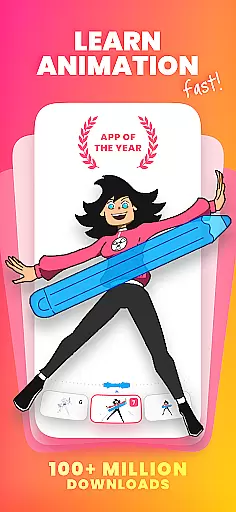
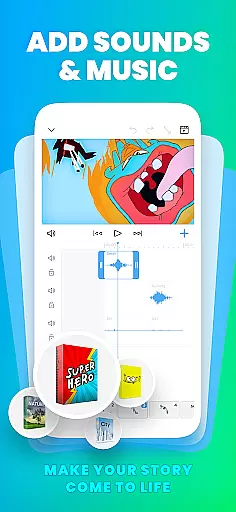
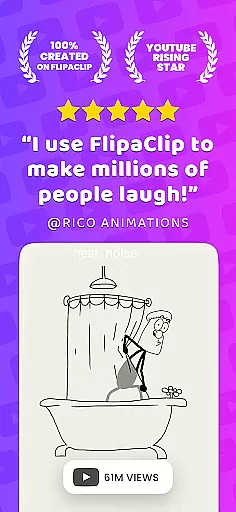
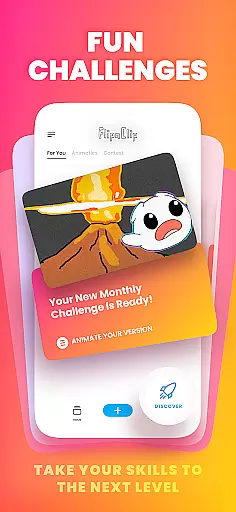
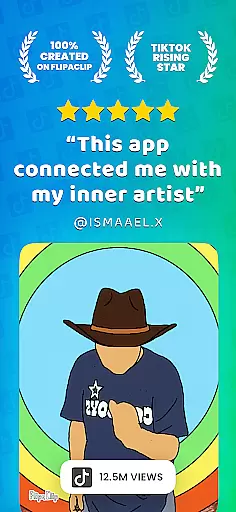
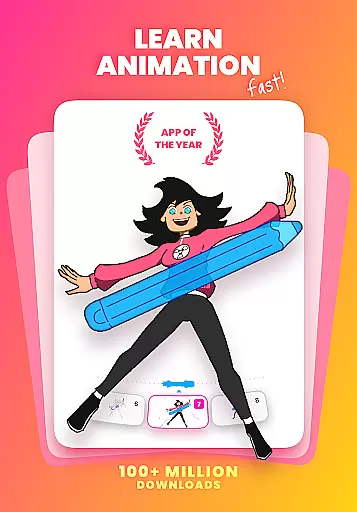
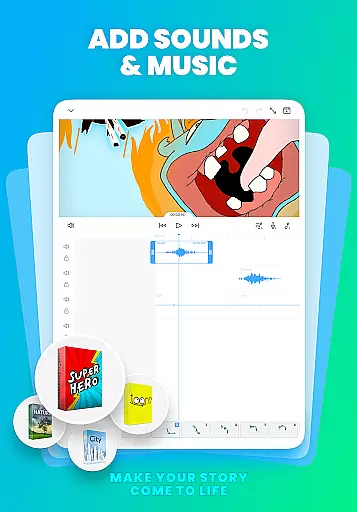
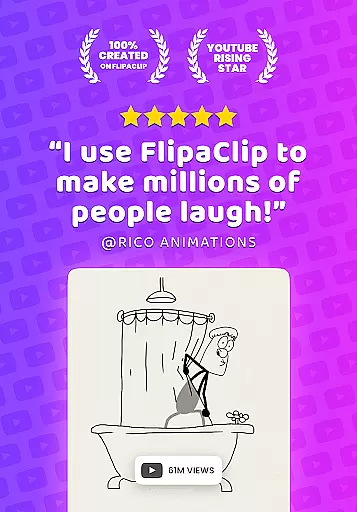
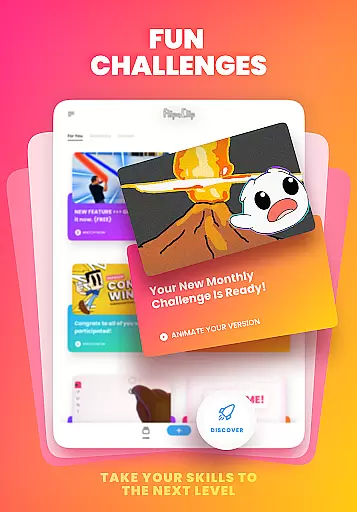
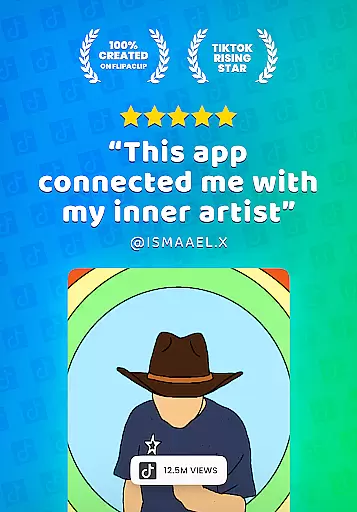
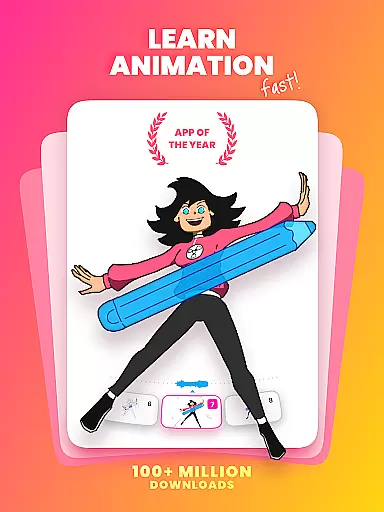
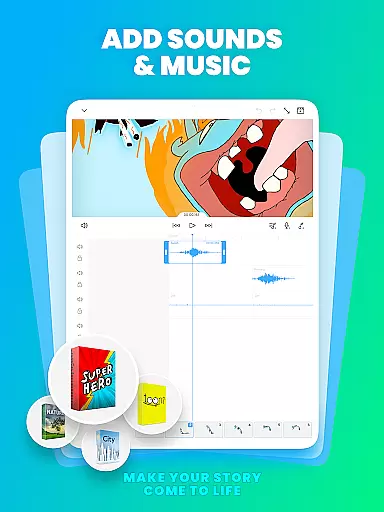
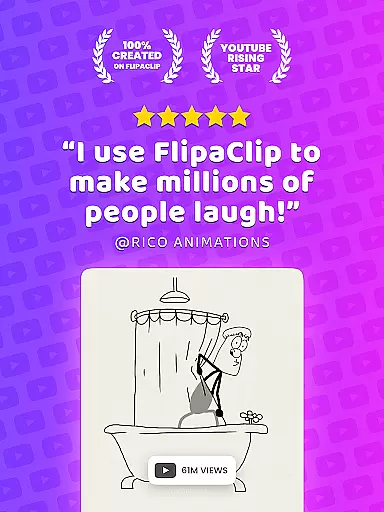
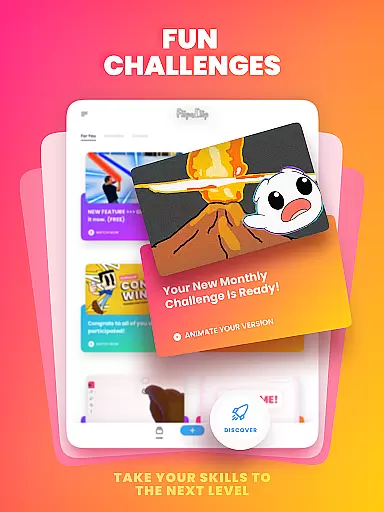
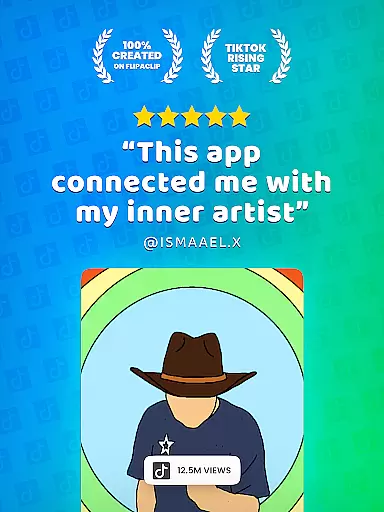
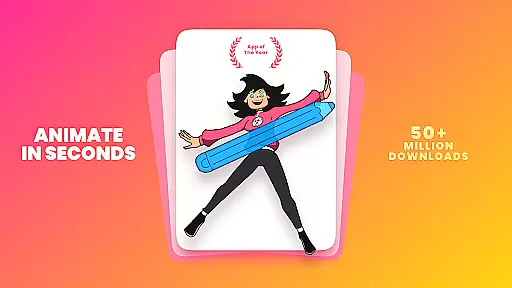
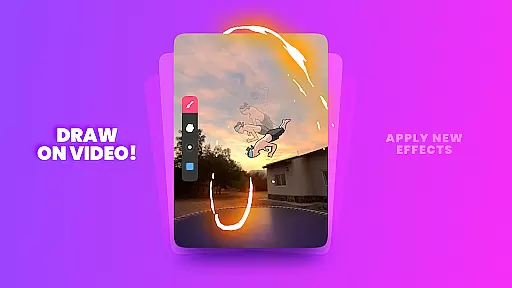
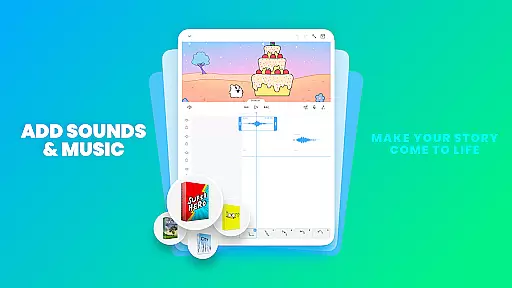
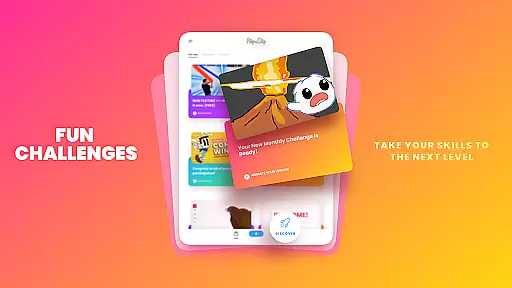
FlipaClip is a leading 2D animation app designed for both beginners and professionals in the Art & Design category. This powerful tool allows users to create frame-by-frame animations, draw cartoons, and produce short animated movies with remarkable ease. The app provides an intuitive interface that combines traditional flipbook animation principles with advanced digital tools, making it simple to bring creative ideas to life.
With features like onion skinning, multi-layer support, and AI-powered tools such as Magic Cut, FlipaClip enables artists to achieve professional-grade results. Whether you're creating anime, memes, or storyboards, this versatile app caters to various artistic styles and project requirements. Its seamless integration with social media platforms and export options in MP4 and GIF formats make it perfect for sharing your creations with a global audience.
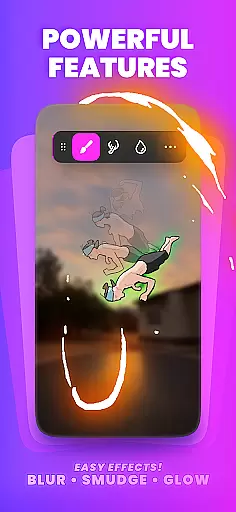
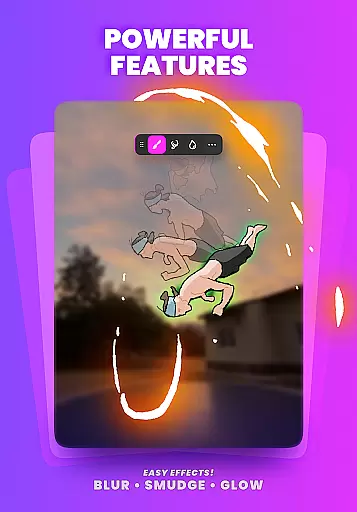
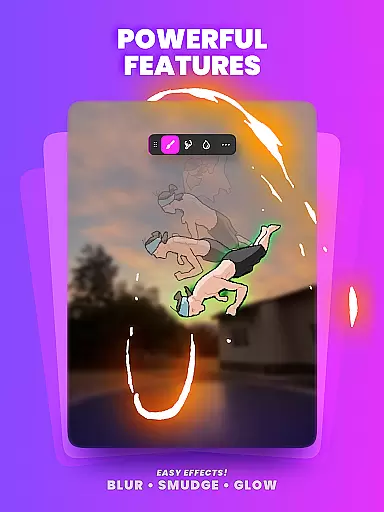
FlipaClip stands out in the Art & Design category through its comprehensive set of animation tools. The app's frame-by-frame timeline gives creators precise control over their animations, while the onion skin feature ensures smooth transitions between frames. Users can work with up to 10 layers (3 free), apply glow effects, and utilize blending modes to enhance their artwork.
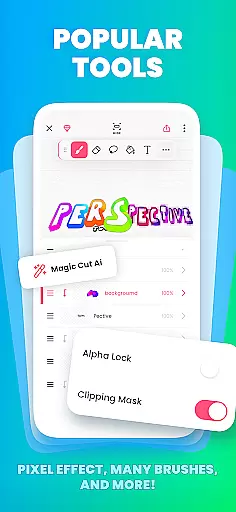
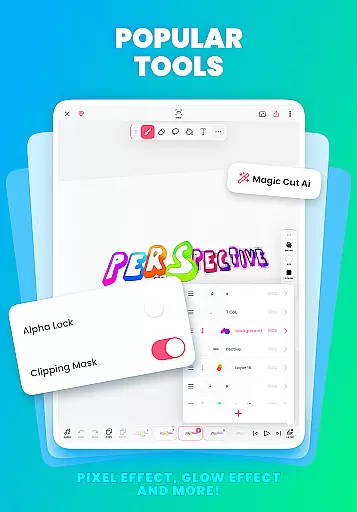
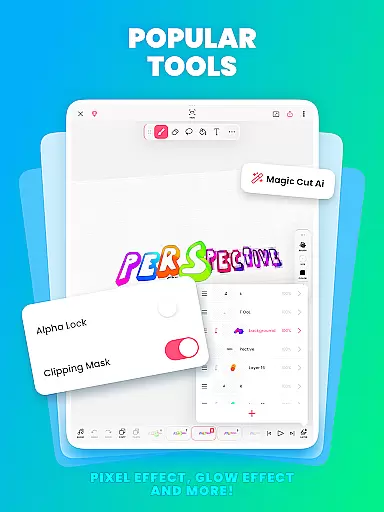
The inclusion of AI technology sets FlipaClip apart from other drawing apps. Magic Cut automatically removes backgrounds from images, streamlining the rotoscoping process. Additionally, the AI Voice Maker adds natural-sounding narration to animations. These innovative features, combined with pressure-sensitive stylus support and customizable canvas sizes, provide artists with everything they need to create professional-quality animations on mobile devices.
FlipaClip stands out as a comprehensive creative suite for both budding and professional artists in the realm of 2D animation. The app offers an extensive array of drawing tools that cater to a multitude of artistic needs.
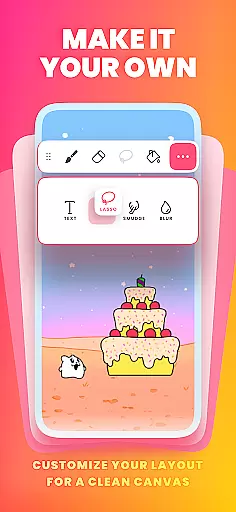
Users can access brushes, fill options, lasso, eraser, ruler, text, and shape tools, all designed to bring sketches and ideas to life. With support for custom canvas sizes and frame-by-frame animation capabilities, FlipaClip ensures every detail of your artwork is captured with precision.
Advanced features such as pressure-sensitive stylus support, exemplified by compatibility with Samsung S Pen and SonarPen, enhance the drawing experience, making it more natural and precise. This allows creators to focus on their art without being hindered by technological limitations.
The inclusion of up to 10 layers (with 3 free), glow effects, blending modes, and the ability to import photos or videos for rotoscope animations underscores FlipaClip's commitment to providing a complete creative toolkit. These features enable complex drawings and animations, from simple doodles to professional-grade scenes.
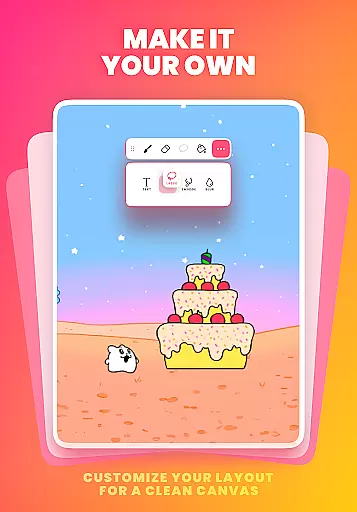
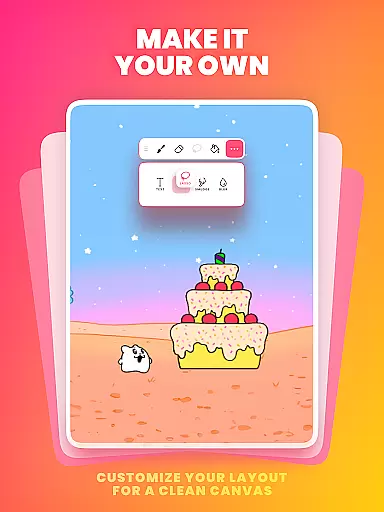
Flexibility in canvas and format options is crucial for unleashing creativity without constraints, and FlipaClip excels in this aspect. The app supports custom canvas sizes, empowering artists to define their workspace according to the specific needs of each project.
This adaptability extends to the export phase, where users can choose between MP4, GIF, or PNG sequences with transparency. Such versatility ensures that animations fit seamlessly into various platforms and uses, whether for YouTube, TikTok, Instagram, or professional presentations.
Moreover, FlipaClip's capability to handle different formats during the import process, like incorporating photos or videos for rotoscope animations, adds another layer of creative possibilities. Artists are not limited by format restrictions and can experiment freely.
Ultimately, FlipaClip's flexible approach to canvas and format management provides an unrestricted playground for creators. It enables them to explore diverse artistic expressions and share their work in the most suitable format for their audience, enhancing both the creative process and the final presentation.
User-friendly interface
Powerful AI tools
Multi-platform support
Versatile export options
Active community engagement
Limited free layers
Premium features locked
Steep learning curve
Occasional performance issues
Subscription required

AI generated images & photos, turn your words into drawing, painting & pictures.
 4.30
4.30
Digital Drawing: Draw & Paint
4.10
Passport size photo maker, create ID photo and visa photo in seconds
4.80
Convert image to JPG PNG HEIC PDF, support almost all kinds of image formats
4.70
Powerful home decoration & house design that allows you to design dream home.
3.80
Create Logos, Tattoos, AI Art & more with our AI Photo Generator & Design Editor
4.20
Sketch and paint on your device with the feel and freedom of drawing on paper
4.00
Multiplayer Drawing game, Coloring, Painting・Sketch, Handwriting・Paint, draw
4.30
AI-powered photo & video creation—fast, fun, and effortless with Quick Actions
4.60
See Color, Paint Color
4.90
Novices can also easily complete diamond painting masters
4.70
Minecraft & Roblox Clothes
4.70
Draw anime & manga drawing, art with templates to create stunning picture!
4.50
The perfect place to start sketching! Use Sketchbook to draw and paint sketches.
4.50
AI Tattoo Generator: Create Tattoo Designs & Get Ideas! Ink & Stencil Maker
4.50
Just trace a projected picture on paper and color! Draw & Paint with AR drawing
4.40
Remove Background, Magic Eraser, Photo Enhancer, Story Templates, Collage Maker
4.30
Paint with oils and sketch with natural tools on a realistic virtual canvas.
3.80
Experience next-gen icons with a modern liquid glass look.
3.60


User Reviews