
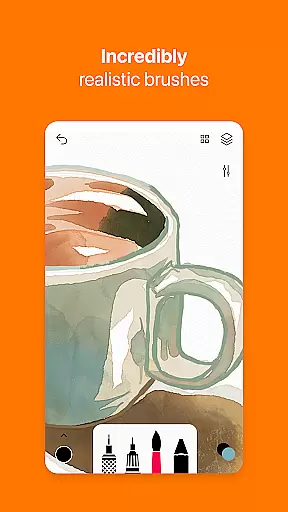
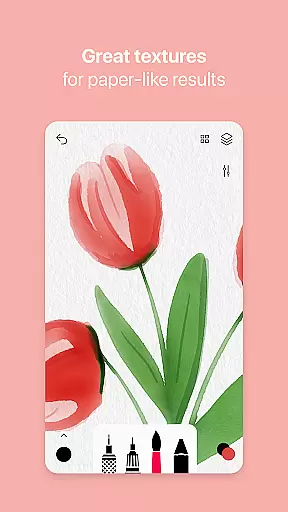
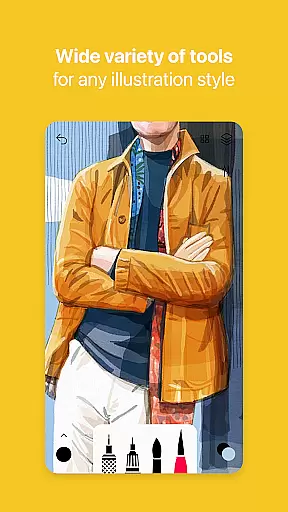
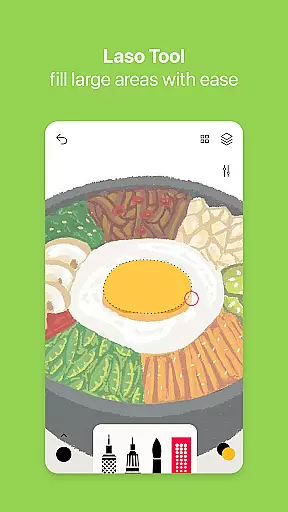
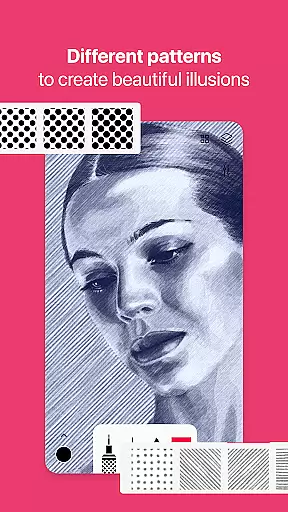
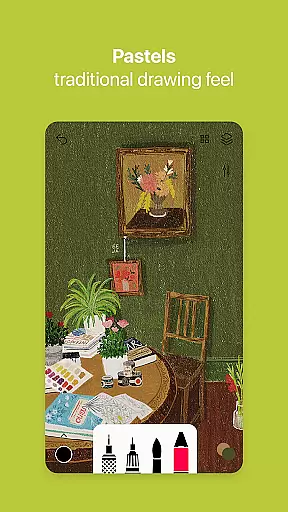
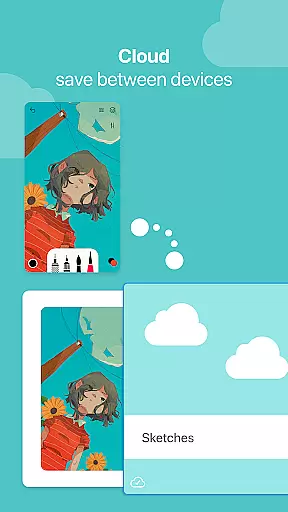

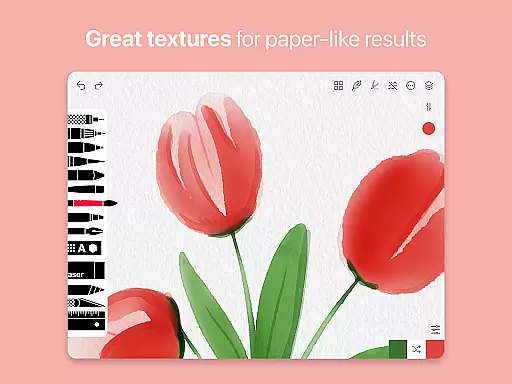
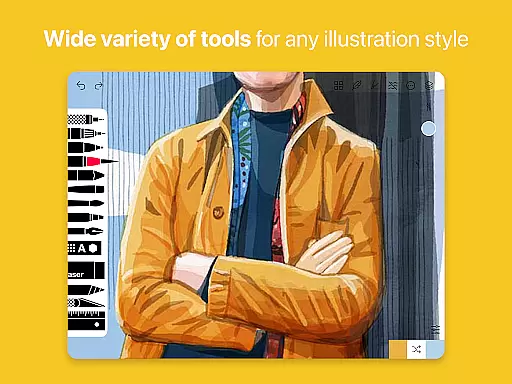
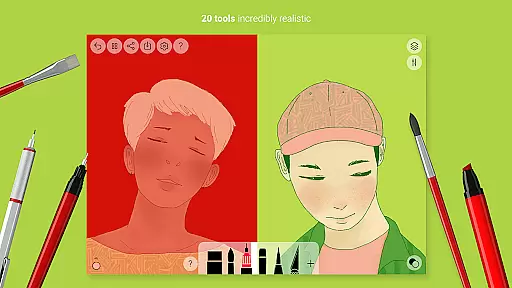
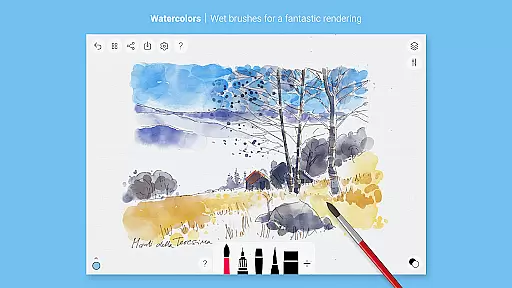
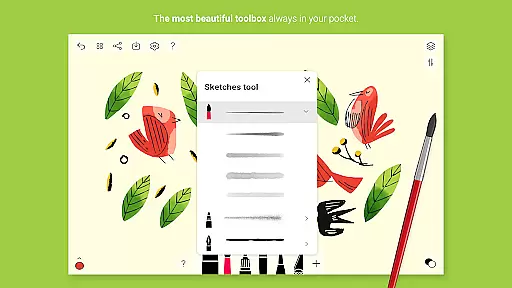
Tayasui Sketches is a premier drawing application designed for artists and creatives who value precision and beauty in their digital artwork. The app offers an impressive selection of over 20 ultra-realistic tools, each crafted to mimic traditional art mediums with remarkable accuracy. From watercolor brushes that behave like real paint to advanced pen and pastel options, the app provides an authentic drawing experience on Android devices.
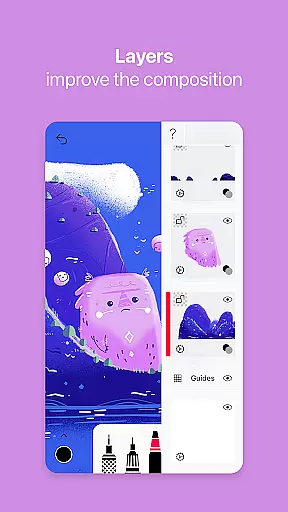
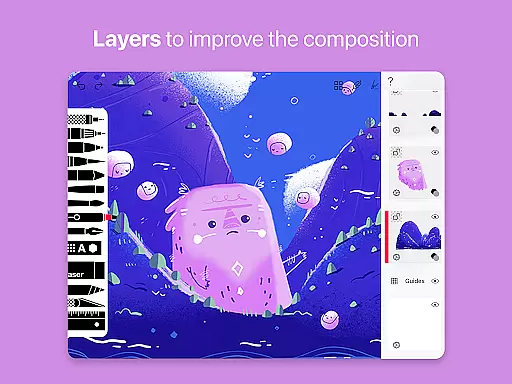
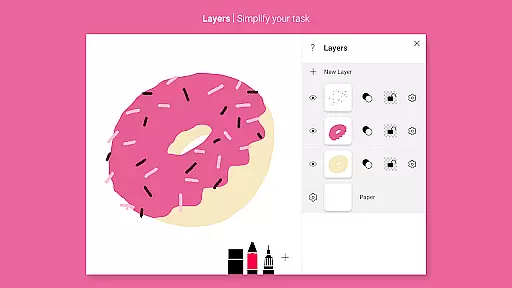
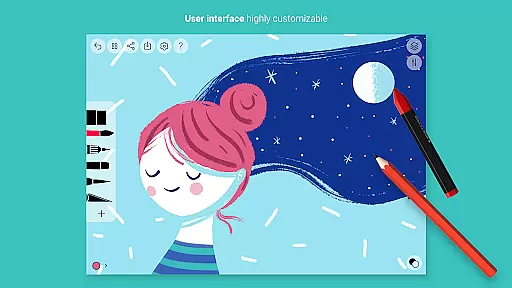
One of the standout features of Tayasui Sketches is its intuitive interface, which combines minimalist design with powerful functionality. Users can take advantage of layers to organize complex projects, import photos for reference or tracing, and utilize the advanced color picker for precise color matching. Whether you're sketching ideas on the go or creating detailed illustrations, this app ensures a seamless workflow.
The Pro version unlocks additional capabilities such as brush customization, text tools, and enhanced export options, making it suitable for professional use. With support for stylus input and adaptive brush dynamics based on pressure and angle, Tayasui Sketches caters to both casual doodlers and serious artists seeking a versatile mobile art studio.
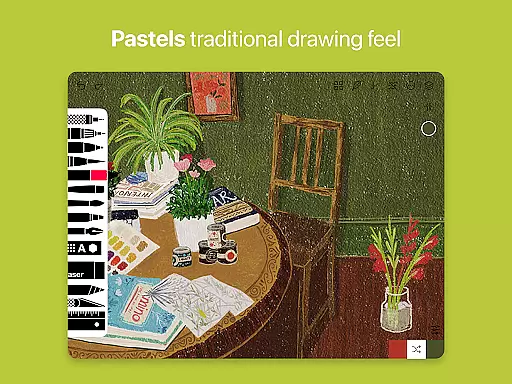
Tayasui Sketches distinguishes itself through its meticulously designed tools and user-friendly features. The app includes realistic watercolor brushes that simulate wet-on-wet techniques, oil pastels with rich texture, and airbrushes for smooth gradients. Each tool responds dynamically to touch, adapting stroke width and opacity based on pressure and tilt, providing an unparalleled level of control.
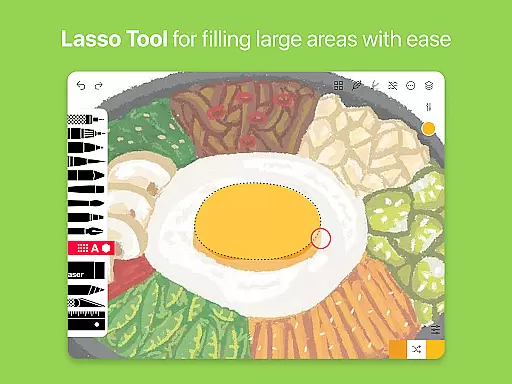
Beyond its core drawing tools, the app offers advanced functionalities such as layer management, which allows users to separate elements of their artwork for easier editing. The inclusion of a smudge tool, eraser variations, and shape templates further expands creative possibilities. Additionally, the app supports importing images, enabling artists to incorporate photographs or other visual references into their work.
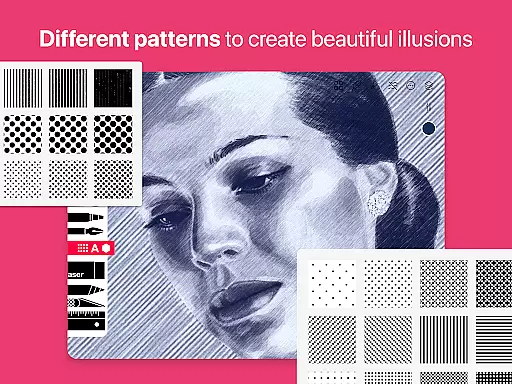
For professionals, the Pro subscription adds even more depth with customizable brushes, pattern fills, and text overlays. Export options are robust, allowing users to share their creations in various formats optimized for social media or print. These comprehensive features make Tayasui Sketches not just a drawing app but a complete digital art suite tailored for Android users.
Tayasui Sketches offers an extensive suite of creative tools designed to cater to both amateur artists and professionals. With over 20 ultra-realistic tools, the app includes everything from pens and brushes to advanced options like watercolor wet brushes and acrylics.
The app's standout feature is its realistic brush behavior, which mimics real-world physics by adapting pressure, angle, and width to your movements. This level of detail ensures that every stroke feels as natural as using traditional drawing implements.
For users seeking more advanced functionality, the Pro version provides access to layers, dozens of additional features, and a Brushes Editor. These professional-grade tools enable complex artwork creation while maintaining an intuitive user interface.
By offering such comprehensive creative tools, Tayasui Sketches empowers artists to execute their vision without technical limitations, making it an essential application for digital artists working in various mediums.
One of Tayasui Sketches' key strengths lies in its canvas and format flexibility, which allows artists to work with maximum freedom. The app supports importing photos as backgrounds or reference images, enabling users to create artwork based on existing visuals or incorporate photographic elements into their pieces.
The inclusion of layers adds another dimension of flexibility, letting artists build complex compositions while maintaining control over individual elements. This feature simplifies the creative process and allows for non-destructive editing, which is crucial for professional-grade artwork.
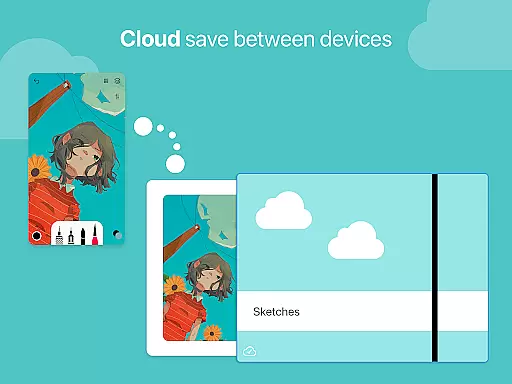
Furthermore, the app offers advanced sharing and export functions, ensuring that finished pieces can be saved in various formats suitable for different purposes, whether for web display or high-resolution printing. The ability to work with multiple file formats enhances the app's versatility.
This combination of flexible canvas options, layer support, and versatile export capabilities makes Tayasui Sketches adaptable to various artistic workflows and project requirements.
User-friendly interface
Realistic brush dynamics
Extensive tool variety
Layer support for complex projects
Regular feature updates
Pro features require subscription
Limited free trial availability
Advanced tools may overwhelm beginners
Occasional performance lag
No desktop version available

AI generated images & photos, turn your words into drawing, painting & pictures.
 4.30
4.30
Learn how to draw with step-by-step tutorials, fun lessons & multiplayer drawing
4.70
Image/ Text to Video Generator
4.40
Text to Image, Image to Video & AI Chat
4.20
AR Anime Drawing: How to draw anime with AR drawing & sketching apps!
4.00
Turn your drawings into flipbook-style animations with simple creative tools
4.60
Your homescreen as an elegant glass with customized blur, lighting, and visuals.
3.70
Create cute cat emojis & PFPs! Fun, custom avatars for cat lovers.
3.70
Draw, make movies & animate cartoons easily with our 2D animation maker app
4.40
See Color, Paint Color
4.90
Passport size photo maker, create ID photo and visa photo in seconds
4.80
Your AI soulmate — meaningful chats, and unique emotional moments
4.70
Photo stitcher for automatically screenshot stitching into a long screenshot
4.70
Draw beautiful mandala's very easily
4.60
Draw Trace image sketch by, AR art projector app, Easy to trace any image.
4.50
Share the joy of painting with ibis Paint! Drawing anime and manga art.
4.50
Art of Combination Wear OS Watch Faces
3.30
Draw anime easily with AR guidance, sketch templates & trace tools!
3.10
Your Essential Color Theory Guide: Red, Yellow, Blue (RYB)
4.0


User Reviews