
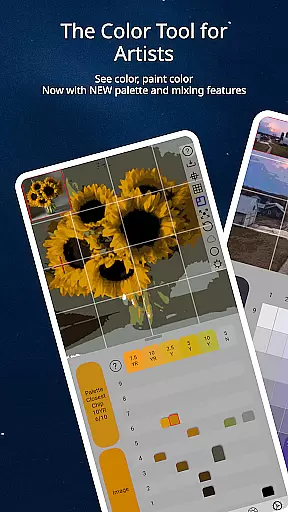
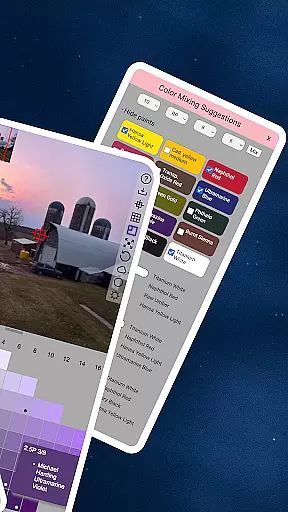
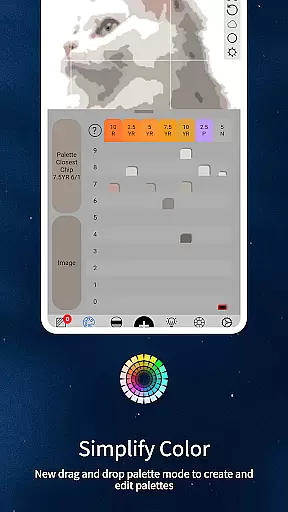
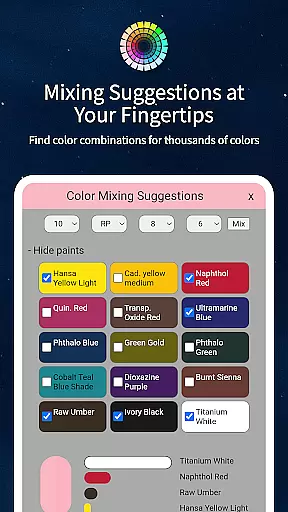
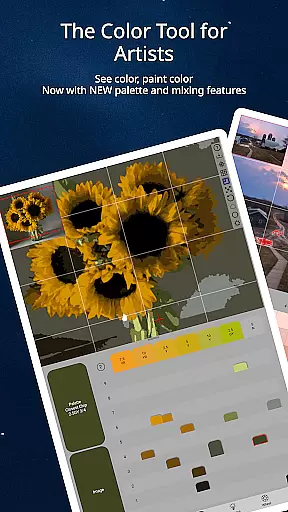
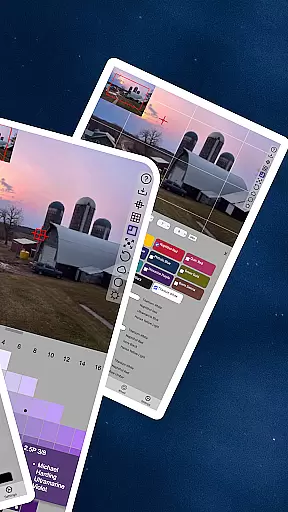
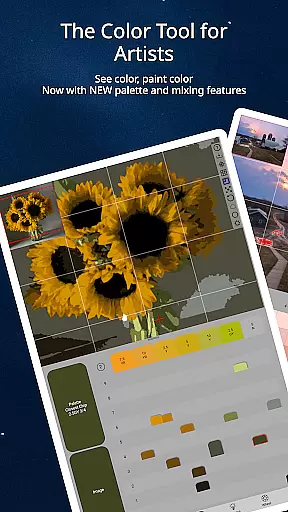
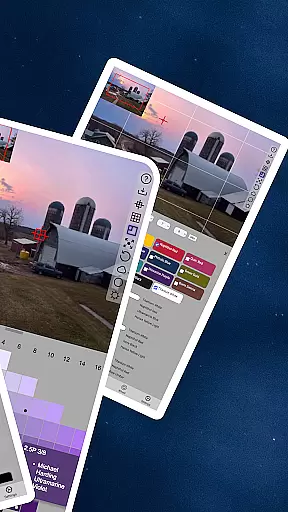
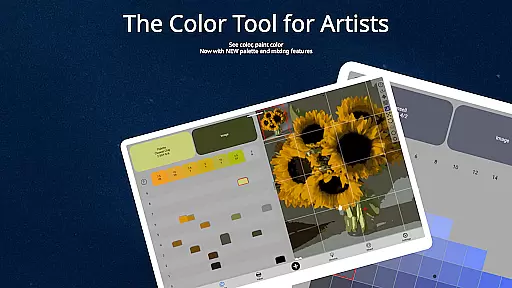
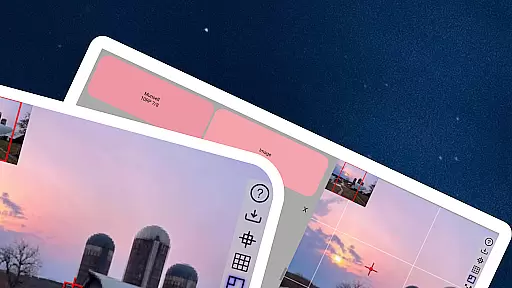
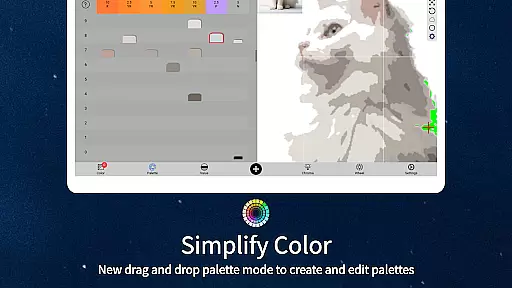
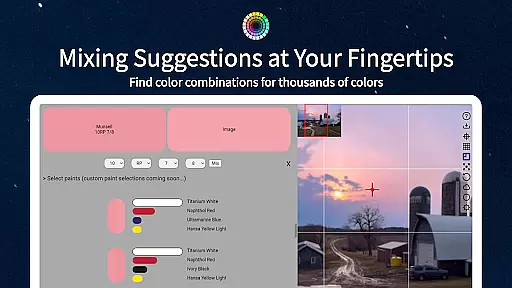
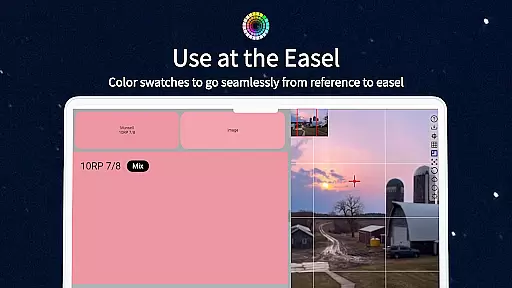
ChromaMagic is an innovative color analysis tool designed specifically for artists. This application helps users accurately identify and understand colors by breaking them down into hue, value, and chroma components. The app's unique approach is based on the Munsell color system, providing artists with a more natural and intuitive way to perceive colors.
Beyond basic color identification, ChromaMagic offers advanced features that enhance artistic workflow. Users can load reference photos and instantly analyze color distribution, grayscale values, and saturation levels. The app also supports multiple display modes, including value shapes and color wheel visualization, making it an indispensable tool for both digital and traditional artists.
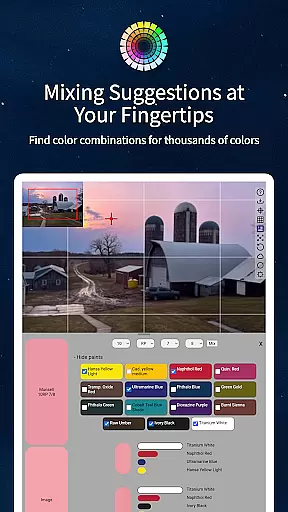
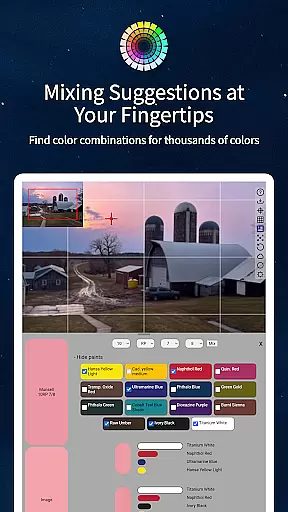
This application is particularly useful for painters who struggle with mixing convincing colors. By helping artists truly 'see' color as it is, ChromaMagic eliminates years of trial and error in color mastery. The app's offline functionality and cross-device compatibility make it perfect for artists working in studios or plein air environments.
ChromaMagic distinguishes itself through several groundbreaking features that cater specifically to artists' needs. The app's core functionality revolves around its sophisticated color analysis engine, which can process any loaded image and provide detailed Munsell-based color information. This includes precise hue identification, value measurement, and chroma assessment across 2500-pixel grids.
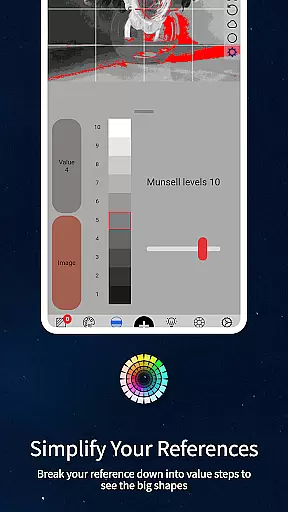
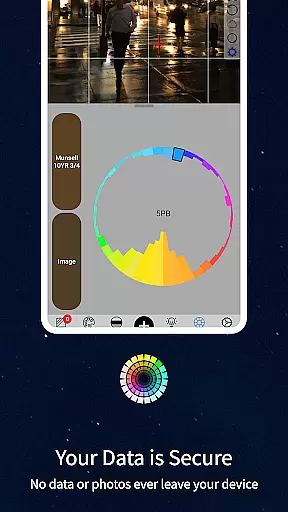
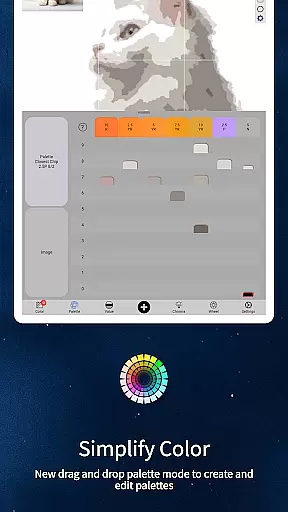
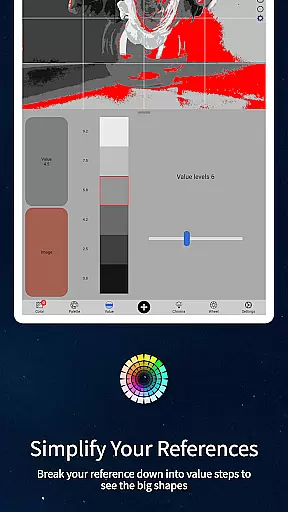
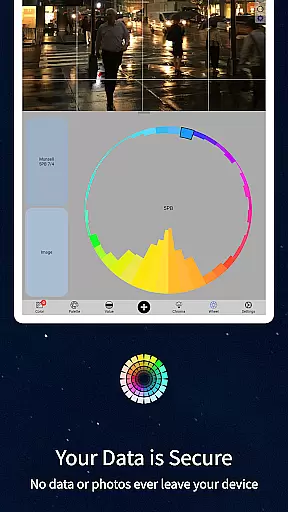
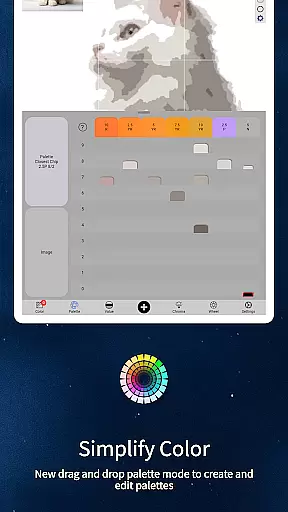
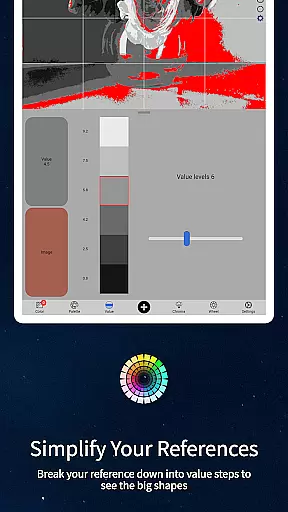
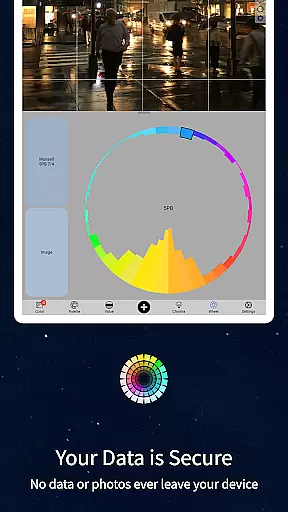
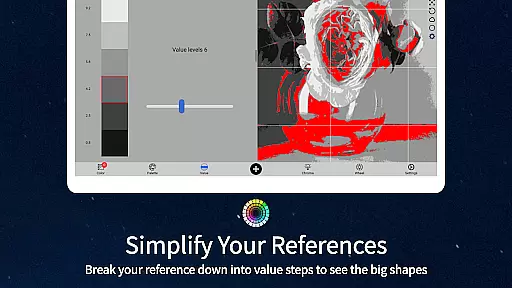
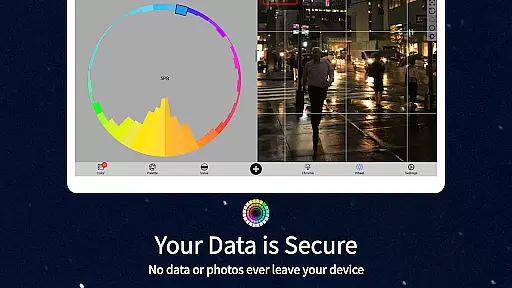
The application offers five distinct viewing modes that serve different artistic purposes. Value mode helps organize references into major value shapes with adjustable steps, while grayscale mode reveals fine-grained tonal variations. Saturation analysis mode provides insights into color intensity, and color wheel distribution mode visualizes hue relationships. Additionally, the app features buttery-smooth zoomable and pannable interfaces for seamless navigation.
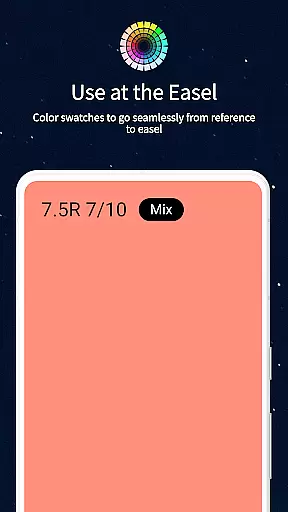
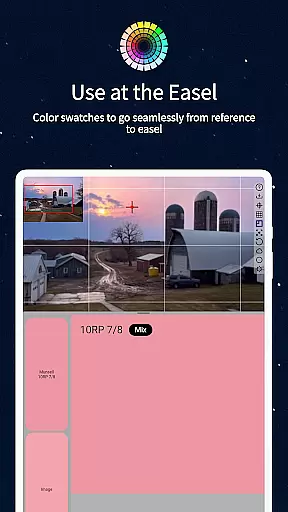
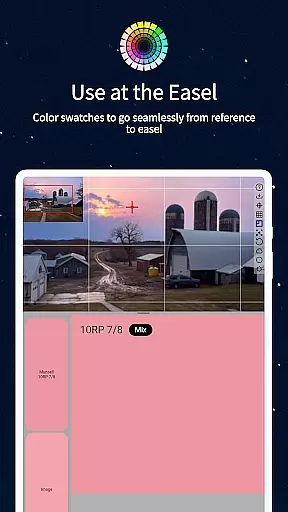
Practical features enhance usability significantly. Artists can drag-and-drop files on desktop versions, access paint recommendations from top-quality brands, and work offline anywhere. The inclusion of mixing swatches and calibration values eliminates the need for expensive physical color chips, while cross-platform support ensures accessibility across Android devices and tablets.
ChromaMagic offers a comprehensive suite of creative tools tailored for artists seeking precision and depth in their work. The application provides functionalities that extend beyond basic color selection, allowing users to dissect colors into hue, value, and chroma components.
This detailed analysis is crucial for artists who aim to replicate or modify colors with accuracy. By integrating Munsell color modes, ChromaMagic ensures that artists can access natural descriptions of colors, enhancing their understanding and usage.
In addition to the Munsell mode, the app includes various viewing modes such as Value mode and Grayscale, which help in organizing references into major value shapes and reducing images to grayscale respectively. These features enable artists to perceive subtle differences in color intensity and saturation.
The availability of links to hundreds of top-quality oil paints further enriches the user experience by bridging digital analysis with practical application. This holistic approach makes ChromaMagic an indispensable tool for both amateur and professional artists.
Flexibility in canvas and format options is essential for artists who work across different mediums and scales. ChromaMagic addresses this need by providing a versatile interface that supports a wide range of image manipulations.
Artists can zoom and pan through images with buttery smooth controls, ensuring that every detail is accessible regardless of the device used. This seamless navigation enhances the overall user experience, making it easier to focus on intricate aspects of artwork.
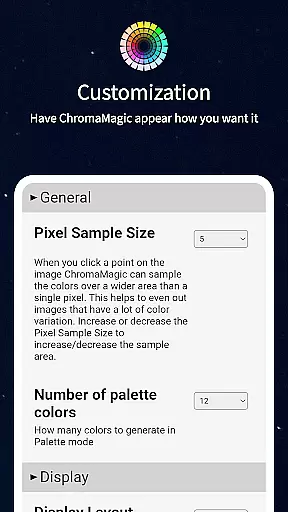
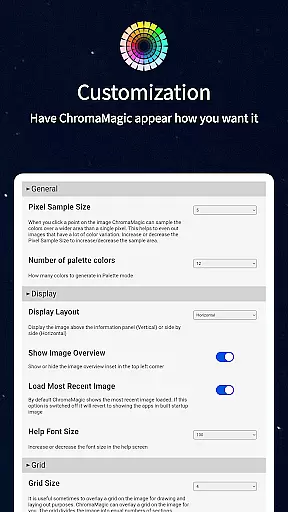
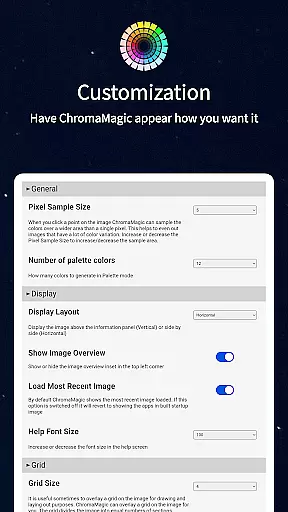
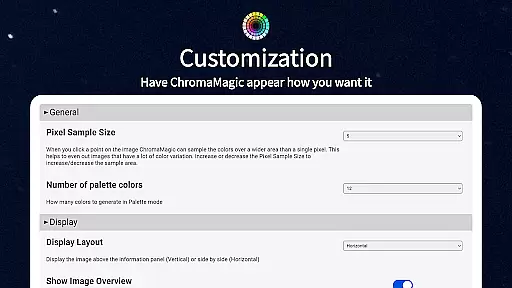
The ability to average colors over multiple pixels adds another layer of flexibility, particularly useful when dealing with complex references. Users can choose to analyze up to 2500 pixels at once, simplifying the process of identifying predominant colors within an image.
Moreover, ChromaMagic's compatibility with both desktop and mobile devices underscores its adaptability. Whether working at home, on the bus, or even up a mountain, artists can rely on ChromaMagic to deliver consistent performance and functionality.
Accurate color analysis
Offline functionality
Cross-device compatibility
Intuitive user interface
Comprehensive paint database
Steep learning curve
Advanced features only
No iOS version
Requires calibration
Premium pricing

Premium version of Shimeji-ee app with no ads & no limit active shimeji
 4.3
4.3
Remove Background, Magic Eraser, Photo Enhancer, Story Templates, Collage Maker
4.30
Digital, Abstract, Classic - all types of color wheels in one app!
4.60
AI Art Generator transforms your words into AI generated art & paintings.
3.70
AR Anime Drawing: How to draw anime with AR drawing & sketching apps!
4.00
Mobile pixel art editor. Simple. Fast. Portable.
4.80
Android 14 style widgets and wallpapers app.
4.4
Draw, fidget, and spin glow art! Relax and express your creativity with a finger
4.60
An intuitive, high-performance painting app that lets you focus on creating
4.40
Passport size photo maker, create ID photo and visa photo in seconds
4.80
Learn how to draw with step-by-step tutorials, fun lessons & multiplayer drawing
4.70
Photo editor for art, avatars, filters & fun transformations.
4.60
Image resizer to resize, crop, rotate, flip, change dpi photo or picture in bulk
4.60
Everything you need to create hand drawn animation, anywhere you go!
4.40
Trace, draw, and create art with AR - from memes to masterpieces!
4.30
Custom Character Creator & PFP Maker!
4.20
Experience next-gen icons with a modern liquid glass look.
3.60
Sketch, trace and master AR drawing with awesome anime art!
3.30
A luxurious gold watch face for an elegant and refined look.
4.2


User Reviews