
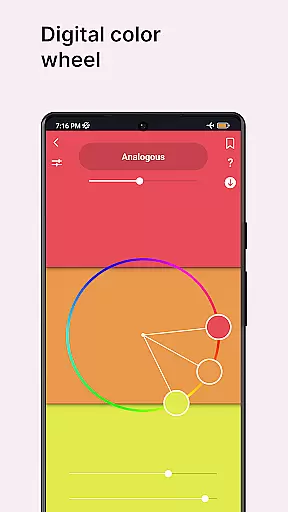
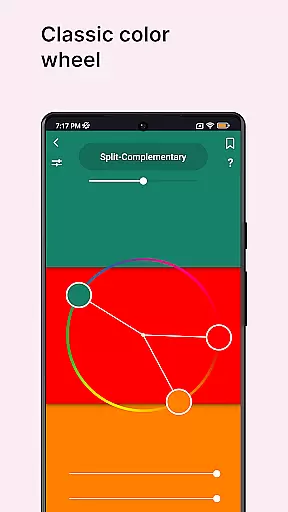
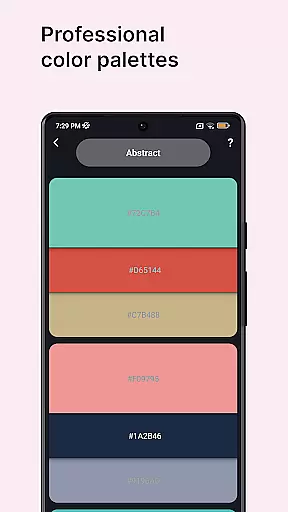
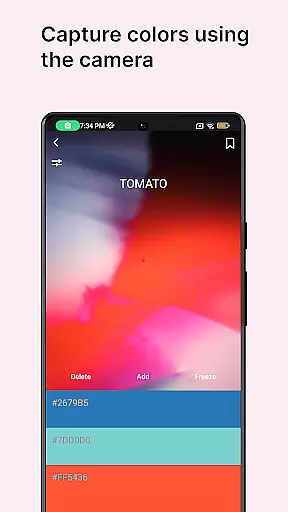
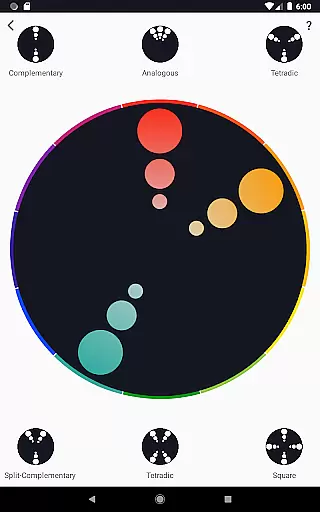
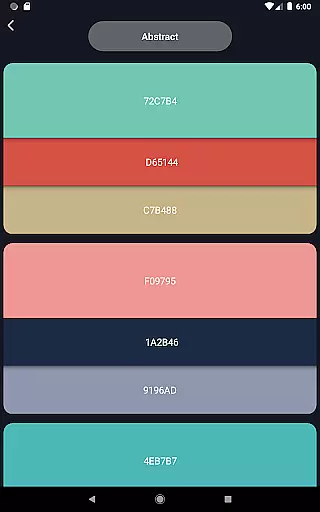
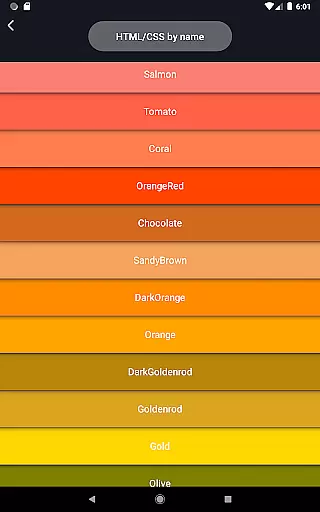
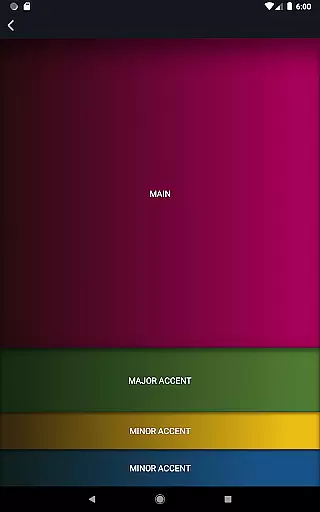
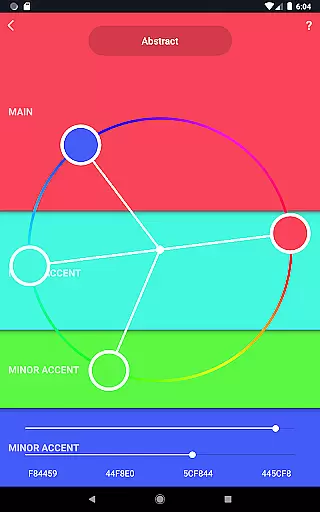
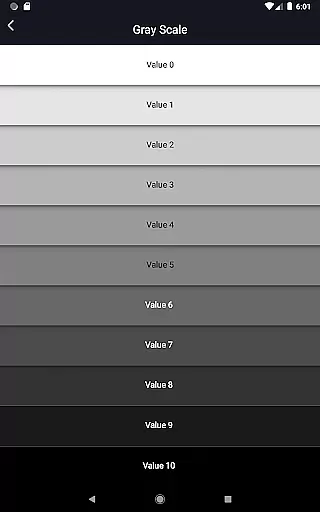
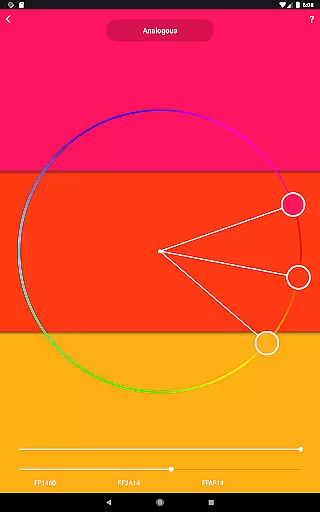
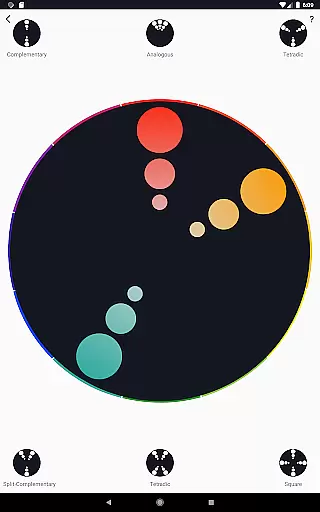
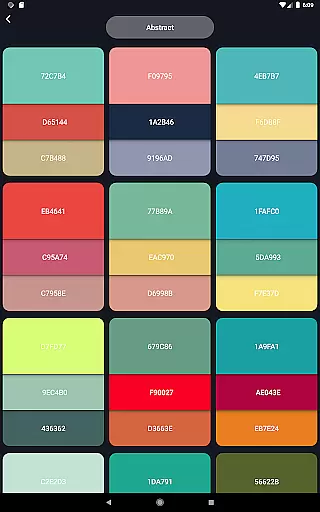
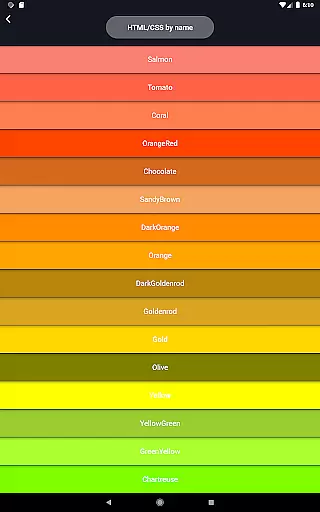
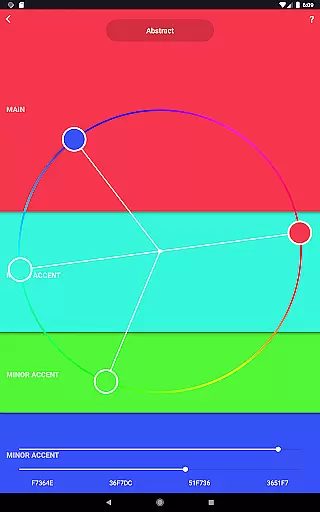
Color Wheel is an all-in-one application that brings together various types of color wheels, catering to the needs of graphic designers, painters, and artists. The app features digital, abstract, and classic color wheels, each serving different artistic requirements. With specialized tools like a color picker, image color extractor, and value checker, it ensures precision in color selection and usage.
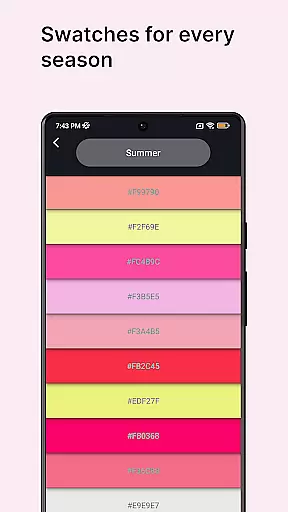
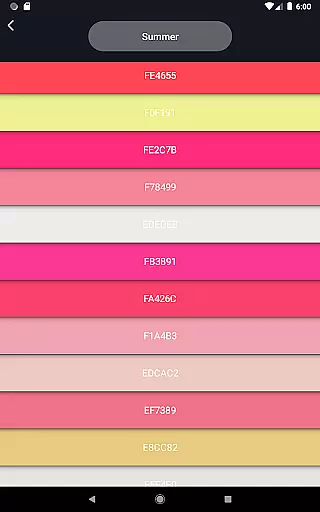
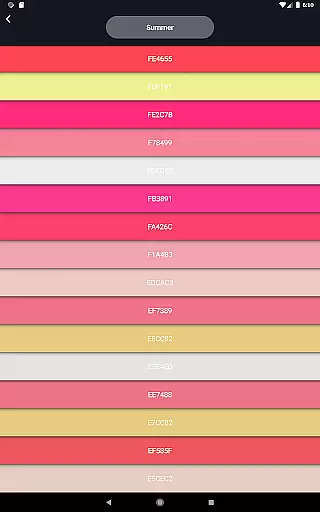
The app also offers professional color palettes for both digital design and abstract art, along with color swatches categorized by seasons and mood. Additionally, its grayscale and value breaker tools simplify the painting process, making it accessible even for beginners. Whether you're refining your design skills or exploring new artistic techniques, Color Wheel provides essential resources to enhance your creative projects.
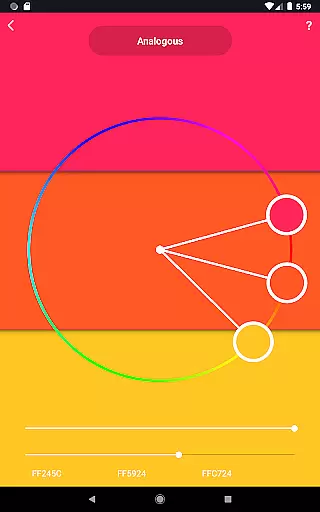
Color Wheel stands out with its comprehensive suite of features tailored for artists and designers. The digital color wheel serves as a critical instrument for graphic designers, enabling them to create visually appealing designs with accurate color schemes. For abstract artists, the abstract color wheel offers specialized color choices that inspire creativity in abstract painting.
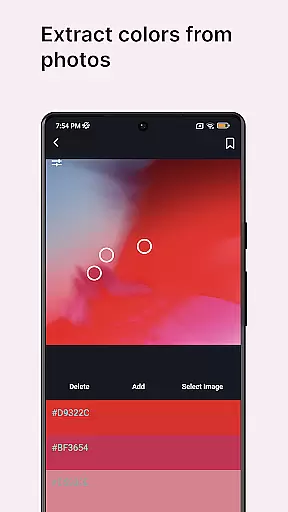
Classic color wheel enthusiasts will appreciate the timeless versatility offered by this feature, which supports a wide range of artistic styles. The app goes beyond basic functionality by including professional color palettes, a color picker tool for extracting colors from images or the camera, and color swatches that help select colors based on seasonal themes or moods.
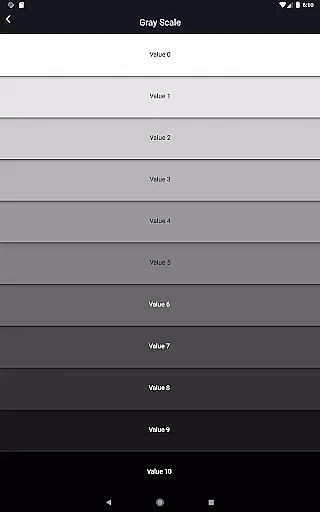
Additional tools such as grayscale options, value checkers for assessing proper value balance, and value breakers that assist novice painters by segmenting images into distinct values further enrich the user experience. These innovative features collectively empower users to elevate their artwork with confidence and ease.
In the realm of digital art and design, having a comprehensive set of creative tools is paramount. Color Wheel offers an extensive suite that caters to various needs within the Art & Design category. The app includes a digital color wheel for graphic designers, an abstract color wheel for painters looking for specialized color schemes, and a classic color wheel for those who prefer versatility.
Additionally, users can explore professional color palettes, extract colors from images or via a camera with the color picker, and choose colors based on seasons and moods through color swatches. These features ensure that whether you're working on digital design or traditional painting, this application provides all necessary instruments to facilitate your creative process.
The inclusion of grayscale and value checker tools further enhances its utility by allowing artists to maintain proper balance in their work's tonal values. For beginners, the value breaker simplifies complex images into manageable parts, making it easier to learn painting techniques while ensuring artistic precision and coherence.
Flexibility in canvas and format options is crucial for artists and designers who need to adapt their work across different mediums and dimensions. Color Wheel addresses this need by providing tools that support a wide array of formats suitable for both digital and traditional art forms. This ensures that no matter what kind of project you are working on, there is a fitting solution available at your fingertips.
With functionalities like image colors extraction, which allows taking colors directly from existing images, users can easily replicate desired palettes onto new projects without hassle. Furthermore, the availability of diverse color combinations empowers creators to experiment with unique shades and tones, thus expanding their creative horizons beyond conventional limitations.
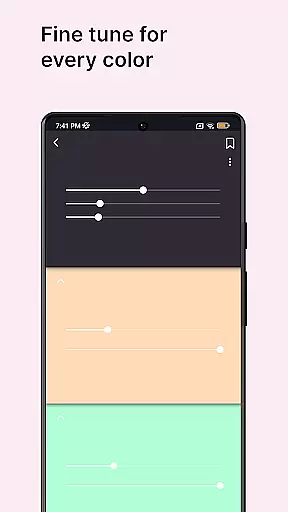
Whether itu2019s adjusting hues for seasonal artwork or fine-tuning contrasts using advanced value checking features, Color Wheel equips its users with everything needed to customize their workspace according to specific requirements. Such adaptability not only streamlines workflow but also enhances overall productivity, making it an indispensable asset for professionals and hobbyists alike.
User-friendly interface
Comprehensive color tools
Versatile color palettes
Innovative value checker
Ideal for all skill levels
Limited advanced features
No real-time collaboration
Occasional bugs reported
Some tools require learning
Premium version needed

Premium version of Shimeji-ee app with no ads & no limit active shimeji
 4.1
4.1
Floor Plan Creator lets you create, edit and share floor plans.
4.00
Create sweet, cool and unique couple avatars easily, in just a few steps!
3.40
Custom Character Creator & PFP Maker!
4.20
Draw anime & manga drawing, art with templates to create stunning picture!
4.50
Get creative and make art with your Sesame Friends!
4.00
Get an overview over all your embroidery threads, projects and more.
4.60
Video AI: Revolutionize Your Content Creation with Advanced Video Generation
4.50
Create amazing pictures and unleash your creative genius with AR Drawing Sketch
4.40
Convert image to JPG PNG HEIC PDF, support almost all kinds of image formats
4.70
The ultimate tool for creating animations
4.60
Create color palette from Image, RGB & RYB Color wheel harmonies, Color Scheme
4.50
Kling AI is an image and video generation and editing studio powered by AI.
4.50
Design unique, funny and adorable cat stickers that reflect your own style!
3.80
AI Face Swap, Video Effects Editor, Realtime Morph, Funny Video FX,AI Filters
3.70
Experience next-gen icons with a modern liquid glass look.
3.60
Pose and morph realistic male and female models! 3D poser app
3.00
Art of Combination Wear OS Watch faces
4.2
Art of Combination Wear OS Watch Faces
4.3


User Reviews