![[KNA017] RETRO](https://cdn.linksharehub.com/ocp/?u=https%3A%2F%2Fl1.fancapitalize.com%2Fimages%2F2025%2F12%2Fbcfa0218032e2e821c877c72827d41eb.jpg&t=webp)
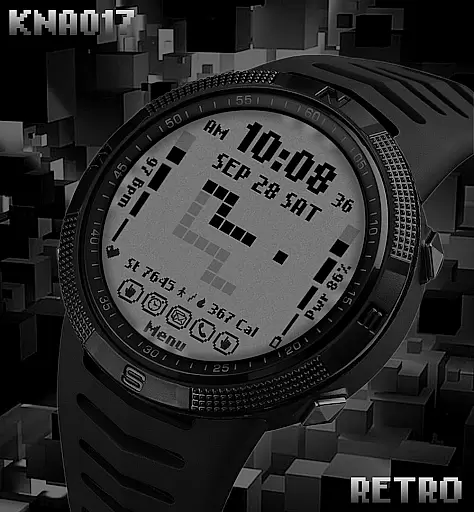
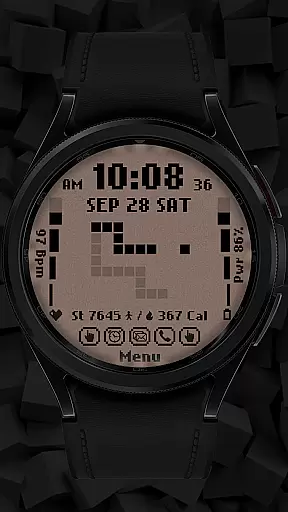
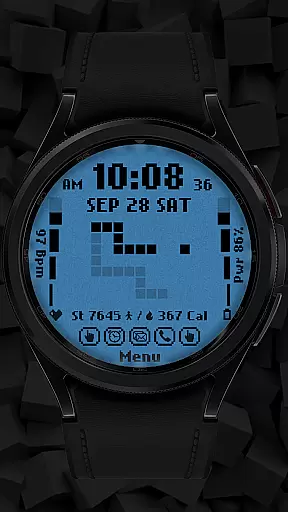
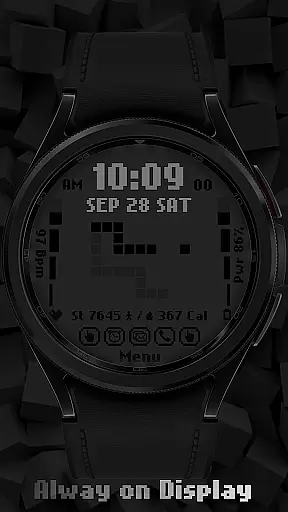
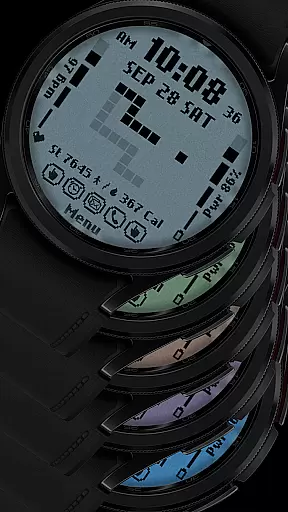
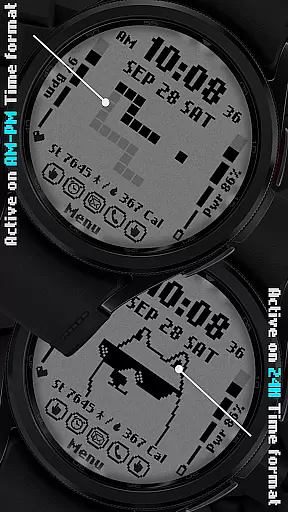
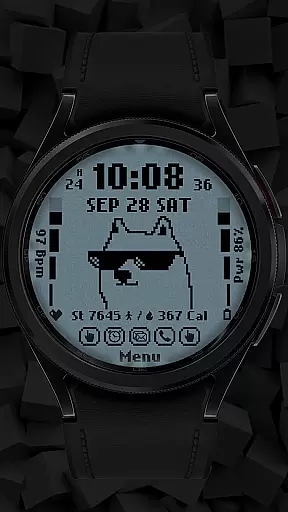
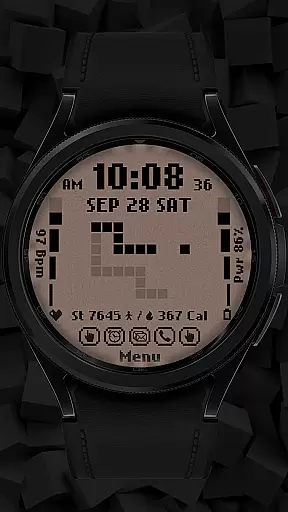
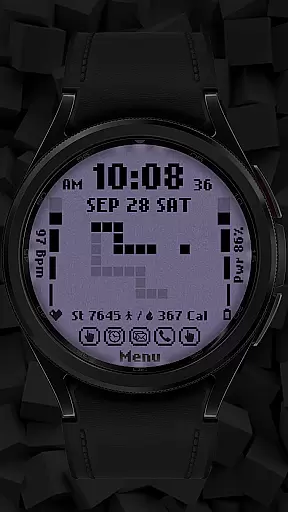
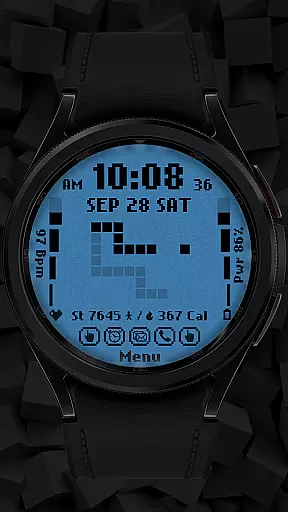
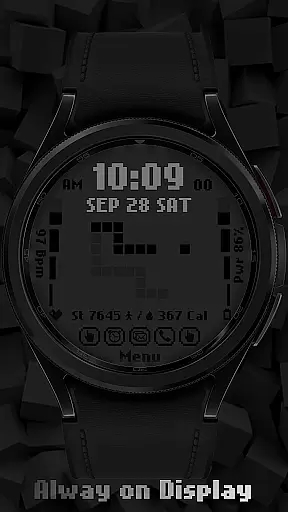
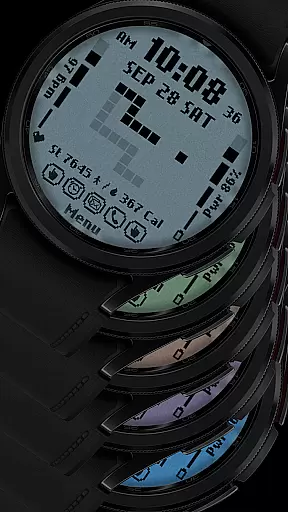
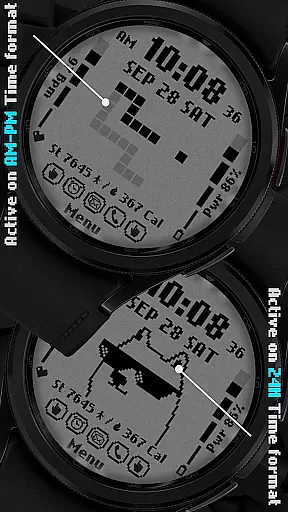
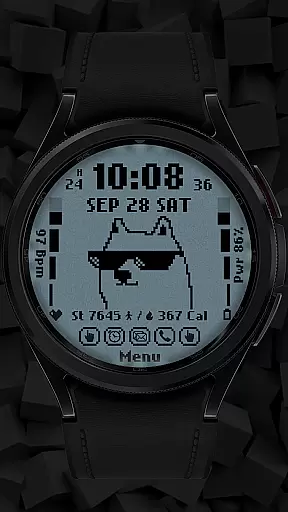
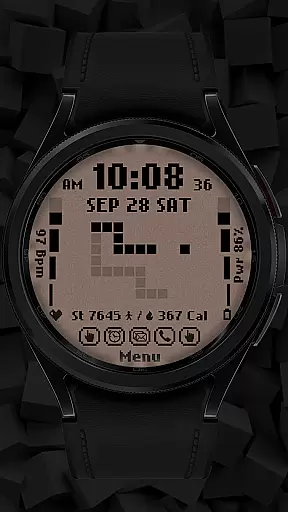
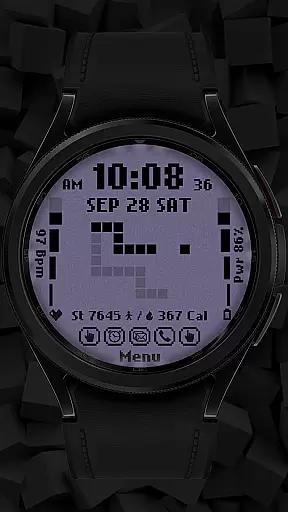
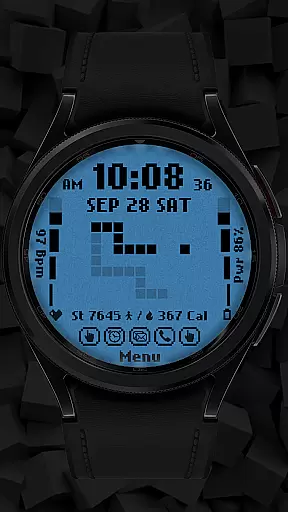
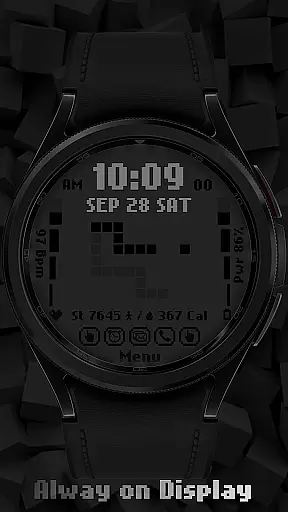
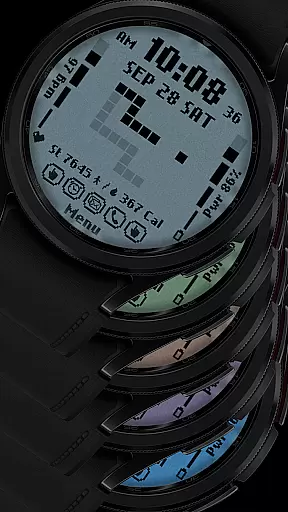
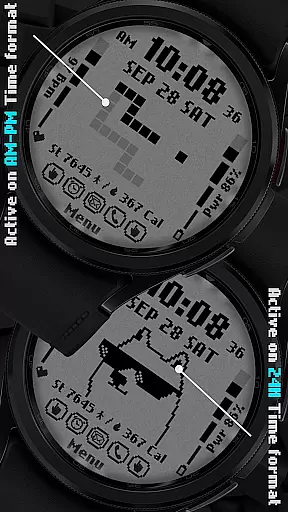
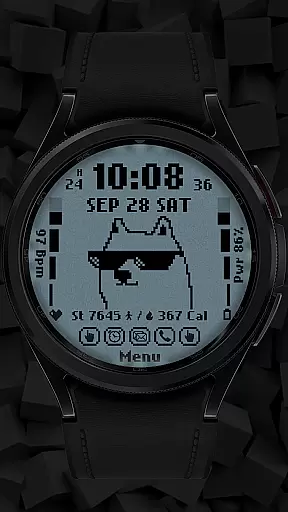
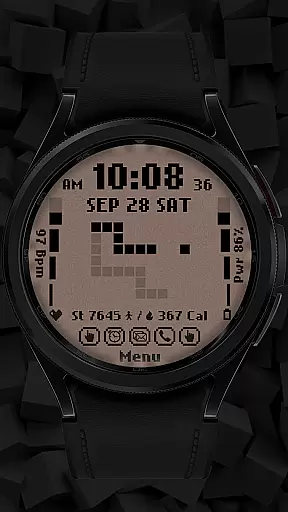
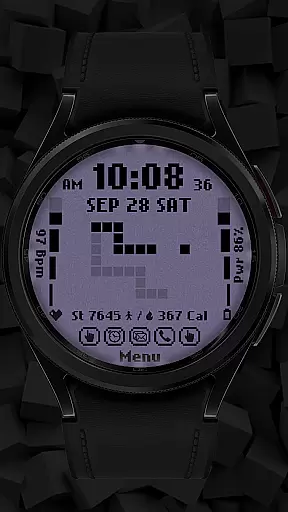
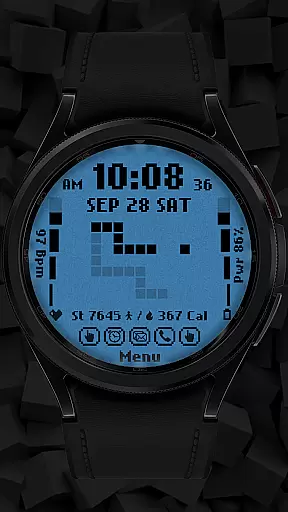
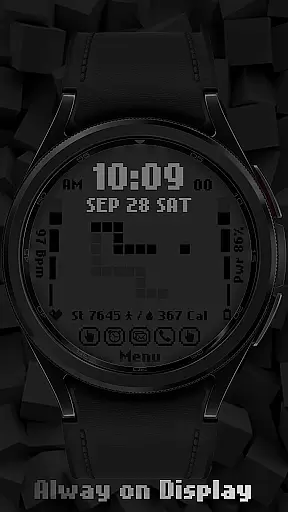
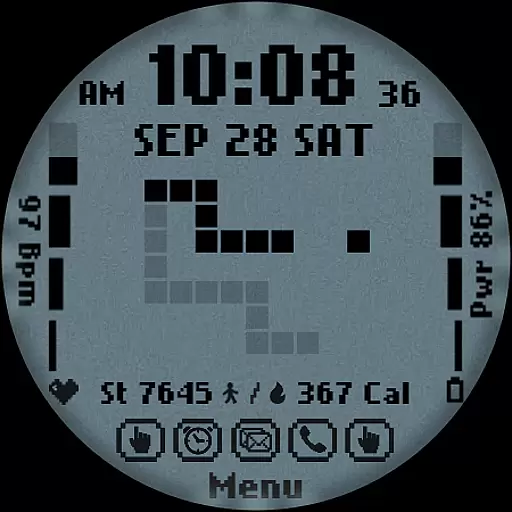
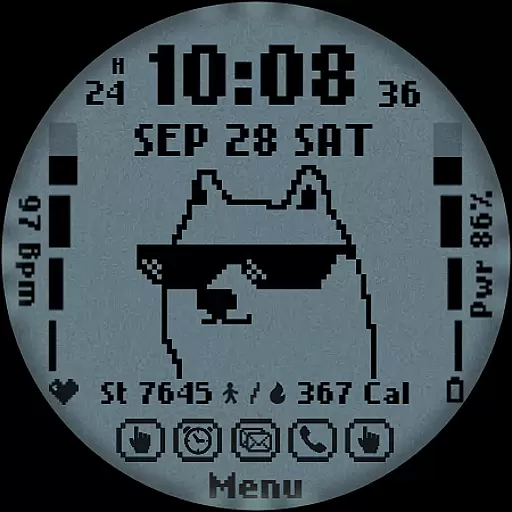
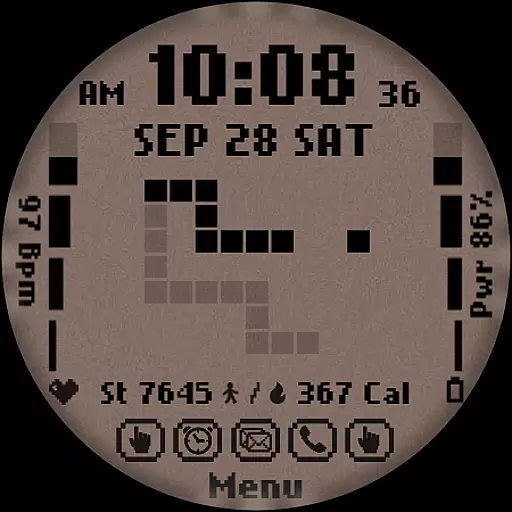
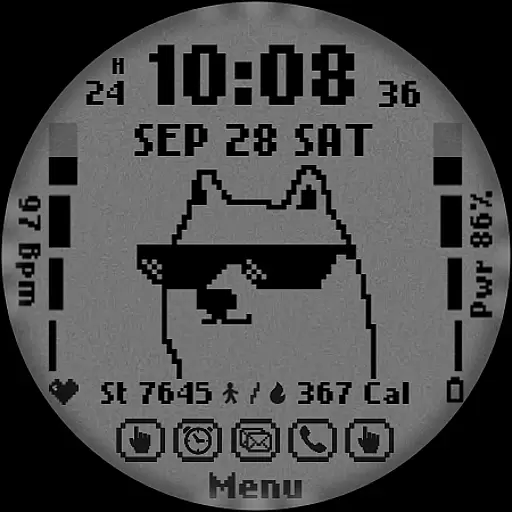
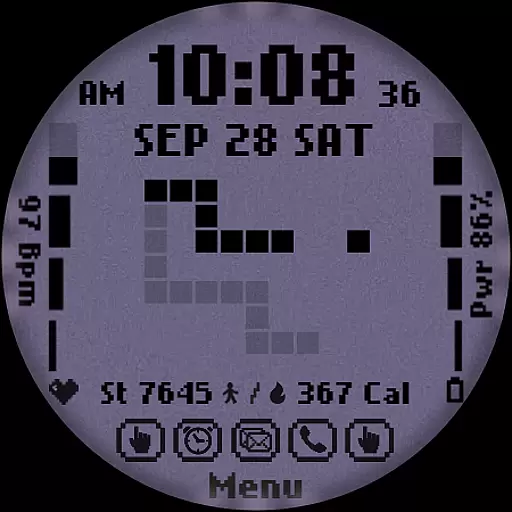
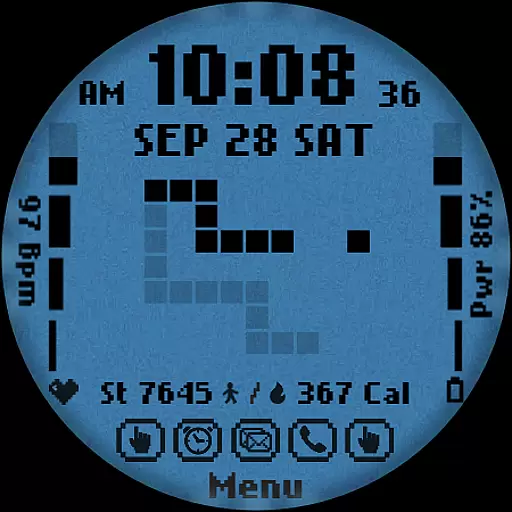
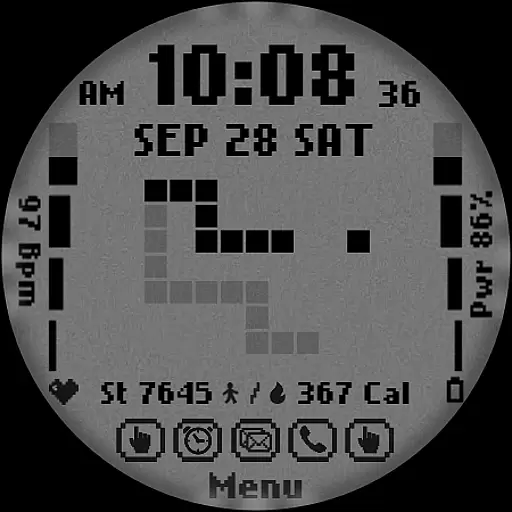
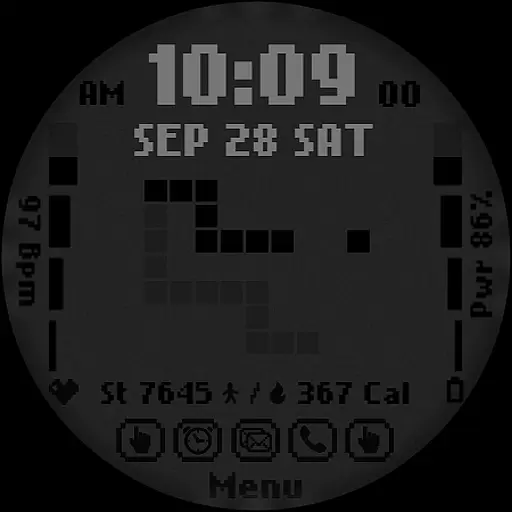
[KNA017] RETRO is a customizable watch face designed specifically for Wear OS devices. This digital watch face offers users the ability to personalize their smartwatch display with various complications and features. Compatible with API level 30+ devices, including Google Pixel and Galaxy Watch series, it supports both 12-hour and 24-hour time formats.
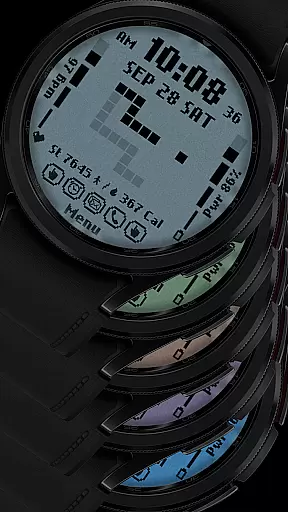
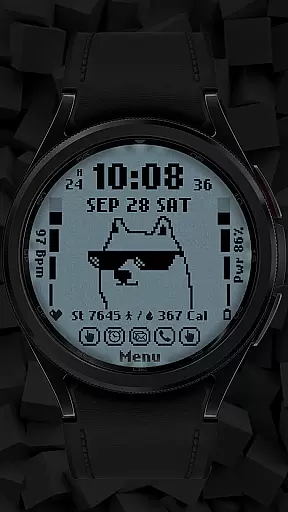
The watch face includes essential features such as date, day of the week, and month display. It also provides health and fitness tracking elements like step count, heart rate monitoring, battery level indication, and calorie calculation. With six different colors and styles, along with two customizable shortcuts, users can tailor the appearance and functionality to suit their preferences.
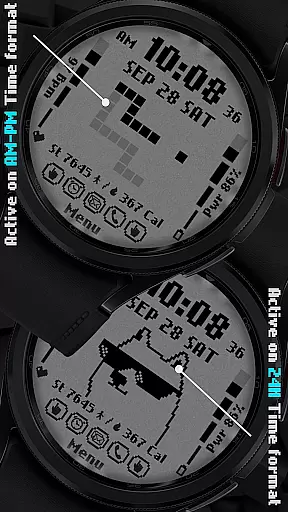
One practical use case is during workouts when users can easily monitor their heart rate and step count directly from their watch face. The retro-style animations that change based on the time format add a unique visual element, making this watch face both functional and aesthetically pleasing.
[KNA017] RETRO stands out with its rich feature set tailored for Wear OS users. The digital styles support both 12-hour and 24-hour time formats, catering to different user preferences worldwide. The inclusion of date, day of the week, and month ensures users have all necessary time-related information at a glance.
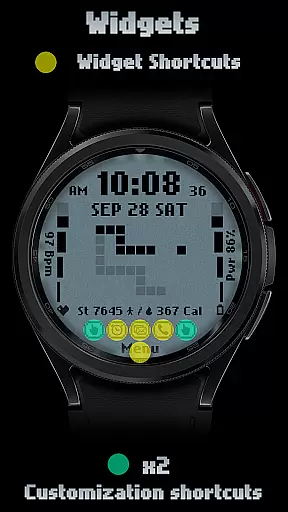
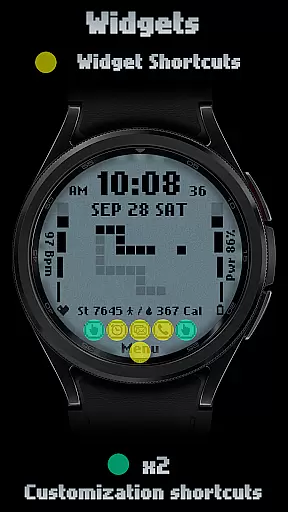
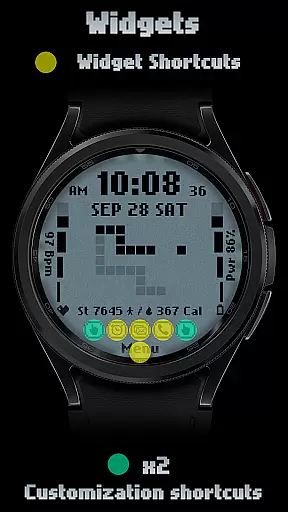
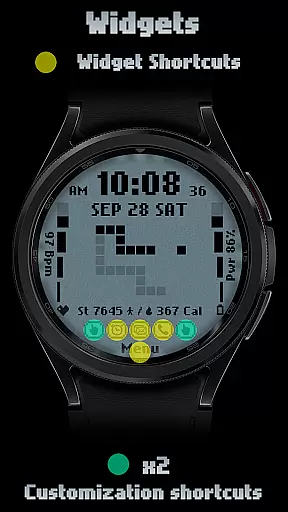
Customization options are abundant, allowing users to personalize their experience through two customizable shortcuts and six color/style combinations. These shortcuts can be set to display various data points such as weather, world clock, or even barometric pressure, enhancing the watch's utility beyond basic timekeeping.
Health and fitness enthusiasts will appreciate the integrated step counter, heart rate monitor, battery level indicator, and calorie calculator. The retro-style animations that adapt to the selected time format provide a distinctive visual appeal. This combination of practical features and aesthetic customization makes [KNA017] RETRO a versatile choice for Wear OS users looking to enhance their smartwatch experience.
In the realm of digital art and design, having a comprehensive suite of tools is essential for unleashing creativity. The [KNA017] RETRO Wear OS Watch Face stands out by offering an impressive array of features that cater to designers who value both form and function. With its digital styles supporting 12/24 hour time formats, date, day of the week, and month display, users can customize their watch face to suit their lifestyle.
Moreover, this watch face includes two customizable shortcuts and six color/style options, allowing users to tailor their experience further. Whether you're tracking steps, monitoring heart rate, checking battery level, or calculating calories, this application consolidates these functions into an aesthetically pleasing interface. The retro-style animation changes with the time format, adding a unique flair to your wearable device.
The ability to personalize doesn't stop there; complications can be customized with various data points such as weather, world clock, sunset/sunrise times, and even barometric pressure. This level of creative control ensures that each user's watch face is not only functional but also a true reflection of their personal taste and needs.
Flexibility in canvas and format options is crucial for artists and designers who wish to express themselves without constraints. The [KNA017] RETRO Wear OS Watch Face embraces this principle by providing compatibility with API level 30+ devices, including Google Pixel and Galaxy Watch models 4, 5, and 6, among other Wear OS devices. Before installation, it's important to verify your deviceu2019s compatibility with Wear OS, ensuring a seamless integration with your tech ecosystem.
Once installed, setting up the watch face on your deviceu2019s screen is a straightforward process. By touching and holding the display, then tapping on the customize option, users gain access to a plethora of settings designed to enhance their wearable experience. From choosing between different time formats to selecting from six distinct colors and styles, the possibilities for personalization are vast.
It's worth noting that while some features may vary in availability depending on the specific watch model, the core functionality remains robust across supported devices. For those seeking additional support or customization guidance, reaching out via email at sombatcsus@gmail.com provides a direct line to assistance, reinforcing the commitment to user satisfaction and creative freedom.
Highly customizable
Versatile complication options
Retro-style animations
Comprehensive health tracking
Multiple color choices
Limited device compatibility
No automatic application
Potential battery drain
Some features may be unavailable
Requires latest Android version

Pose and morph realistic male and female models! 3D poser app
 3.00
3.00
Learn how to draw with step-by-step tutorials, fun lessons & multiplayer drawing
4.70
Unleash your drawing and painting potential
4.50
Passport size photo maker, create ID photo and visa photo in seconds
4.80
Digital, Abstract, Classic - all types of color wheels in one app!
4.60
Get creative and make art with your Sesame Friends!
4.00
Art of Combination Wear OS Watch faces (for Wear OS 5+ devices)
3.90
Share the joy of painting with ibis Paint! Drawing anime and manga art.
4.50
Create Logos, Tattoos, AI Art & more with our AI Photo Generator & Design Editor
4.20
Get an overview over all your embroidery threads, projects and more.
4.60
Draw glowing spinners, relax, and spin your creative art
4.60
The perfect place to start sketching! Use Sketchbook to draw and paint sketches.
4.50
Kling AI is an image and video generation and editing studio powered by AI.
4.50
Image/ Text to Video Generator
4.40
AR Anime Drawing: How to draw anime with AR drawing & sketching apps!
4.00
Paint with oils and sketch with natural tools on a realistic virtual canvas.
3.80
AI Art Generator transforms your words into AI generated art & paintings.
3.70
Create stunning video, photo & magic from text with FlixAI GPT video generator.
3.10
Your Essential Color Theory Guide: Red, Yellow, Blue (RYB)
4.0


User Reviews