
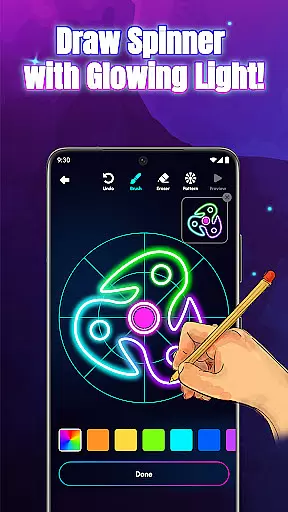
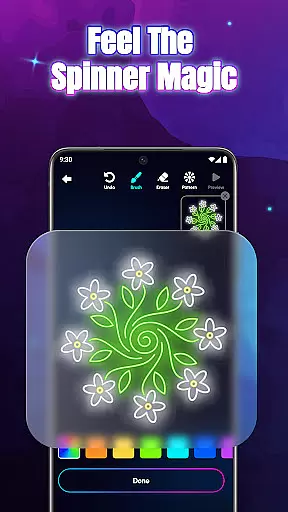
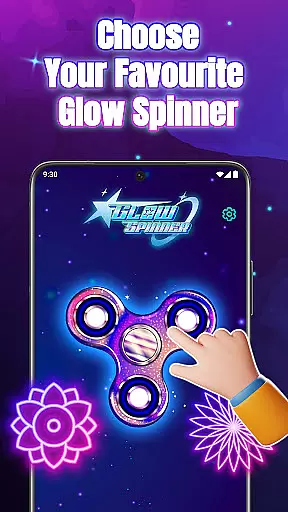
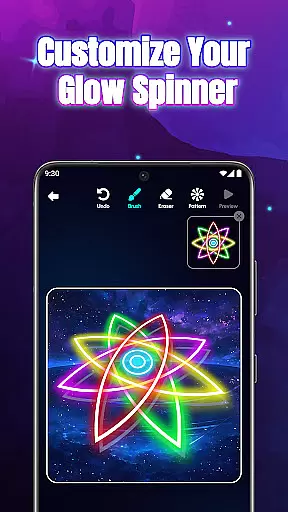
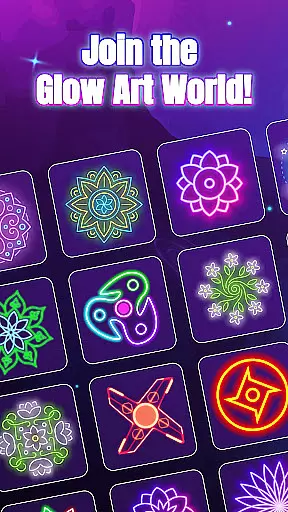
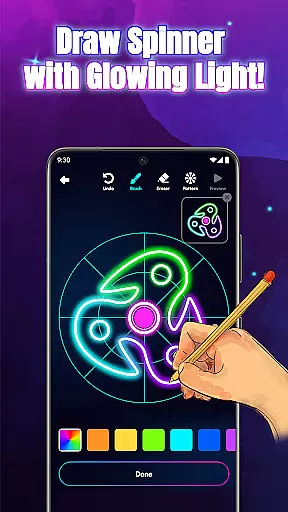
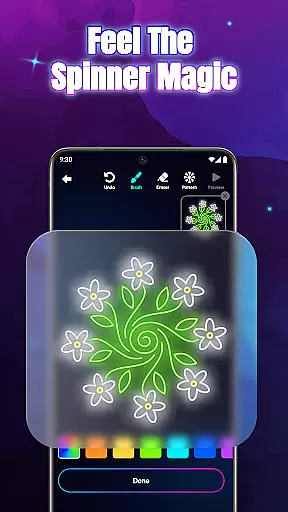
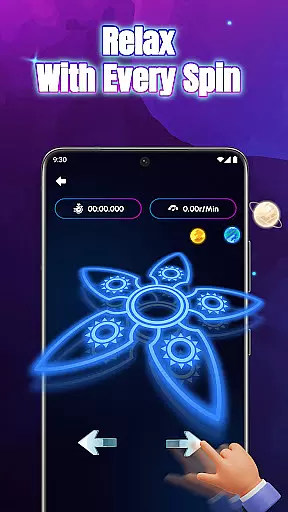
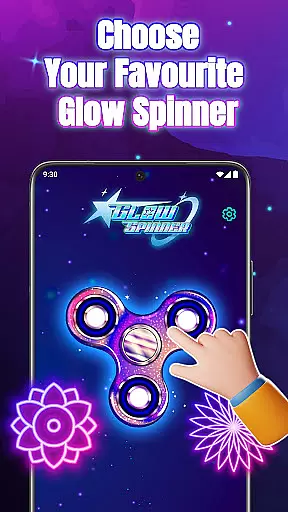
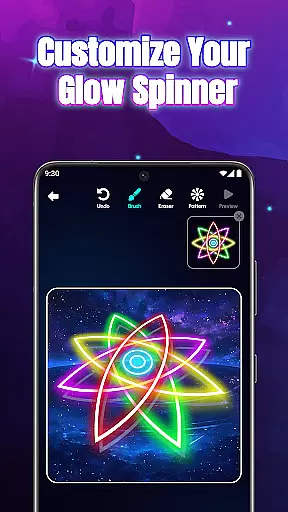
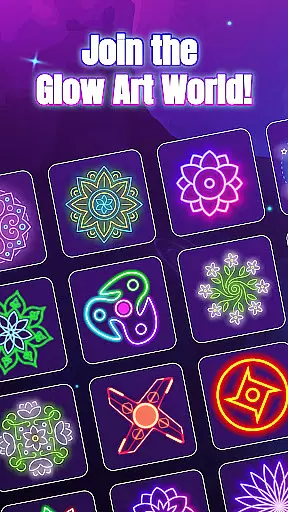
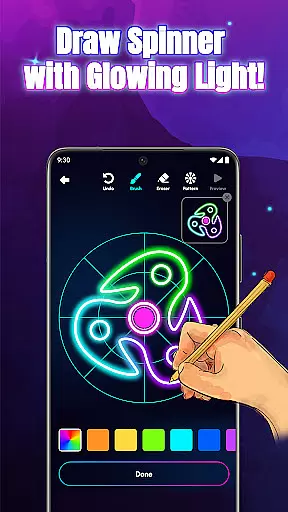
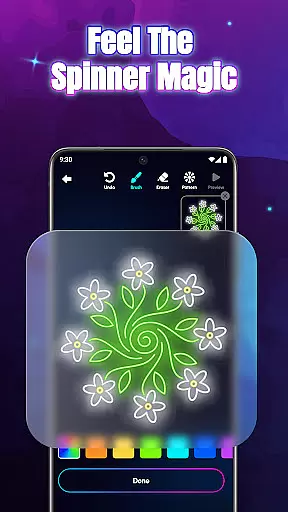
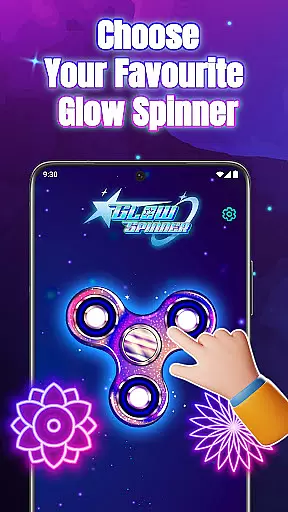
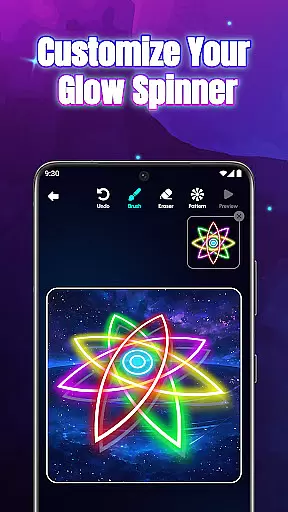
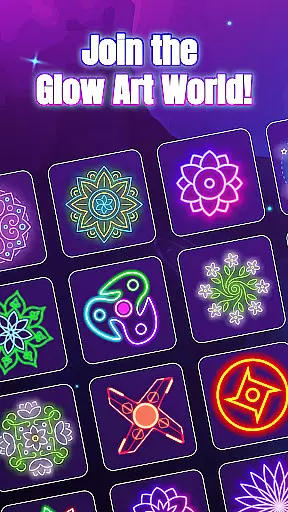
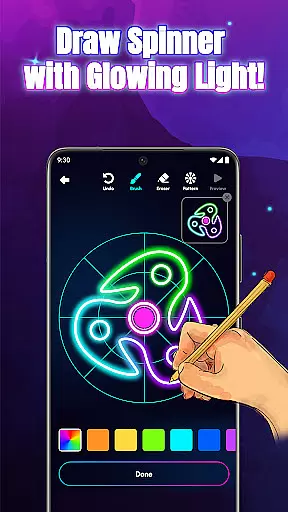
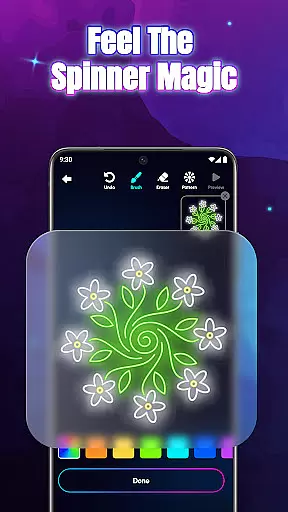
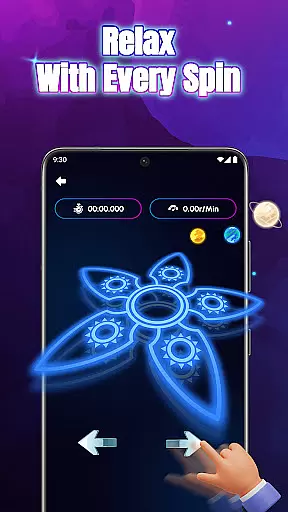
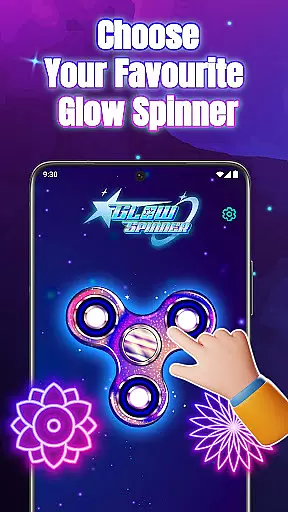
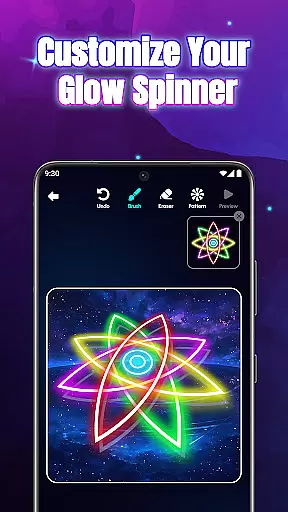
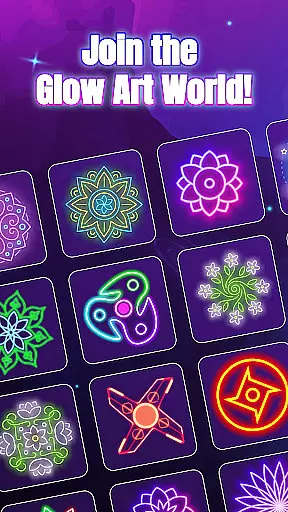
Glow Spinner is an innovative drawing app designed for creative expression and relaxation. This unique application allows users to draw glowing spinner art with their fingers, bringing their creations to life through smooth motion and vibrant light effects. The app's core functionality lies in its intuitive finger-drawing feature that enables anyone to create stunning spinner designs easily.
What sets Glow Spinner apart is its combination of artistic tools and calming elements. Users can customize glow effects, choose from various neon colors, and experiment with different patterns while enjoying realistic 3D motion and responsive physics. The app also features a dedicated artwork gallery where users can save and revisit their creations, making it perfect for both casual relaxation and serious artistic exploration.
Ideal for stress relief and creative play, Glow Spinner transforms digital drawing into a therapeutic experience. Whether you're looking to unwind after a long day or explore your artistic potential, this app provides a perfect blend of creativity, motion, and relaxation through its glowing art experience.
Glow Spinner stands out with its comprehensive set of artistic features designed to enhance the drawing experience. The app's most notable characteristic is its Intuitive Finger Drawing system, which translates every swipe into smooth, glowing lines that respond naturally to touch input. This feature makes digital art creation accessible to users of all skill levels.
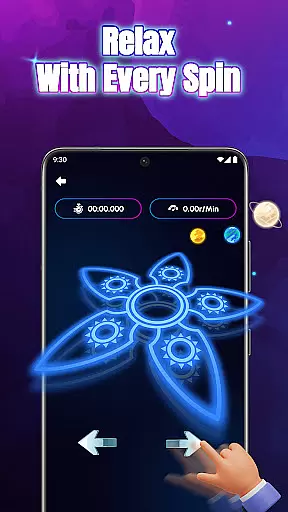
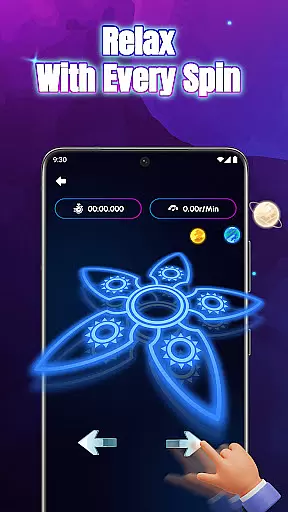
The Custom Glow Effects feature offers an impressive range of options, from calm ambient tones to bright neon bursts. Users can experiment with various glow styles, patterns, and color combinations while enjoying realistic 3D motion with accurate light reflection and depth perception. The app's Realistic Spin Physics engine ensures natural spinning motion, powered by advanced algorithms that mimic real-world physics.
Additional features include a dedicated Artwork Gallery for saving and revisiting creations, complete with animation playback capabilities. The app's Relaxing Ambience mode combines soft visuals with gentle soundscapes, creating an immersive environment that promotes focus and stress relief. These features work together to provide a comprehensive artistic experience that blends creativity with relaxation.
In Glow Spinner, the creative tools provided are both comprehensive and intuitive. The app allows users to draw with their fingers, offering a unique and tactile experience that blends traditional art with digital innovation. With features like Intuitive Finger Drawing, users can create glowing lines that move smoothly, ensuring that even those new to digital art can design spinner art with ease.
Moreover, the Custom Glow Effects enable artists to choose from a variety of glow styles, patterns, and colors. This feature ranges from calm ambient tones to bright neon bursts, providing a full spectrum of creative expression. The ability to customize every aspect of the spinner's appearance makes for an immersive artistic process, where imagination is the only limit.
The inclusion of 3D Spinner Design elevates the creative experience by bringing drawings to life with realistic motion, light reflection, and depth. This not only enhances the visual appeal but also adds a layer of sophistication to each creation, making them not just artworks but also dynamic visual experiences.
Glow Spinner offers remarkable canvas and format flexibility, allowing users to explore their creativity without constraints. The app supports various drawing techniques through its Intuitive Finger Drawing feature, which ensures that every swipe translates into glowing lines on the virtual canvas. This adaptability caters to different artistic styles and preferences, making it suitable for both casual doodlers and serious artists.
Furthermore, the Artwork Gallery feature provides a dedicated space for users to save, revisit, and manage their creations. This personal gallery not only serves as a repository for artwork but also enables easy access for future editing or simply enjoying past accomplishments. Users can build their glowing art galleries, view animations, or re-spin their favorite designs at any time.
With Realistic Spin Physics, the app simulates lifelike motion powered by a responsive physics engine. This ensures that each spin feels natural and behaves according to real-world physics, adding another dimension of realism and interactivity to the user's creations. Such attention to detail in simulating physical properties enhances the overall flexibility and authenticity of the digital canvas.
User-friendly interface
Vibrant color options
Realistic physics engine
Stress-relief focused
Creative freedom
Limited free features
High system requirements
Occasional bugs
Ads between sessions
Premium upgrades

Floor Plan Creator lets you create, edit and share floor plans.
 4.00
4.00
Stylish letters, Stylish Keyboard, Symbols, Emojis, Cool nickname
4.40
Custom Character Creator & PFP Maker!
4.20
Painting, drawing, & sketching
4.50
Your homescreen as an elegant glass with customized blur, lighting, and visuals.
3.70
Inky runs Inkscape on Android devices and Chromebooks
2.90
Share the joy of painting with ibis Paint! Drawing anime and manga art.
4.50
Create and Design Custom Logos in Seconds with AI-Powered Tools!
4.40
Multiplayer Drawing game, Coloring, Painting・Sketch, Handwriting・Paint, draw
4.30
Mobile pixel art editor. Simple. Fast. Portable.
4.80
Draw beautiful mandala's very easily
4.60
The perfect place to start sketching! Use Sketchbook to draw and paint sketches.
4.50
Kling AI is an image and video generation and editing studio powered by AI.
4.50
Customizable Outlined Fonts. Watch Face Format. Battery friendly Digital Clock.
4.20
AR Anime Drawing: How to draw anime with AR drawing & sketching apps!
4.00
Get creative and make art with your Sesame Friends!
4.00
Resize photos and print photos in exact size with our powerful photo printer!
3.80
Apply cartoon, caricature, and portrait effects to make your photos stand out!
3.60
Create sweet, cool and unique couple avatars easily, in just a few steps!
3.40


User Reviews