
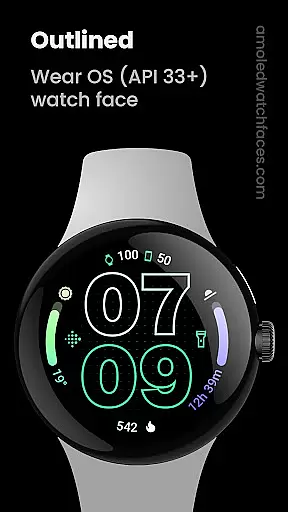
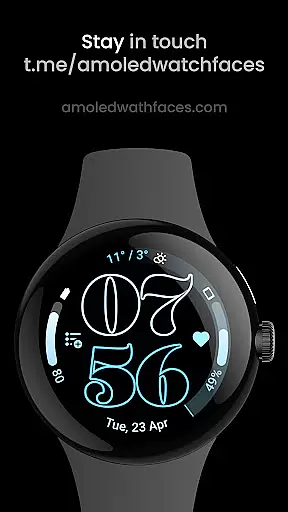
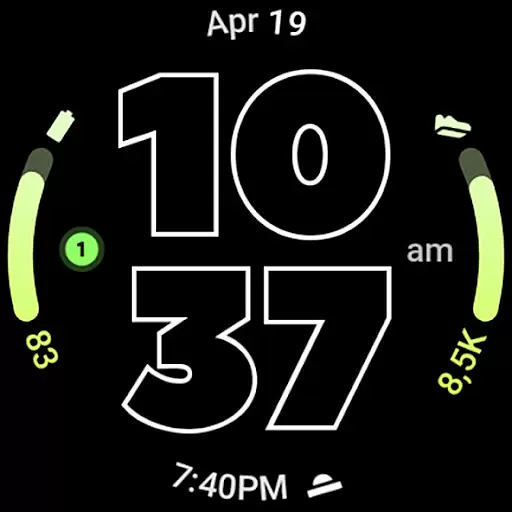
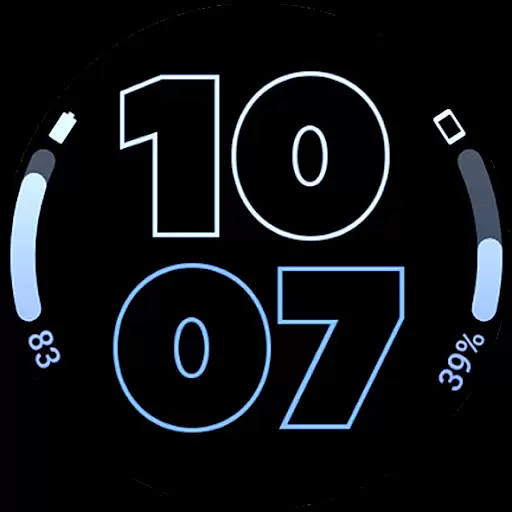
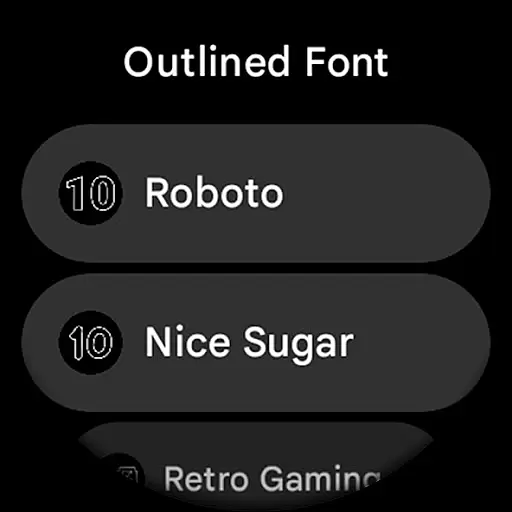
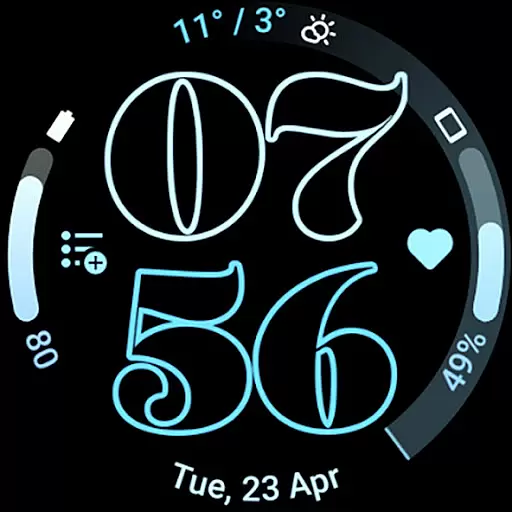
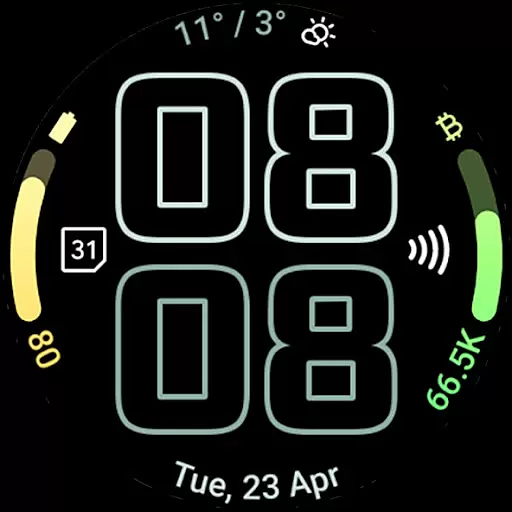
Outlined Watch Face is a premium design for Wear OS 4+ devices, offering a unique and customizable watch face experience. It features a true black background with battery-friendly optimization, making it ideal for AMOLED displays. The watch face supports two gradient arc complication slots and includes combined watch/phone battery complications.
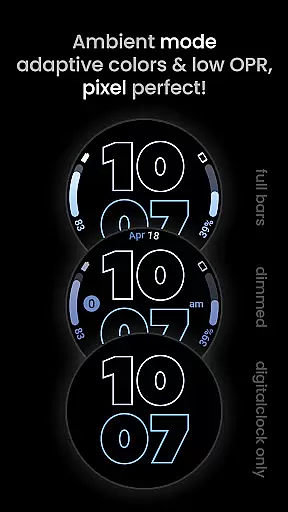
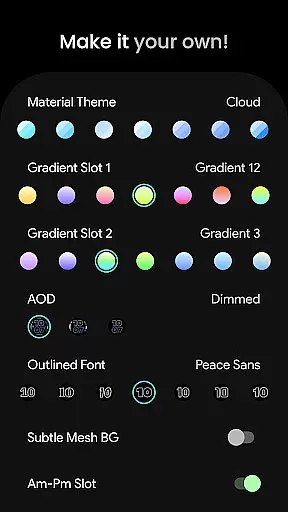
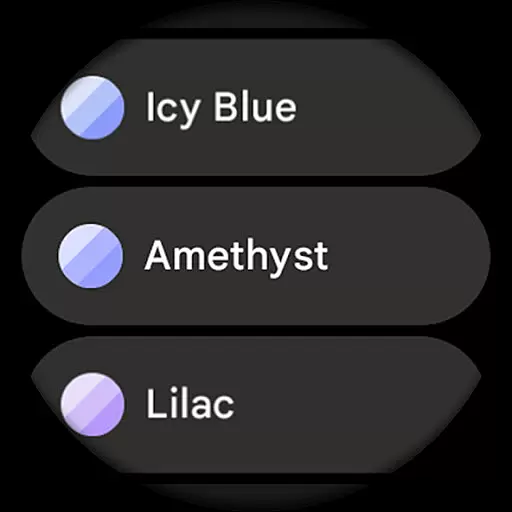
With selectable outlined digital clock fonts, high-resolution design, and multiple customization options, users can create a personalized daily companion. It offers three Always-On Display (AOD) styles, optional wave-styled seconds indicators, and over 60 material themes to choose from. Compatible with Pixel Watch 2 and Galaxy Watch6, this watch face brings both functionality and style to your wrist.
The Outlined Watch Face stands out with its innovative features tailored for design enthusiasts. Built using the Watch Face Format, it provides two gradient arc complication slots that support ranged value complications, allowing individual customization of each progress bar gradient. The inclusion of combined watch and phone battery complications ensures users stay informed about their device statuses.
Unique outlined digital clock fonts, burn-in protection, and three AOD styles enhance usability while preserving battery life. Users can further personalize their experience with customizable material themes, subtle mesh backgrounds, and monochromatic icon tinting. With support for custom complication apps and shortcuts, this watch face delivers both versatility and convenience for a seamless wearable experience.
In the realm of digital art and design, having a comprehensive suite of creative tools is paramount. Outlined Watch Face offers an extensive array of features that cater to both amateur designers and professional artists. With support for two gradient arc complication slots, combined watch/phone battery complications, and unique outlined Digital Clock fonts, it provides users with everything needed to craft personalized and visually appealing watch faces.
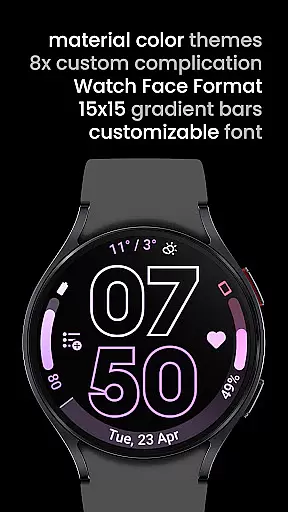
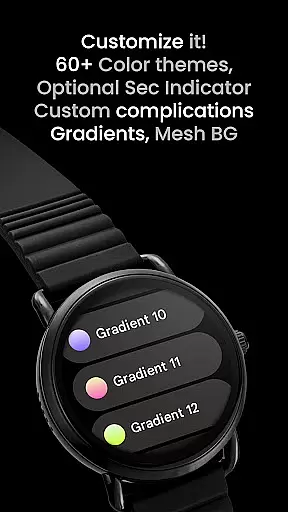
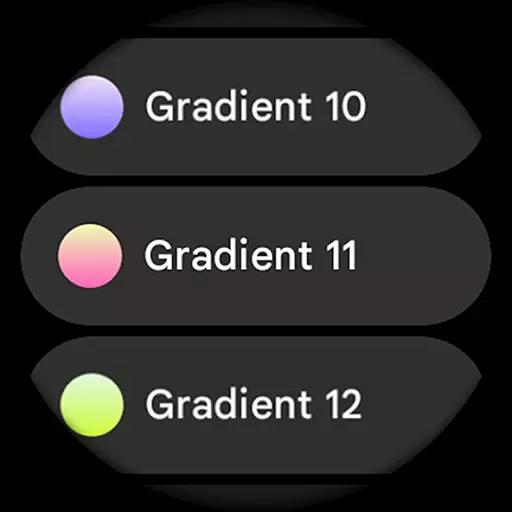
Moreover, the application supports high-res designs and true black backgrounds, ensuring that every creation is not only battery-friendly but also stunningly vibrant on AMOLED displays. The inclusion of over 60 material themes and 19 gradient options allows for unparalleled customization, letting users truly make each design their own. These capabilities ensure that whether you're looking to create subtle mesh backgrounds or bold wave-styled second indicators, this app has got you covered.
The ability to customize each progress bar gradient individually when using ranged value complications adds another layer of depth to your creations. Additionally, three Always-On Display (AOD) styles offer flexibility in conserving battery life while maintaining aesthetic appeal. Such a wide-ranging set of creative instruments empowers users to bring their artistic visions to life without limitations, making Outlined Watch Face a top choice for those seeking complete creative freedom.
Flexibility in canvas and format options is crucial for creating designs that perfectly fit various devices and user preferences. Outlined Watch Face excels in this area by providing compatibility with Wear OS 4+ devices and specific optimization for models like the Pixel Watch 2 & Galaxy Watch6. This ensures that no matter which device you own, your custom watch face will display correctly and look great.
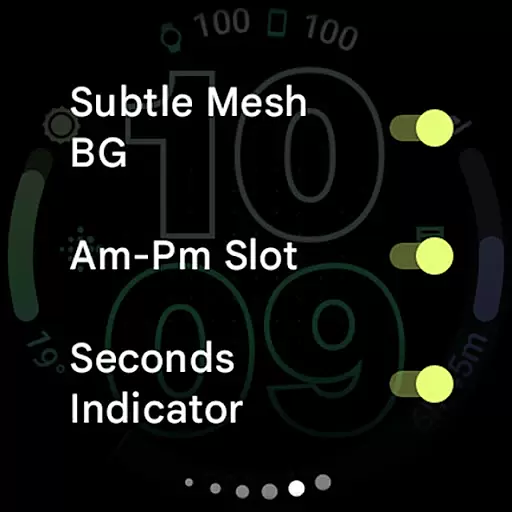
One standout feature is the option to use only the Digital Clock in AOD mode, fully offloading to MCU for significant battery savings. This showcases the app's adaptability to different usage scenarios and power-saving needs. Furthermore, the app allows toggling of elements such as the Subtle Mesh Background, Am-Pm Slot, Seconds Indicator, and Tint Icons, giving users granular control over their design layout.
With eight custom complication slots and the ability to select from ten unique outlined fonts, users can tailor every aspect of their watch face. Whether you prefer monochromatic icon tinting or wish to incorporate custom app shortcuts, these flexible formatting options enable limitless creativity. By prioritizing both canvas adaptability and format versatility, Outlined Watch Face stands out as a premier choice for designing bespoke wearable experiences.
Highly customizable
Battery efficient
True black background
Modern design
Multiple AOD styles
No rectangular support
Premium cost
Wear OS 4+ only
Complex setup
Limited free options

Create sweet, cool and unique couple avatars easily, in just a few steps!
 3.40
3.40
Design your dream room with AI. Get decor ideas & plan home interiors
3.90
Meet the magic aı 3d photo generator and smart AI video generator app.
3.20
Trace, draw, and create art with AR - from memes to masterpieces!
4.30
Logo Generator powered by AI: Create stunning logos effortlessly!
4.70
Draw on screen: FP sDraw is a simple and lightweight drawing app
4.70
Unleash Your Creativity with Draw Cartoon - AR Drawing App
4.10
Draw glowing spinners, relax, and spin your creative art
4.60
Art of Combination Wear OS Watch Faces
3.30
Convert image to JPG PNG HEIC PDF, support almost all kinds of image formats
4.70
Turn your drawings into flipbook-style animations with simple creative tools
4.60
Photo blender app to create overlay photos & double exposure.
4.40
Nano Banana AI Image Generator, Anime Filter, AI Portrait, AI Photo Generator
4.30
Floor Plan Creator lets you create, edit and share floor plans.
4.00
Get creative and make art with your Sesame Friends!
4.00
Apply cartoon, caricature, and portrait effects to make your photos stand out!
3.60
Experience next-gen icons with a modern liquid glass look.
3.60
Download now for a stylish and functional timepiece
4.2
Art of Combination Wear OS Watch Faces
4.4


User Reviews