
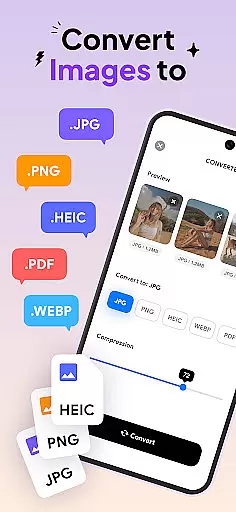
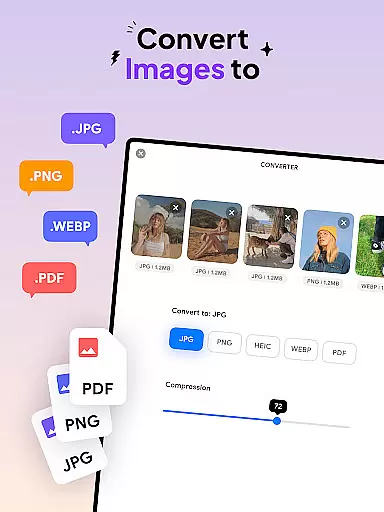
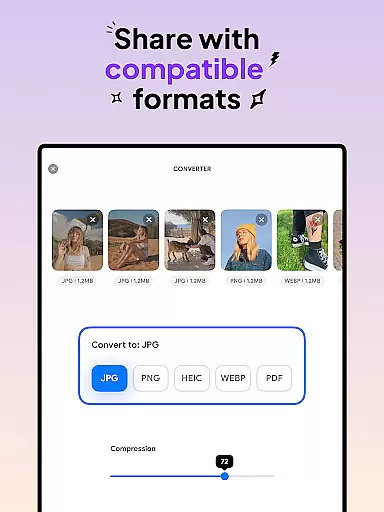
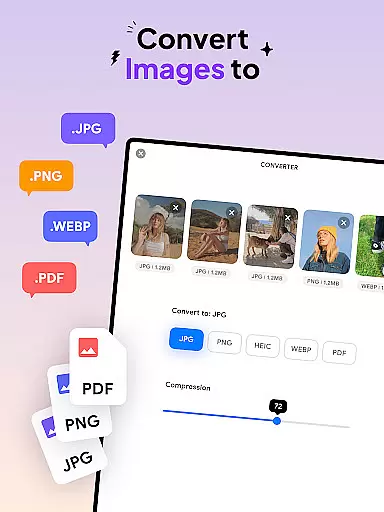
Image Converter is a versatile tool designed for users who need to convert images between various formats while maintaining quality and resolution. This app supports conversion to popular formats like JPG, PNG, HEIC, and PDF, making it an essential utility for both personal and professional use.
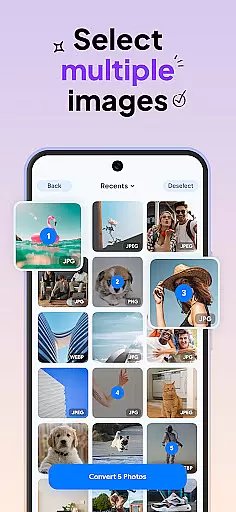
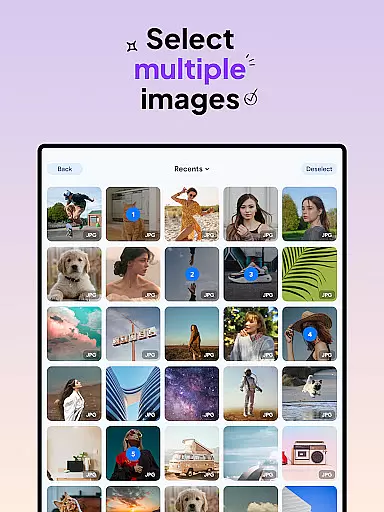
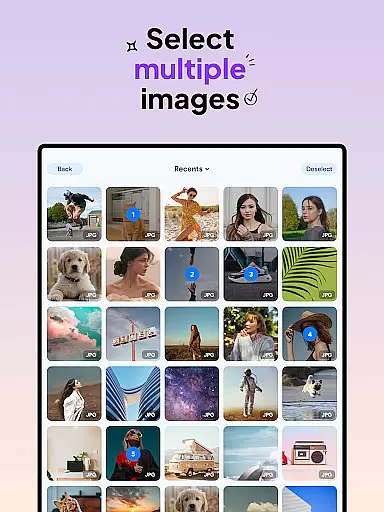
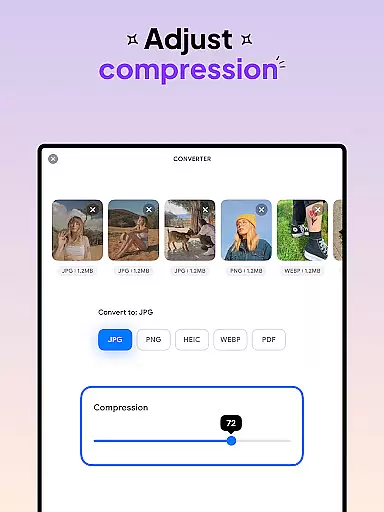
One of the standout features of Image Converter is its batch conversion capability, allowing users to process multiple images simultaneously. Whether you're converting JPEG to PDF or PNG to PDF, the app ensures that the output retains the original image's clarity and detail. Additionally, the app offers photo compression with adjustable quality settings, providing flexibility in managing file sizes without compromising on visual fidelity.
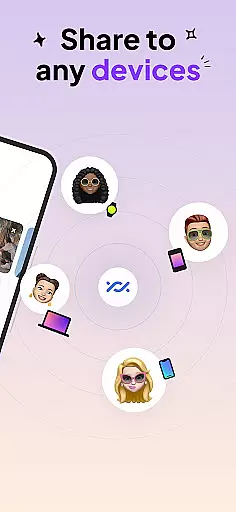
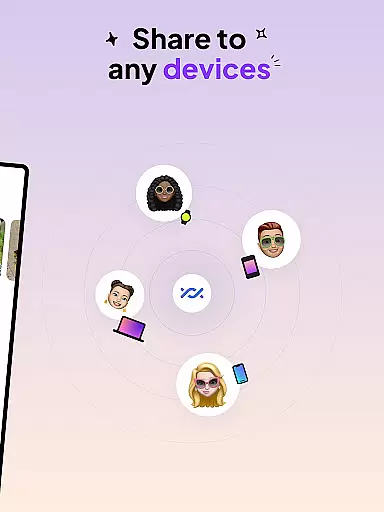
The app's user-friendly interface makes it accessible to users of all technical backgrounds. With seamless integration across devices, Image Converter enables effortless saving and sharing of converted files, enhancing productivity and convenience in digital workflows.
Image Converter stands out with its comprehensive feature set tailored for efficient image processing. The app supports almost any image format, including JPG, PNG, HEIC, and PDF, ensuring compatibility with a wide range of file types. Its batch conversion functionality allows users to convert multiple photos at once, significantly speeding up workflow processes.
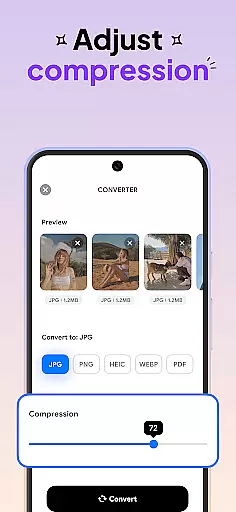
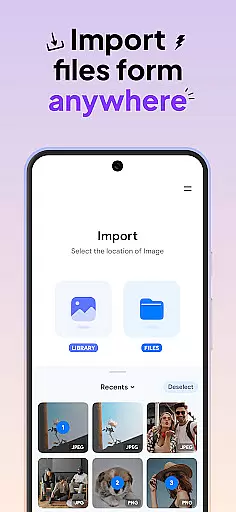
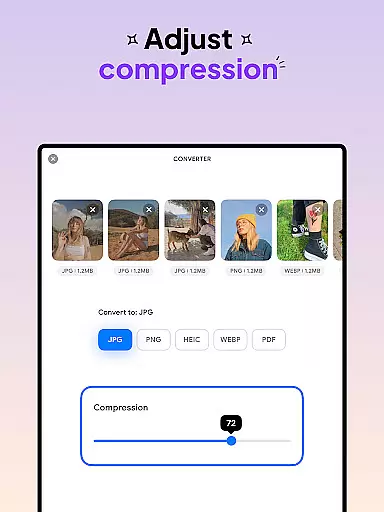
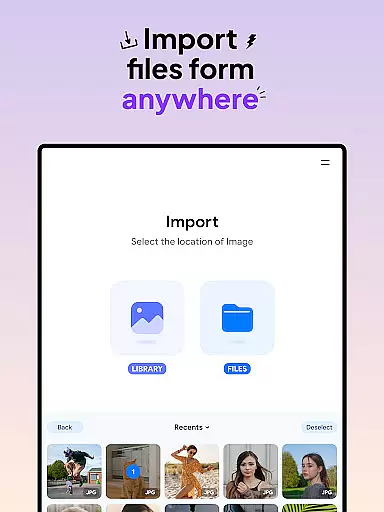
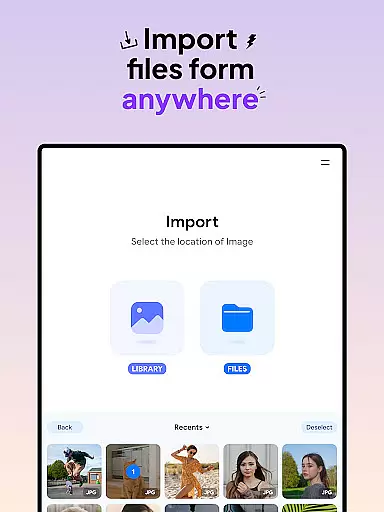
Another key feature is the ability to compress photos while freely adjusting the compression quality. This ensures that users can optimize file sizes for storage or sharing without sacrificing image resolution. The app also provides seamless integration with various photo sources, enabling easy access to images from different locations.
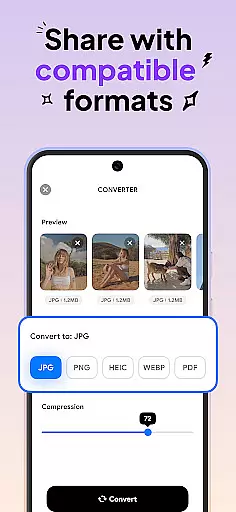
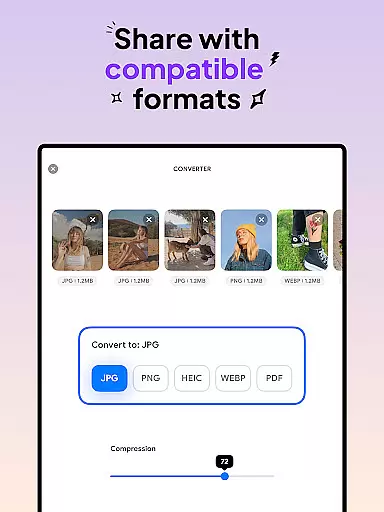
Image Converter's intuitive design simplifies the conversion process. Users can select input files, choose the desired output format and compression level, and complete conversions within seconds. The app's focus on preserving image quality during conversion makes it an invaluable tool for anyone working extensively with digital images.
In the realm of digital art and design, having access to comprehensive creative tools is paramount. Image Converter - HEIC to JPG stands out by offering an extensive suite of features that cater to all your image conversion needs. This powerful application supports almost any image format, allowing you to convert to JPG, PNG, HEIC, or even PDF without compromising on quality or resolution.
The app's batch conversion functionality significantly enhances productivity by enabling users to process multiple images simultaneously. Whether you're looking to transform JPEGs into PDFs or compress photos while maintaining their integrity, this tool provides seamless integration with various photo sources and ensures efficient workflow management.
By incorporating advanced compression algorithms, Image Converter gives users the flexibility to adjust compression levels according to their specific requirements. This feature not only helps in reducing file sizes but also preserves the visual fidelity of your images, making it an indispensable asset for both amateur photographers and professional designers alike.
Flexibility in canvas and format options is crucial for artists and designers who require versatility in their projects. Image Converter - HEIC to JPG excels in this area by providing unparalleled adaptability when handling different image formats. Users can effortlessly switch between popular formats such as JPG, PNG, HEIC, and PDF, ensuring compatibility across various platforms and devices.
This picture converter goes beyond basic conversion by allowing users to fine-tune their output settings. With the ability to select specific image formats and compression qualities, creatives have complete control over how their final products look and feel. The app's intuitive interface makes these adjustments straightforward, catering to both novice users and seasoned professionals.
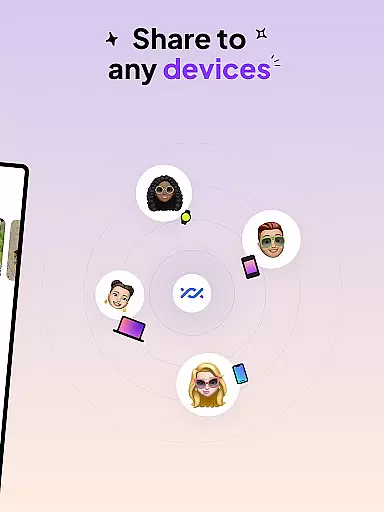
Moreover, Image Converter supports saving and sharing converted files across devices in compatible formats. This means whether you're working on a project locally or collaborating with others remotely, you can easily distribute your work without worrying about format restrictions. Such flexibility empowers users to focus on their creative vision without being hindered by technical limitations.
User-friendly interface
Batch conversion support
High-quality compression
Wide format compatibility
Cross-device functionality
Limited advanced editing
No cloud integration
Basic design templates
Occasional slow processing
Ads in free version

Discover Cartoon Dream : Unleash Your Creativity with CuttingEdge AI
 4.50
4.50
Create sweet, cool and unique couple avatars easily, in just a few steps!
3.40
Photo blender app to create overlay photos & double exposure.
4.40
Art of Combination Wear OS Watch faces
4.2
Draw beautiful mandala's very easily
4.60
The perfect place to start sketching! Use Sketchbook to draw and paint sketches.
4.50
800+ Drawing, Painting Lessons App to Practice, Sketch & Paint Art.
4.30
A luxurious gold watch face for an elegant and refined look.
4.2
Create amazing pictures and unleash your creative genius with AR Drawing Sketch
4.40
Draw, fidget, and spin glow art! Relax and express your creativity with a finger
4.60
Create and Design Custom Logos in Seconds with AI-Powered Tools!
4.40
Everything you need to create hand drawn animation, anywhere you go!
4.40
Bring One UI 8.5 Icons to life -elegant dark icons with a modern, premium touch.
4.30
Sketch, plan, take notes and illustrate on an infinite canvas.
4.20
OneUI 8.5 icons ✨ Smooth, modern & based on the latest Play Store design ??
4.10
Unleash the artist in you with our AR drawing and tracing tool for photo drawing
4.10
AI Face Swap, Video Effects Editor, Realtime Morph, Funny Video FX,AI Filters
3.70
Experience next-gen icons with a modern liquid glass look.
3.60
Draw anime easily with AR guidance, sketch templates & trace tools!
3.10


User Reviews