
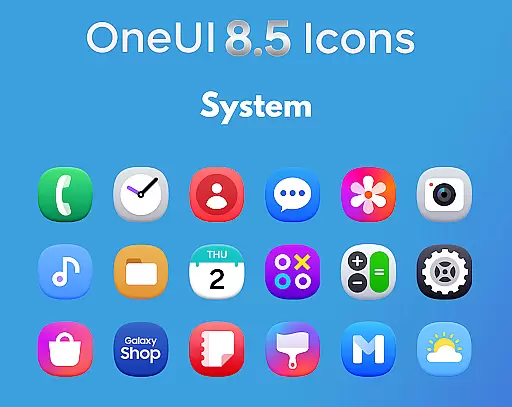
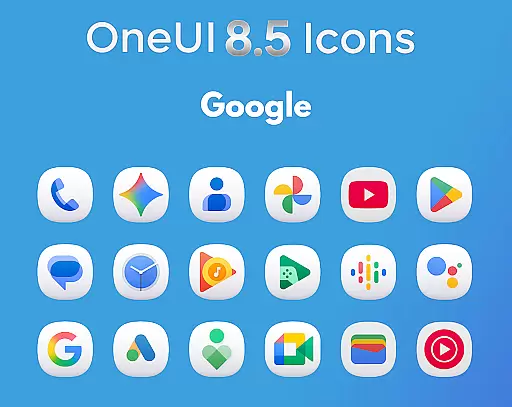
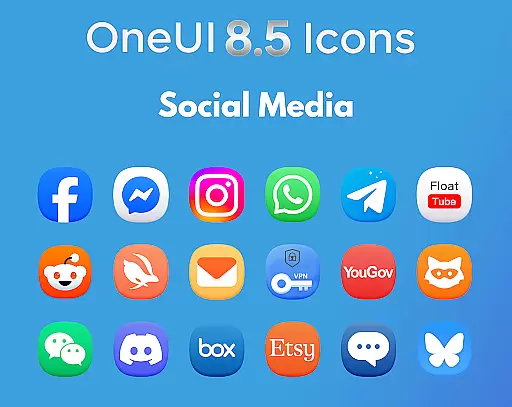
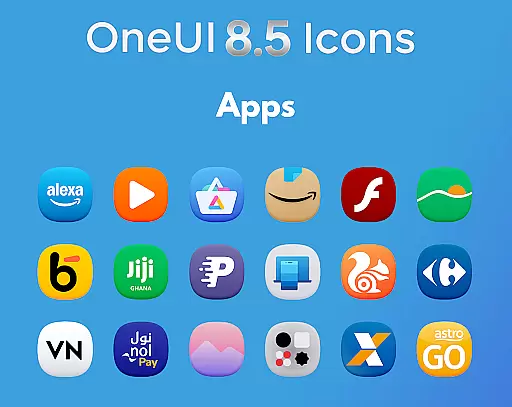
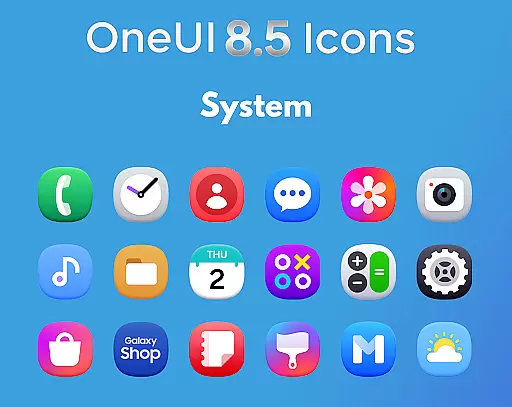
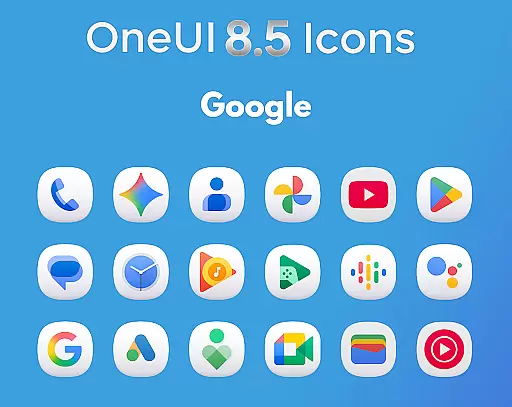
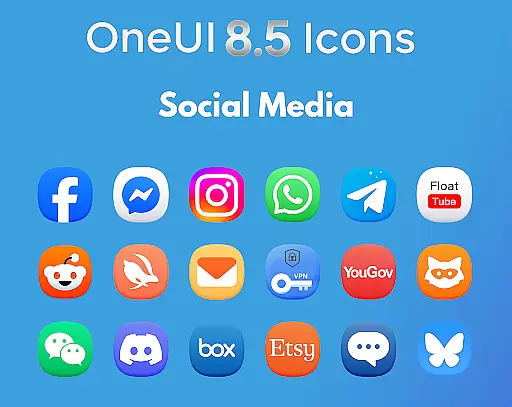
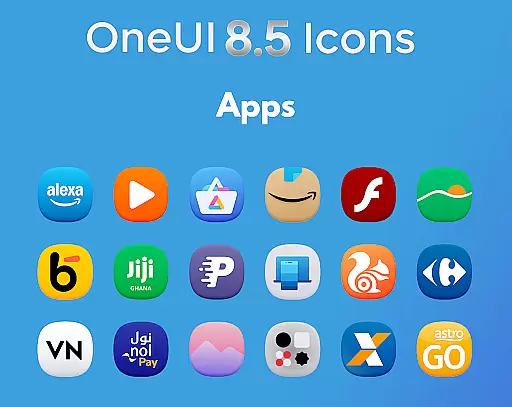
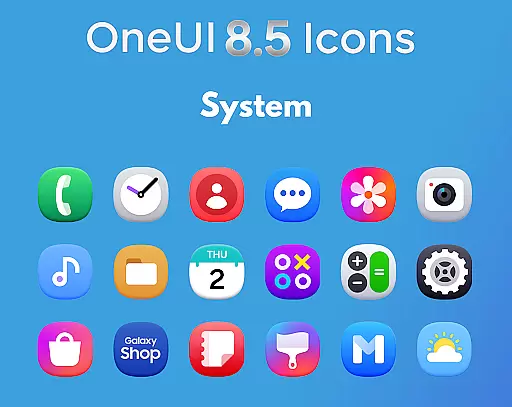
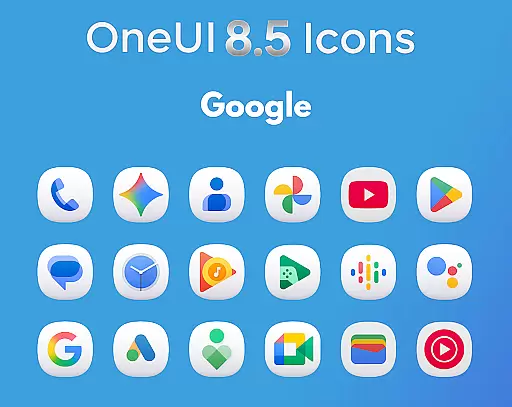
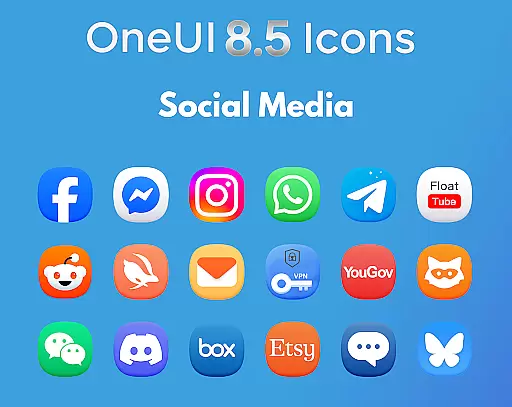
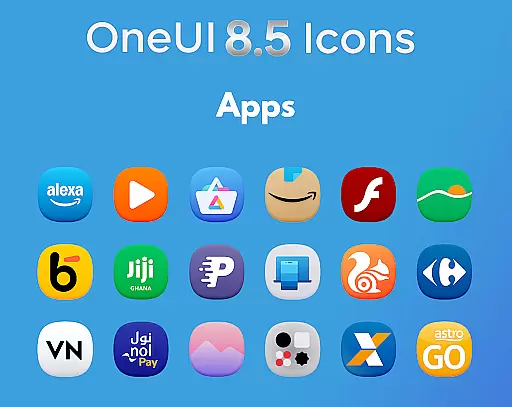
OneUI 8.5 Icons is a premium icon pack designed to elevate Android device customization with its modern design inspired by Samsung's OneUI 8.5 style. Featuring over 1425 high-quality icons, each crafted with a unique 3D-inspired bottom curve for a futuristic look.
This icon pack aligns perfectly with the latest Play Store design updates and offers regular updates with new icons. It provides users with a polished, next-gen OneUI experience, transforming home screens into a premium visual display that stands out from typical icon packs.
The OneUI 8.5 Icon Pack boasts an array of features that make it a top choice for Android customization enthusiasts. With 1425+ meticulously redesigned icons, the pack ensures every app on your device receives a fresh, cohesive look. Each icon is ultra HD ready, offering sharpness and clarity that enhances the overall aesthetic of your home screen.
In addition to its extensive icon library, the pack includes regular updates, ensuring compatibility with newly installed apps. Users can also request specific icons, making this not just an icon pack but a customizable experience tailored to individual preferences.
Creative tools are essential for users who want to customize their device's appearance with unique and visually appealing icons. The OneUI 8.5 Icon Pack offers a comprehensive suite of creative options, featuring 1425+ high-quality icons that are meticulously designed.
Each icon within the pack is crafted to align with Samsungu2019s upcoming OneUI 8.5 style, incorporating a subtle 3D-inspired bottom curve. This design choice provides a futuristic look and ensures consistency across the user interface, enhancing the overall aesthetic.
Users benefit from regular updates that not only add new icons but also allow for icon requests. This means the creative potential of the pack grows over time, adapting to user needs and preferences while maintaining its premium quality.
Flexibility in canvas and format options allows users to enjoy icons that fit perfectly on any Android device screen. The OneUI 8.5 Icon Pack excels in this area by providing ultra HD ready icons that are clean, sharp, and well-balanced.
The icons are based on new official Play Store design updates, ensuring they meet current standards and are versatile enough for various uses. Their shapes are carefully considered, offering a modern look that stands out on home screens.
With support for regular updates and new icon requests, users can be confident in the pack's adaptability. This ensures long-term satisfaction as it evolves with changing design trends and user demands, making it an ideal choice for those seeking a dynamic and future-proof icon solution.
Premium Design Quality
Extensive Icon Library
Regular Feature Updates
Custom Request Support
Ultra HD Ready Icons
Limited to Android Devices
No iOS Compatibility
Specific Design Style
Requires Manual Updates
Dependent on Third-party Launchers

Paint with oils and sketch with natural tools on a realistic virtual canvas.
 3.80
3.80
Digital, Abstract, Classic - all types of color wheels in one app!
4.60
Draw anime easily with AR guidance, sketch templates & trace tools!
3.10
Create stunning video, photo & magic from text with FlixAI GPT video generator.
3.10
Draw Trace image sketch by, AR art projector app, Easy to trace any image.
4.50
Your homescreen as an elegant glass with customized blur, lighting, and visuals.
3.70
Everything you need to create hand drawn animation, anywhere you go!
4.40
Turning simple sketches into captivating tales filled with life and motion
3.90
Sketch and paint on your device with the feel and freedom of drawing on paper
4.00
Draw beautiful mandala's very easily
4.60
Draw glowing spinners, relax, and spin your creative art
4.60
Create neon drawing with magic doodle and fun doodle art effects!
4.50
Painting, drawing, & sketching
4.50
Video AI: Revolutionize Your Content Creation with Advanced Video Generation
4.50
Stylish letters, Stylish Keyboard, Symbols, Emojis, Cool nickname
4.40
Image/ Text to Video Generator
4.40
Easy 3D drawing design maker & creator. Model designing, Sculpting. Create&paint
4.00
Download now for a stylish and functional timepiece
4.0
Art of Combination Wear OS Watch faces
4.0


User Reviews