
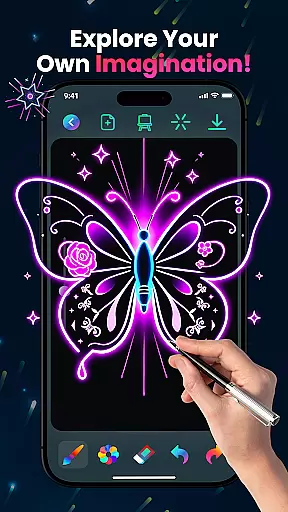
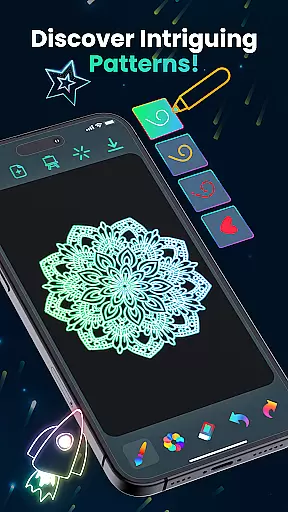
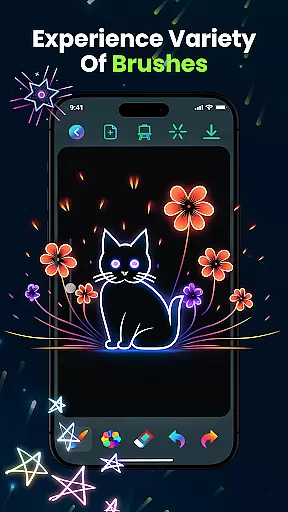
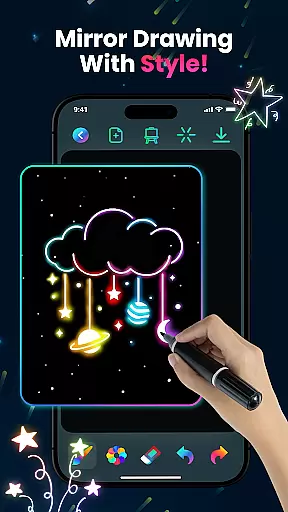
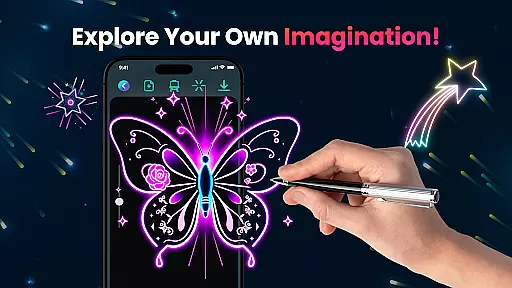
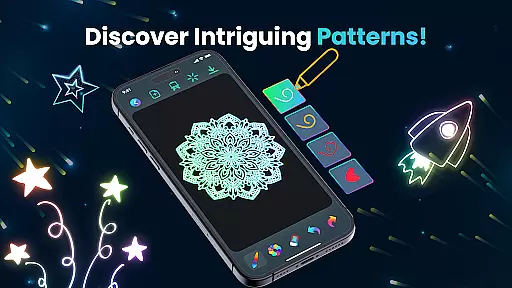
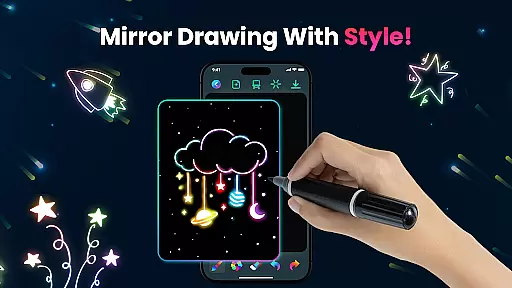
Magic Doodle is an innovative art application designed for both kids and adults who love to express their creativity through digital drawing. The app offers a vibrant canvas where users can explore glowing neon colors and create stunning artworks with ease.
With its intuitive interface, Magic Doodle provides a seamless experience for artists of all skill levels. From beginners to professionals, the app allows everyone to dive into a world of endless creativity using mesmerizing neon hues that bring artwork to life.
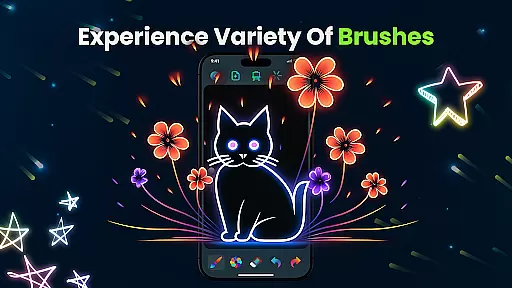
Whether you're looking to create magical doodles or simply enjoy stress-free drawing, Magic Doodle's wide array of brushes and sketch tools make it easy to transform your ideas into glowing masterpieces. Perfect for creative expression, this app is ideal for those who want to relax and paint freely with unlimited color options.
Magic Doodle stands out with its rich set of features tailored for artistic expression. The app includes glowing brushes and sketch tools that allow users to create magical neon doodles effortlessly.
One of the key highlights is the vibrant neon glow colors, offering mesmerizing hues that enhance every piece of art. The app also supports undo and redo functions, ensuring users can correct mistakes easily while maintaining creative flow.
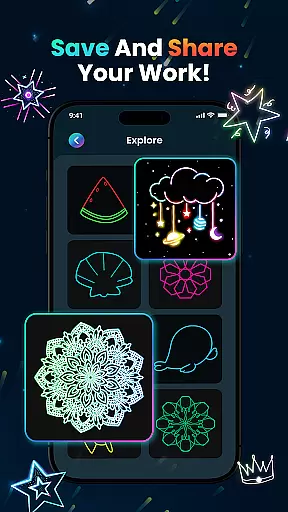
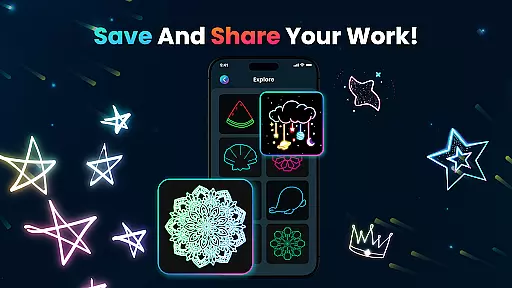
Additionally, Magic Doodle makes it simple to save and share your creations on social media, allowing you to showcase your work with friends and family. Its kid-friendly design and easy-to-use interface ensure that everyone, regardless of age or skill level, can enjoy painting with fingers or predefined images.
In the realm of digital art, having a comprehensive set of creative tools is paramount. Magic Doodle offers an impressive array of features that cater to both budding artists and seasoned professionals. With its vibrant neon glow colors and glowing brushes, users can explore a wide spectrum of artistic expressions.
The app provides intuitive sketch tools that mimic the experience of traditional drawing while adding a modern twist with undo and redo functionalities. This ensures that artists can experiment freely without the fear of making irreversible mistakes, thus fostering a creative environment where ideas can flow uninhibited.
Furthermore, Magic Doodle supports various drawing techniques, from freehand doodles to intricate designs, empowering users to transform their concepts into glowing artworks effortlessly. The inclusion of magical effects and neon hues brings each piece to life, offering a unique platform for self-expression.
A versatile canvas is essential for unleashing creativity, and Magic Doodle excels in providing format flexibility. Users can enjoy a wide drawing canvas that accommodates different art styles and preferences, whether they are creating simple sketches or detailed masterpieces.
The app's easy-to-use interface is designed to adapt to all skill levels, ensuring that everyone from kids to adults can navigate and utilize the space effectively. This adaptability extends to its kid-friendly features, which allow young artists to learn painting using either their fingers or predefined images.
Magic Doodle also enables users to save their creations in formats that are optimized for sharing on social media platforms. By offering seamless integration with various devices, it ensures that artwork can be accessed and shared across multiple channels, enhancing connectivity between creators and their audiences.
User-friendly interface
Vibrant color options
Undo and redo functionality
Kid-friendly design
Social sharing capabilities
Limited advanced tools
No offline mode available
Occasional ads may appear
Basic brush variety
Small learning curve for new users

Custom Character Creator & PFP Maker!
 4.20
4.20
Meet the magic aı 3d photo generator and smart AI video generator app.
3.20
AI Face Swap, Video Effects Editor, Realtime Morph, Funny Video FX,AI Filters
3.70
Draw beautiful mandala's very easily
4.60
Turn your drawings into flipbook-style animations with simple creative tools
4.60
Android 14 style widgets and wallpapers app.
4.0
2D animation studio for Android tablets - unlimited layers, infinite timeline
4.70
Create Logos, Tattoos, AI Art & more with our AI Photo Generator & Design Editor
4.20
Draw, fidget, and spin glow art! Relax and express your creativity with a finger
4.60
Make your phone cooler and have a fantastic experience
4.80
Unleash your drawing and painting potential
4.50
Everything you need to create hand drawn animation, anywhere you go!
4.40
Just trace a projected picture on paper and color! Draw & Paint with AR drawing
4.40
Draw, make movies & animate cartoons easily with our 2D animation maker app
4.40
Unleash the artist in you with our AR drawing and tracing tool for photo drawing
4.10
AR Anime Drawing: How to draw anime with AR drawing & sketching apps!
4.00
Paint with oils and sketch with natural tools on a realistic virtual canvas.
3.80
Design unique, funny and adorable cat stickers that reflect your own style!
3.80
AI Assistant, powered by ChatGPT GPT-4 & GPT-4o. Your intelligent companion.
3.50


User Reviews