
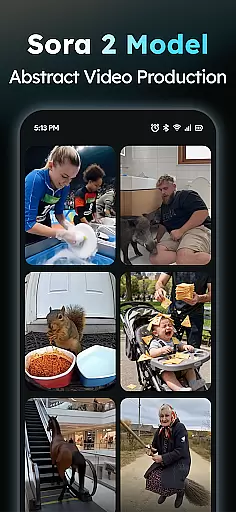
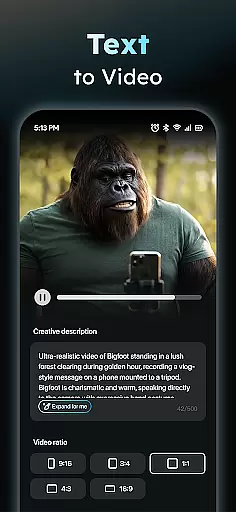
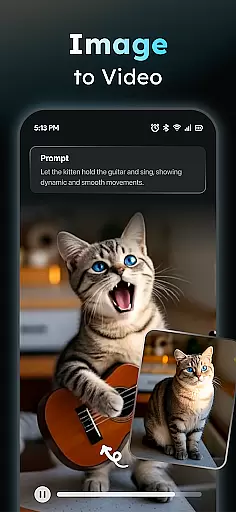
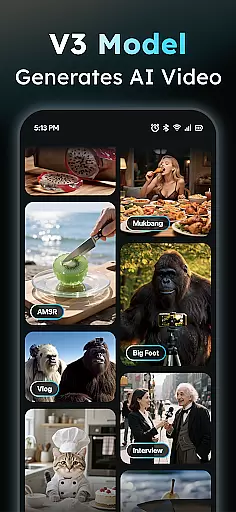
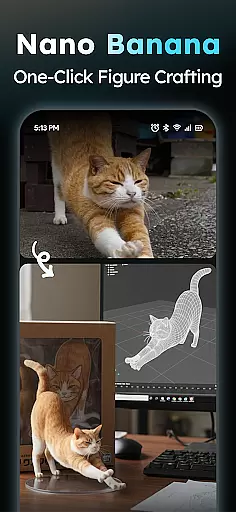
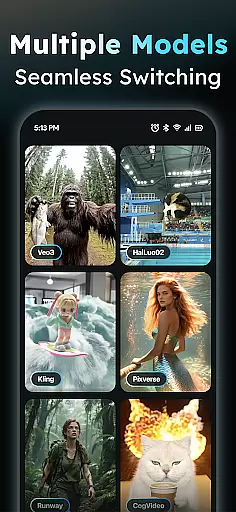
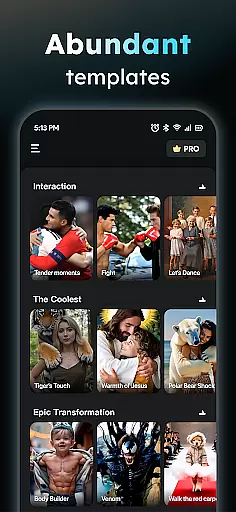
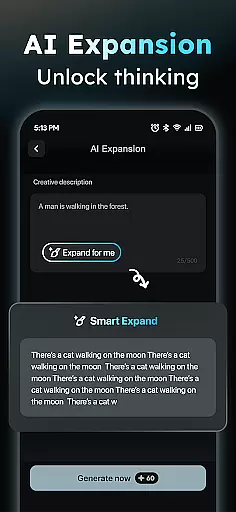
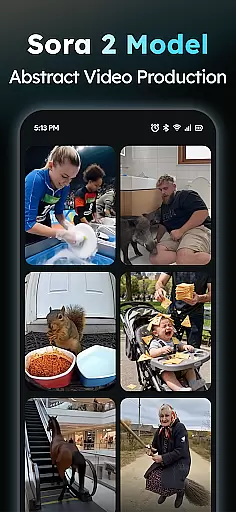
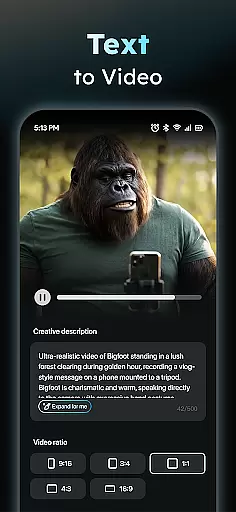
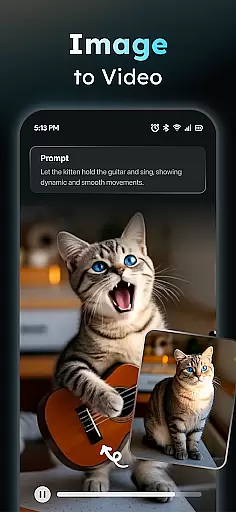
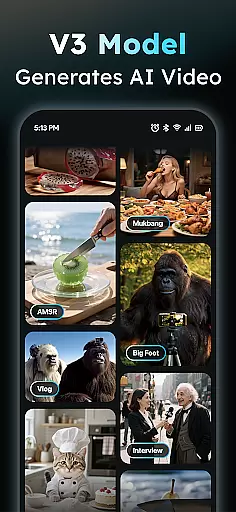
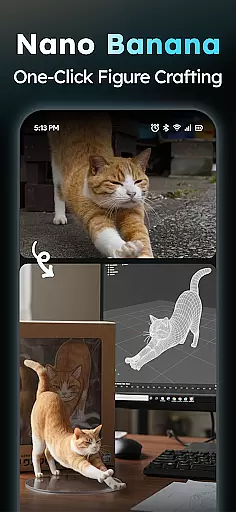
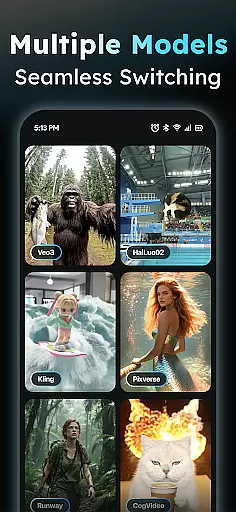
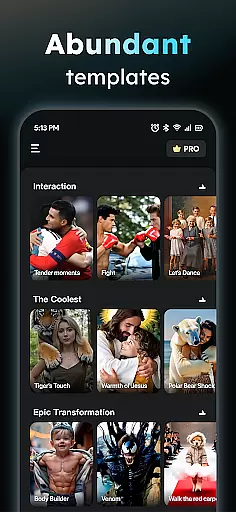
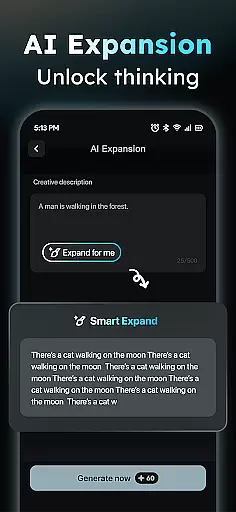
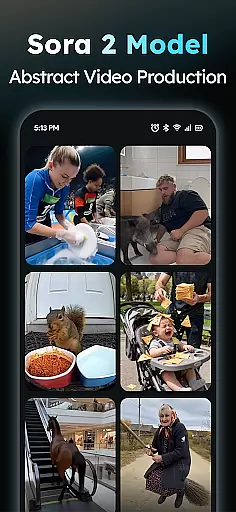
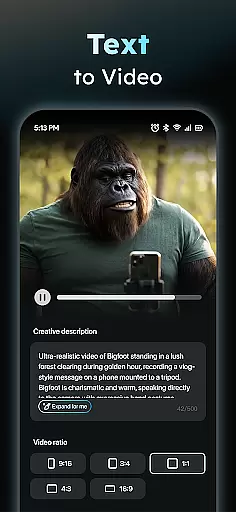
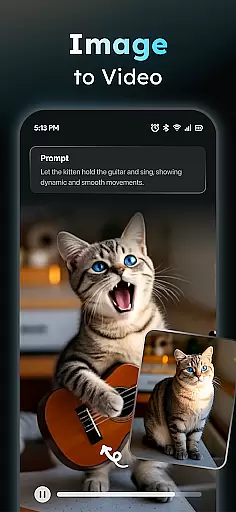
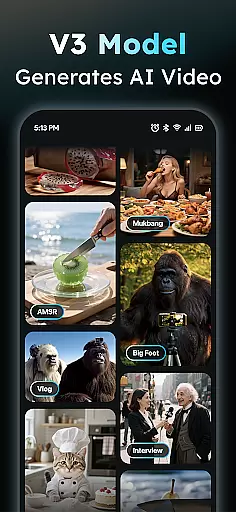
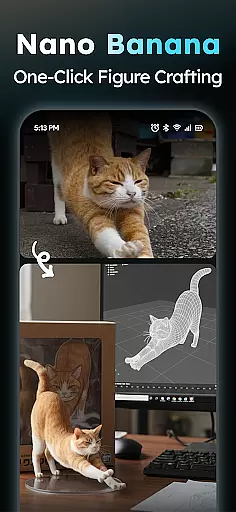
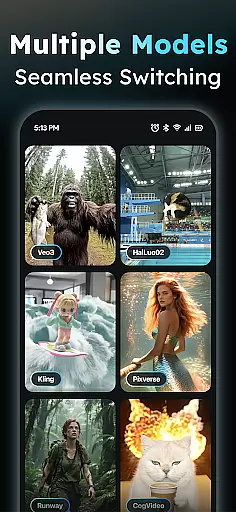
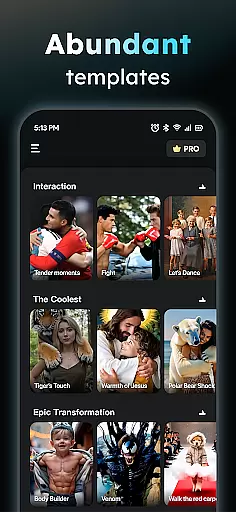
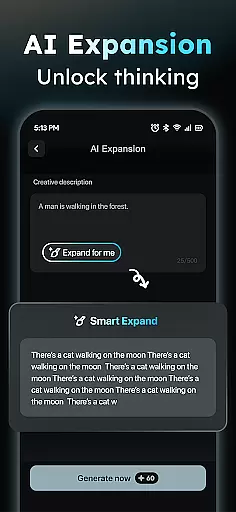
AIreel is an advanced AI-powered video creation tool designed for the Art & Design category, enabling users to produce professional-quality viral videos effortlessly. The app employs cutting-edge AI models such as veo3, hailluo, and runway to power its dual engines for both Text-to-Video and Image-to-Video generation. With zero prior experience required, users can create cinematic content that rivals mainstream tools while enjoying a 50% faster rendering speed.
The application supports multiple creative workflows including generating videos from text inputs, transforming static images into dynamic videos, and providing prompt assistance for idea refinement. Its Social Template Hub offers daily updates of trending templates optimized for platforms like TikTok, Reels, and Shorts. Additionally, AIreel emphasizes user privacy with local processing on compatible devices and maintains content quality through human moderation.
AIreel stands out in the Art & Design space with its robust feature set tailored for efficient and creative video production. At its core, the AI Video Generator allows users to input any text, automatically adding scenes and music to produce engaging short videos ready for social media sharing. This feature democratizes video creation by removing technical barriers and enabling anyone to generate high-quality content.
In addition to text-based generation, AIreel offers a Photo to Video AI tool that transforms static JPG or PNG images into moving masterpieces. Whether working with real-person portraits, anime characters, or pet photos, this functionality caters to diverse artistic needs. The Prompt Assistant further lowers the AI learning curve by helping users craft professional-grade prompts from simple ideas. To ensure versatility, the app provides flexible export options supporting all major aspect ratios (9:16, 16:9, 1:1) across platforms.
In the realm of digital creativity, having a comprehensive suite of tools is paramount. AIReel stands out by integrating advanced AI models such as veo3, hailluo, and runway to power its dual engines for both Text-to-Video and Image-to-Video generation. This means users have at their disposal an extensive array of features that cater to diverse creative needs without requiring any prior experience in video production.
The application's key feature set includes an AI Video Generator which allows users to input text and automatically generate scenes with accompanying music to create viral short videos. Additionally, it offers a Photo to Video AI function supporting real-person, anime, and pet images, enabling the transformation of stills into dynamic visual stories. With these capabilities, creators can explore new dimensions in content creation, making every project not just a video, but a masterpiece.
Moreover, AIReel provides a Prompt Assistant that simplifies the process of turning ideas into professional prompts, thus lowering the barrier to entry for those new to AI-driven content creation. Coupled with a Social Template Hub that updates daily with trending TikTok, Reels, and Short templates, users are equipped with everything needed to stay ahead of social media trends while maintaining originality and creativity in their work.
Flexibility in canvas and format options is crucial for creators who wish to tailor their projects specifically for different platforms or artistic visions. AIReel addresses this need by offering versatile export ratios including 9:16 for mobile screens, 16:9 for traditional video formats, and 1:1 for square compositions suitable for various social media channels. This adaptability ensures that no matter where your audience resides online, your content will always look its best.
Beyond standard aspect ratios, AIReel also supports local processing on compatible devices, emphasizing privacy-focused creation. This feature allows users to maintain control over their data while enjoying the freedom to experiment with different formats without compromising personal information securityu2014a significant advantage over cloud-based solutions.
Furthermore, human-moderation mechanisms within AIReel ensure inappropriate content can be reported directly through the app, fostering a safe environment for all users. By combining robust creative functionalities with flexible output settings, AIReel empowers artists and marketers alike to produce high-quality, platform-optimized videos efficiently, enhancing both reach and impact across digital landscapes.
User-friendly interface
Fast rendering speeds
Dual-mode AI generator
Privacy-focused design
Human-moderated content
Limited free features
Device compatibility issues
Subscription costs
Learning curve for new users
Occasional bugs

See Color, Paint Color
 4.90
4.90
Draw anime easily with AR guidance, sketch templates & trace tools!
3.10
AR Anime Drawing: How to draw anime with AR drawing & sketching apps!
4.00
Draw Trace image sketch by, AR art projector app, Easy to trace any image.
4.50
Painting, drawing, & sketching
4.50
Mobile pixel art editor. Simple. Fast. Portable.
4.80
Android 14 style widgets and wallpapers app.
4.0
Experience next-gen icons with a modern liquid glass look.
3.60
Draw, make movies & animate cartoons easily with our 2D animation maker app
4.40
Convert image to JPG PNG HEIC PDF, support almost all kinds of image formats
4.70
Castle is social media for creating and playing games!
4.60
Discover Cartoon Dream : Unleash Your Creativity with CuttingEdge AI
4.50
Create color palette from Image, RGB & RYB Color wheel harmonies, Color Scheme
4.50
Video AI: Revolutionize Your Content Creation with Advanced Video Generation
4.50
Customizable Outlined Fonts. Watch Face Format. Battery friendly Digital Clock.
4.20
Get creative and make art with your Sesame Friends!
4.00
Design your dream room with AI. Get decor ideas & plan home interiors
3.90
Meet the magic aı 3d photo generator and smart AI video generator app.
3.20
Transform photos into amazing monochrome dither art with professional algorithms
4.0


User Reviews