
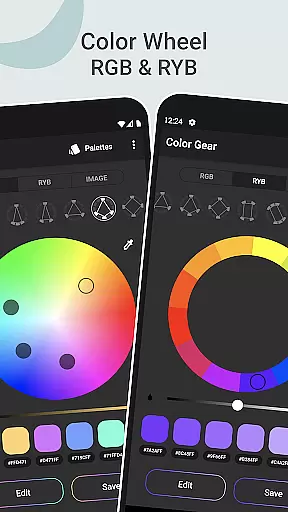
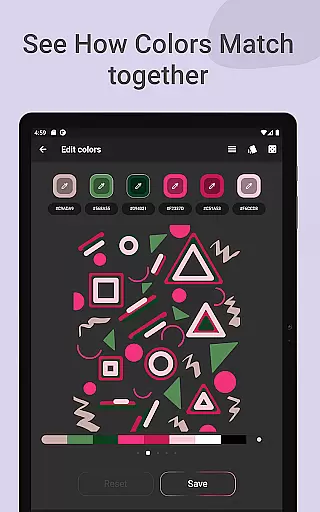
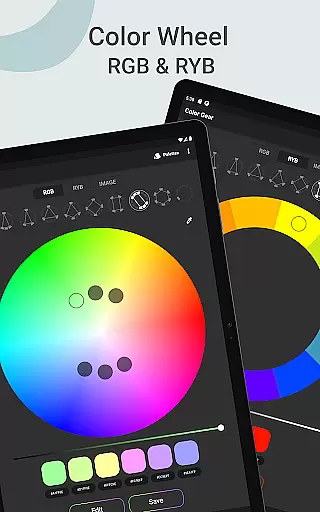
Color Gear is an essential tool for designers and artists seeking to master color theory and create harmonious palettes. The app provides a comprehensive suite of features including two types of color wheels - RGB and Itten (RYB), each supporting over 10 color schemes. This allows users to work with both digital media and traditional art forms seamlessly.
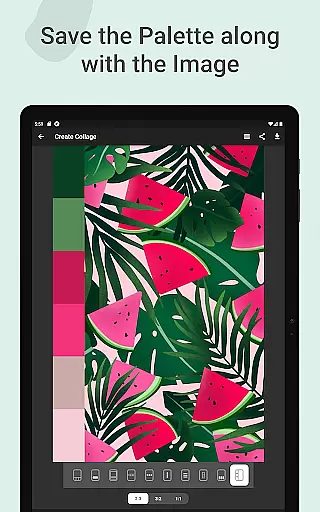
In addition to its robust color wheel functionality, Color Gear enables users to build palettes from HEX color codes or extract them directly from images using advanced algorithms. With the ability to save palettes alongside images as collages, adjust color values precisely, and manage sharing in multiple formats, this app ensures that creatives have all the tools they need at their fingertips.
The app's offline capabilities make it especially valuable for professionals who require reliable access to these tools without internet dependency. Whether you're developing brand identities or working on artistic projects, Color Gear streamlines the process of finding and utilizing perfect color combinations.
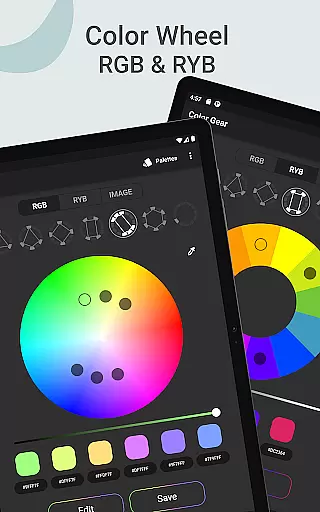
Color Gear stands out with its dual-color wheel system, supporting both RGB for digital work and Itten (RYB) for traditional art. Each wheel offers more than 10 color schemes, providing unparalleled flexibility in palette creation. Users can input specific HEX or RGB codes to generate matching harmonies, ensuring precision in their design work.
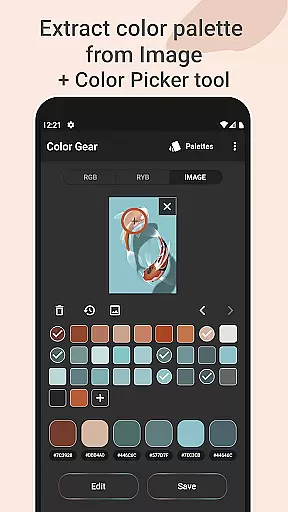
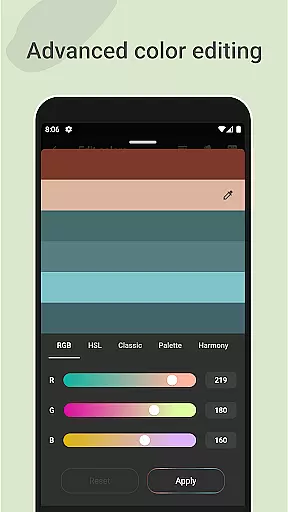
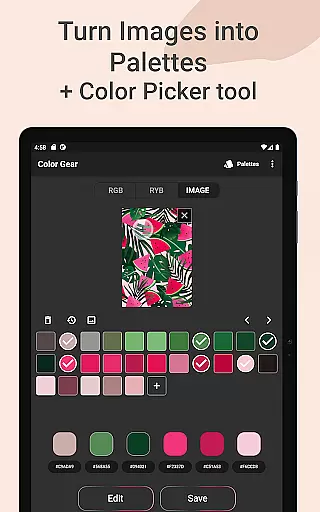
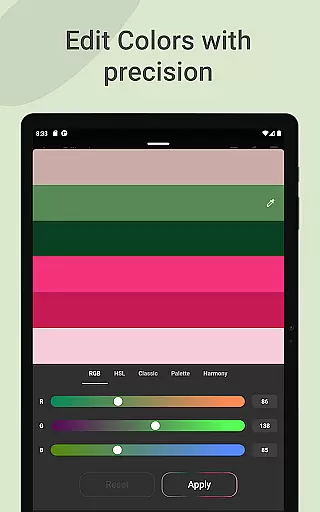
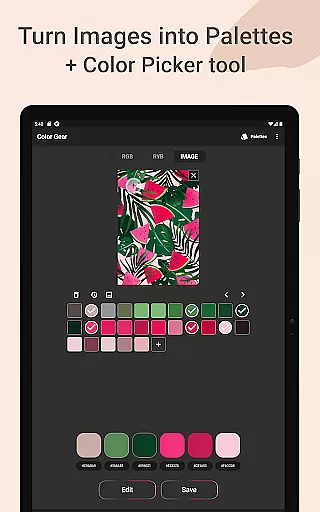
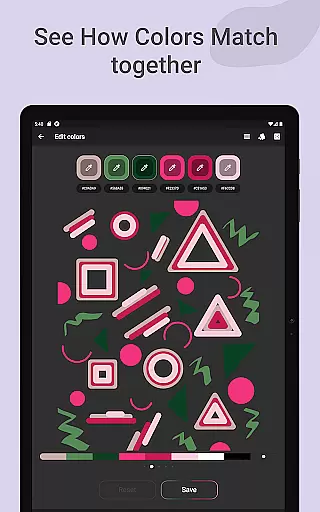
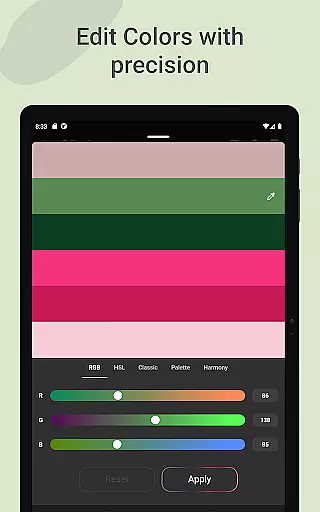
A standout feature is the ability to extract palettes from images. By selecting photos from their gallery, users can automatically generate palettes or manually pick colors using the Hex Color Picker. Advanced color editing allows for fine-tuning of Hue, Saturation, and Lightness values, giving complete control over the final palette appearance.
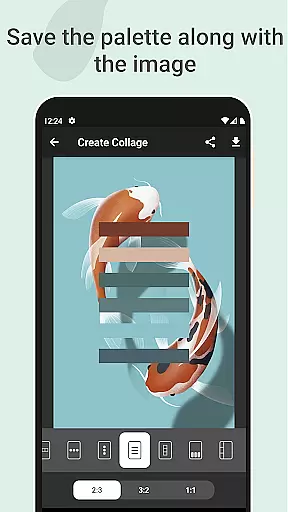
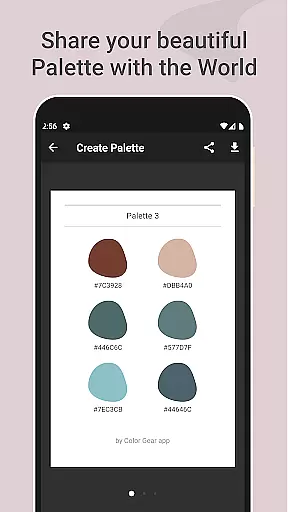
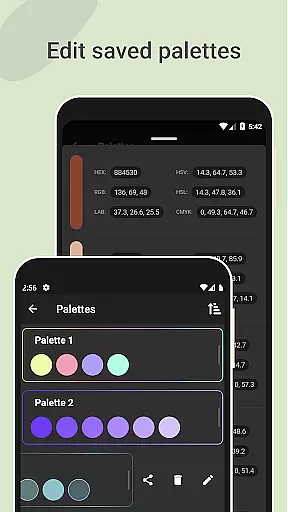
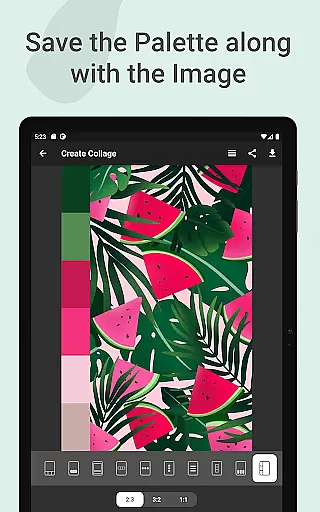
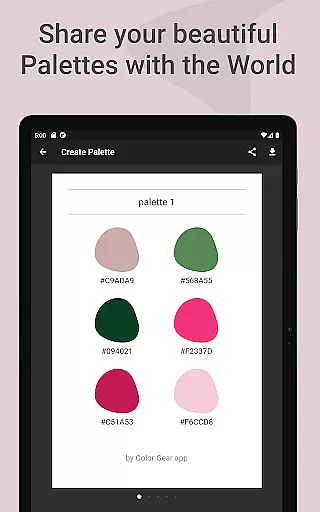
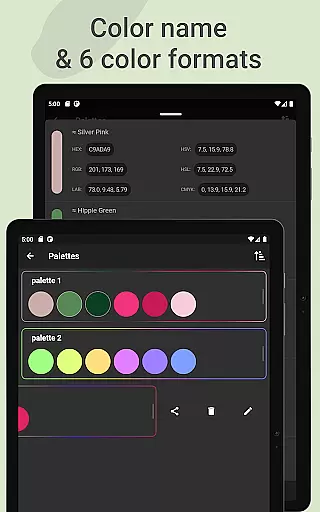
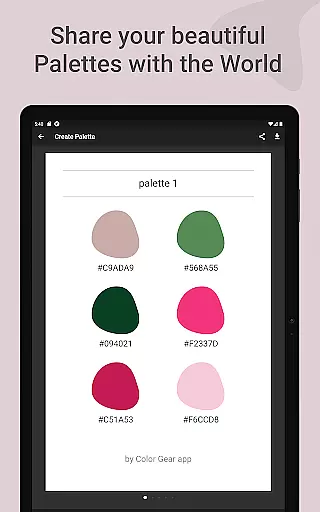
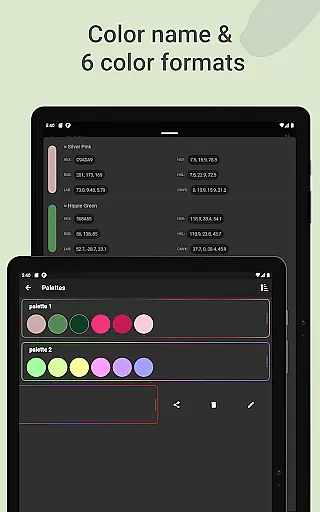
The app also excels in palette management and sharing. Users can save palettes with images as collages, copy HEX codes easily, and share in various formats including RGB, HEX, LAB, HSV, HSL, and CMYK. All these features are available offline, making Color Gear a comprehensive solution for professional color work.
Color Gear offers a comprehensive suite of creative tools that cater to both designers and artists. The app includes two color models, RGB and Itten Color Wheel, allowing users to work within digital media or traditional paint and pigment formats. With over 10 color schemes available for each model, the app provides extensive options for creating harmonious palettes.
The application goes beyond basic color selection by enabling users to extract palettes from images, thus offering an innovative way to discover colors. This feature is supported by an advanced Hex Color Picker, which allows for precise color extraction from any part of an image. Such tools ensure that users have everything they need for daily palette creation at their fingertips.
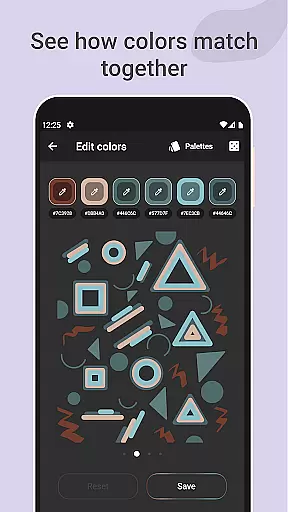
Advanced color editing is another highlight, letting users adjust Hue, Saturation, and Lightness with precision. This level of control ensures that each color swatch can be fine-tuned to fit specific design needs. Moreover, the ability to save palettes along with images adds a practical dimension to managing one's color library.
Flexibility in canvas and format options is where Color Gear truly shines. Users are not limited to predefined templates but can choose layouts that best suit their project requirements when creating collages with saved palettes. This adaptability makes it easy to integrate color schemes into various design projects seamlessly.
In addition to supporting multiple color formats such as RGB, HEX, LAB, HSV, HSL, and CMYK, the app facilitates effortless sharing of these formats through palette info. This versatility ensures compatibility across different platforms and tools used by professionals in art and design fields. Whether you're working on web design or preparing print materials, Color Gear has got your needs covered.
Furthermore, all functionalities are accessible offline, making this app a reliable companion regardless of internet connectivity. By providing robust tools like the Hex Color Picker alongside flexible saving and sharing options, Color Gear empowers users to manage their color palettes efficiently while maintaining high standards of quality and creativity.
Comprehensive color tools
Offline functionality
Dual-color wheel support
Advanced color editing
Palette extraction from images
Complex for beginners
Limited free features
No real-time collaboration
Occasional interface glitches
Heavy on storage

Meet the magic aı 3d photo generator and smart AI video generator app.
 3.20
3.20
Create stylish invitation cards using templates for weddings, birthdays & RSVP.
4.20
Create neon drawing with magic doodle and fun doodle art effects!
4.50
Text to Image, Image to Video & AI Chat
4.20
The perfect place to start sketching! Use Sketchbook to draw and paint sketches.
4.50
Resize photos and print photos in exact size with our powerful photo printer!
3.80
Unleash the artist in you with our AR drawing and tracing tool for photo drawing
4.10
Create Logos, Tattoos, AI Art & more with our AI Photo Generator & Design Editor
4.20
AI-powered photo & video creation—fast, fun, and effortless with Quick Actions
4.60
Novices can also easily complete diamond painting masters
4.70
Logo Generator powered by AI: Create stunning logos effortlessly!
4.70
Draw anime & manga drawing, art with templates to create stunning picture!
4.50
Photo blender app to create overlay photos & double exposure.
4.40
Nano Banana AI Image Generator, Anime Filter, AI Portrait, AI Photo Generator
4.30
Custom Character Creator & PFP Maker!
4.20
Unleash Your Creativity with Draw Cartoon - AR Drawing App
4.10
OneUI 8.5 icons ✨ Smooth, modern & based on the latest Play Store design ??
4.10
Design your dream room with AI. Get decor ideas & plan home interiors
3.90
Pose and morph realistic male and female models! 3D poser app
3.00


User Reviews