

Adobe Express is a versatile design application that empowers users to create professional-quality marketing materials while maintaining brand consistency. The app offers an array of features including video editing, photo enhancement, background removal, and QR code generation. With customizable templates and AI-powered tools, it caters to both beginners and experienced designers. Users can easily produce engaging content for various platforms, making it ideal for businesses looking to enhance their digital presence.
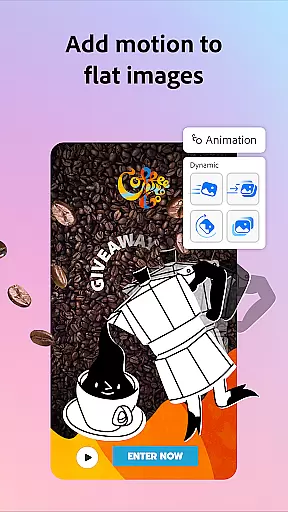
The application also includes Quick Action tools for resizing designs, converting files, and animating characters. Brand kits allow teams to maintain a cohesive visual identity across all materials. For advanced users, Adobe Express Premium membership unlocks access to over 200 million royalty-free assets and additional generative credits. This comprehensive design solution streamlines content creation while ensuring professional results.
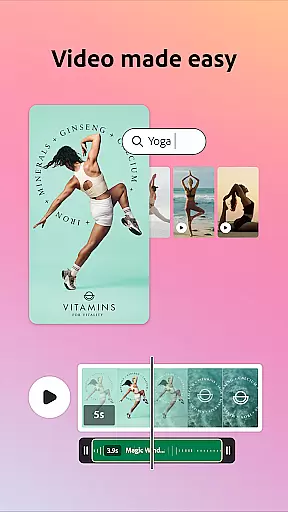
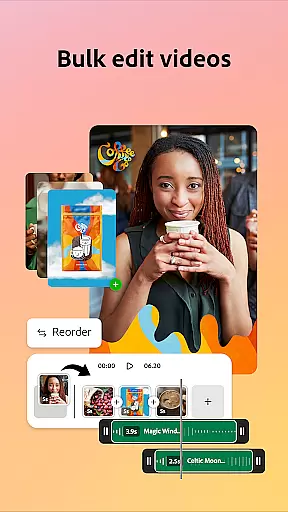
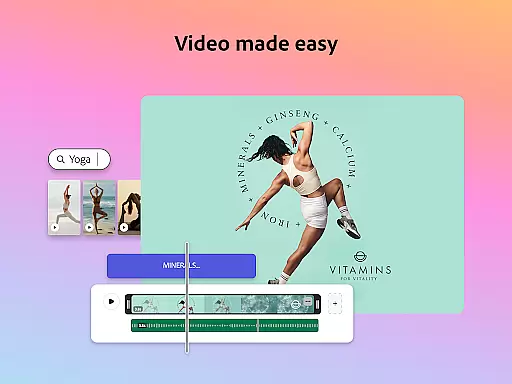
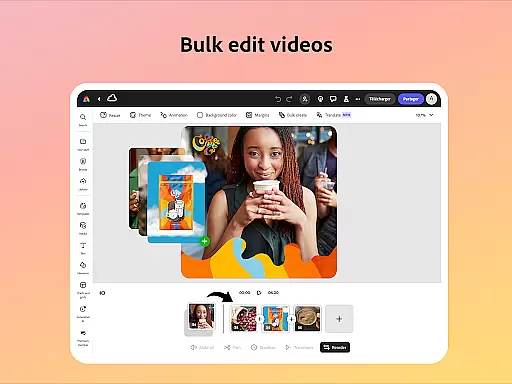
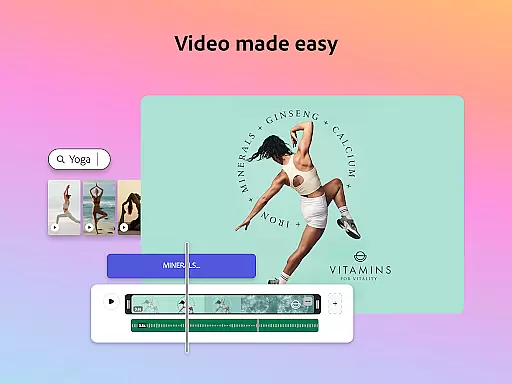
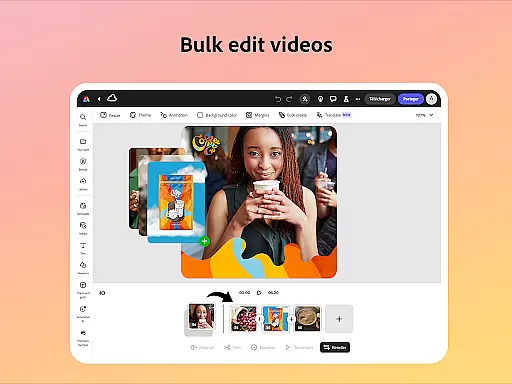
Adobe Express distinguishes itself through its comprehensive feature set tailored for modern content creators. The video editing capabilities include customizable templates, automatic captioning, and background noise removal. These tools enable users to produce polished videos without requiring extensive technical expertise. The app's intuitive interface allows seamless trimming, combining, and enhancing of footage with added elements like music and transitions.
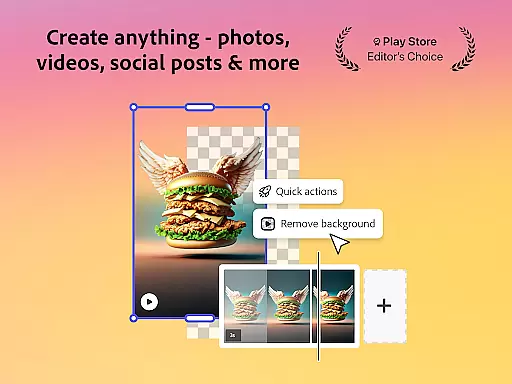
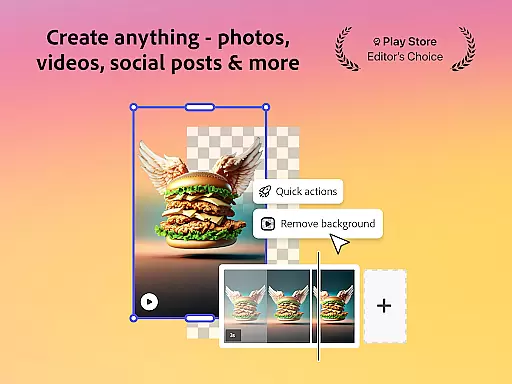
The photo editing suite leverages AI technology to provide powerful yet user-friendly tools. From object removal to sophisticated filter applications, the app delivers professional-grade results. The background removal feature works across both images and videos, while the QR code generator adds branding opportunities. Additionally, the PDF editing functionality allows quick updates to documents, making it a valuable tool for business professionals who need to modify and share documents efficiently.
Adobe Express offers a comprehensive suite of creative tools that cater to both beginners and seasoned creators. The app provides customizable templates for video editing, allowing users to trim and combine footage, add text, music, transitions, and sound effects effortlessly.
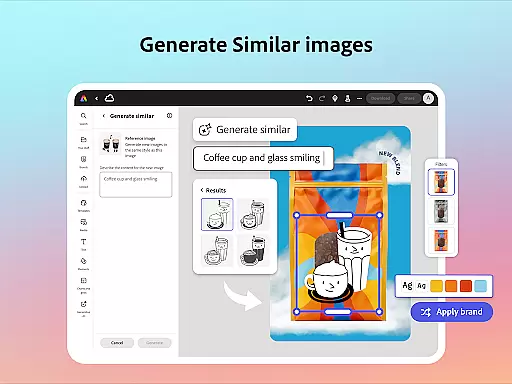
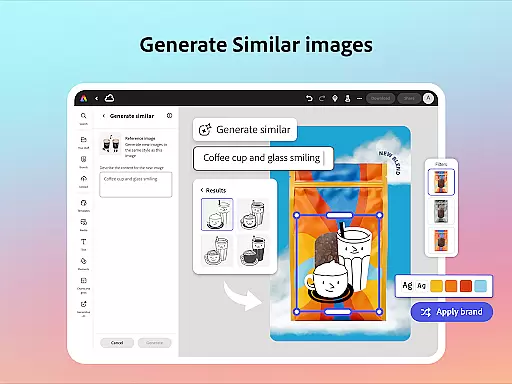
In photo editing, Adobe Express leverages AI technology to enhance images with intuitive tools. Users can apply Photoshop-powered filters, generate stunning photo art, and even add or remove objects seamlessly. This ensures that every user, regardless of skill level, can produce professional-quality visuals.
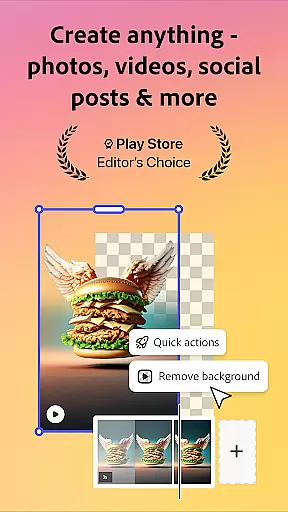
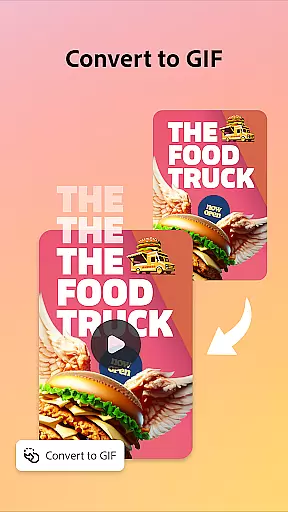
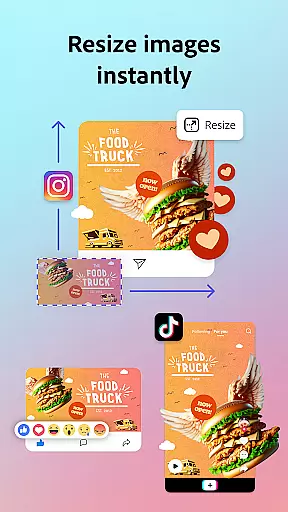
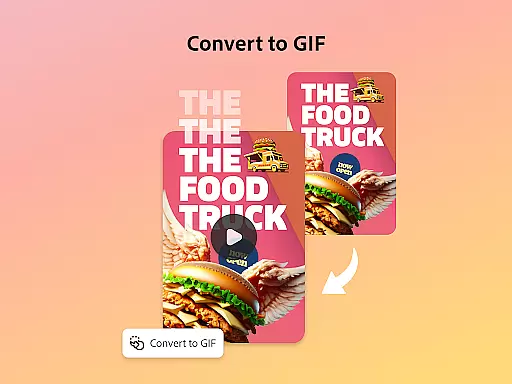
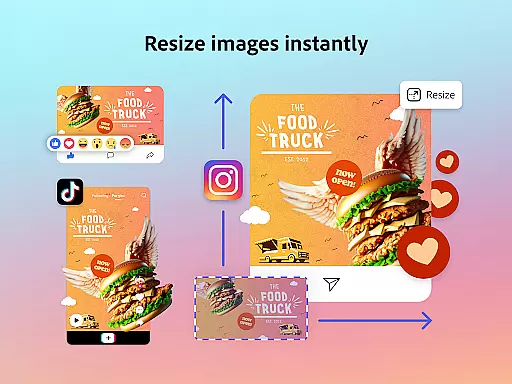
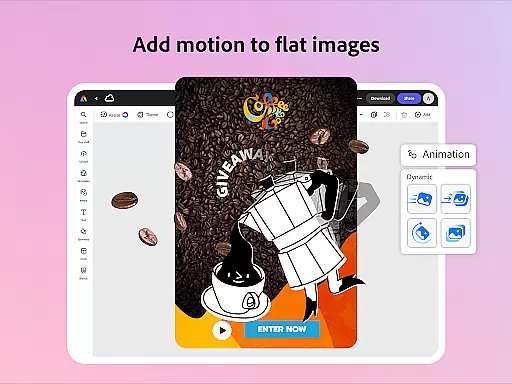
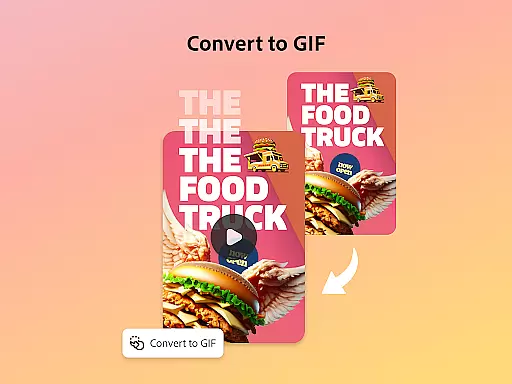
The Quick Actions feature further extends the creative possibilities by enabling tasks such as background removal, file conversion to GIFs, and content resizing with just a single tap. These capabilities ensure that Adobe Express remains a versatile tool for various creative needs.
For businesses, Adobe Express supports brand consistency through Brand Kits, which store fonts, colors, and logos for easy application across all designs. This holistic approach empowers teams to create high-quality marketing materials while maintaining a cohesive brand identity.
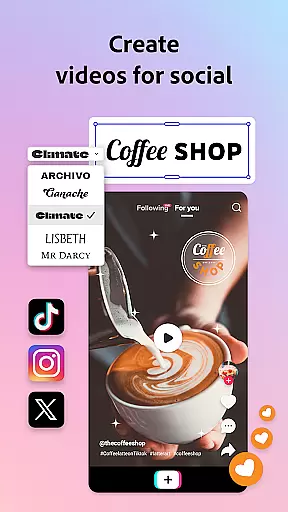
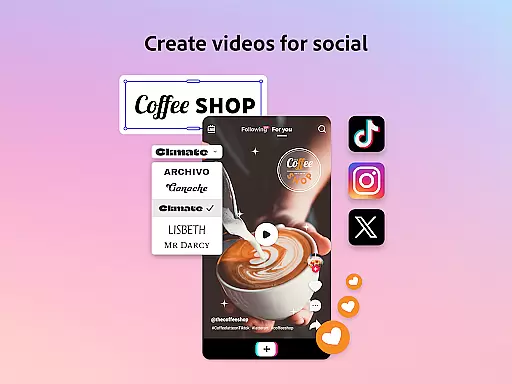
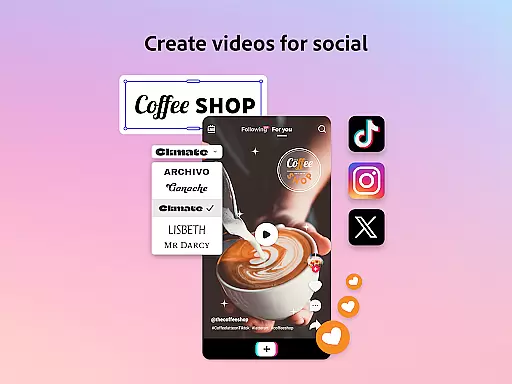
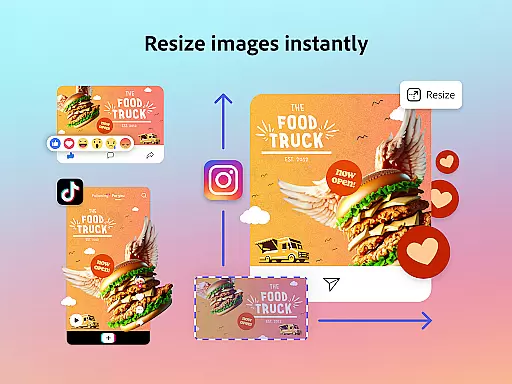
Adobe Express excels in providing canvas and format flexibility, ensuring that users can adapt their creations for any platform or medium. With features like automatic reframing for social channels and one-click resizing for multiple formats, users can effortlessly tailor their content to fit specific requirements.
The ability to edit PDFs directly within the app adds another layer of versatility. Users can update content, swap images, refine layouts, and apply brand elements such as colors and fonts with ease. This functionality is crucial for businesses needing to maintain document consistency and professionalism.
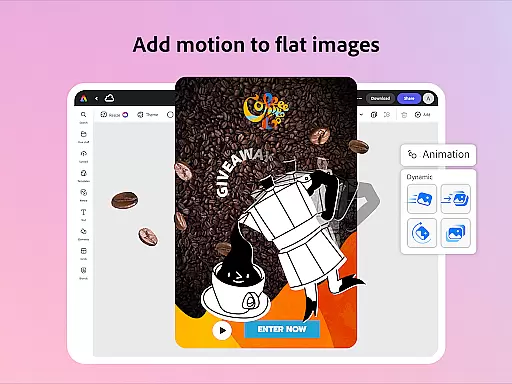
Additionally, Adobe Express allows for the conversion of files to and from PDF, facilitating seamless sharing and collaboration. Whether it's converting images to GIFs or animating characters with voice input, the app supports a wide array of creative outputs without compromising on quality.
This flexibility extends to the generation of stylish, branded QR codes, which can be customized to match brand aesthetics. By offering these diverse capabilities, Adobe Express ensures that users have the freedom to explore various creative avenues while staying aligned with their brand guidelines.
User-friendly interface
Extensive template library
Powerful AI tools
Brand consistency features
Cross-platform functionality
Premium features locked
Advanced tools require learning
Some features device-limited
Occasional performance issues
Internet connection required

AI generated images & photos, turn your words into drawing, painting & pictures.
 4.30
4.30
Pose and morph realistic male and female models! 3D poser app
3.00
Design unique, funny and adorable cat stickers that reflect your own style!
3.80
800+ Drawing, Painting Lessons App to Practice, Sketch & Paint Art.
4.30
Powerful home decoration & house design that allows you to design dream home.
3.80
Art of Combination Wear OS Watch faces (for Wear OS 5+ devices)
3.90
Video AI: Revolutionize Your Content Creation with Advanced Video Generation
4.50
Turning simple sketches into captivating tales filled with life and motion
3.90
Explore future self face age filter & remove background image for a unique look.
3.50
Novices can also easily complete diamond painting masters
4.70
Convert image to JPG PNG HEIC PDF, support almost all kinds of image formats
4.70
Minecraft & Roblox Clothes
4.70
Unleash your drawing and painting potential
4.50
Image/ Text to Video Generator
4.40
Get creative and make art with your Sesame Friends!
4.00
Apply cartoon, caricature, and portrait effects to make your photos stand out!
3.60
Create trending AI photos & videos with powerful effects and 3D styles.
3.20
Art of Combination Wear OS Watch faces (for Wear OS 5+ devices)
3.00
Inky runs Inkscape on Android devices and Chromebooks
2.90


User Reviews