
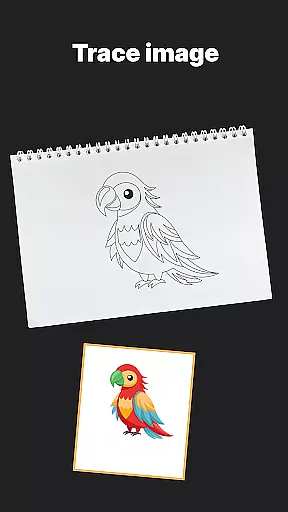
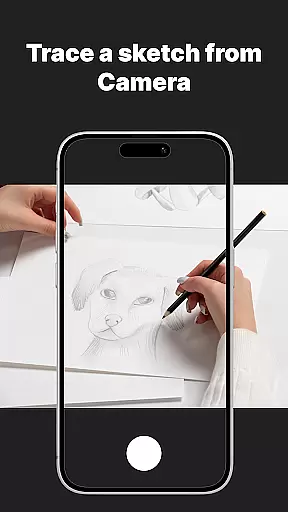
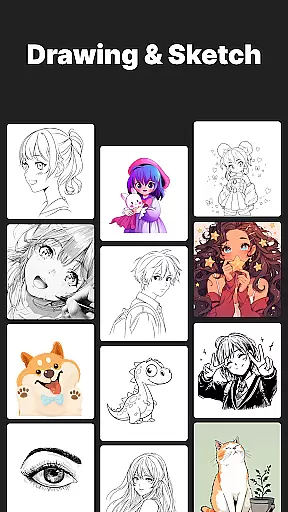
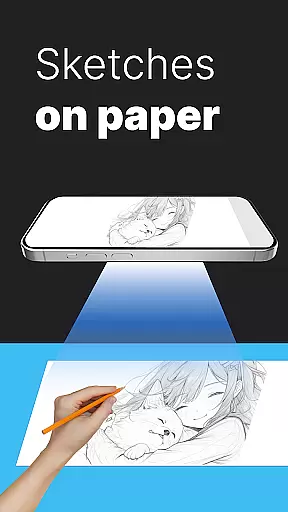
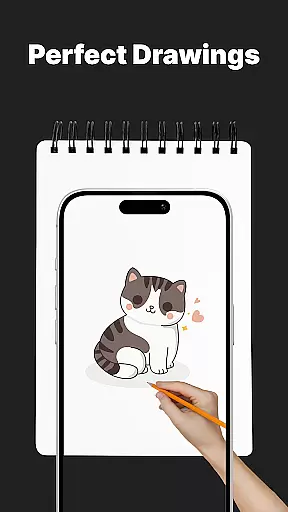
AR Drawing Sketch Painting App is an innovative mobile application that transforms your smartphone into an augmented reality sketchpad. This app allows users to trace drawings, create meme art, and learn to draw step-by-step directly on real paper using their phone's camera. Whether you're a beginner or a professional artist, AR Drawing Sketch Painting App provides the tools necessary to create stunning artwork and stay current with meme trends.
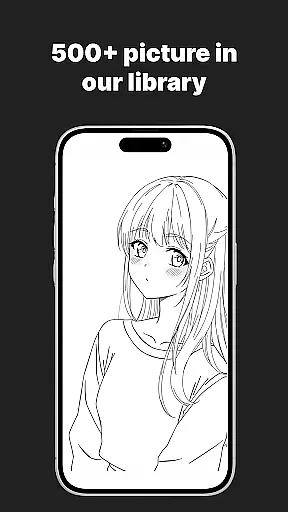
The app features a massive template library with thousands of templates including anime, portraits, animals, cars, flowers, tattoos, icons, trending memes, and more. With its unique AR Trace Drawing feature, users can select a template, place their phone on a stand, look through the camera, and trace the lines onto paper. Additionally, the app offers step-by-step drawing lessons, customization tools, and weekly updates to keep users inspired and engaged.
AR Drawing Sketch Painting App is suitable for all ages and skill levels, making it a versatile tool for kids, students, parents, art teachers, and professional illustrators. The combination of fun and educational content helps users improve their drawing skills while keeping up with online trends.
AR Drawing Sketch Painting App stands out with its extensive range of features designed to enhance the drawing experience. One of the key highlights is the massive template library, which includes thousands of templates across various categories such as anime, portraits, animals, cars, flowers, tattoos, icons, and trending memes. This diverse selection ensures that users will never run out of inspiration.
The app's AR Trace Drawing feature allows users to select a template, place their phone on a stand, and trace the lines onto paper by looking through the camera. This functionality makes it easy for beginners to start drawing and for professionals to refine their skills. Additionally, the Step-by-Step Drawing Lessons provide guided tutorials for all skill levels, helping users improve their techniques over time.
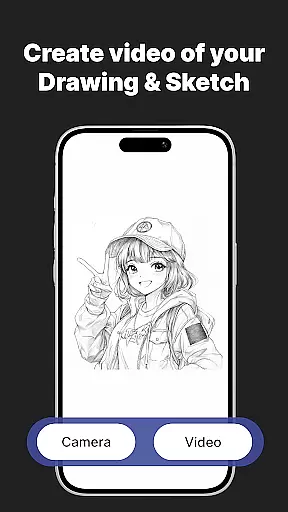
Customization tools in AR Drawing Sketch Painting App enable users to adjust opacity, zoom, rotate, and enable the flashlight for better visibility. Users can also save and share their creations, capturing time-lapse videos of their drawing process and sharing them instantly. With weekly updates introducing fresh templates, users are guaranteed a continuous flow of new content to explore and enjoy.
In the realm of digital artistry, having a comprehensive suite of creative tools is paramount. AR Drawing Sketch Painting App offers an extensive array of features that cater to both budding artists and seasoned professionals. With thousands of templates spanning various categories such as anime, portraits, animals, and even trending memes, users have a vast canvas to work with.
The app's AR Trace Drawing feature allows creators to place their device over paper and trace designs directly from their phoneu2019s camera viewfinder. This innovative approach bridges traditional drawing techniques with modern technology. Additionally, customization options like adjusting opacity, zooming in or out, rotating images, and enabling flashlight visibility ensure precision and adaptability during creation.
Moreover, step-by-step drawing lessons provide structured learning paths for skill enhancement at all levels. The ability to save time-lapse videos of one's artistic process not only serves educational purposes but also enables sharing on social platforms, fostering community engagement among artists worldwide.
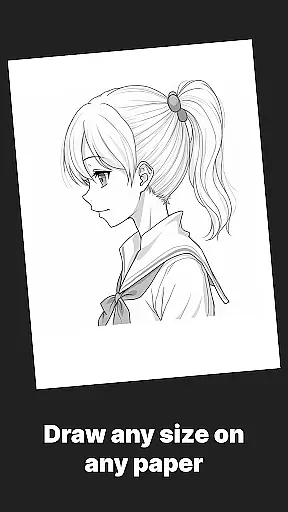
Flexibility in canvas size and format is crucial for unleashing artistic potential without constraints. AR Drawing Sketch Painting App excels by offering unparalleled versatility when it comes to choosing your digital workspace dimensions. Whether you're sketching intricate details or painting expansive landscapes, this app adapts seamlessly to accommodate diverse project requirements.
Users can upload personal images or select from weekly updated templates which are optimized for different aspect ratios and resolutions. Such variety ensures compatibility across multiple mediums - be it print-ready illustrations or web-based graphics. Furthermore, Meme Mode introduces playful elements into artwork while maintaining high-quality output standards suitable for online sharing.
This adaptability extends beyond mere image manipulation; it empowers creators to experiment freely within their preferred styleu2014be it realistic portraiture or whimsical meme cultureu2014without worrying about technical limitations imposed by rigid formatting rules. Thus, AR Drawing Sketch Painting App stands out as a beacon of innovation where creativity meets practicality.
User-friendly interface
Extensive template library
Augmented reality tracing
Step-by-step tutorials
Regular content updates
Limited free templates
Requires stable phone positioning
In-app purchases necessary
Occasional bugs
Learning curve for beginners

Learn how to draw with step-by-step tutorials, fun lessons & multiplayer drawing
 4.70
4.70
Art of Combination Wear OS Watch faces (for Wear OS 5+ devices)
3.00
Digital illustration drawing & painting pad app to paint Anime and Manga art
4.50
Remove Background, Magic Eraser, Photo Enhancer, Story Templates, Collage Maker
4.30
800+ Drawing, Painting Lessons App to Practice, Sketch & Paint Art.
4.30
Minecraft & Roblox Clothes
4.70
Experience next-gen icons with a modern liquid glass look.
3.60
Create cute cat emojis & PFPs! Fun, custom avatars for cat lovers.
3.70
Multiplayer Drawing game, Coloring, Painting・Sketch, Handwriting・Paint, draw
4.30
Create stunning art with AI.
4.80
Novices can also easily complete diamond painting masters
4.70
Unleash your drawing and painting potential
4.50
Draw, make movies & animate cartoons easily with our 2D animation maker app
4.40
Customizable Outlined Fonts. Watch Face Format. Battery friendly Digital Clock.
4.20
Unleash Your Creativity with Draw Cartoon - AR Drawing App
4.10
AR Anime Drawing: How to draw anime with AR drawing & sketching apps!
4.00
Turning simple sketches into captivating tales filled with life and motion
3.90
AI Assistant, powered by ChatGPT GPT-4 & GPT-4o. Your intelligent companion.
3.50
Inky runs Inkscape on Android devices and Chromebooks
2.90


User Reviews